
Construction Equipment Management Software
Manage machinery, material usage and other items that are involved in construction in one centralized, always up-to-date system.
Do the planning and scheduling in our web app on any device, and checkouts and other in-field operations with our mobile app.
Key features:
- Track all your equipment and machinery
- Bundle toolbox contents into nested kits
- Plan equipment usage
- Schedule maintenance
- Keep track of usage
- Manage and resolve issues
- Track maintenance events
None of it was theft. That’s what made it expensive.
The gap on the shelf came first. The paperwork never came at all. So I asked around. Everyone remembered the laser level — clearly. Every one of them remembered it somewhere else. Nobody was lying. That was the part that got to me. Four careful men had looked after that thing. It was gone anyway.
Four versions of that. And what actually changes them.
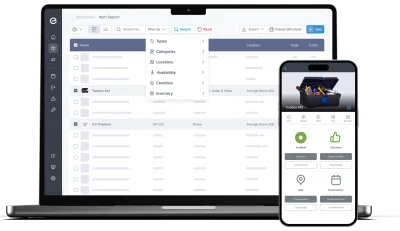
Every hand-over is reasonable. None of them leave a record.
The van run from the north site to the south one. The favour to the crew next door. The breaker a subcontractor borrowed for a couple of days back in March. Not one of those is theft, and not one of them was written down — which is why, six months on, “the company’s grinder” isn’t a thing that exists. There are just grinders, somewhere. What actually fixes it: making the hand-over itself the record — at the container door, in less time than the phone call would have taken.
- Scan the label on the tool and check it out to a named person, not to a crew or a site
- Due dates that fit the work: end of shift for daily kit, phase end for a long loan
- Chasing comes from the system rather than the foreman — due-soon and overdue notices go out on their own
- Moves between sites are checkouts too, so “it’s at the other site” becomes something you can check
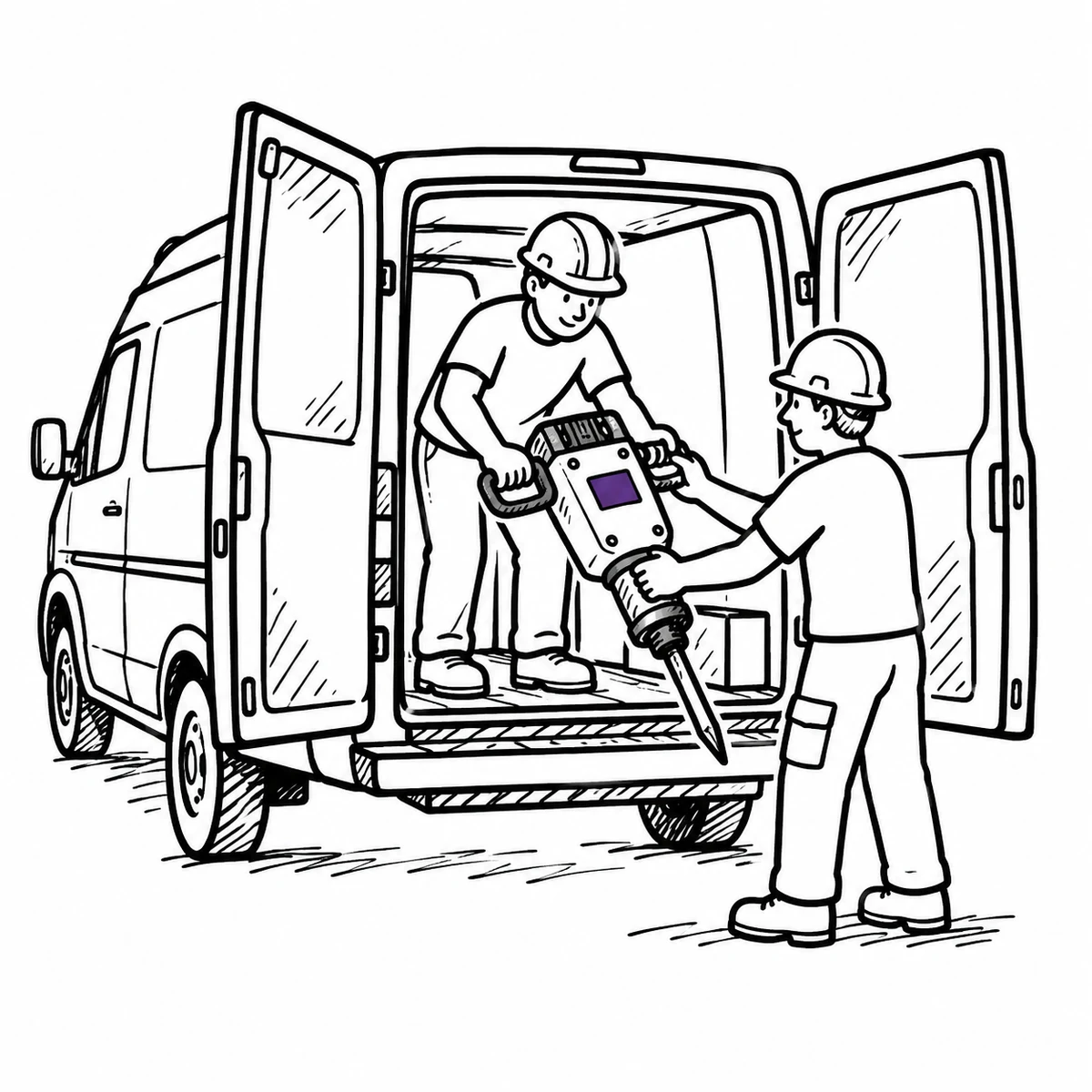
Your store is a container, and it keeps moving
Kit doesn’t live at an address. It lives in a container that gets craned onto a flatbed when the phase ends, in a van that starts the week at the yard and finishes it three sites away, in a cage on a floor of a building that doesn’t have floors yet. Most systems treat a location as a fixed place, so everything inside the thing that moved is quietly wrong from the moment it moves. What actually fixes it: letting the container and the van be locations in their own right — ones that are allowed to move, and that remember where they’ve been.
- Locations have a kind — site, building, room, storage, plus vehicle and container, which count as mobile
- Nest them the way the job is actually organised, up to five levels: site → container → shelf
- Every move of a mobile location is logged, so a van’s history reads like any item’s
- Filter by a site and everything beneath it comes too — sublocations are included by default
- The container is where things are; a kit is what goes out together — and kits nest five levels too, so the tester case can live inside the second-fix box
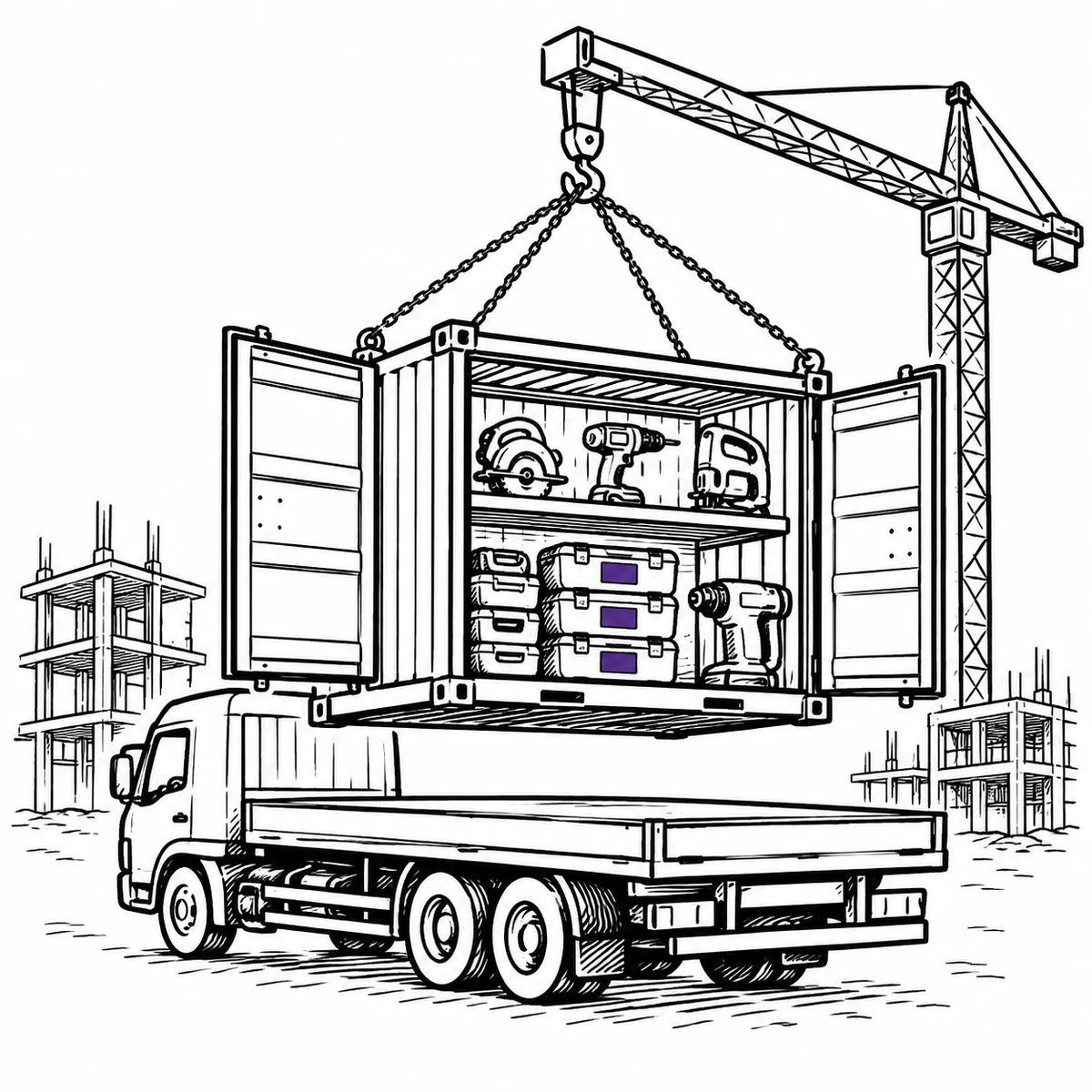
The second breaker costs more than the one you lost
Someone needs a breaker, can’t find one, and buys one — because a crew standing around costs more in a morning than the tool does. That call is correct every single time, and it is exactly how a company ends up owning nine of something it needs four of. Meanwhile the kit that hasn’t left the yard all quarter is still depreciating, still insured, still yours. What actually fixes it: knowing not just what you own but what it actually does, so the next purchase is a decision instead of a reflex.
- One registry across every site and yard, so “do we already have one?” has an answer before the order goes in
- Utilization reports separate the kit that earns its keep from the kit that hasn’t moved in months
- Planned vs actual puts what was booked next to what was really taken out
- Purchase value, expected lifespan and depreciation sit on the item, so idle capital is a number rather than a feeling
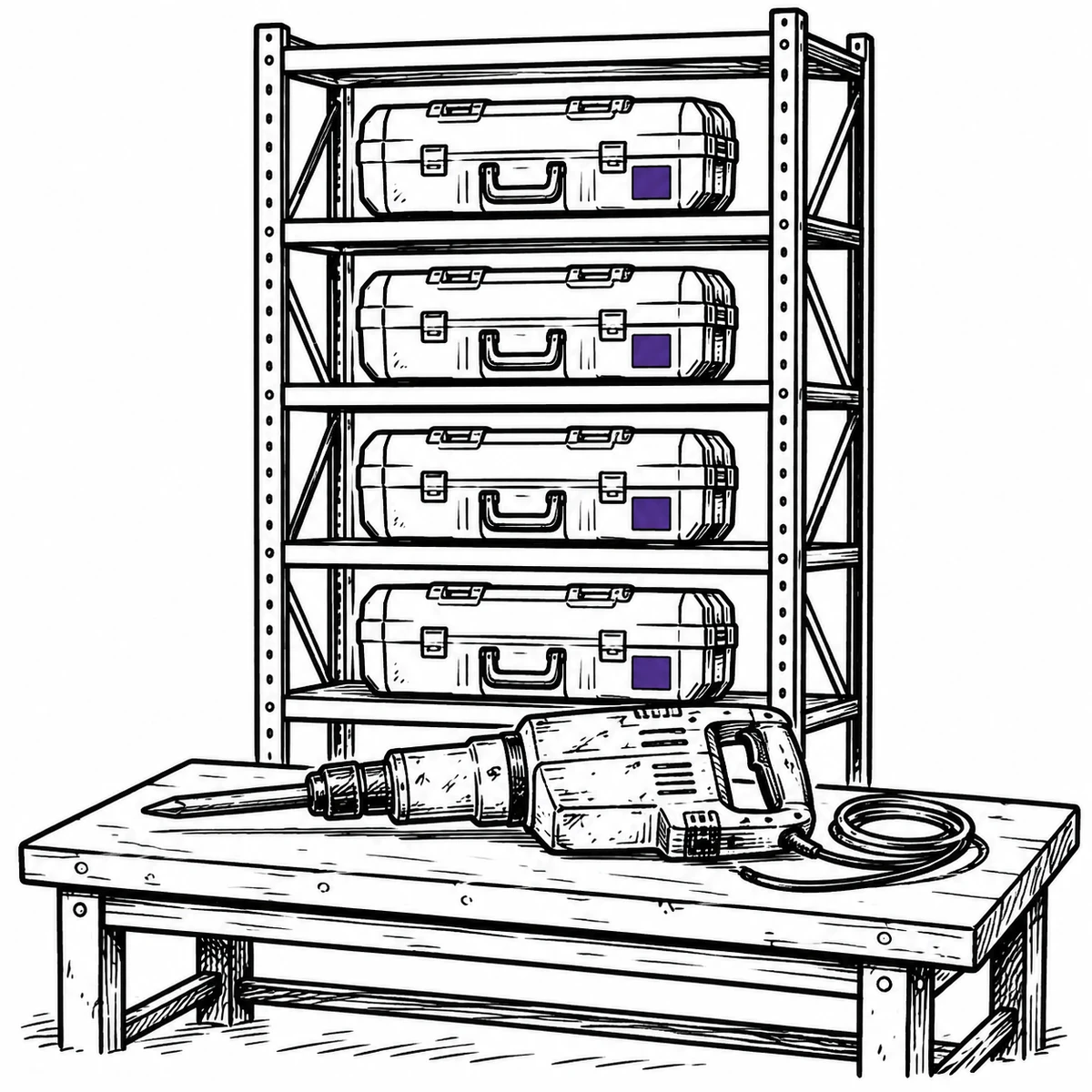
The inspection isn’t the hard part. Proving it happened is.
Lifting accessories, harnesses, lasers, torque wrenches — a slice of the fleet comes with an interval attached, and the interval is rarely what fails. What fails is the proving. The schedule lives in one person’s spreadsheet, the certificates live in a drawer or somebody’s inbox, and when a client asks whether that sling was examined and when, answering costs an afternoon. What actually fixes it: hanging the schedule and the evidence on the item itself, so the answer travels with the equipment rather than with whoever set it up.
- Book the interval once as a recurring reservation classified Inspection — six-monthly, annual, whatever the kit demands — with every date previewed before you commit
- Reminders go out ahead of each date, so the schedule stops depending on anyone remembering it
- Completing one writes an event against the item: what was done, when, by whom, and what it cost
- Certificates and photos attach to the item itself, beside its serial number and its whole history
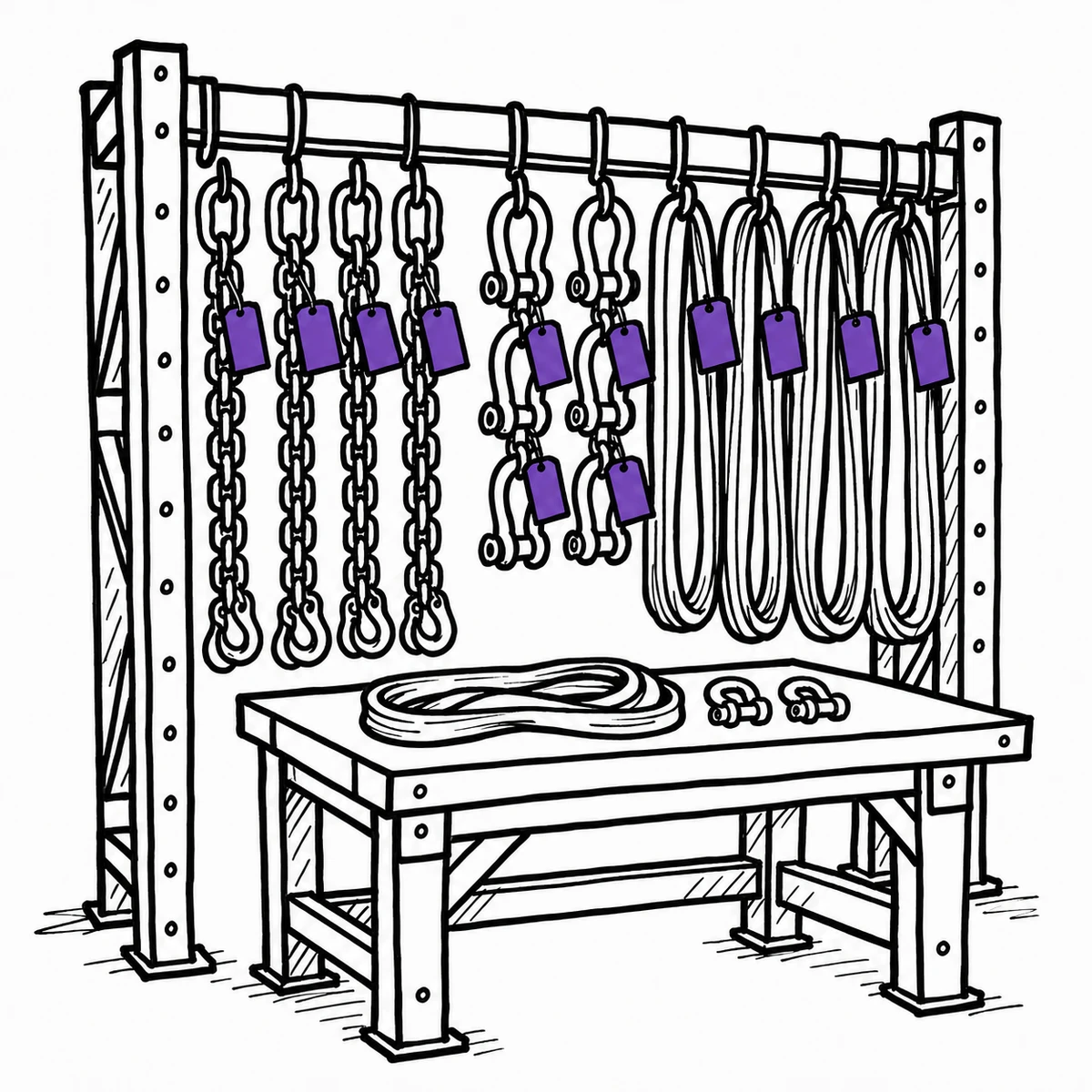
This is custody tracking, not GPS
Itefy tells you who has a thing and where it was last seen, because somebody scanned it — not because there is a tracker on it. There is no live dot moving across a map. For an excavator, telematics is worth having, and it is a different purchase. What scanning covers is the long tail telematics never will: the several hundred items too small and too numerous to fit a tracker to, which are the ones that actually go missing.
What that looks like day to day
One registry, used from a phone where the equipment is and from a browser where the planning happens.
Full control of your equipment
Store power tools, heavy machinery, vehicles and more in one, central database - always available and never out of sync.
- All equipment, machines, assets and inventory in one central database
- Categorize by type, location, specifications or other custom filtering options
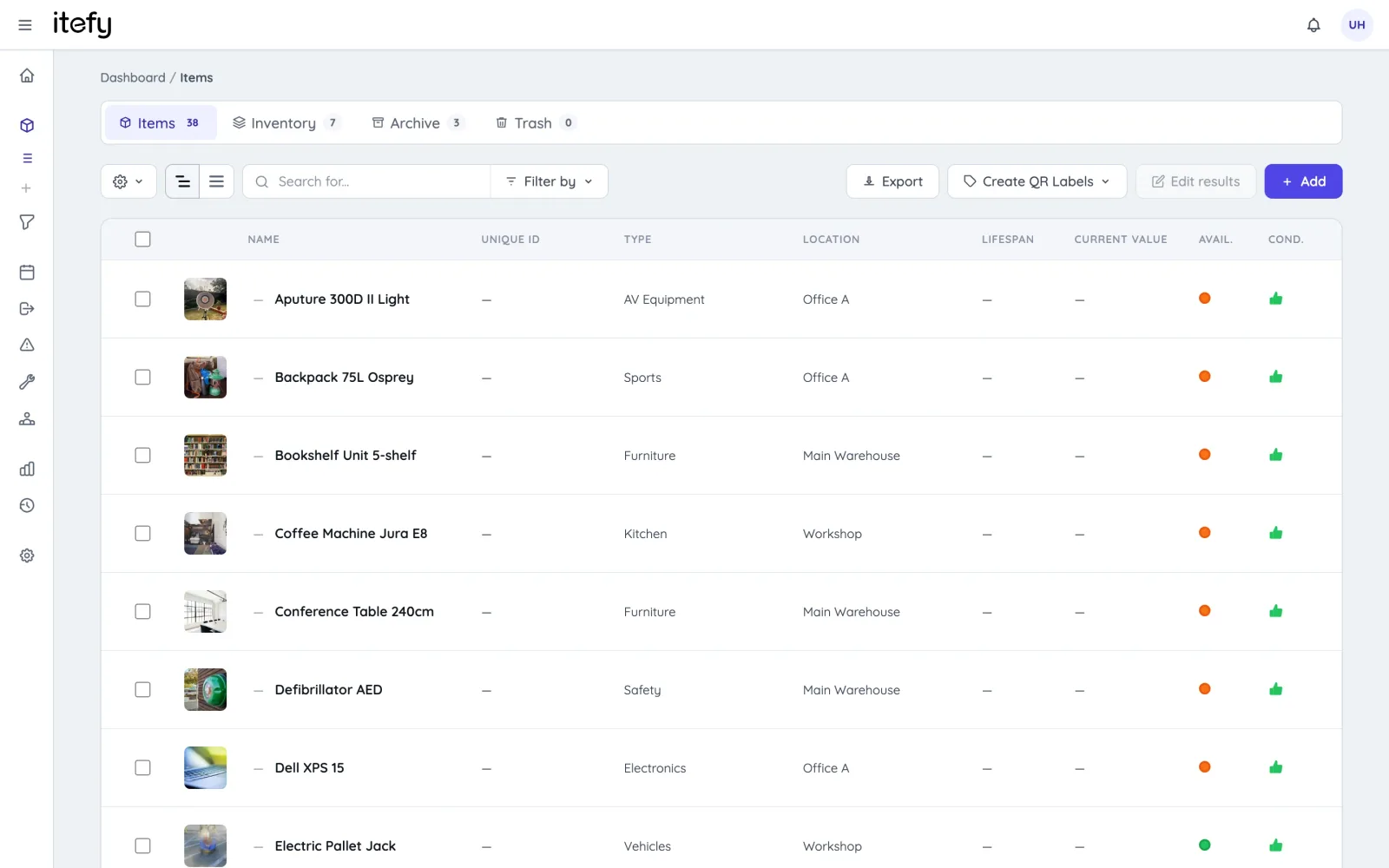
- Group tools into kits that book and issue as one — nested five levels deep, so the tester case sits inside the second-fix box, and each tool still carries its own inspection record
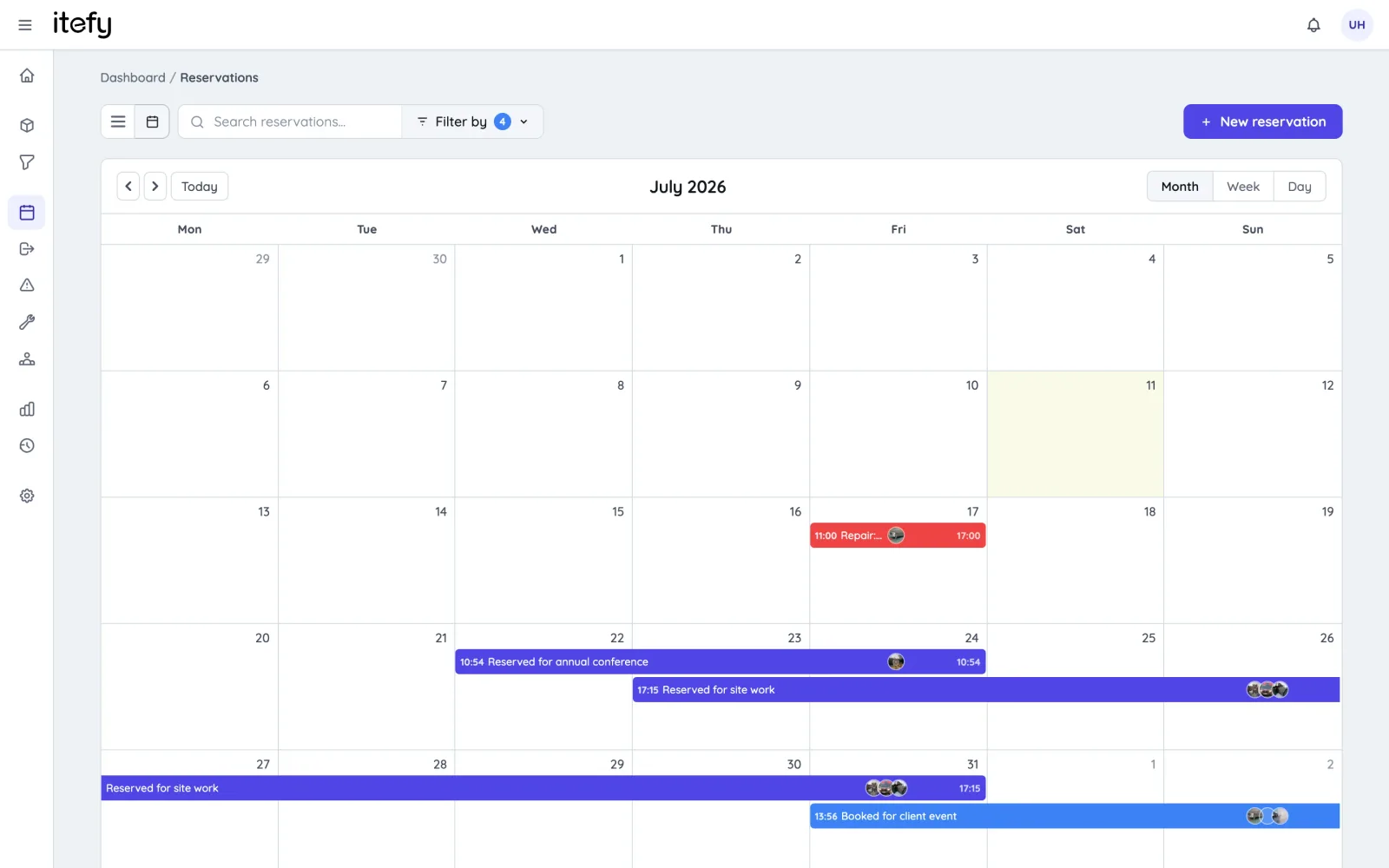
Schedule Construction Equipment Usage with Reservations
Get the most out of your machines, power tools and assets without double bookings.
- Enable self-service bookings for workers
- Book multiple equipment items and kits into one reservation
- Scan to reserve : Use QR codes on equipment to quickly create reservations
- Get a quick overview of all upcoming reservations
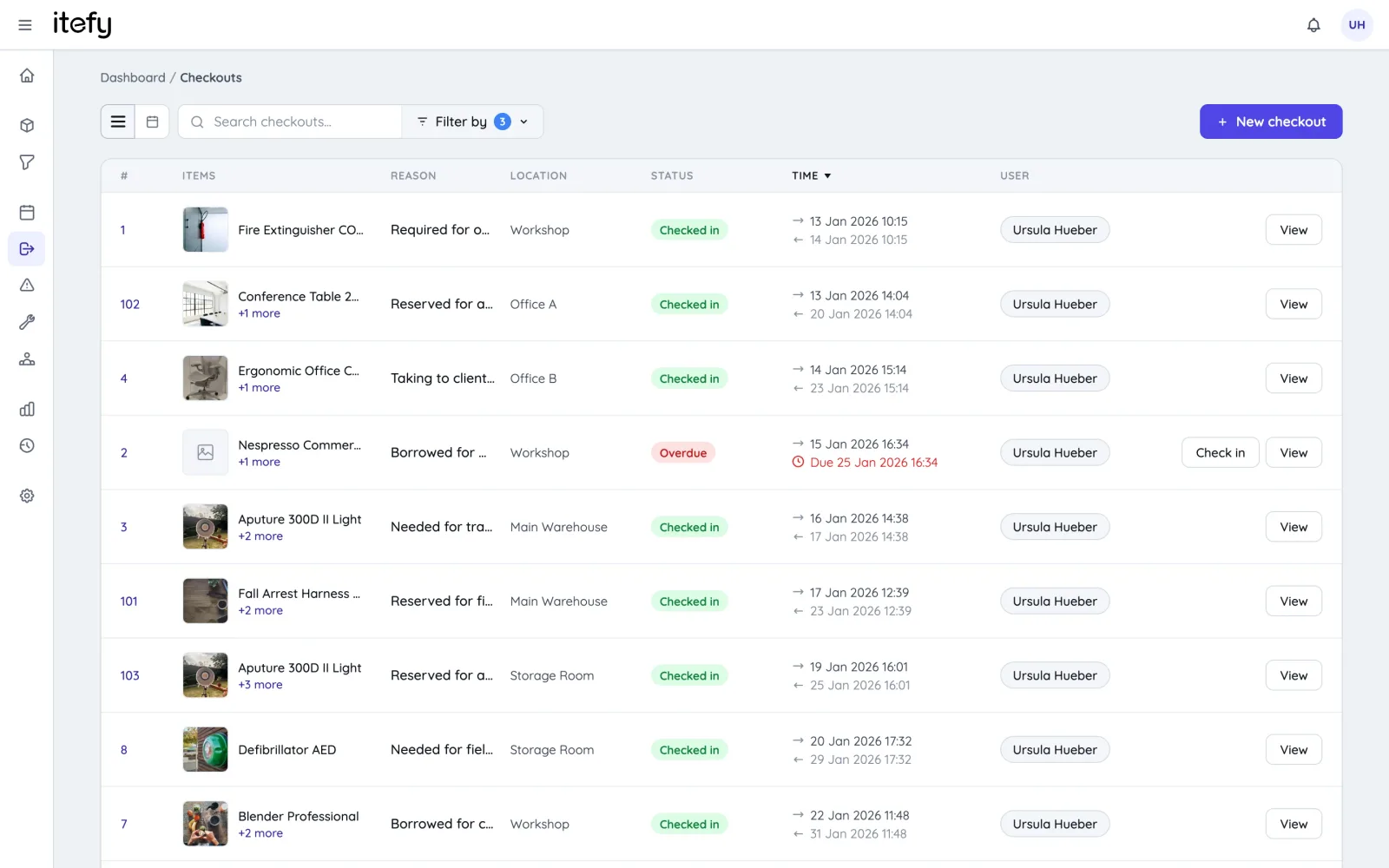
Track actual usage with checkouts
While reservations is for planned usage, checkouts tracks the actual utilization of your equipment.
- Keep track of how, when and in what projects tools, machinery and other assets is being used
- Enable self-checkout and keep track of who is in possession of the equipment
- Be notified when equipment is not returned in time
- Set the home location of each equipment item to easily know where it should be returned
Scan Equipment QR codes for quick handling
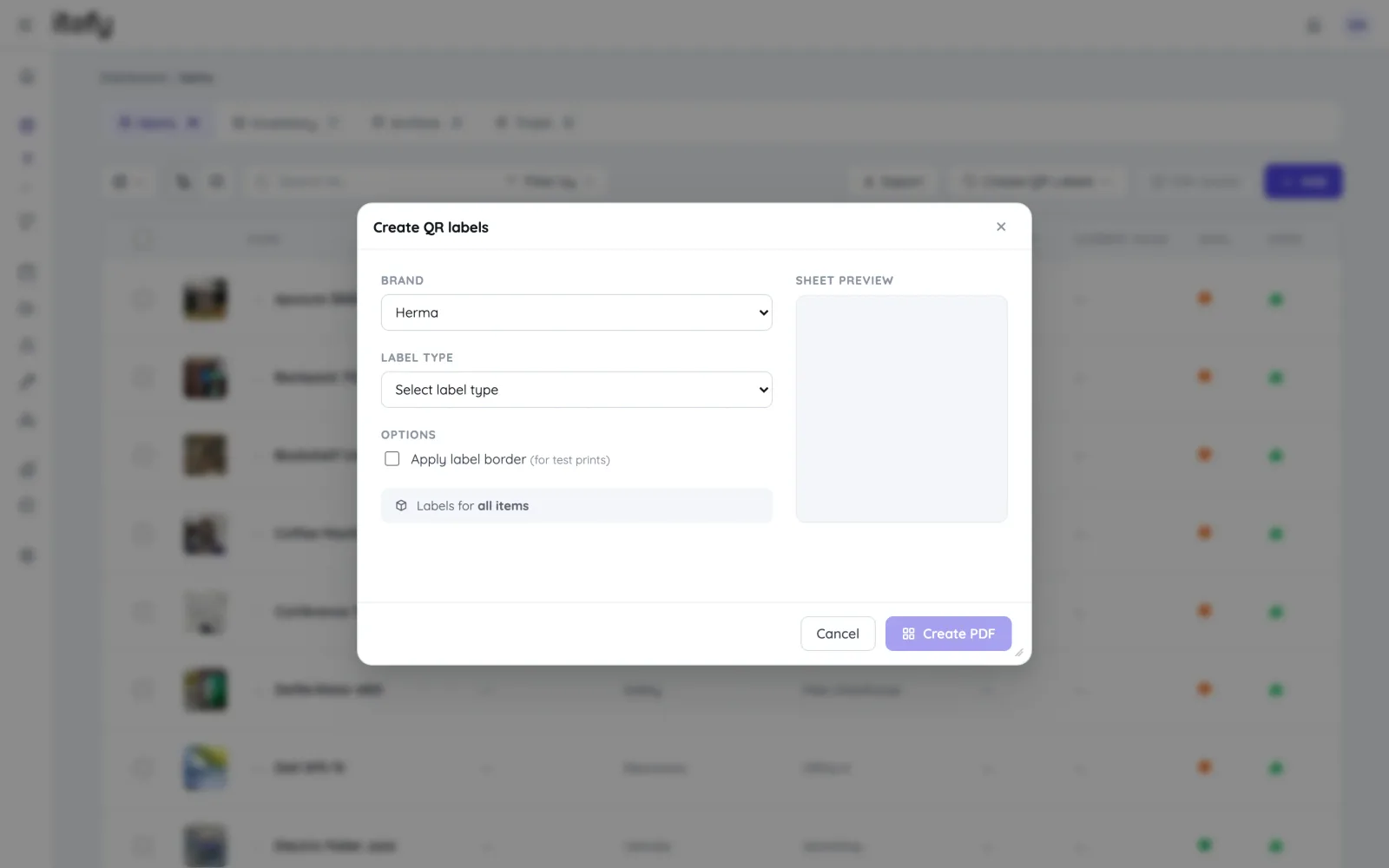
Save time and avoid picking the wrong equipment - Label equipment with self-printed Itefy QR labels.
- Print on to Avery and Herma labels with your own laser printer
- Export item lists with unique item codes to use with dedicated label printers
- Use our Itefy GO mobile app to scan equipment QR labels, to quickly find items, create reservations, checkouts etc.
Maintenance Scheduling and Tracking
Reduce downtime by scheduling maintenance of each equipment item. Keep a full track record of all performed maintenance.
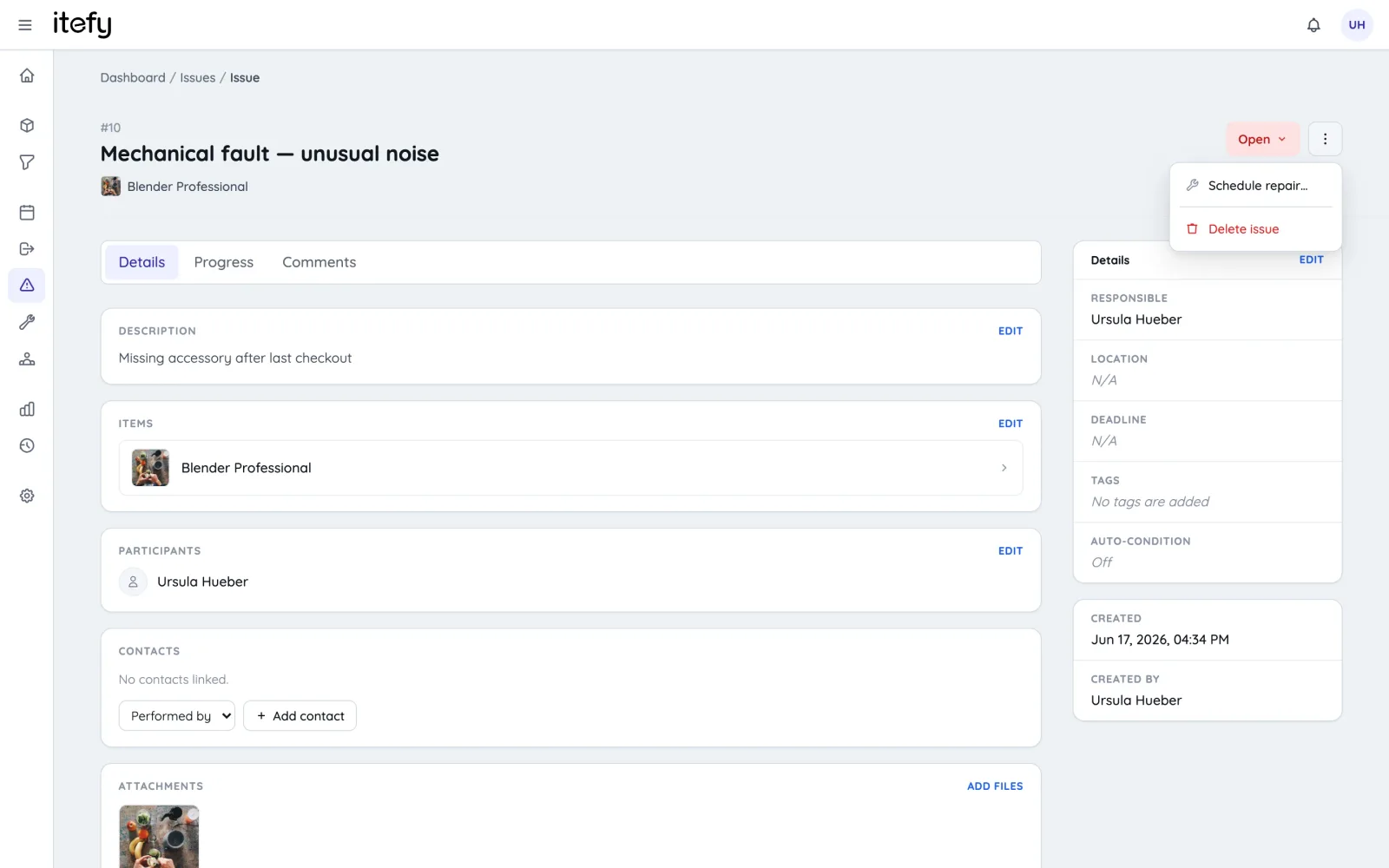
- Create recurring reservations for maintenance appointments
- Assign maintenance to the right people, and to the correct location
- Track actual maintenance by converting reservations to maintenance events, documenting what has been done and when.
- Enable your team to add valuable information about the maintenance progress and result
Gain full material usage control with inventory management
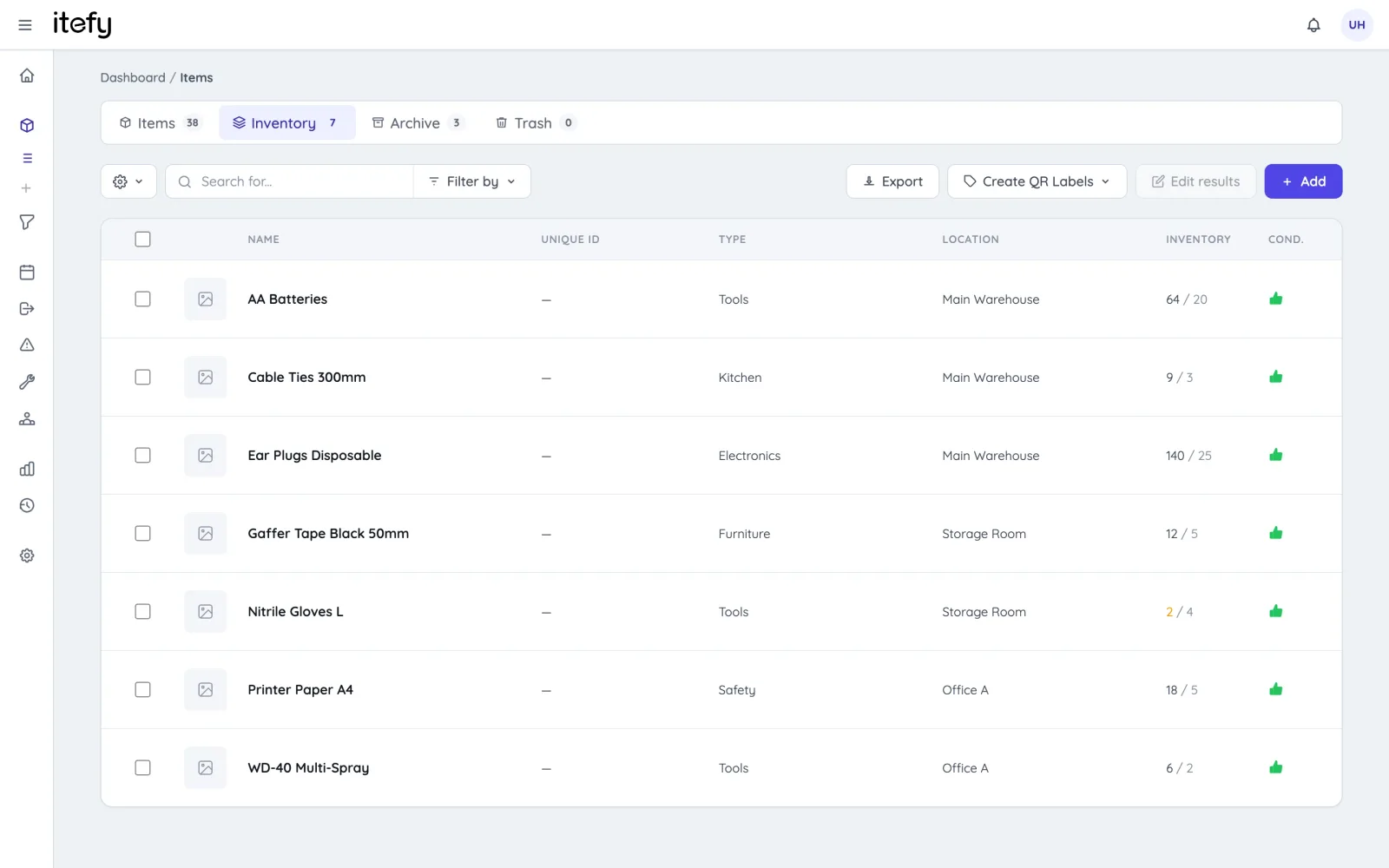
Never run out of building materials - keep track of usage and get notified when levels are getting low
- Enable self-service on material usage registration
- Label material stacks with QR code labels for quick registrations
- Full inventory usage history
- Be notified before empty - custom thresholds for each material stack
Quick Status on the Dashboard
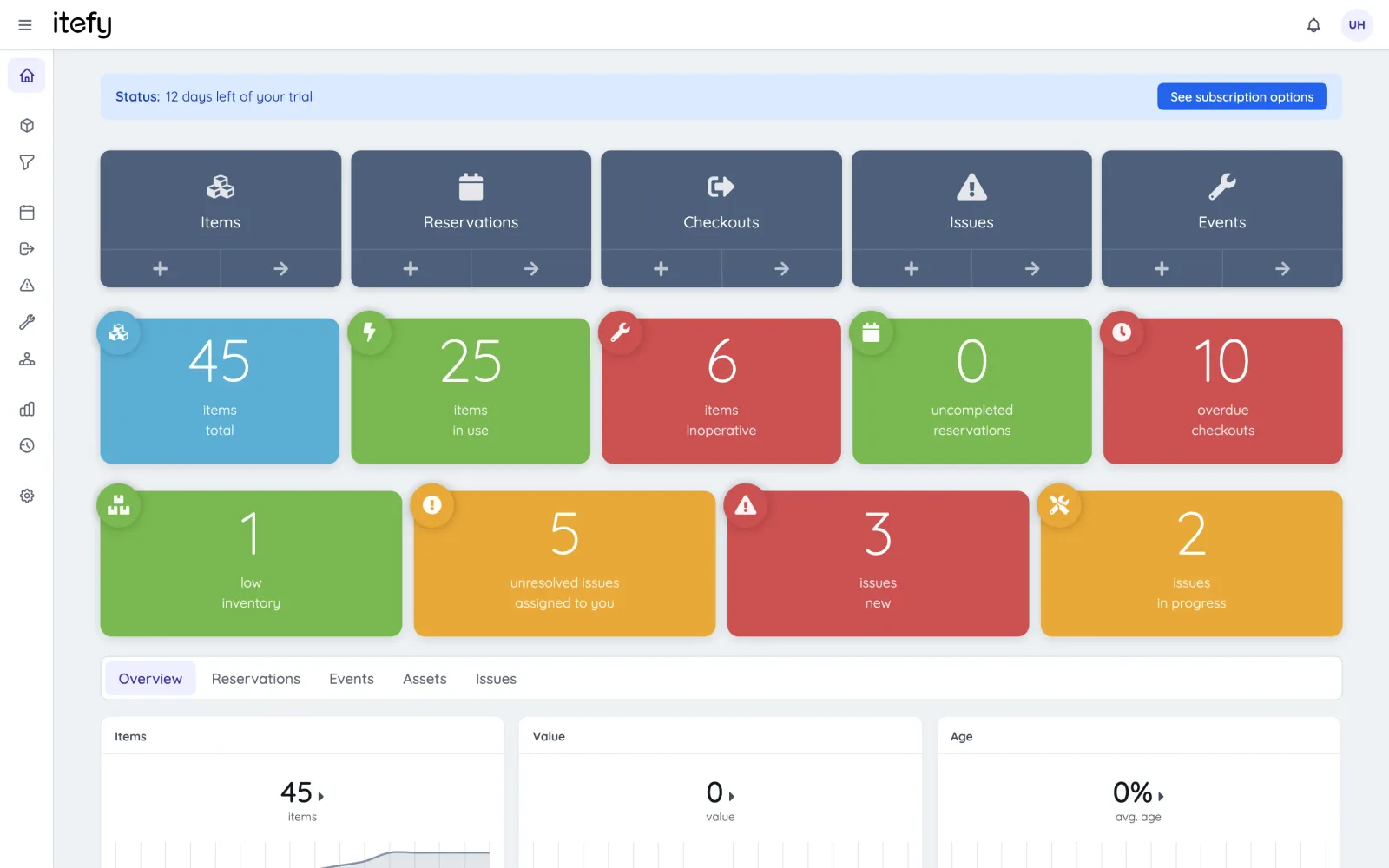
Get to know the overall status of your equipment in a glimpse.
- Easy to understand, color coded boxes for vital information
- See what needs your attention in a few seconds
- Get statistics and the latest activity on one page
- Shortcuts to all relevant functions
Delegate Responsibility with your Team
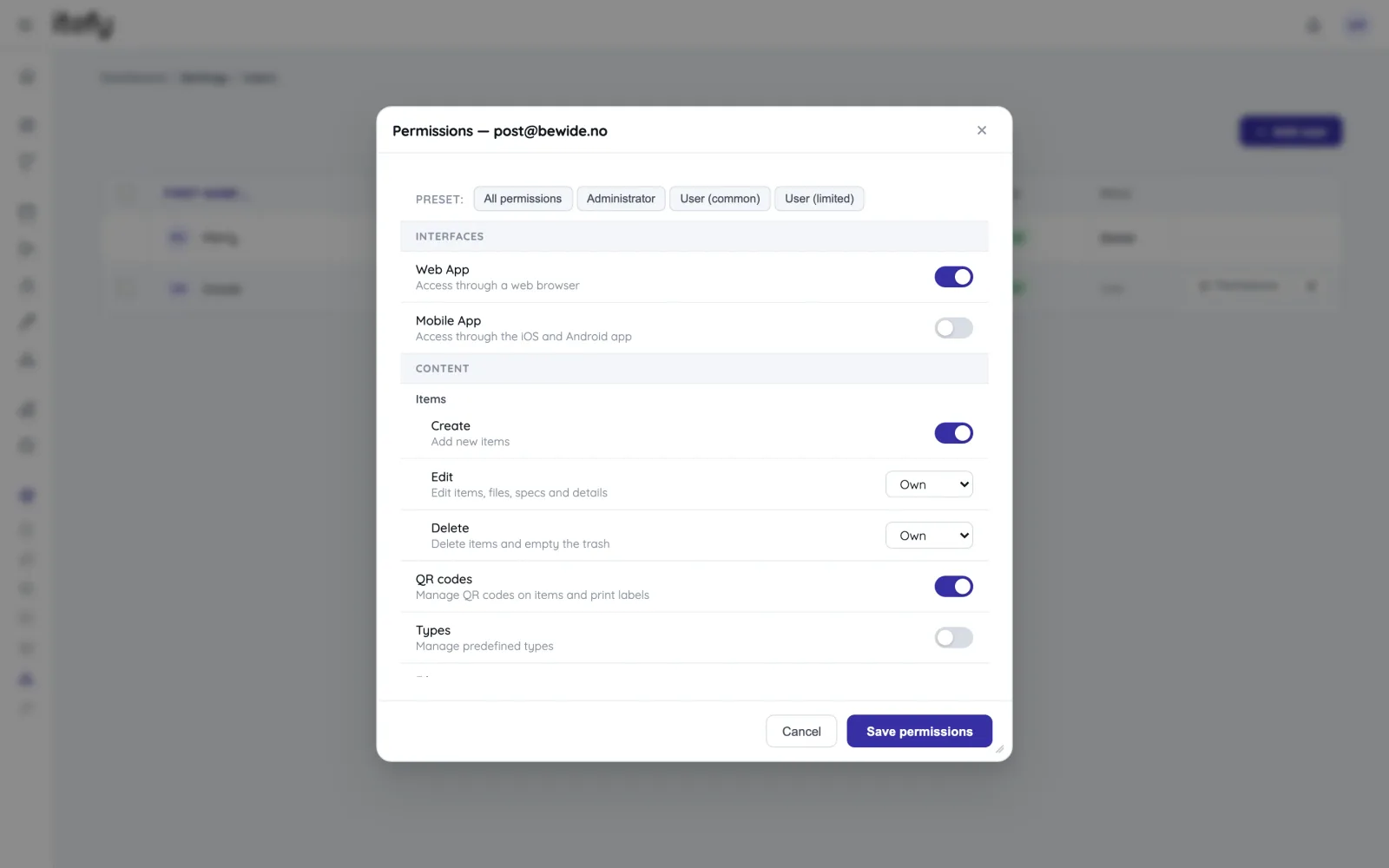
Take full advantage of a central, always available equipment management system like Itefy - Give you team access to self-service and distributed responsibility.
- Set individual permission for each user
- Assign responsibility for different equipment to different people
- Track who is actually in possession of each equipment item
- Create usage reports and group by people
A toolbox for all your equipment assets
Reservations
Plan and schedule usage, maintenance or whatever needs to be scheduled for your assets.
Learn moreTool Tracking
Who has each tool, which van it’s in, and whether the toolbox came back complete.
Learn moreIssue Tracking
When equipment breaks, Itefy's issue management module helps to efficiently resolve it.
Learn moreEvent Tracking
Keep track of events such as purchases, license renewals, maintenance etc.
Learn moreMobile App
Use our mobile app Itefy GO to create reservations, checkouts and more on the go.
Learn moreCollaboration
Share the equipment management by delegating responsibility to multiple people.
Calendar sync
Read your bookings in Google Calendar, Outlook or Apple Calendar — on every plan.
Learn morePlans & Pricing
- USD
- EUR
- NOK
-
Basic
N/Aper month, paid N/A- N/A items
- N/A locations
- N/A users included
- Extra seats N/A/month
- N/A GB storage
Core features
- Items, check-in & check-out
- Reservations & scheduling
- Calendar sync (Google, Outlook, Apple)
- Issues, maintenance & events
- QR labels & mobile app
- Public item pages
- Custom specifications
- Excel import & export
- Sign in with Google
-
Most popular
Startup
N/Aper month, paid N/A- N/A items
- N/A locations
- N/A users included
- Extra seats N/A/month
- N/A GB storage
Everything in Basic, plus
- Recurring reservations
- Kits
- Contacts
- Reports & insights
-
Business
N/Aper month, paid N/A- N/A items
- N/A locations
- N/A users included
- Extra seats N/A/month
- N/A GB storage
Everything in Startup, plus
- API access for custom integrations
- Up to 5 API keys
-
Enterprise
N/Aper month, paid N/A- N/A items
- N/A locations
- N/A users included
- Extra seats N/A/month
- N/A GB storage
Everything in Business, plus
- Up to 25 API keys
- Highest limits, built for large fleets
- Lowest extra-seat price
Take control of your equipment
Try every feature free for 14 days. No credit card, no obligations.