
Office Inventory Management Software
Streamline tracking and management of all assets and consumables through a centralized database.
Office-specific issues like missing laptops, double-booked devices, and untracked supplies are resolved through real-time visibility, smart reservations, and automated maintenance tracking.
Key features:
- Centralized asset database
- Location logged on every move
- Equipment reservations system
- Check-in/check-out tracking
- Issue and damage logging
- Scheduled maintenance reminders
- Multi-user access control
- Usage history and accountability
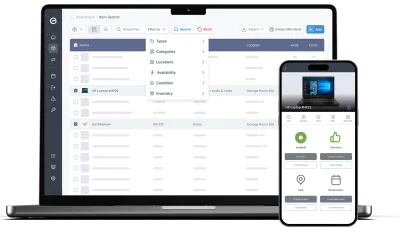
IT owns the laptops. Facilities owns the building.
You own everything else.
It started with the chairs, because somebody had to know how many we had. Then the meeting room screens, because the one in the small room kept going missing. Then the coffee machine service, the spare monitors, the door fobs, the projector nobody has seen since the Christmas party. Nobody handed me any of it. It simply arrived, one thing at a time, and none of it is in a system.
Office equipment falls between three departments and belongs to none of them, so it ends up with whoever noticed first.
Four ways that plays out, and what actually changes them.
The things that fall between IT, facilities and finance
Laptops have an owner and a process. The building has a contract. In between sits everything else — chairs, screens, AV, fobs, appliances, the furniture from the old office — bought on different budgets in different years by people who have since left. It is real money and it is nobody’s dataset. What actually fixes it: one register for the things that never got one, without needing to agree first whose job they are.
- Every item gets a page: purchase information, pictures, documents, value
- Types and categories to separate furniture, AV, appliances and access items
- Import whatever spreadsheet already exists — that is usually where this lives
- Purchase value and depreciation, so the insurance and audit answer is a report
- Archive what is retired: out of daily views, still on the record
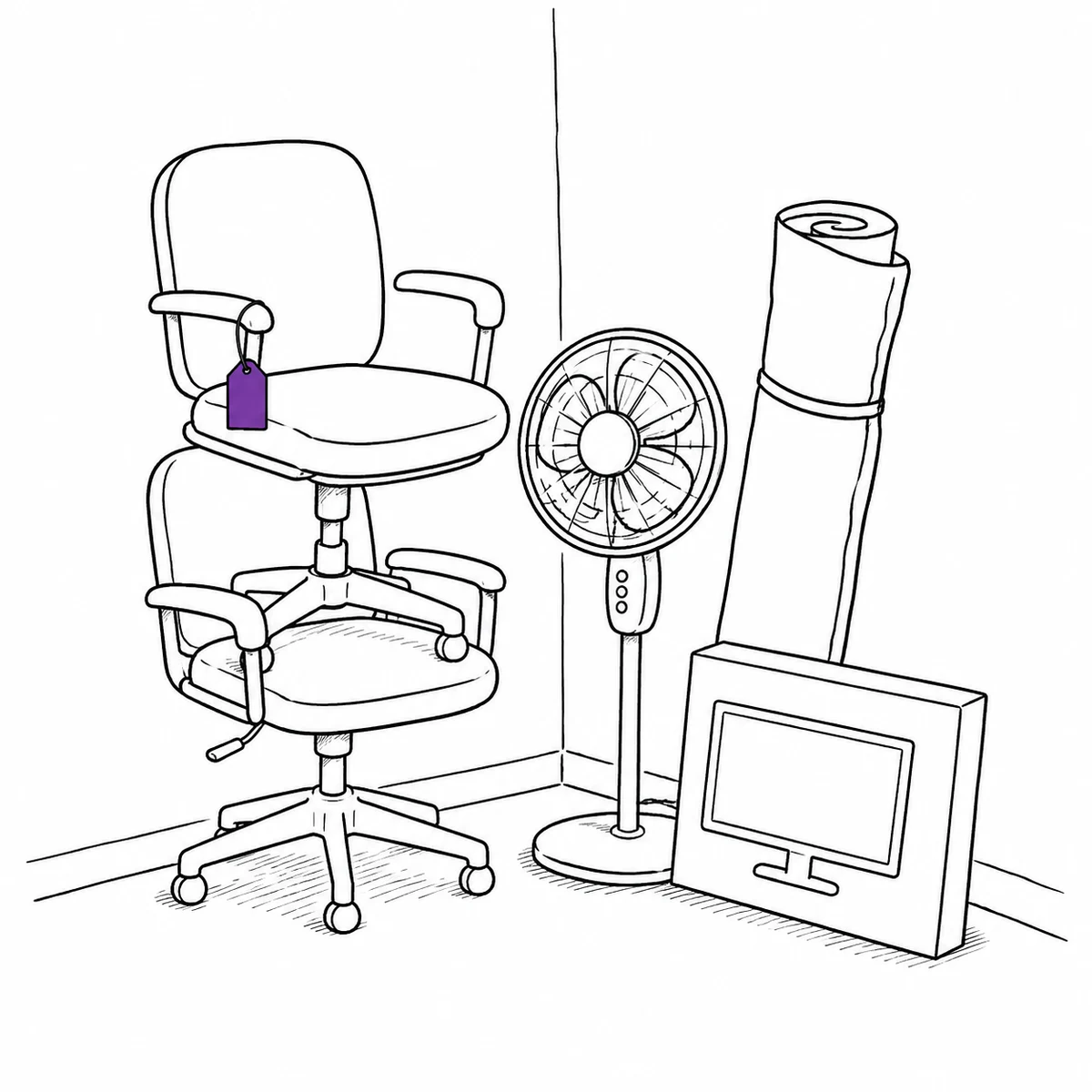
The office is now in fifty homes and none of them are yours
A chair, a second monitor, a docking station and a desk lamp went out to each person who asked, in the months when that was the priority and nobody was counting. Some of it has come back. Which of it, and from whom, is a question with no source of truth, and it becomes urgent exactly when somebody resigns. What actually fixes it: treating home equipment as a loan with a name on it rather than a delivery.
- Check items out to a named person, at home or in the building
- Filter by person to see everything they hold — the leaver’s collection list
- Partial check-in, because the monitor comes back before the chair does
- Every handover stays on the item, so the history survives the person
- Link a contact rather than an account for contractors and temporary staff
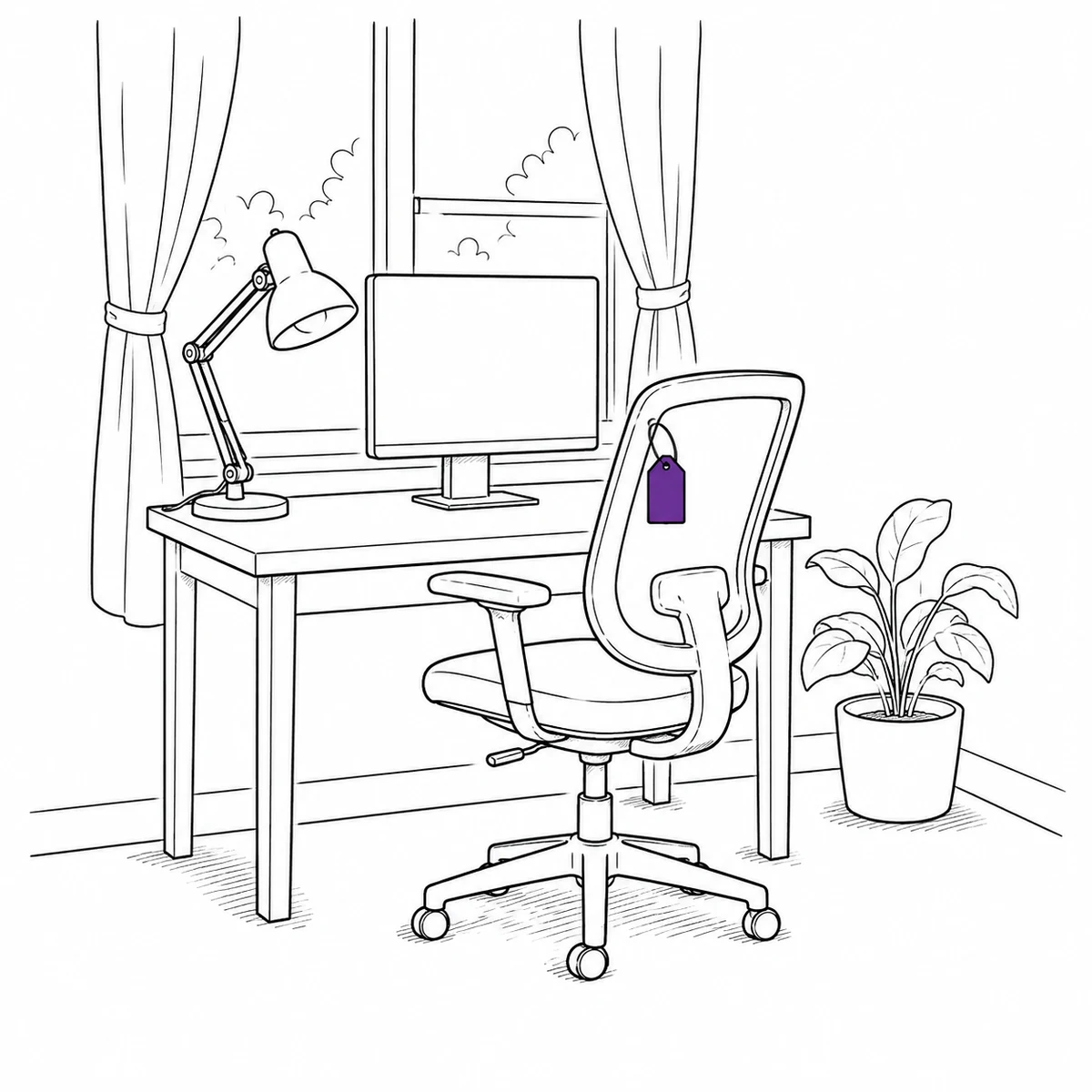
The meeting room kit that quietly relocates itself
Somebody needed an HDMI cable for a client call and took the one from the small room, meaning to bring it back. The next person found the room short, borrowed from the room after that, and the shortage moved around the floor for a month. Nobody did anything wrong and nobody can say where anything is. What actually fixes it: giving room kit a home to be returned to, and an identity that a phone can read.
- Set a home location per item, so “where does this belong” has an answer
- Locations nest the way the building does: floor, room, cupboard, shelf
- QR labels on the small stuff too — adapters and remotes get an identity, not just a shape
- Scan a label to see what it is, where it lives and who had it last
- Group a room’s kit into a kit, so what should be in there is a list rather than a memory
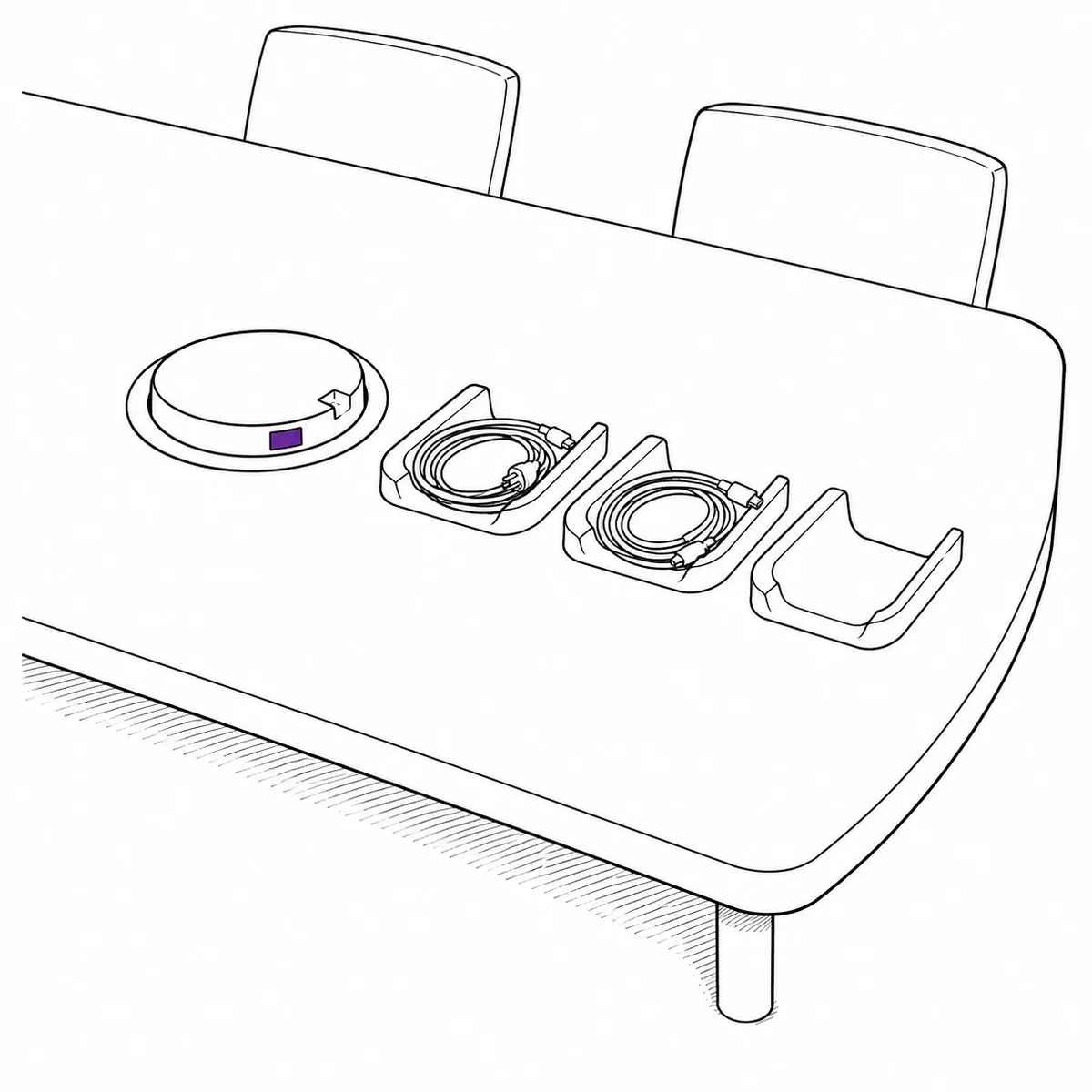
Forty people move desks and every record is wrong at once
A floor reshuffle invalidates the location of hundreds of things in an afternoon. Updating them one at a time is a week nobody has, so the register quietly stops matching the building — and once it is wrong in a way everybody knows about, people stop trusting it for anything. What actually fixes it: being able to move a hundred records in one action, so the register survives the day the office changes shape.
- Select a whole search result or a picked set and change their location in one go
- The same batch edit handles type, condition, categories and the main picture
- A receipt at the end lists what changed and anything that failed
- Location history is kept per item, so the previous arrangement is still answerable
- Filter by a floor and everything beneath it is included by default
What Itefy does not do
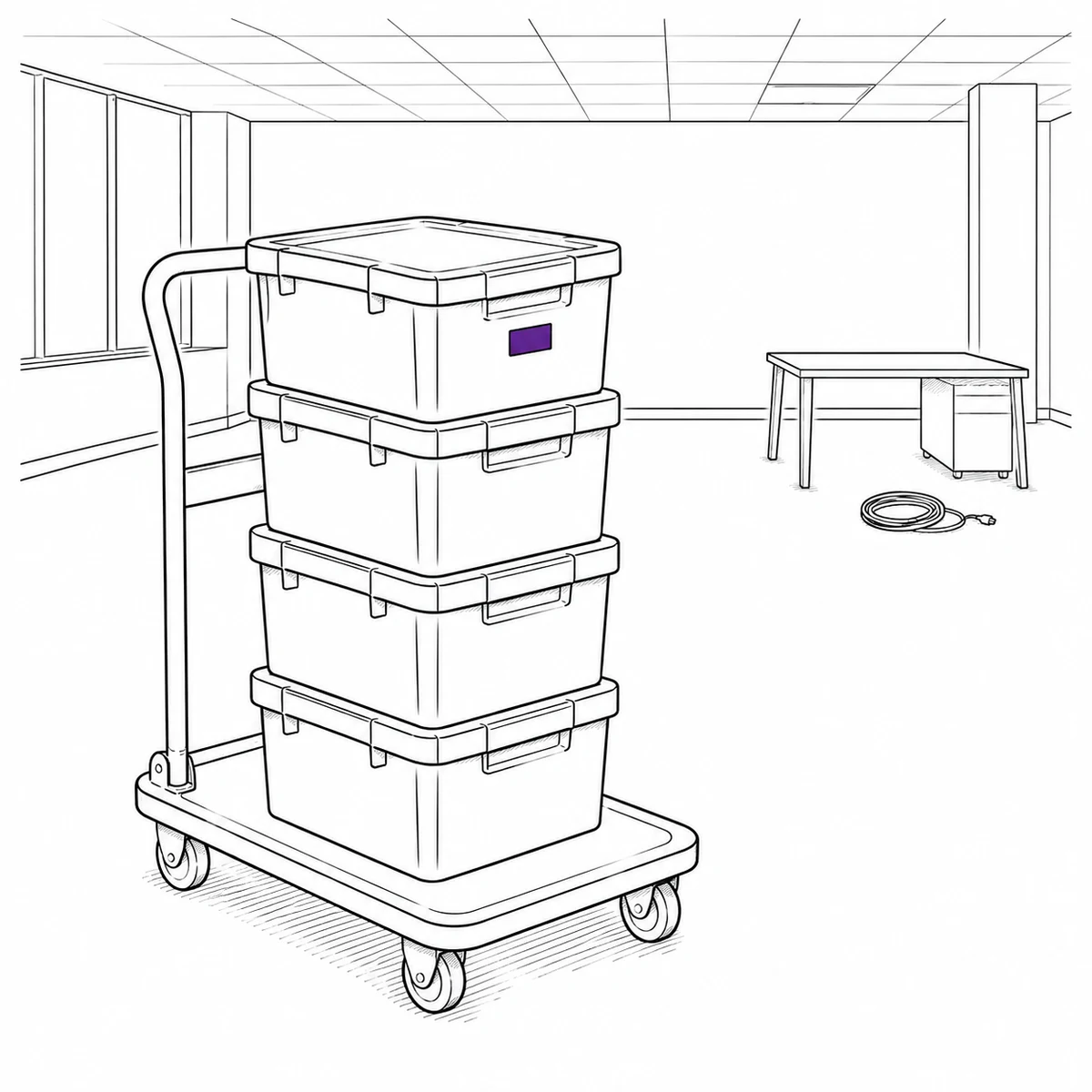
It tracks things, not space. There are no floor plans, no desk booking, no room booking and no occupancy or space-utilisation reporting — reservations are made against items, so a meeting room cannot be booked as a resource. There is no visitor management either. If those are what you are shopping for, this is the wrong category of product.
It is also not a purchasing system: no purchase orders, no approvals, no supplier catalogues. And for the laptops and phones themselves, with their own lifecycle and custody questions, the IT asset management page is the better fit.
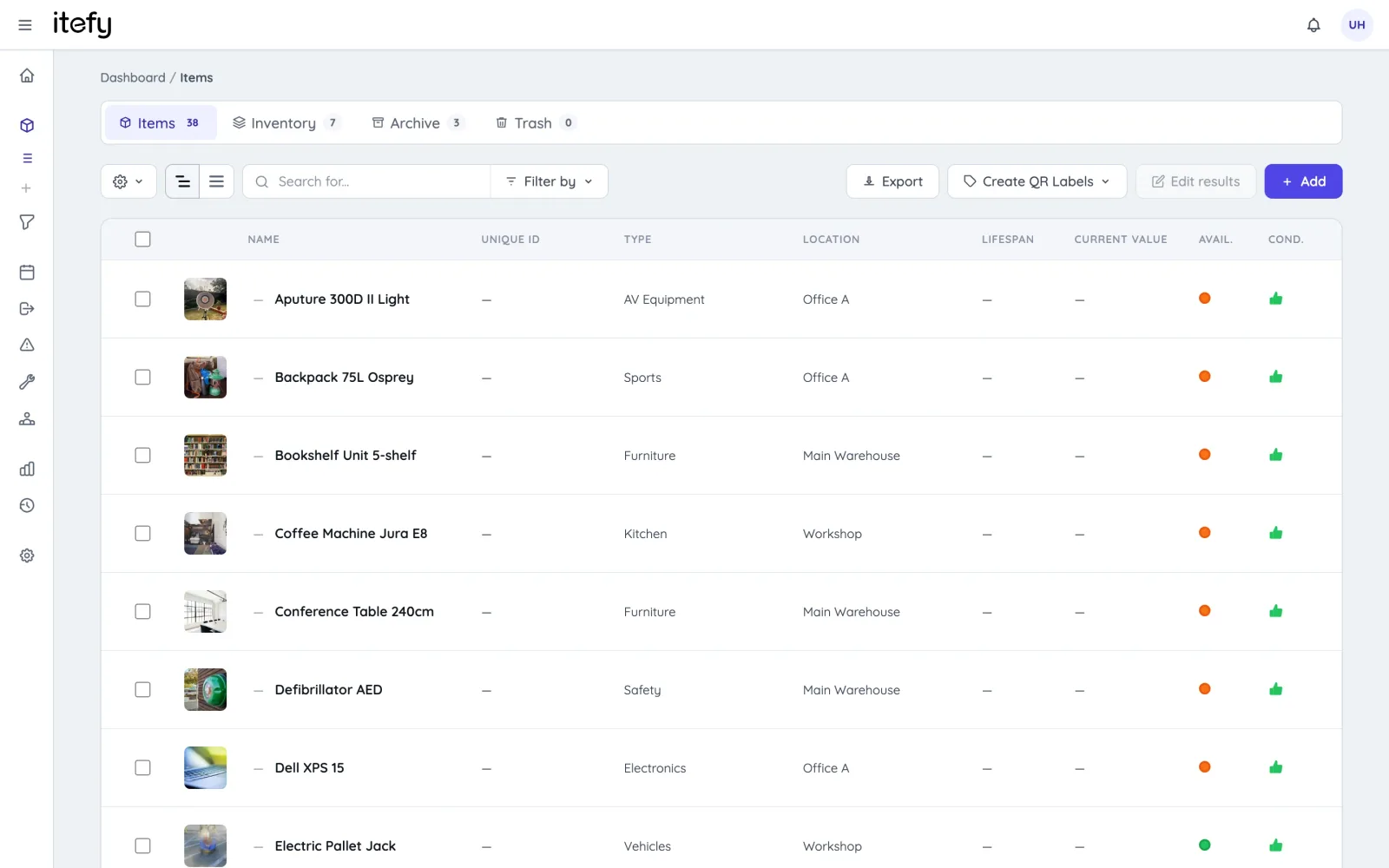
Avoid Lost or Misplaced Equipment
Avoid laptops, tablets, projectors, or peripherals being misplaced, especially when moved between locations or shared across teams.
- All inventory and equipment in one central database
- Track the last known or assigned location of each item.
- Categorize by type, category, location, condition or availability
- See who currently has the item and when it’s due back
Eliminate Double Booking or Inventory Unavailability
Get the most out of the meeting rooms, laptops, cameras, or specialized tools while avoiding double bookings.
- Allows all users to see equipment availability
- Let employees to schedule equipment usage in advance and avoid conflicts
- Book multiple equipment items and kits into one reservation
- Scan to reserve : Use QR codes on equipment to quickly create reservations
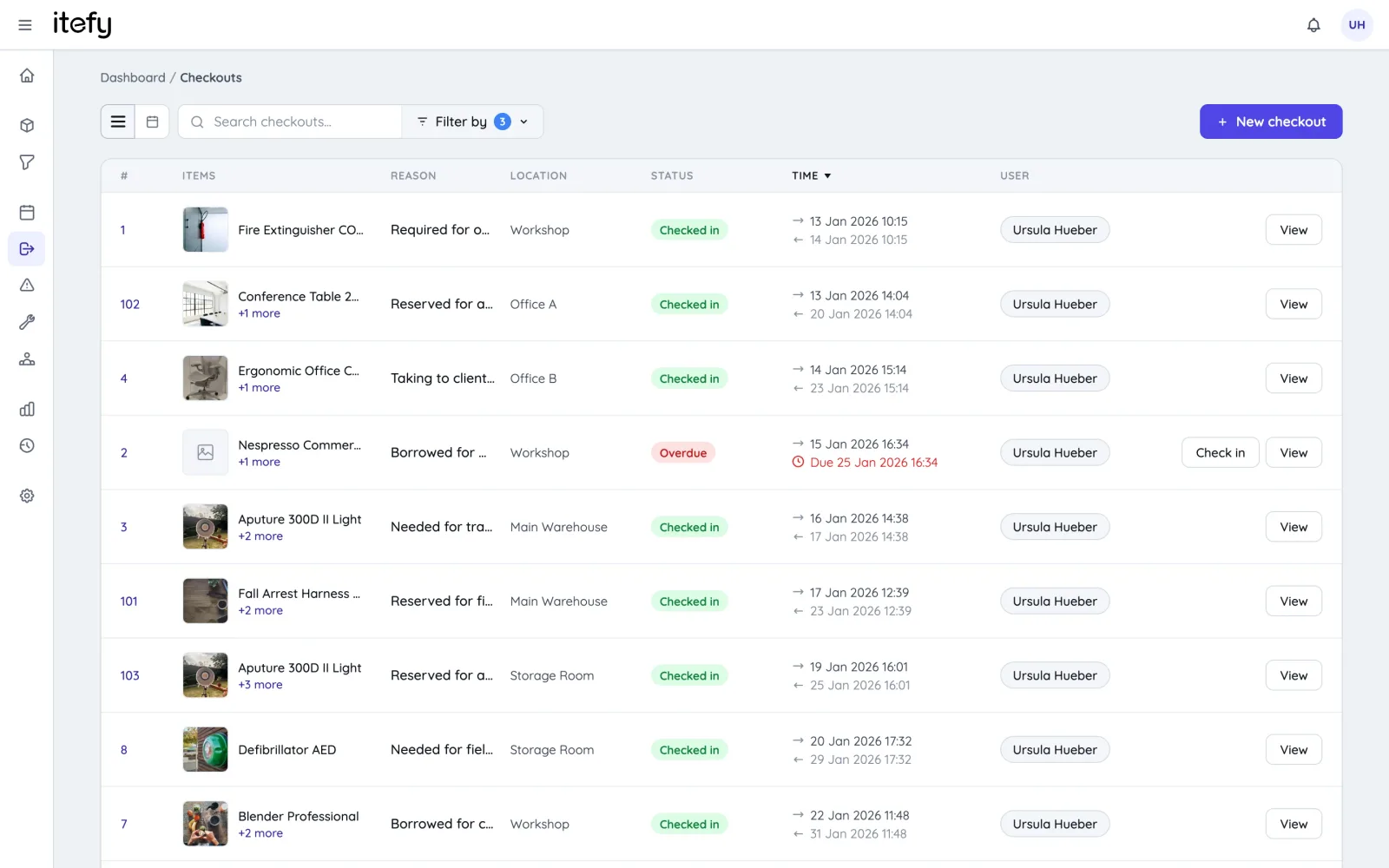
Track actual usage with checkouts
While reservations is for planned usage, checkouts tracks the actual utilization of your equipment.
- Enable self-checkout and keep track of who is in possession of the equipment
- Flag items not returned for follow-up
- Set the home location of each equipment item to easily know where it should be returned
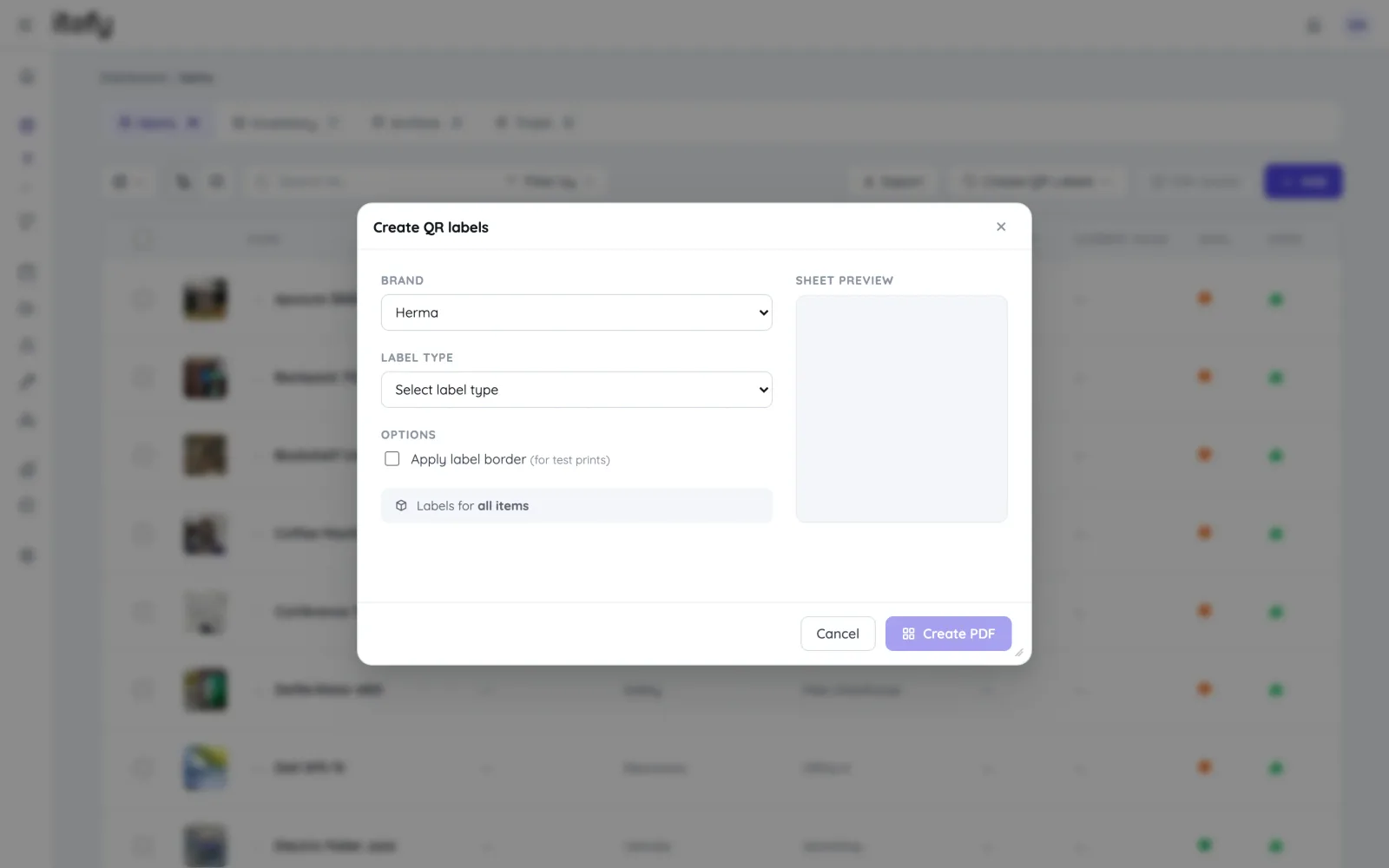
Scan Equipment QR codes for quick handling
Save time and avoid picking the wrong equipment - Label equipment with self-printed Itefy QR labels.
- Print on to Avery and Herma labels with your own laser printer
- Export item lists with unique item codes to use with dedicated label printers
- Use our Itefy GO mobile app to scan equipment QR labels, to quickly find items, create reservations, checkouts etc.
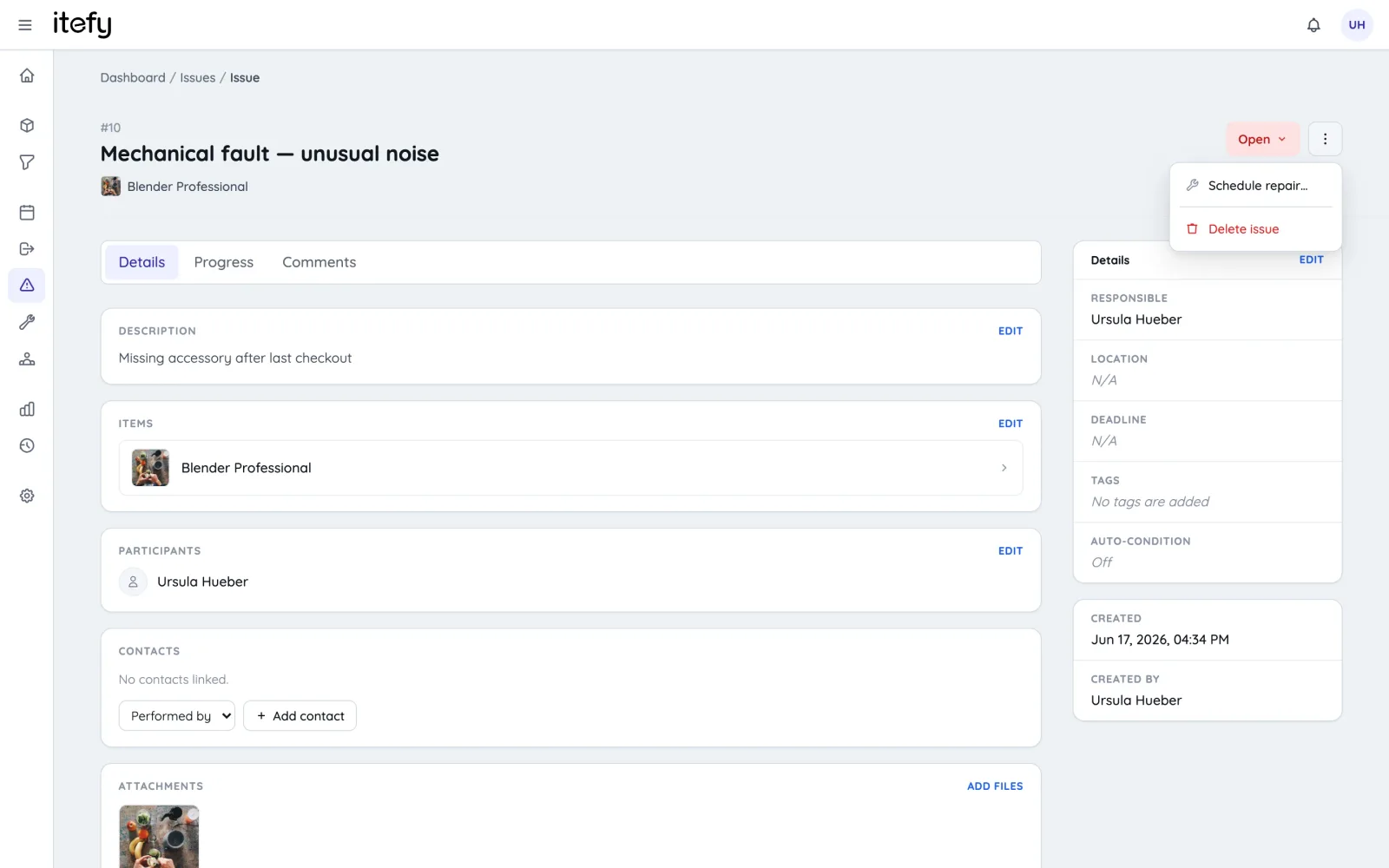
Maintenance Scheduling and Tracking
Make sure inventory don't break down due to missed maintenance or unknown issues, disrupting workflow.
- Set scheduled, repeating maintenance reminders
- Assign maintenance to the right people, and to the correct location
- Maintain a usage and maintenance history for each item.
- Enable your team to add valuable information about the maintenance progress and result
Gain full material usage control with inventory management
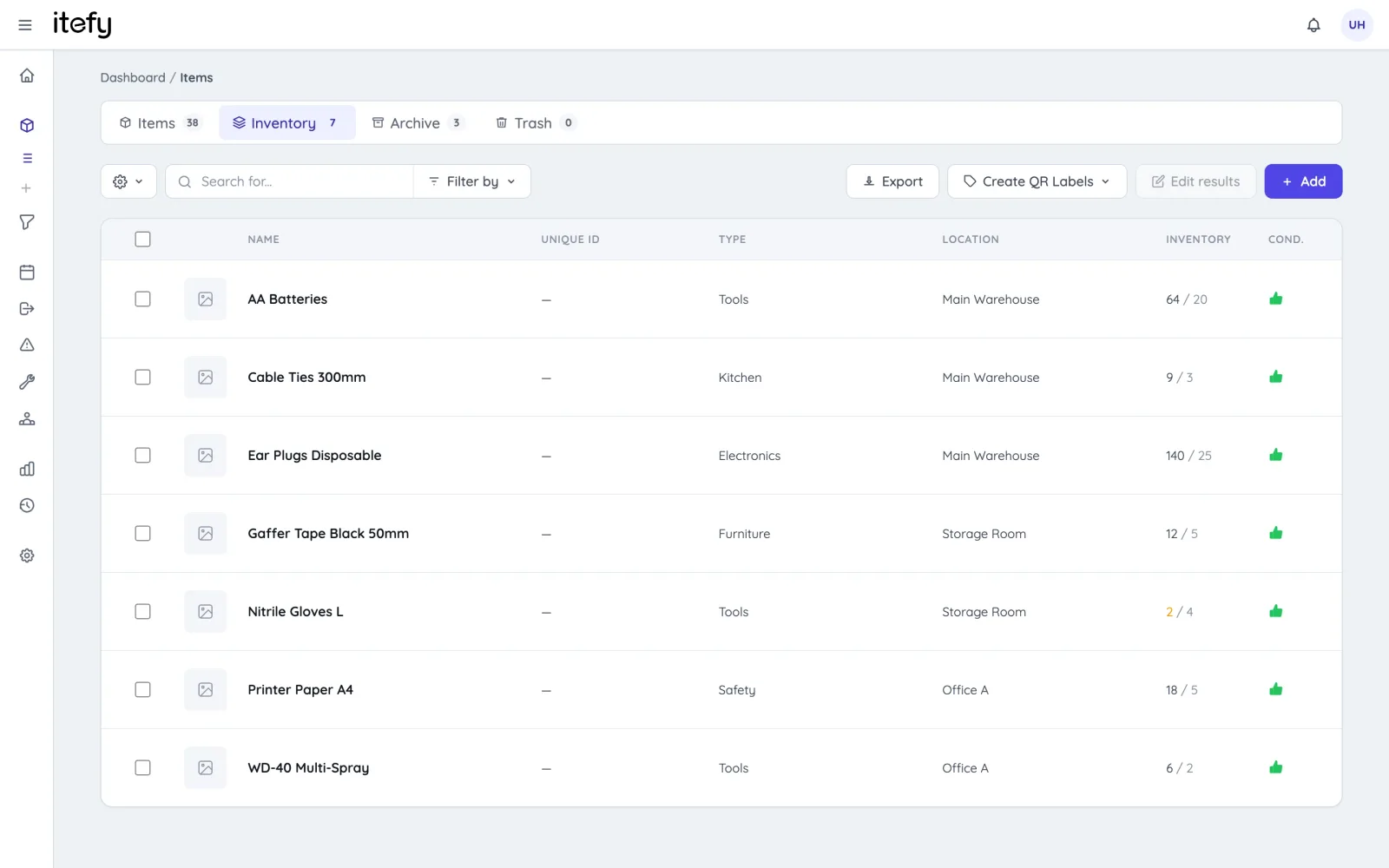
Never run out of office supplies - keep track of usage and get notified when levels are getting low
- Enable self-service on consumables usage registration
- Label office supply containers with QR code labels for quick registrations
- Full inventory usage history
- Be notified before empty - custom thresholds for each office supply container
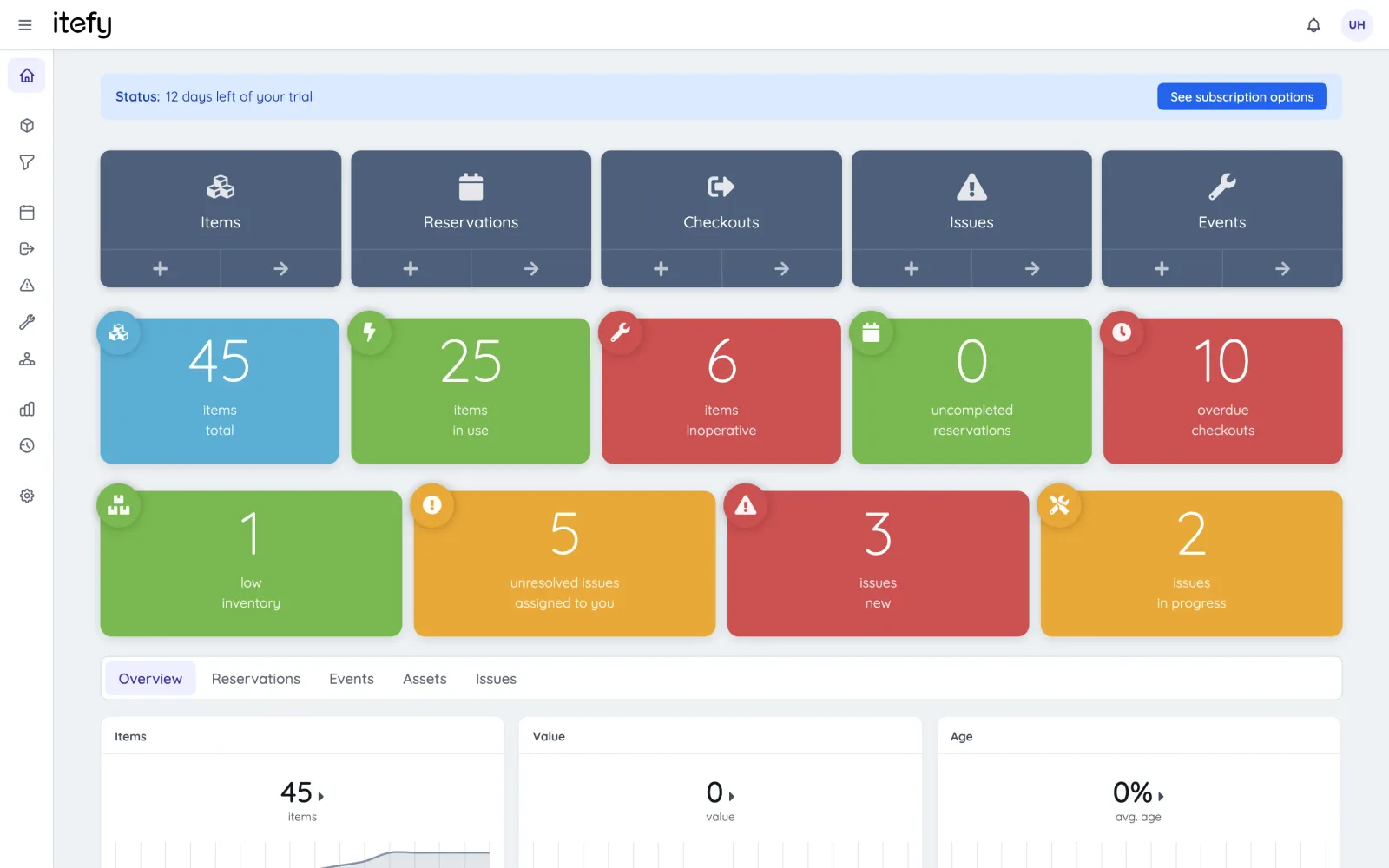
Quick Status on the Dashboard
Get to know the overall status of your equipment in a glimpse.
- Easy to understand, color coded boxes for vital information
- See what needs your attention in a few seconds
- Get statistics and the latest activity on one page
- Shortcuts to all relevant functions
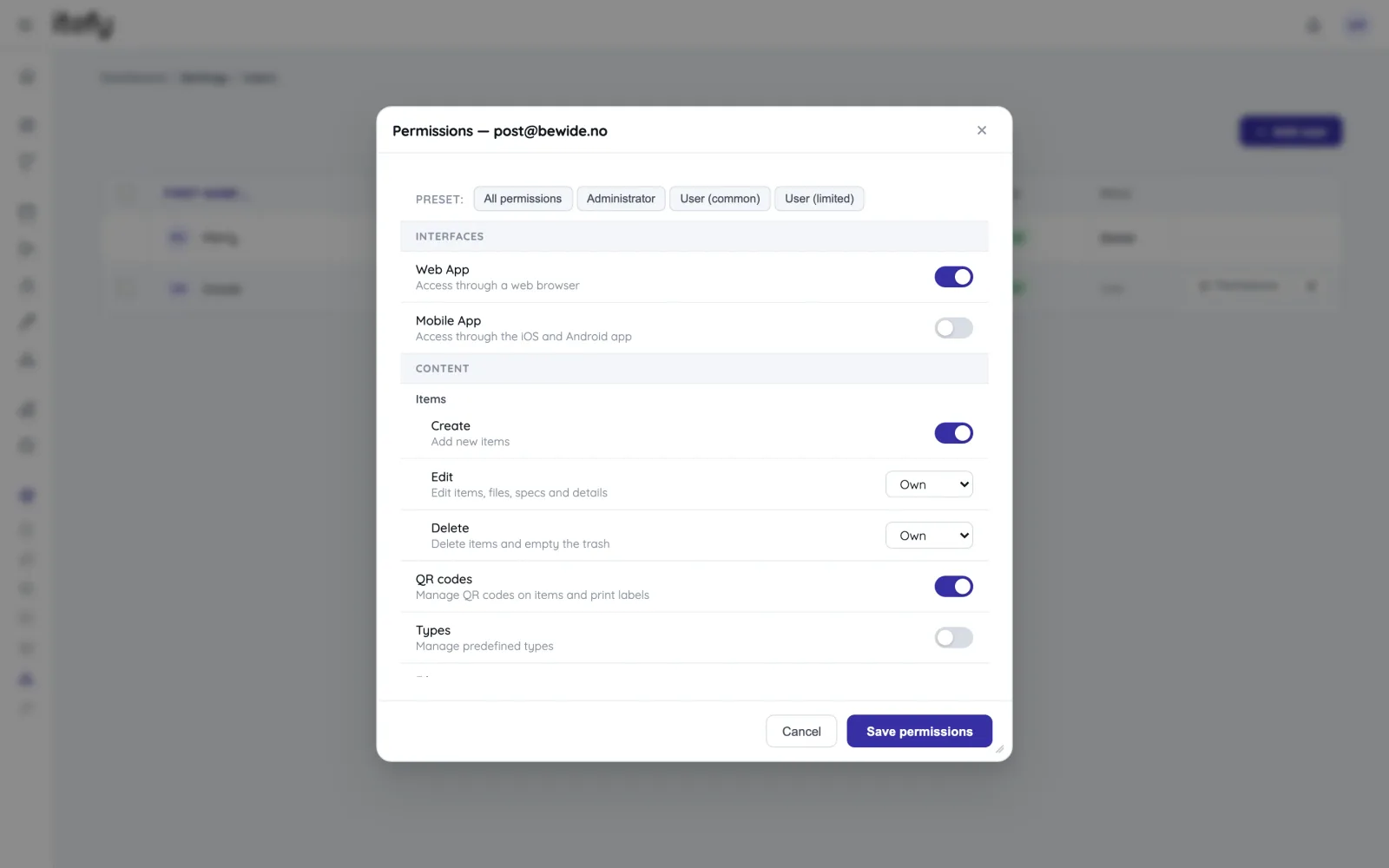
Delegate Responsibility with your Team
Take full advantage of a central, always available equipment management system like Itefy - Give you team access to self-service and distributed responsibility.
- Set individual permission for each user
- Assign responsibility for different equipment to different people
- Track who is actually in possession of each equipment item
- Create checkout and activity reports grouped by person
A toolbox for all your equipment assets
Itefy is not just an inventory database - it's a toolbox for managing your office inventory with ease!
Reservations
Plan and schedule usage, maintenance or whatever needs to be scheduled for your assets.
Learn moreIssue Tracking
When equipment breaks, Itefy's issue management module helps to efficiently resolve it.
Learn moreEvent Tracking
Keep track of events such as purchases, license renewals, maintenance etc.
Learn moreMobile App
Use our mobile app Itefy GO to create reservations, checkouts and more on the go.
Learn moreCollaboration
Share the equipment management by delegating responsibility to multiple people.
Calendar sync
Read your bookings in Google Calendar, Outlook or Apple Calendar — on every plan.
Learn morePlans & Pricing
- USD
- EUR
- NOK
-
Basic
N/Aper month, paid N/A- N/A items
- N/A locations
- N/A users included
- Extra seats N/A/month
- N/A GB storage
Core features
- Items, check-in & check-out
- Reservations & scheduling
- Calendar sync (Google, Outlook, Apple)
- Issues, maintenance & events
- QR labels & mobile app
- Public item pages
- Custom specifications
- Excel import & export
- Sign in with Google
-
Most popular
Startup
N/Aper month, paid N/A- N/A items
- N/A locations
- N/A users included
- Extra seats N/A/month
- N/A GB storage
Everything in Basic, plus
- Recurring reservations
- Kits
- Contacts
- Reports & insights
-
Business
N/Aper month, paid N/A- N/A items
- N/A locations
- N/A users included
- Extra seats N/A/month
- N/A GB storage
Everything in Startup, plus
- API access for custom integrations
- Up to 5 API keys
-
Enterprise
N/Aper month, paid N/A- N/A items
- N/A locations
- N/A users included
- Extra seats N/A/month
- N/A GB storage
Everything in Business, plus
- Up to 25 API keys
- Highest limits, built for large fleets
- Lowest extra-seat price
Take control of your equipment
Try every feature free for 14 days. No credit card, no obligations.