
Transportation Fleet Management Software
Manage your fleet and other items that are involved transportation in one centralized, always up-to-date system.
Do the planning and scheduling in our web app on any device, and checkouts and other in-field operations with our mobile app.
Key features:
- Track tool and asset locations
- Schedule and reserve vehicles
- Report and resolve issues fast
- Maintenance scheduled and logged
- Assign user responsibility
- Prevent double-bookings
- Monitor asset usage trends
- Digitize checkout and returns
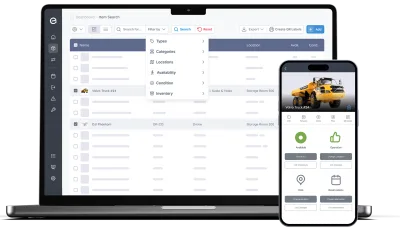
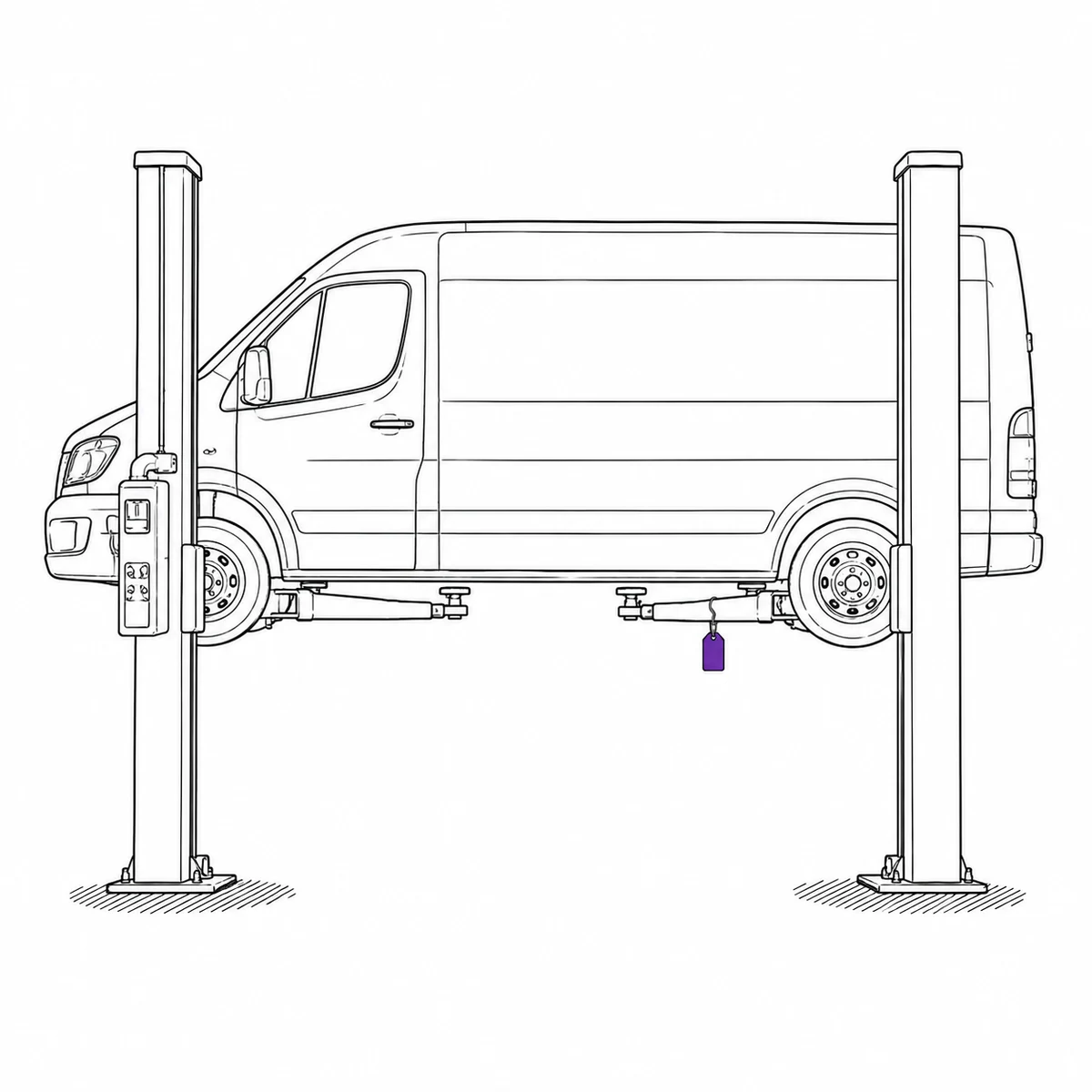
A van is not one asset.
It is an asset with a stockroom inside it.
The van went in for its service and came back on the Thursday. The ratchet straps did not, and neither did the spill kit or the good torque wrench. Whether they were in it when it went, or whether somebody had already moved them into the other van, is a question nobody could answer. There had never been a list of what lived in that van.
Fleet systems treat a vehicle as a thing to maintain. Inventory systems treat it as a place. It is both, and the gap between the two is where the kit goes.
Four ways that shows up.
The vehicle is a location, and the location keeps driving away
Most systems make you choose: either the van is an asset with a service record, or it is a place things are stored. Choosing the first means the contents are invisible; choosing the second means the van itself has no history. Neither is right, and the mismatch is why nobody can say what was in the vehicle that just left the yard. What actually fixes it: letting the same van be a maintained asset and a location in its own right — one that is allowed to move, and remembers where it has been.
- Locations have a kind, and vehicle and container count as mobile
- Every move of a mobile location is logged, so a van’s placement history reads like any item’s
- Nest locations the way the operation runs: depot → van → shelf, up to five levels
- Filter by a depot and everything beneath it comes too, vehicles included
- Group the kit that travels together into a kit, so it is checked out and returned as one thing
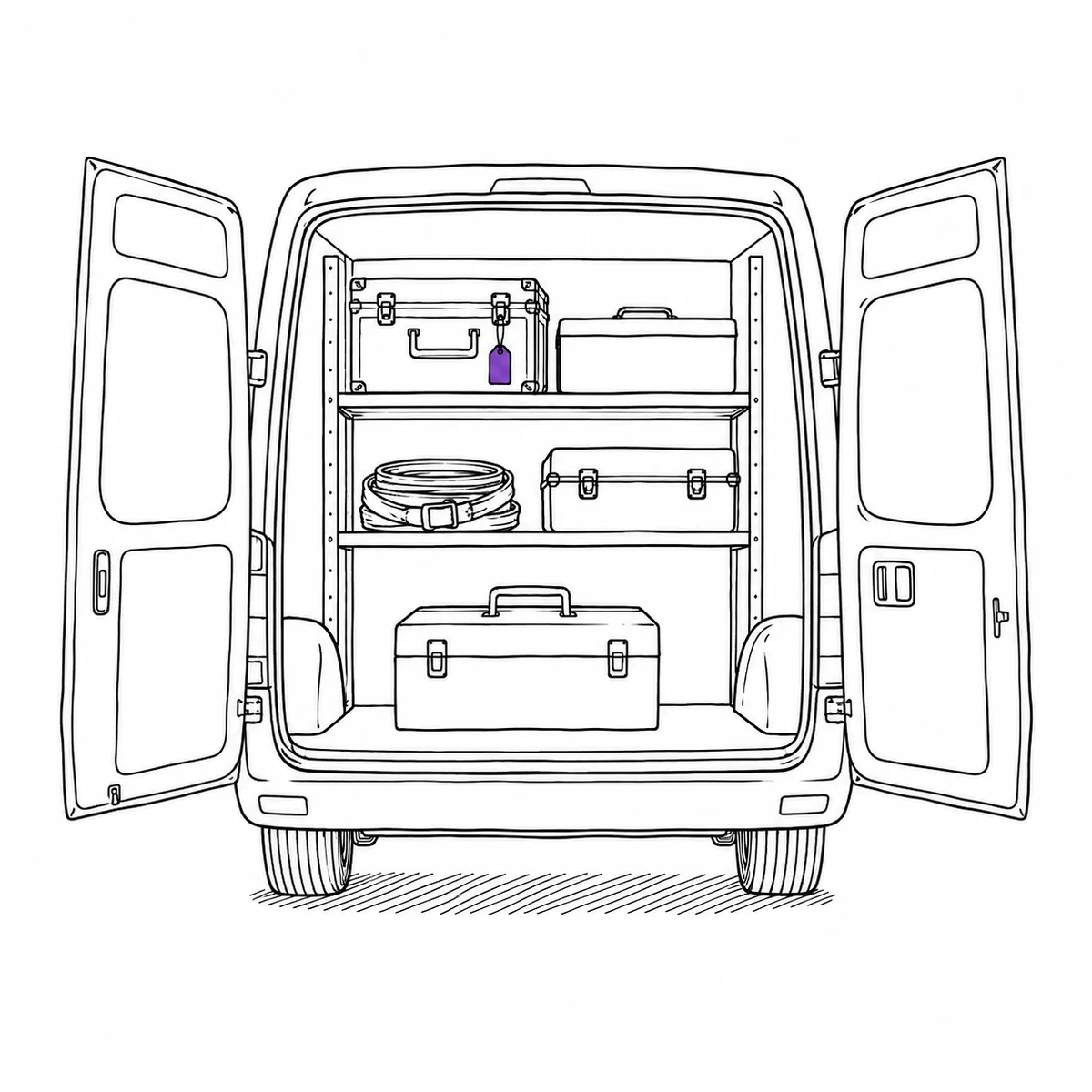
Who had it on Tuesday, and what state did it come back in
The question arrives late and from outside: a fine, a damage claim, a customer complaint about the state of the vehicle. By then the answer depends on somebody’s memory of a week they have no reason to remember, and the keys have been through four pairs of hands since. What actually fixes it: making the key handover an event with a name and a time on it, so the history exists before anybody needs it.
- Check a vehicle out to a named driver, with a return time
- Full handover history per vehicle — who, when, how long, and when it actually came back
- Record the condition on return, with photos, as part of handing it back
- Overdue notices go out on their own when something is not returned
- Drivers can be given accounts that take and return vehicles, and nothing else
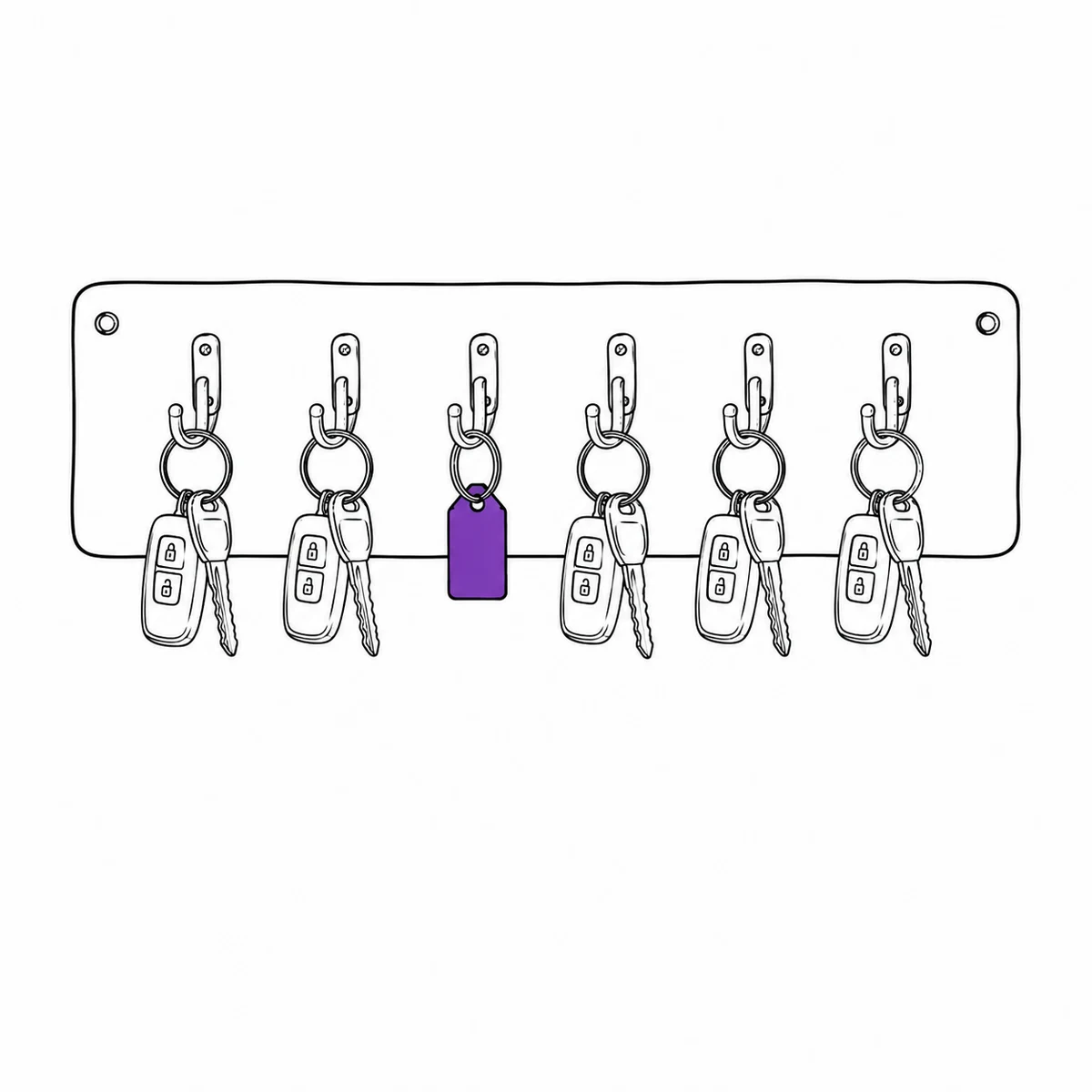
The fault was reported to a person, not to anything that remembers
A driver notices a light, a noise, a mirror that will not stay put. They mention it — to the supervisor, in a group chat, to whoever was in the yard. That is a report to a human being, and human beings go on holiday. The vehicle goes out again the next morning because nothing about it looks any different. What actually fixes it: making the defect a property of the vehicle, so it stops the next booking without needing anybody to intervene.
- Report the fault from the cab with photos, in the time the phone call would have taken
- An open issue can flip the vehicle to inoperative automatically, and clear it when the job is closed
- Inoperative vehicles are refused for bookings and checkouts, flagged NOT WORKING in the picker
- Repair, maintenance, inspection and transport bookings stay allowed, so it can be driven to the garage
- Recurring inspections scheduled per vehicle, with the results kept on the vehicle
The vehicle you should have sold two years ago
Every repair was approved on its own merits and every one of them was the cheaper option at the time. The pattern only exists across years, spread over invoices filed by date rather than by vehicle, which is how a van can cost more to keep on the road than to replace without anyone ever seeing the total. What actually fixes it: putting the cost of each job on the vehicle it was spent on, so keep-or-replace is a number rather than an argument.
- Record what each service or repair cost, on the job itself
- A costs report totals spend per vehicle, type, location or kind of work
- Purchase value, expected lifespan and depreciation sit on the vehicle too
- Downtime per vehicle, measured from the periods it spent marked inoperative
- Attach invoices, service reports and inspection paperwork to the record
What Itefy does not do
It is not telematics. There is no GPS tracking, no live vehicle positions, no fuel cards, no mileage capture and no driver-hours or tachograph handling. Nothing is read from the vehicle: a van’s location is where somebody last put it, not where it is this second.
That has one consequence worth weighing before anything else — service intervals are scheduled by date, not by distance. If your maintenance plan is driven by odometer readings, Itefy will not trigger from them, and that is the gap to test against your own process. There is also no DVIR workflow and no route planning.
Total Control of Your Transportation Equipment
Keep your fleet vehicles, diagnostic tools, heavy machinery, and support equipment in one centralized, always-synced database - ready when and where you need them.
- Manage vehicles, machinery, tools, and inventory with a unified system built for transportation operations.
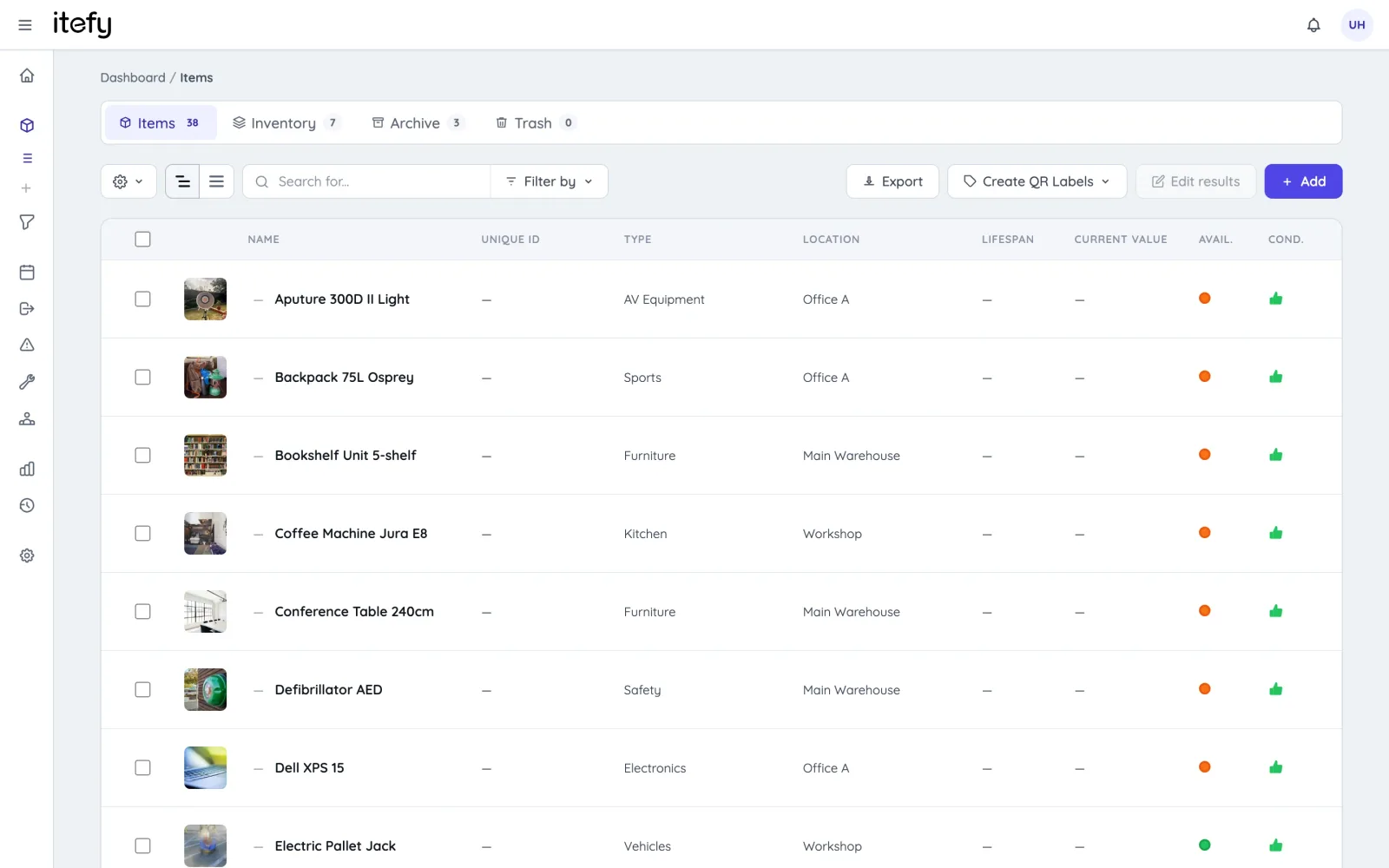
- Sort and filter by asset type, category, location, condition or availability - perfect for complex, distributed fleets.
- Group tools, containers, and portable kits with vehicles or service units for fast checkouts and returns - while maintaining each item separately.
Schedule Equipment & Vehicle Use with Smart Reservations
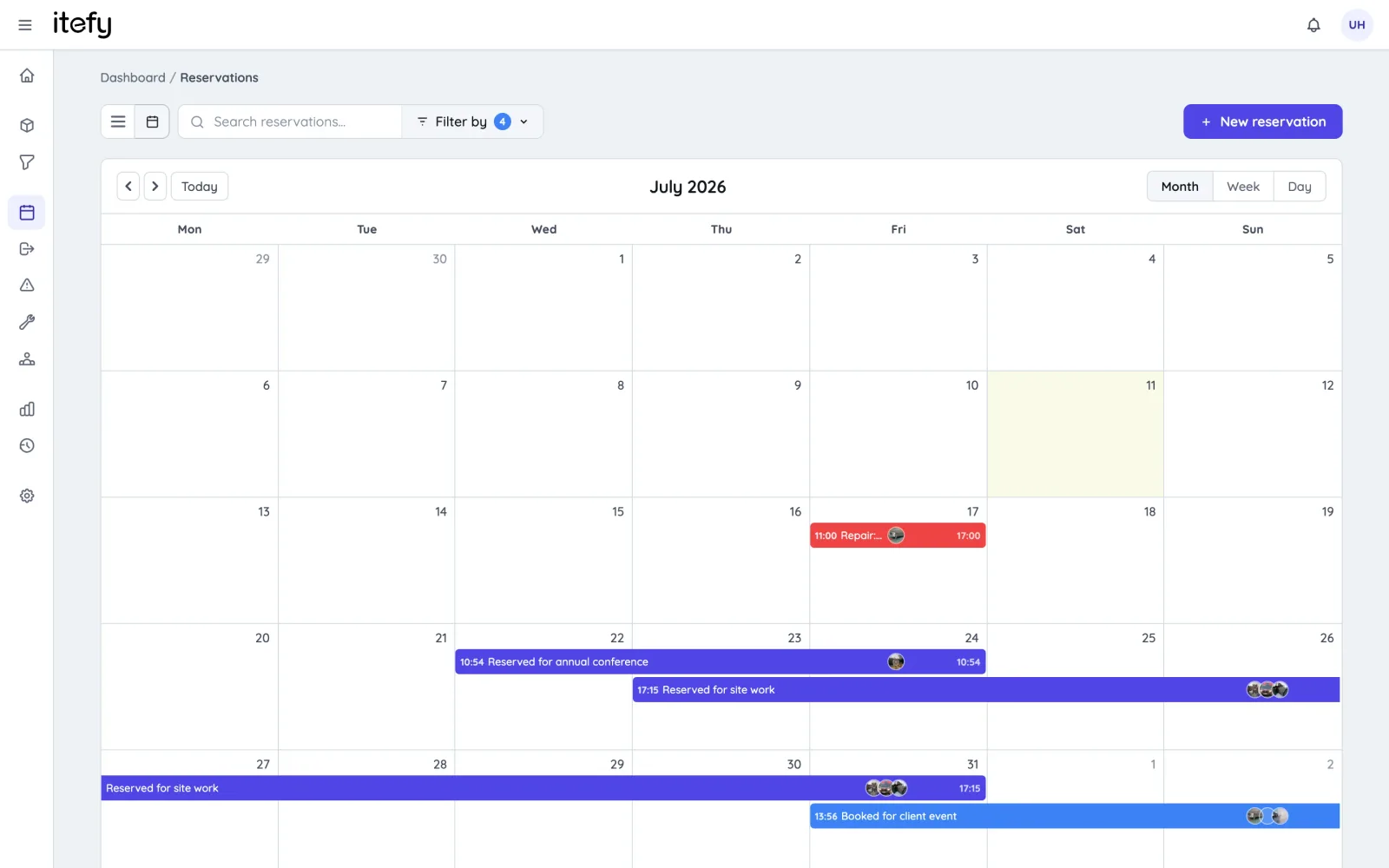
Maximize utilization of vehicles, tools, and service equipment—no more double bookings or scheduling chaos.
- Enable self-service bookings for teams
- Book multiple items and kits in one reservation
- Scan QR codes to reserve on the go
- View all upcoming reservations at a glance
Track Actual Usage with Checkouts
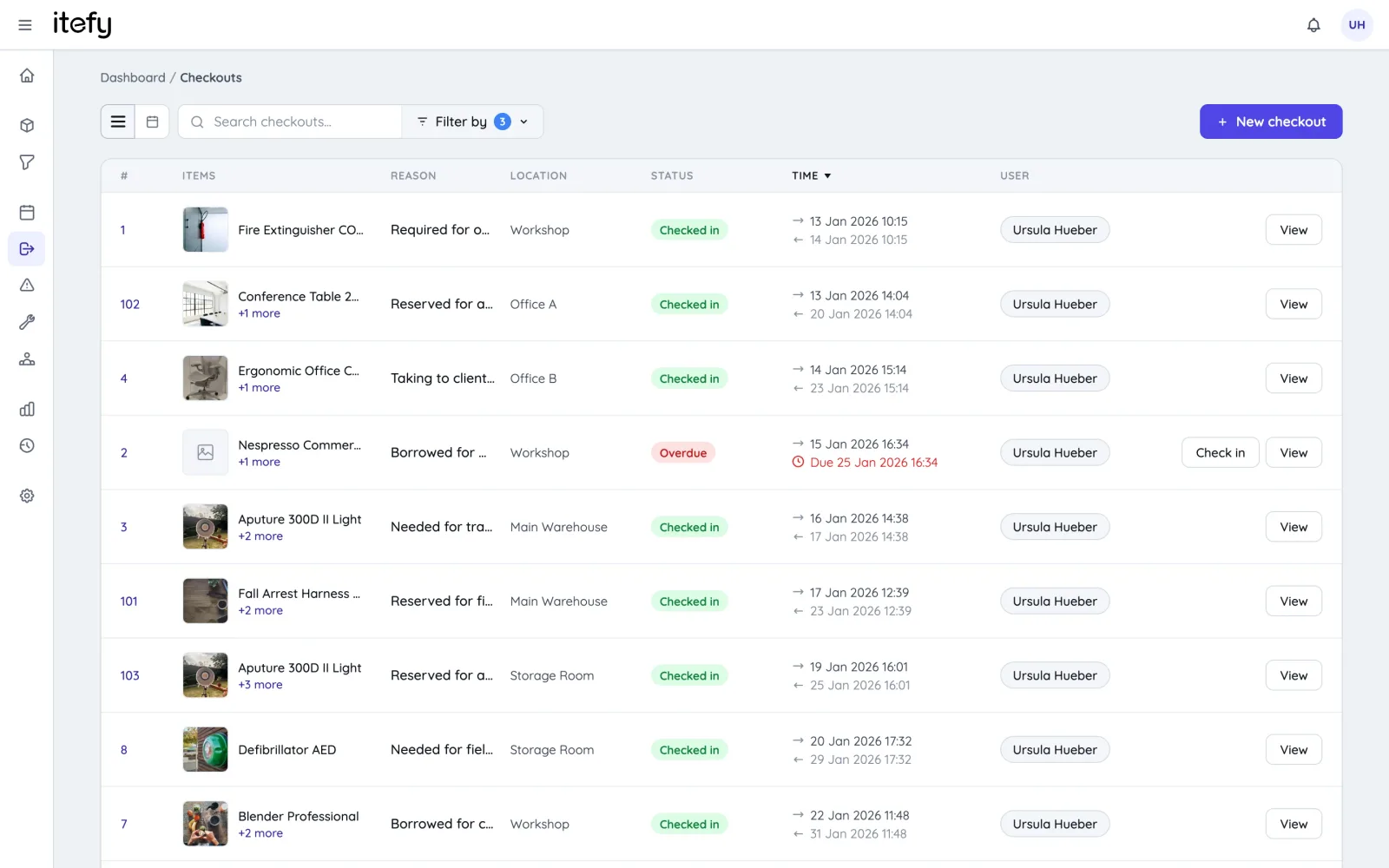
While reservations handle planning, checkouts give you full visibility into real equipment usage in the field.
- Track when, where, and how equipment is used
- Enable self-checkout to log user responsibility
- Get alerts when items aren't returned on time
- Set home locations to simplify returns
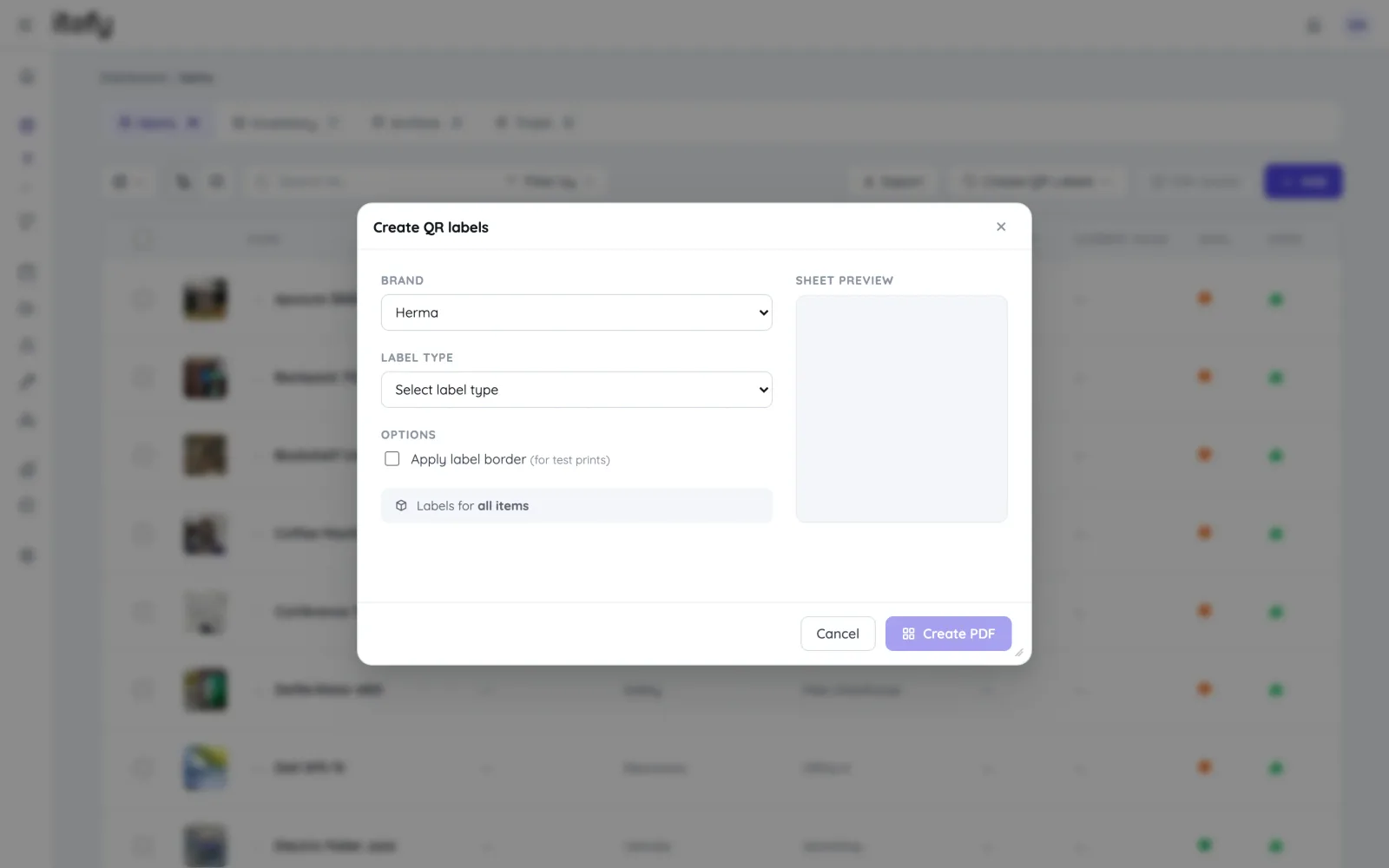
Scan QR codes for fast handling
Label equipment with Itefy QR codes to speed up processes and avoid mix-ups in the field.
- Print labels on Avery or Herma using a standard laser printer
- Export item lists with unique codes for label printers
- Scan QR codes with the Itefy GO mobile app
- Quickly find items, reserve, or check out equipment
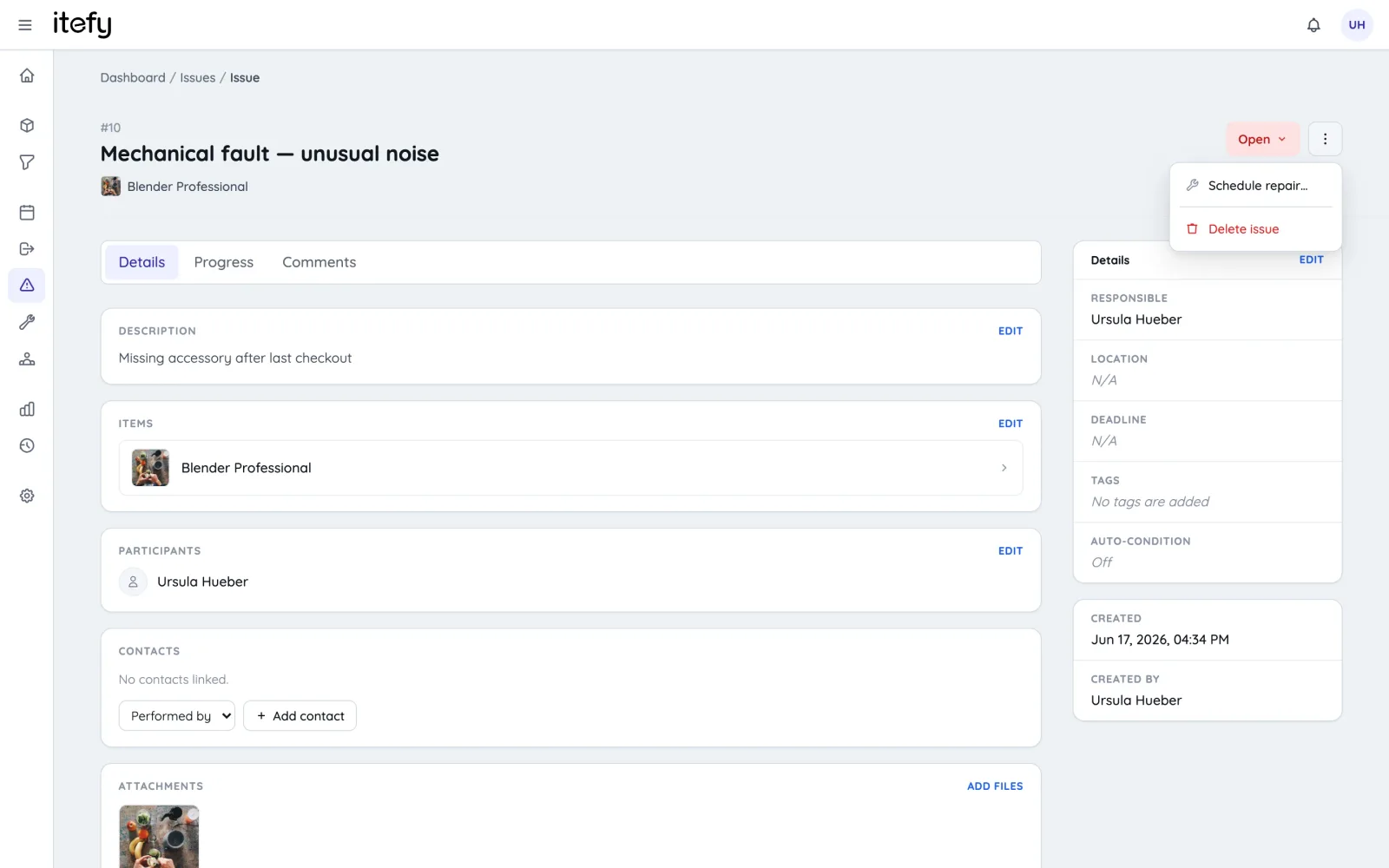
Proactive Maintenance for Reliable Transport Operations
Keep your fleet, tools, and transport equipment in top shape with planned, documented maintenance.
- Schedule recurring maintenance for vehicles and equipment
- Assign tasks to specific mechanics or service locations
- Track Service History Across Your Entire Fleet - Convert bookings into maintenance logs with service details
- Let teams record diagnostics, repairs, and service notes
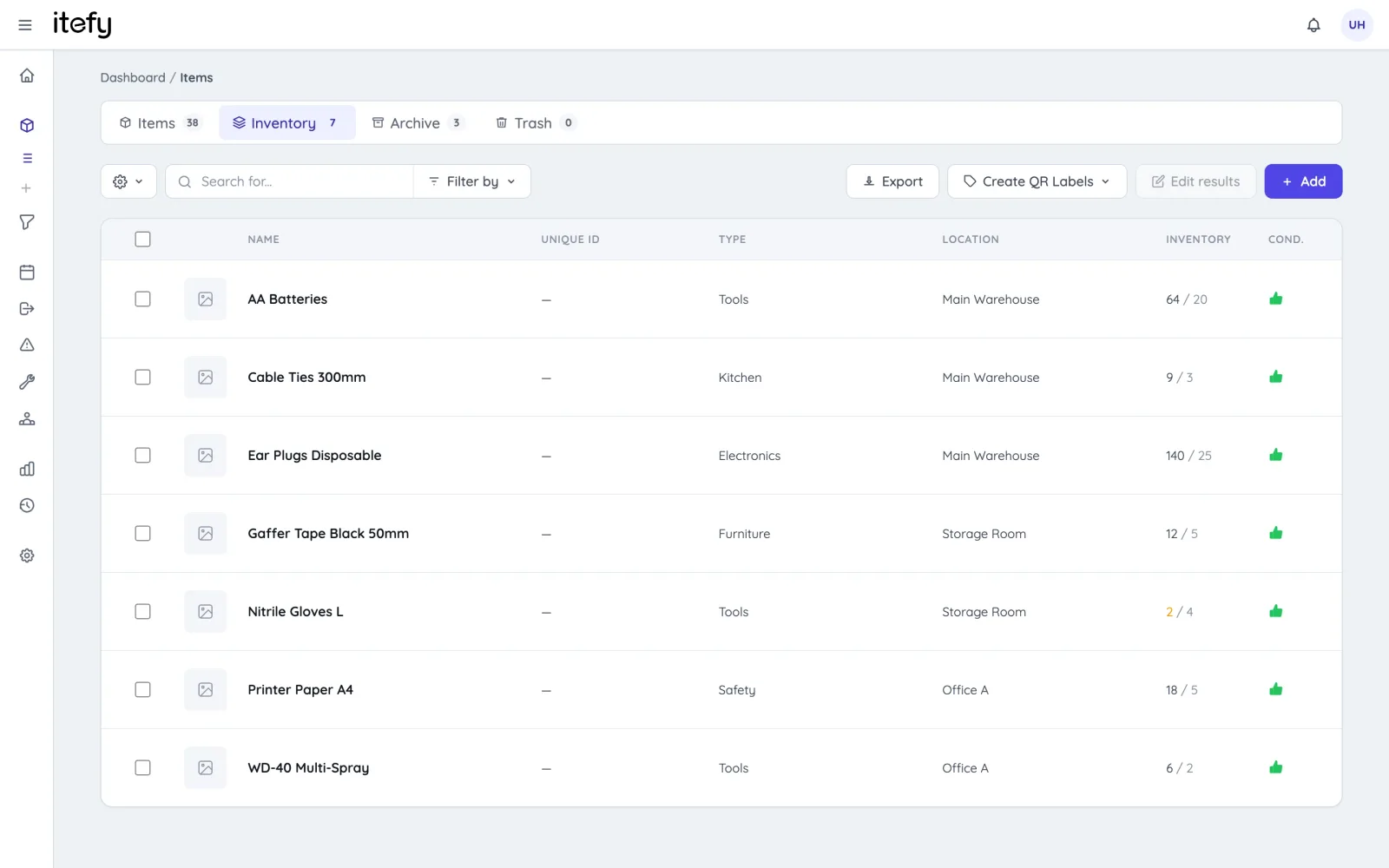
Control Fleet Consumables with Inventory Management
Never run out of critical supplies—track parts, fluids, and consumables across depots and service bays.
- Enable self-service registration for mechanics and drivers
- Label shelves and bins with QR codes for fast usage logging
- Maintain a complete usage history for all materials
- Get low-stock alerts with custom thresholds per item
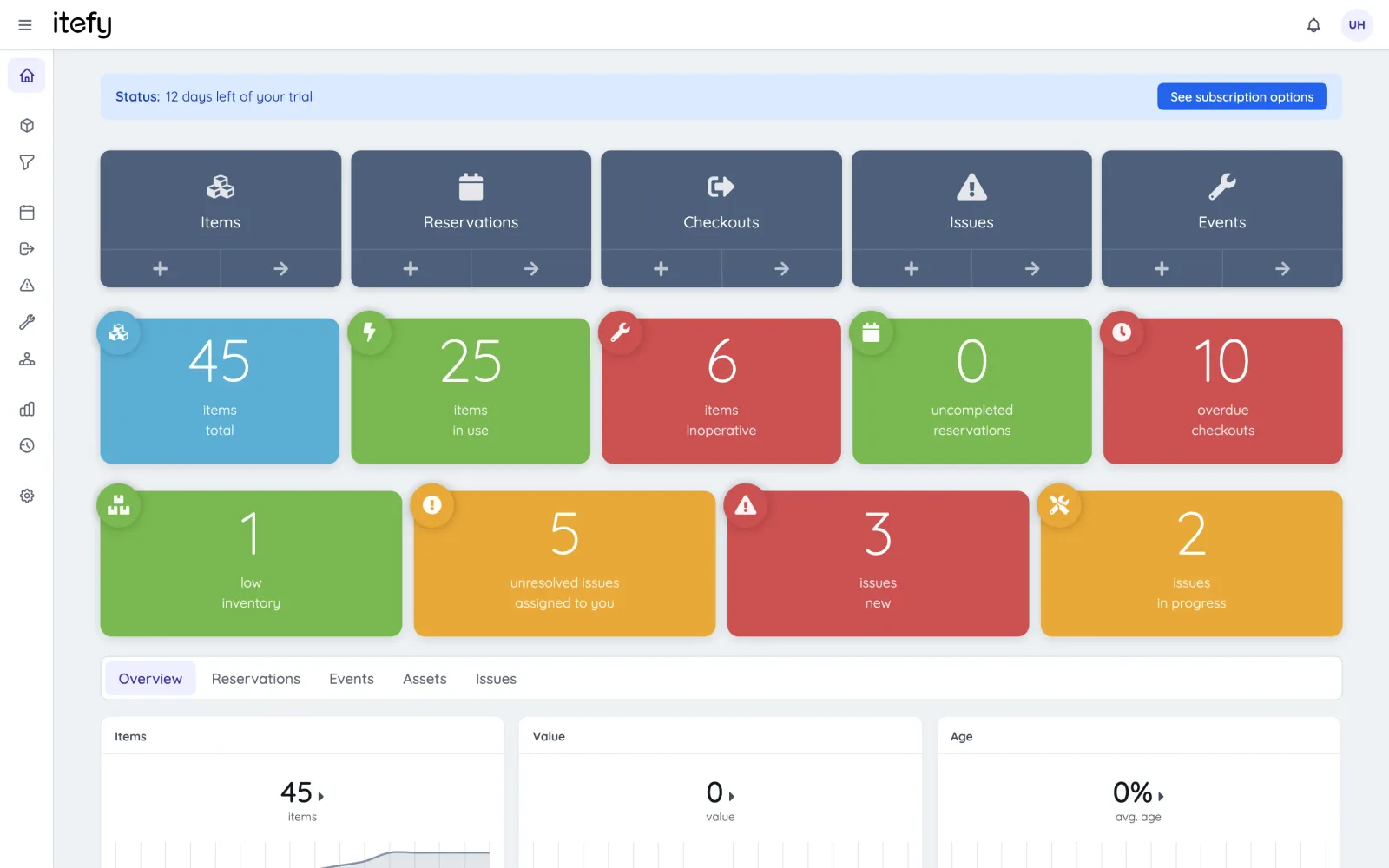
Instant Fleet Status on Your Dashboard
Get a clear overview of your vehicles, tools, and equipment at a glance.
- Color-coded alerts highlight critical fleet and equipment conditions
- Quickly spot vehicles or assets needing maintenance or attention
- View key stats and recent activity across your fleet in one place
- Fast access to reservations, checkouts, and issue reports
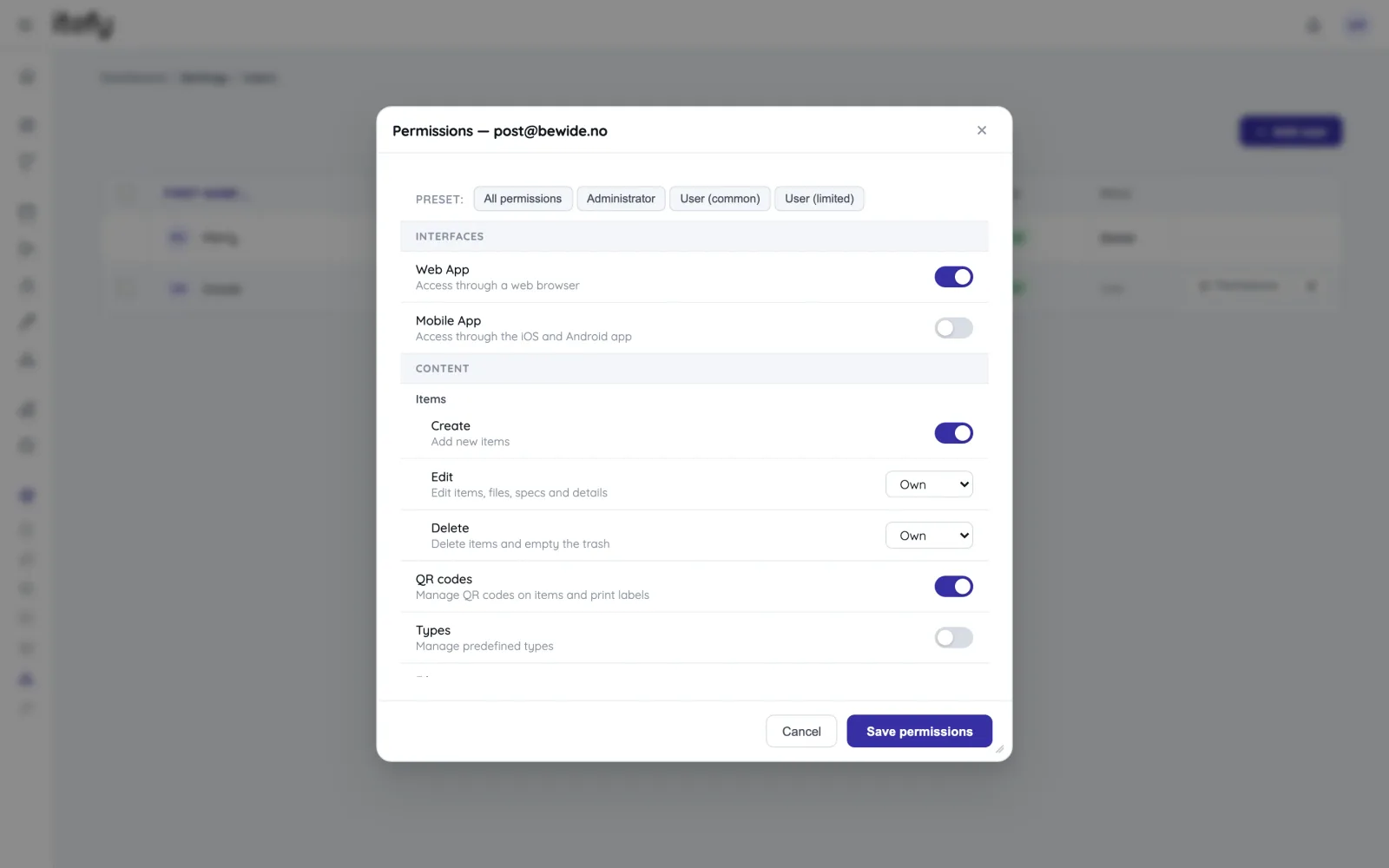
Delegate Responsibility Across Your Team
Empower drivers, mechanics, and field crews with self-service access while maintaining full control.
- Set customized permissions for each team member
- Assign specific vehicles, tools, or equipment to individual users
- Track who currently has each asset in their possession
- Generate checkout and activity reports grouped by driver
A Complete Toolbox for Managing Your Fleet and Equipment
Itefy offers a full suite of tools to track, reserve, maintain, and manage all your transportation assets - keeping your fleet and equipment running smoothly.
Reservations
Plan and schedule usage, maintenance or whatever needs to be scheduled for your assets.
Learn moreIssue Tracking
When equipment breaks, Itefy's issue management module helps to efficiently resolve it.
Learn moreEvent Tracking
Keep track of events such as purchases, license renewals, maintenance etc.
Learn moreMobile App
Use our mobile app Itefy GO to create reservations, checkouts and more on the go.
Learn moreCollaboration
Share the equipment management by delegating responsibility to multiple people.
Calendar sync
Read your bookings in Google Calendar, Outlook or Apple Calendar — on every plan.
Learn morePlans & Pricing
- USD
- EUR
- NOK
-
Basic
N/Aper month, paid N/A- N/A items
- N/A locations
- N/A users included
- Extra seats N/A/month
- N/A GB storage
Core features
- Items, check-in & check-out
- Reservations & scheduling
- Calendar sync (Google, Outlook, Apple)
- Issues, maintenance & events
- QR labels & mobile app
- Public item pages
- Custom specifications
- Excel import & export
- Sign in with Google
-
Most popular
Startup
N/Aper month, paid N/A- N/A items
- N/A locations
- N/A users included
- Extra seats N/A/month
- N/A GB storage
Everything in Basic, plus
- Recurring reservations
- Kits
- Contacts
- Reports & insights
-
Business
N/Aper month, paid N/A- N/A items
- N/A locations
- N/A users included
- Extra seats N/A/month
- N/A GB storage
Everything in Startup, plus
- API access for custom integrations
- Up to 5 API keys
-
Enterprise
N/Aper month, paid N/A- N/A items
- N/A locations
- N/A users included
- Extra seats N/A/month
- N/A GB storage
Everything in Business, plus
- Up to 25 API keys
- Highest limits, built for large fleets
- Lowest extra-seat price
Take control of your equipment
Try every feature free for 14 days. No credit card, no obligations.