
TV and Film Production Equipment Management
Manage camera gear, sound equipment and other items that are involved in media productions in one centralized, always up-to-date system.
Key features:
- Track all your equipment
- Bundle equipment into nesting kits
- Plan equipment usage
- Schedule maintenance
- Keep track of usage
- Manage and resolve issues
- Track maintenance events
The kit list is fiction by the time you wrap.
It is the returns that hurt.
The camera was on the sticks and we were losing the light. The second battery plate was not in the case. It had been on the list. It had been in my hand. Somewhere between that wrap and this one it had joined another production. I had signed nothing. Neither had anybody else.
Nobody loses a camera body. It is the small things that go. Four ways that happens. And what actually changes them.
Nobody books forty items. They book the A-cam package.
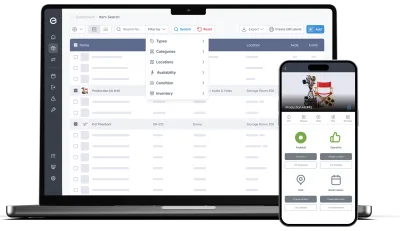
Gear leaves as a package — body, lenses, batteries, plates, cables, the lot, in six cases on a cart. But it comes back as forty separate things, and it is the separate things that need servicing, get damaged and go missing individually. A system that only understands packages loses the detail; one that only understands items makes every booking a forty-line chore. What actually fixes it: letting the package be a single bookable thing that is still forty tracked items underneath.
- Build a kit once — the case, the cart, the whole package is the container and everything inside it a member — and the list shows the tree as one row you can expand
- Kits nest, five levels deep: primes in a lens case, the lens case in the A-cam package, the package on the cart. Anything can be a member and a container at the same time
- Check out or reserve at any level and everything inside travels with it, availability checked against every member at every depth
- Members keep their own serial number, condition, service history and value: the package is a wrapper, not a black box
- Kits are what books together, locations are where things sit — so the flight case is a kit that ships, and the store, the truck or the unit base is a location that holds
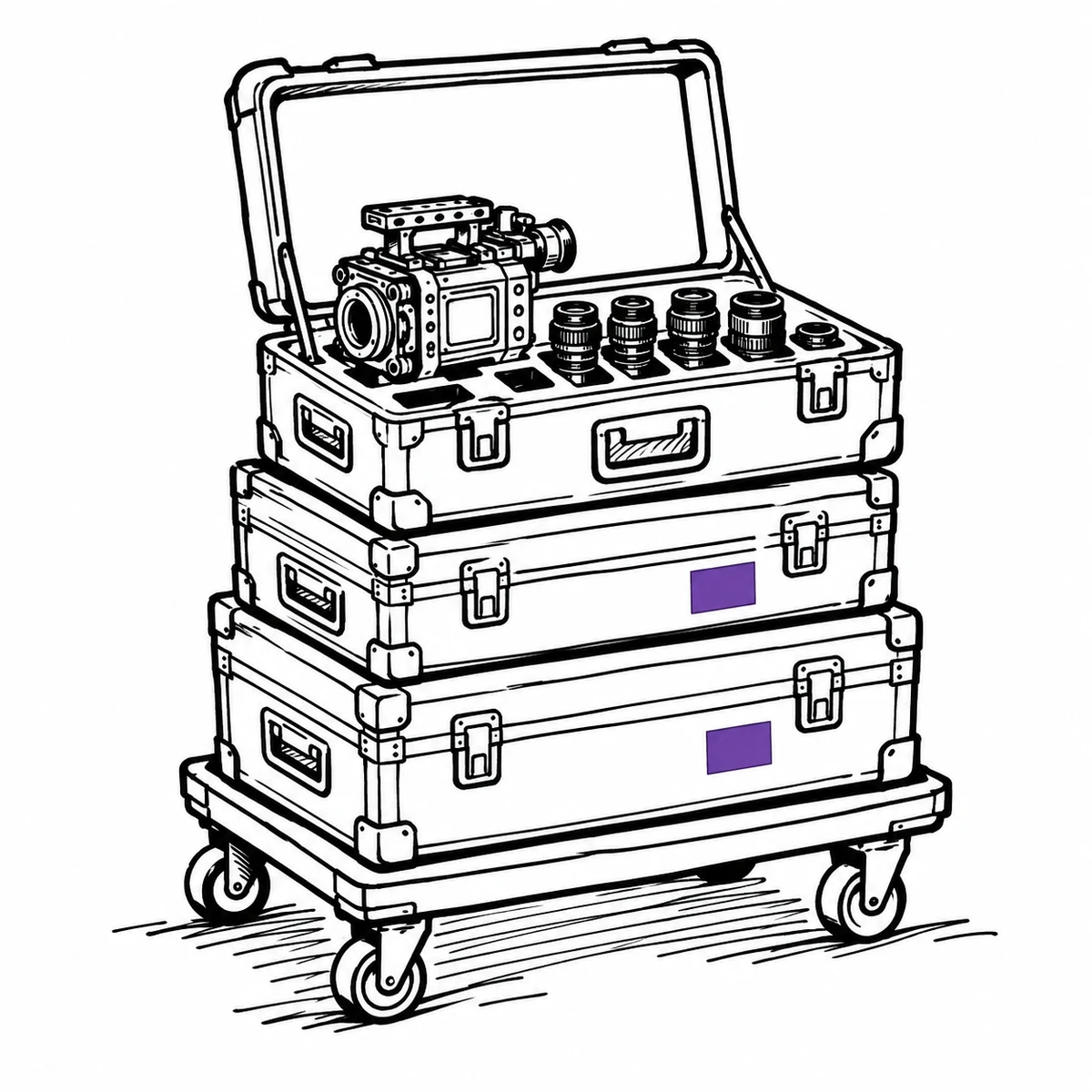
Everything comes back at two in the morning. Not all of it.
Wrap is the worst possible moment to do inventory: it is late, everyone is tired, the truck is double-parked and the person unloading is not the person who packed. So the cases get shoved back on the shelf and the shortfall is discovered a week later, by someone else, on a different job. What actually fixes it: making the return itself the count — tick off what physically came back, and let the system keep asking about the rest.
- Check in only what returned; anything unticked stays out and on the overdue list with a name against it
- Add a check-in note to the record while the memory is fresh
- Damage becomes an issue with photos attached, raised from the phone at the tailgate
- Condition changes are logged with a date and a person, so “it was already like that” is checkable
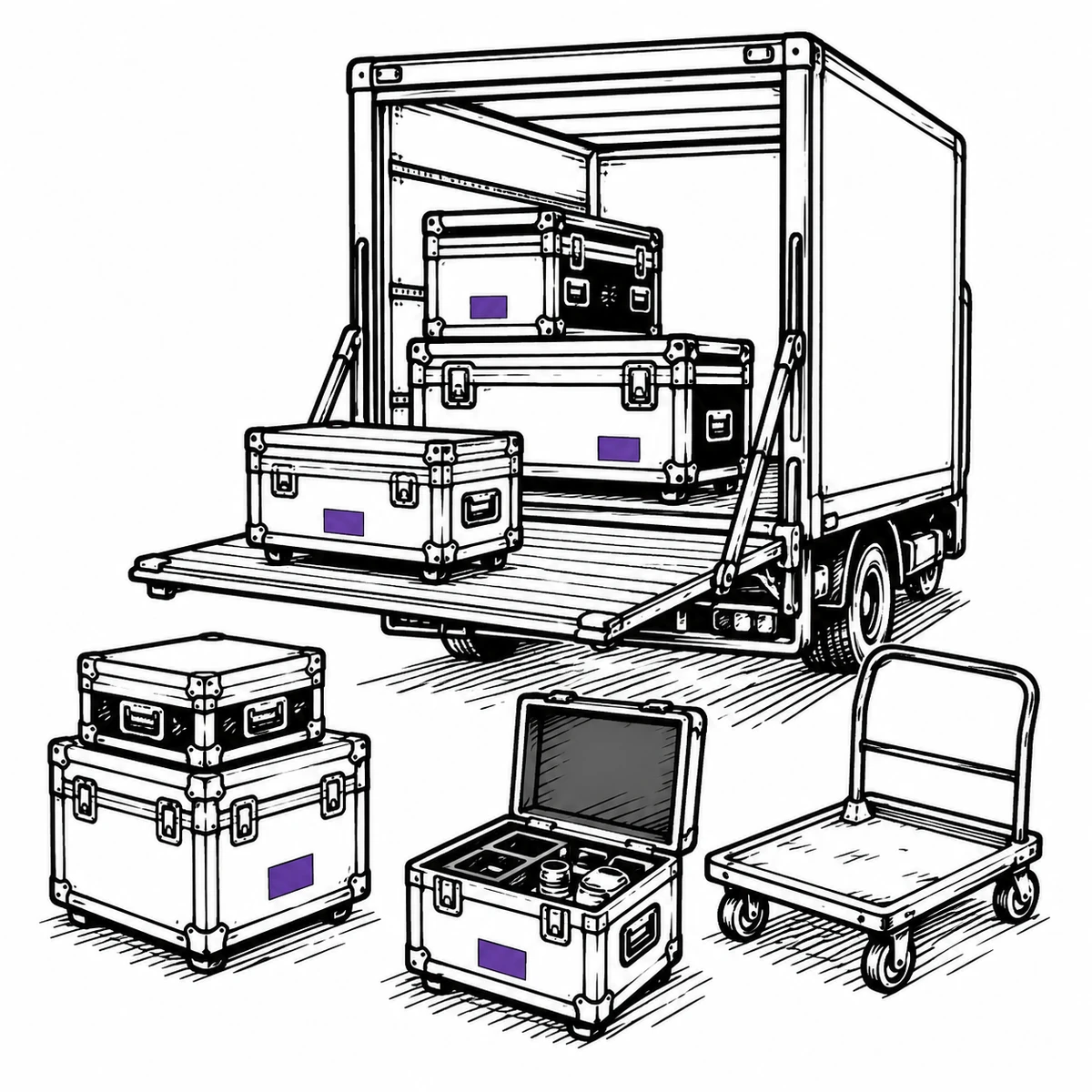
The clash turns up on prep day, not on the day it was booked
Two productions want the same camera, and both are sure they asked first. The overlap was created weeks ago in somebody’s calendar, a spreadsheet tab and a WhatsApp message, and it surfaces on the prep morning when one of them is already trucking. By then the fix costs a cross-hire. What actually fixes it: one shared diary that refuses the second booking at the moment it is made, rather than reporting the collision later.
- Reservations are checked for conflicts as you build them, not after you save
- Kit-aware at every level: one booked lens makes the case, the package and the cart unavailable, instead of them looking free until you open the lid
- A shared calendar across every production, so the diary is not four private ones
- Reservations convert to checkouts, so what was planned and what actually left are both on the record
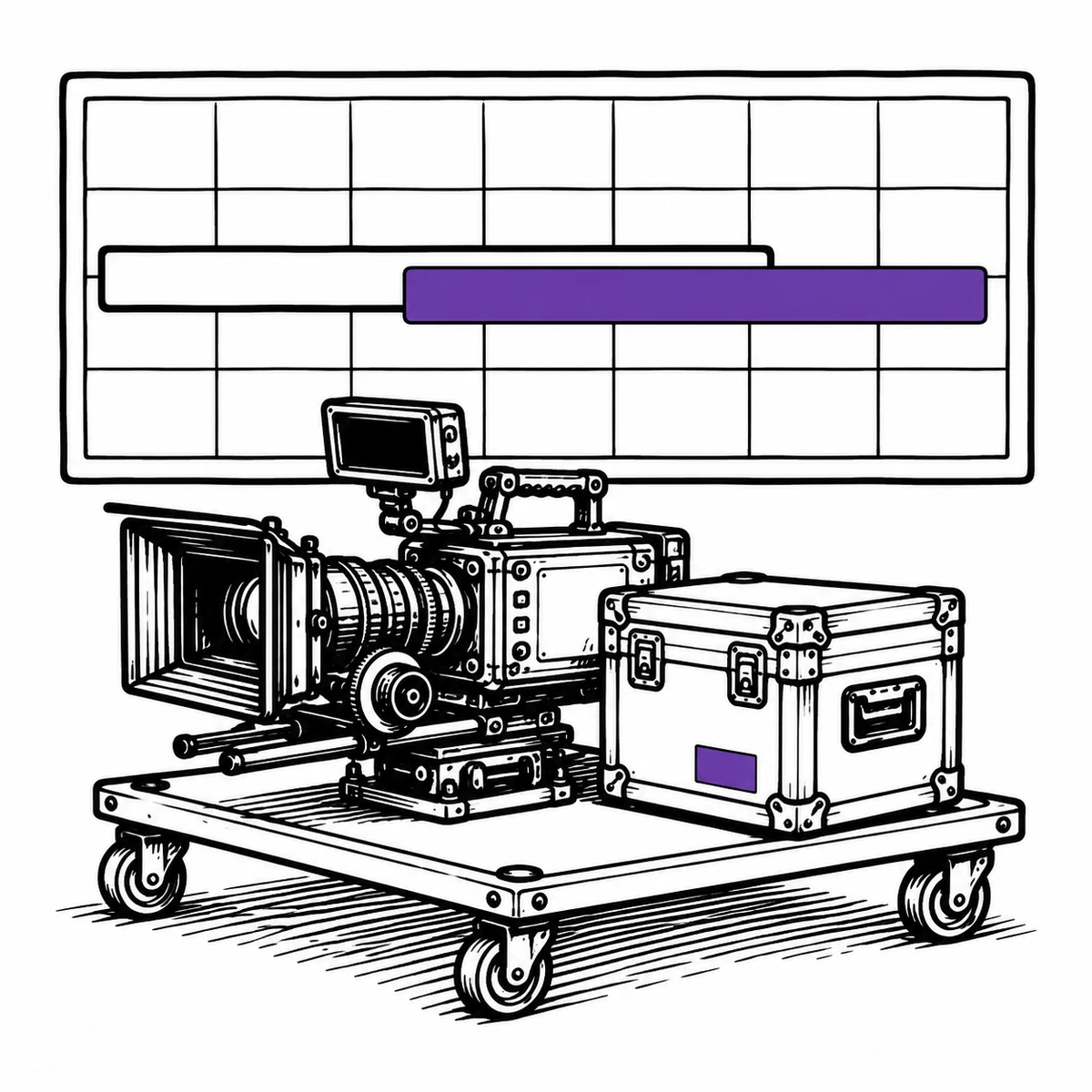
The gear leaves with people who won’t be here next week
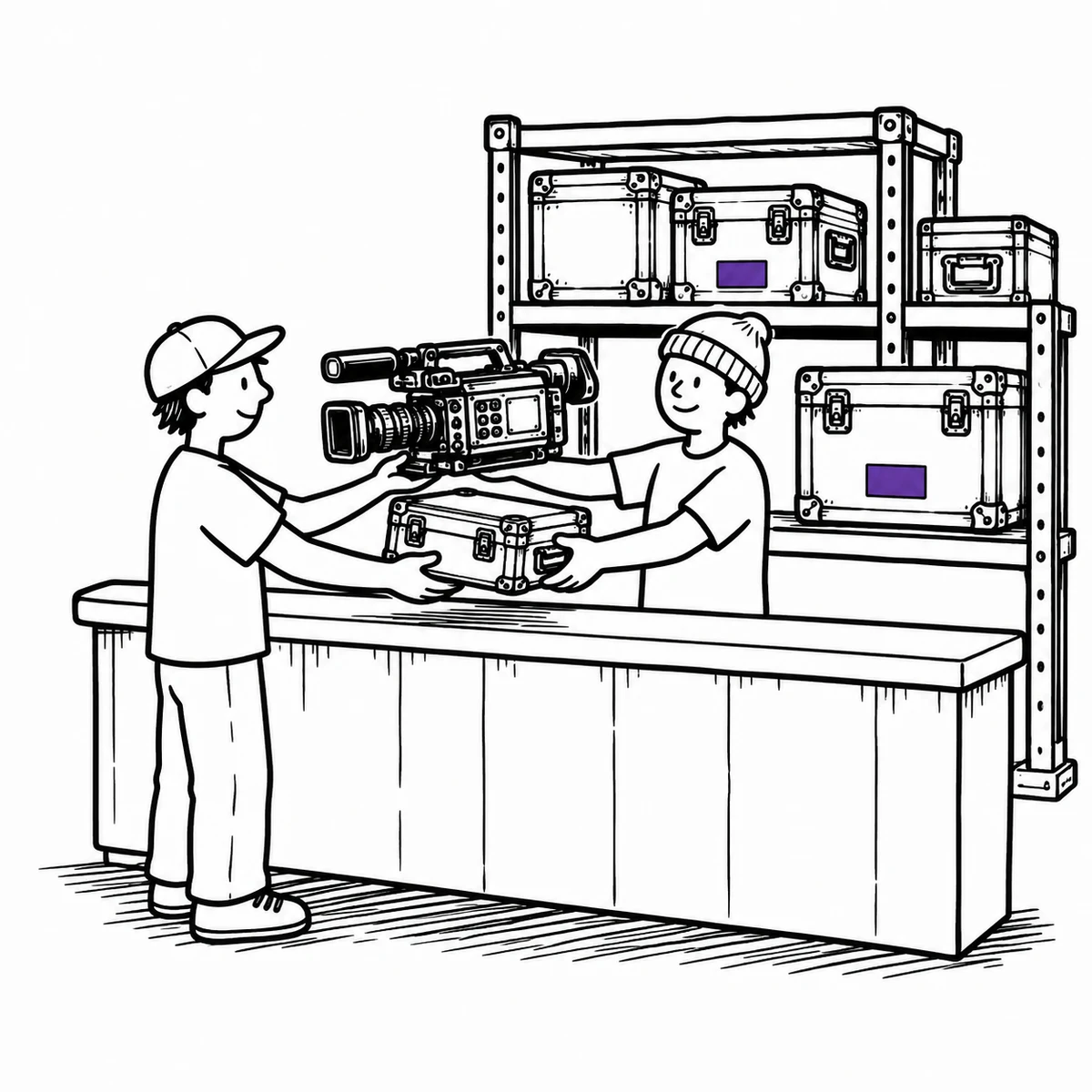
Crew is freelance. The sound recordist on this job has never been in your store before and will not be again, the second AC is a day player, and both are walking out with things worth more than a car. Locking the store is not an option — the shoot has to move. What actually fixes it: a hand-over that takes fifteen seconds and leaves a name on the record either way.
- Check out to a named person, with a due date that matches the shoot dates
- People who aren’t Itefy users are recorded on the checkout as a linked contact, so the trail still has a name
- Every contact has a page listing everything they have ever had out, and what state it came back in
- Overdue chasing is automatic, which keeps it from being anyone’s job to nag a freelancer
This is custody and condition, not rental management
Itefy tracks what you own, where it is, who has it and what state it is in. It does not hold day rates, produce quotes or raise invoices, and it has no concept of a production as a billable job — you can name a booking after the shoot and search for it, but you will not get a per-production cost report out of the other end. If you rent gear to third parties for money, you want a rental system for the commercial side; Itefy is the layer underneath that knows where the lens actually is.
What that looks like between jobs
One registry, used from a phone in the store and from a browser wherever the schedule gets argued about.
Gain full control of your production gear
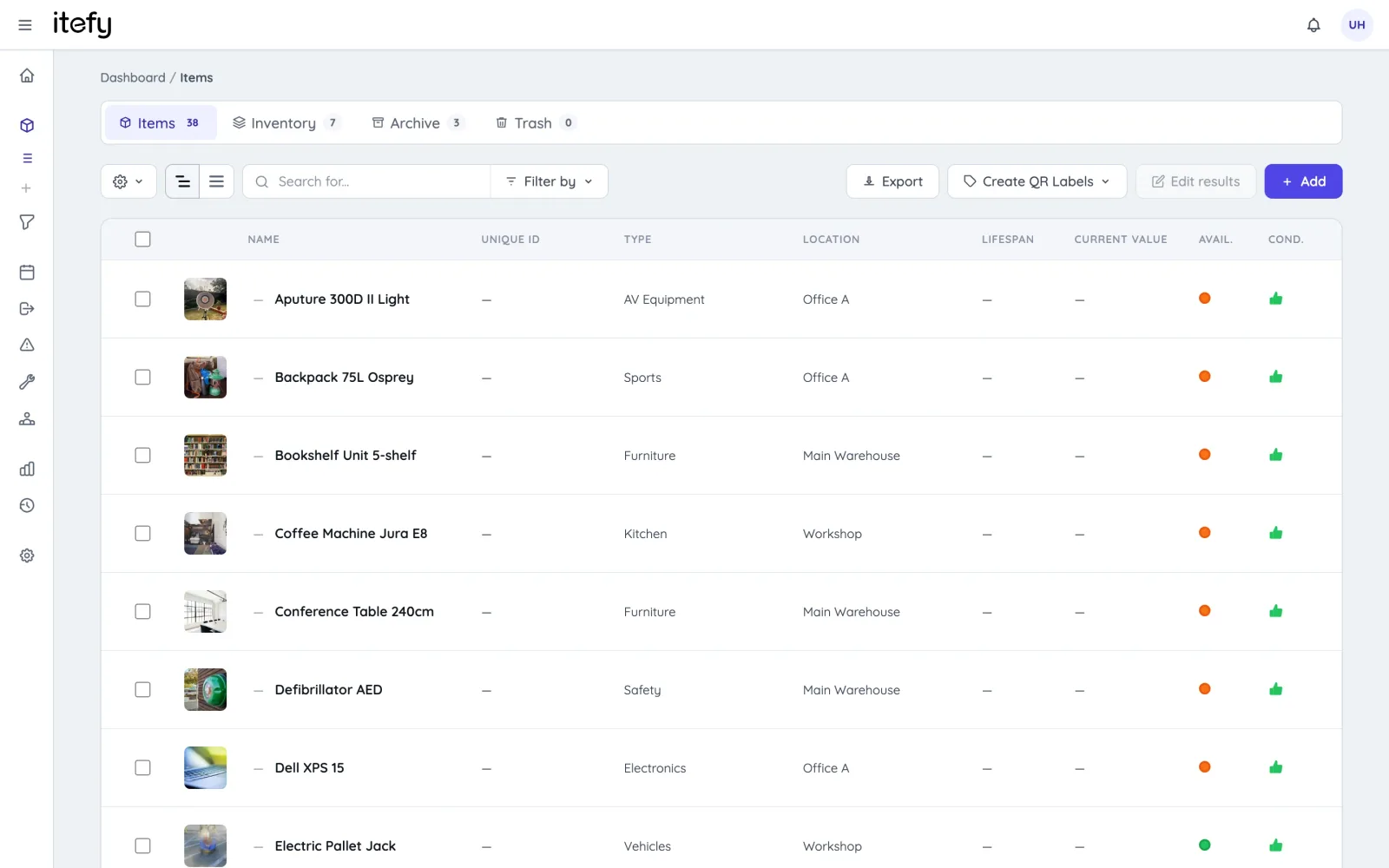
Keep all your valuable cameras, sound equipment, laptops, vehicles and more in one, central database.
- Categorize by type, location, specifications or other custom filtering options
- Bundle equipment into kits — cases within cases, up to five levels — reserved and checked out together, but maintained separately
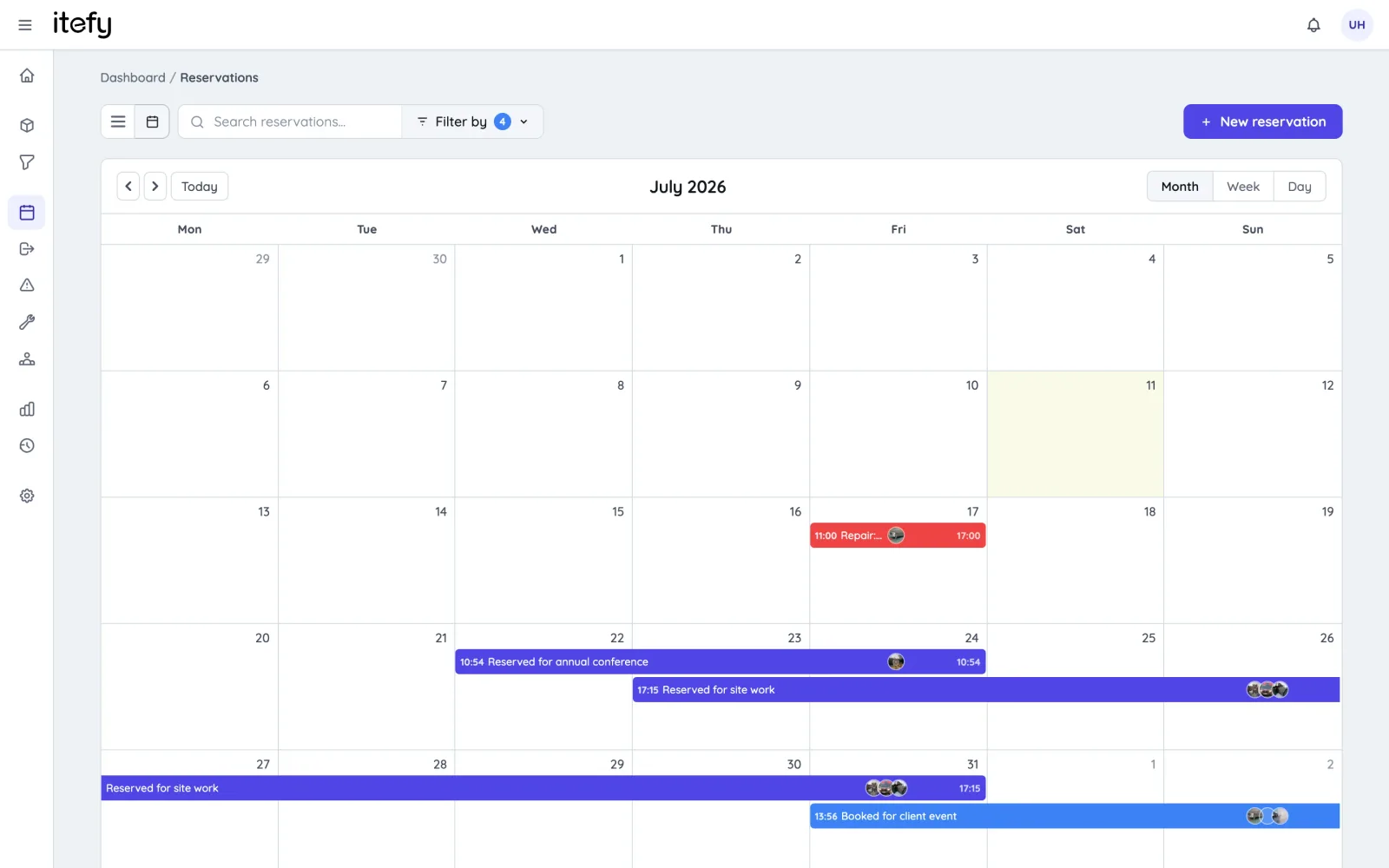
Schedule Equipment Usage with Reservations
Get the most out of your equipment without double bookings.
- Enable self-service for registered users
- Book multiple equipment items and kits into one reservation
- Set due dates and be notified when overdue
- Scan to reserve : Use QR codes on equipment to quickly create reservations
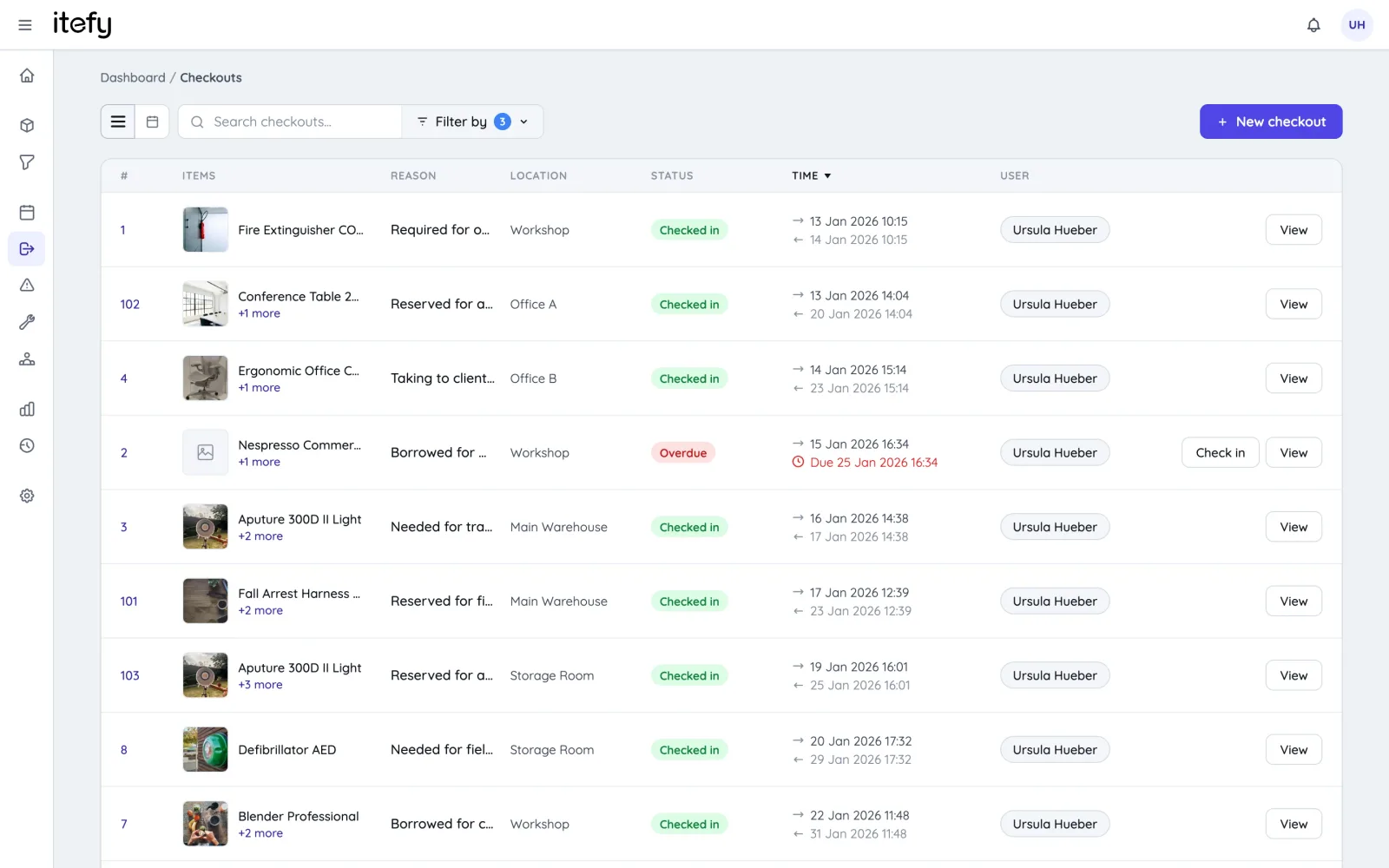
Track actual usage with checkouts
While reservations is for planned usage, checkouts tracks the actual utilization of your equipment.
- Keep track of how, when and in what projects each equipment item is being used
- Enable self-checkout and keep track of who is in possession of the equipment
- Be notified when equipment is not returned in time
- Set the home location of each equipment item to easily know where it should be returned
Scan Equipment QR codes for quick handling
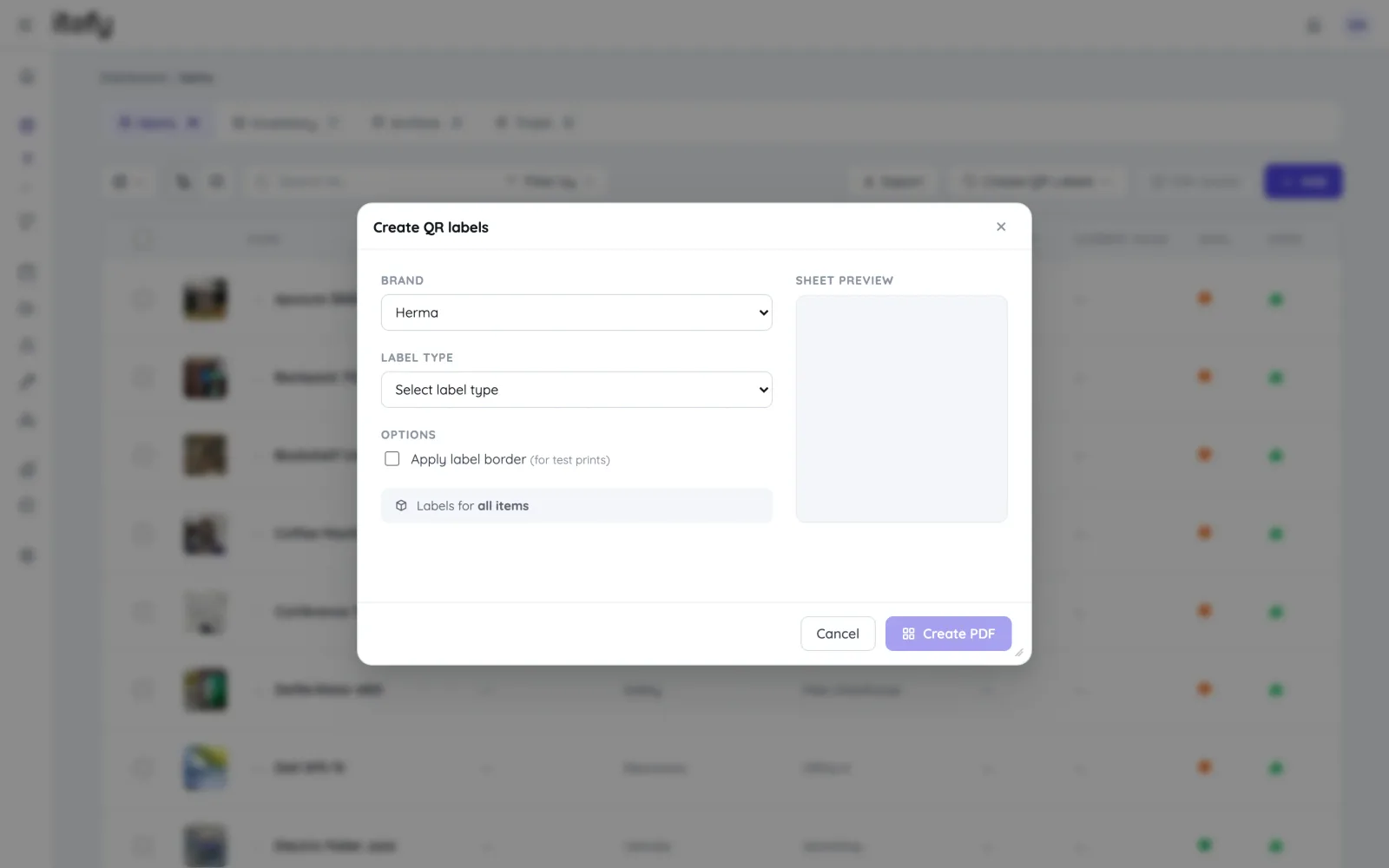
Save time and avoid picking the wrong equipment - Label equipment with self-printed Itefy QR labels.
- Print on to Avery and Herma labels with your own laser printer
- Export item lists with unique item codes to use with dedicated label printers
- Use our Itefy GO mobile app to scan equipment QR labels, to quickly find items, create reservations, checkouts etc.
Maintenance Scheduling and Tracking
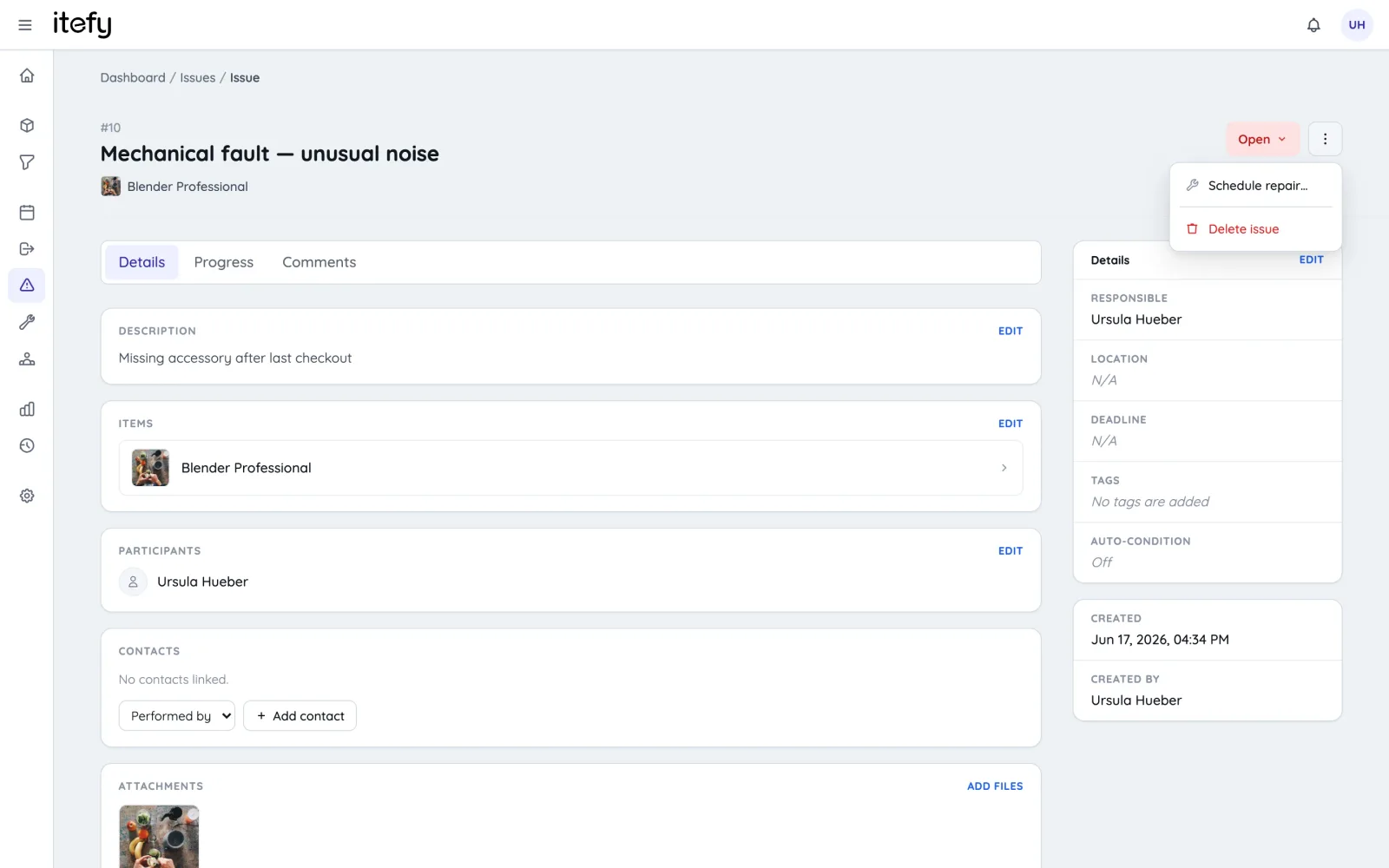
Reduce downtime by scheduling maintenance of each equipment item. Keep a full track record of all performed maintenance.
- Create recurring reservations for maintenance appointments
- Assign maintenance to the right people, and to the correct location
- Track actual maintenance by converting reservations to maintenance events, documenting what has been done and when.
- Enable your team to add valuable information about the maintenance progress and result
Quick Status on the Dashboard
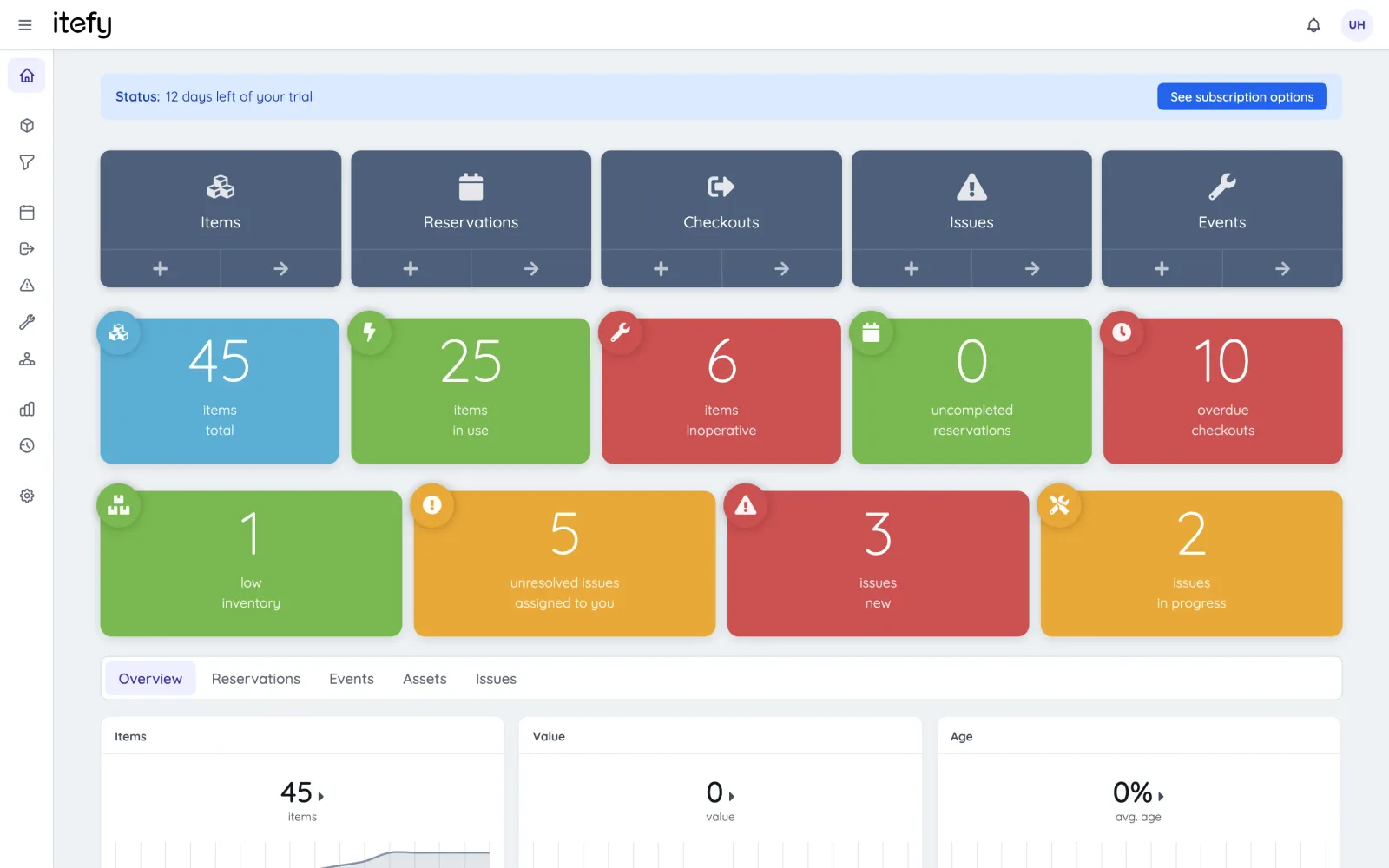
Get to know the overall status of your equipment in a glimpse.
- Easy to understand, color coded boxes for vital information
- See what needs your attention in a few seconds
- Get statistics and the latest activity on one page
- Shortcuts to all relevant functions
Delegate Responsibility with your Team
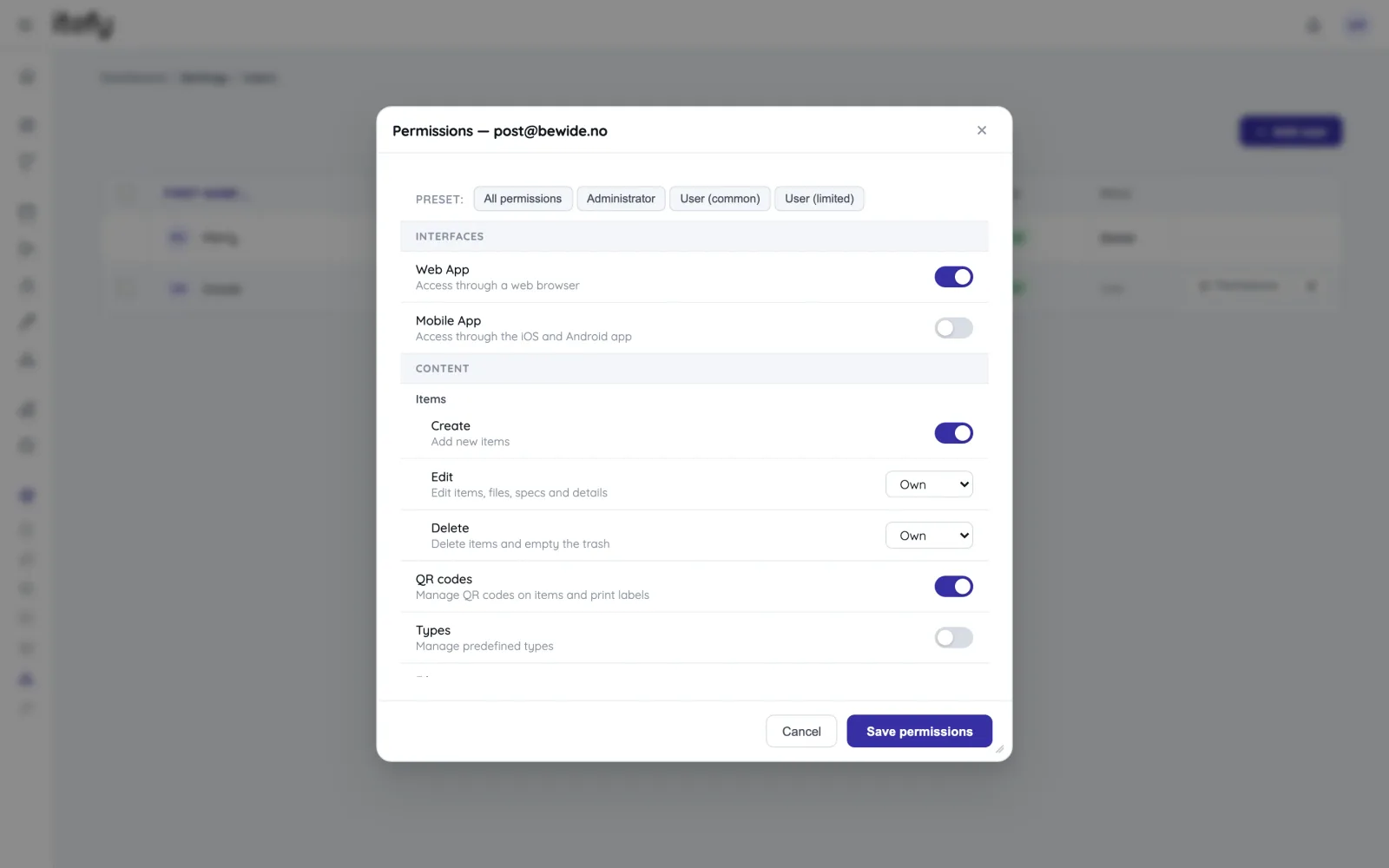
Take full advantage of a central, always available equipment management system like Itefy - Give you team access to self-service and distributed responsibility.
- Set individual permission for each user
- Assign responsibility for different equipment to different people
- Track who is actually in possession of each equipment item
- Create usage reports and group by people
A toolbox for all your equipment assets
Mobile App
Use our mobile app Itefy GO to create reservations, checkouts and more on the go.
Learn moreCollaboration
Share the equipment management by delegating responsibility to multiple people.
Event Tracking
Keep track of events such as purchases, license renewals, maintenance etc.
Learn moreIssue Tracking
When equipment breaks, Itefy's issue management module helps to efficiently resolve it.
Learn moreReservations
Plan and schedule usage, maintenance or whatever needs to be scheduled for your assets.
Learn moreCalendar sync
Read your bookings in Google Calendar, Outlook or Apple Calendar — on every plan.
Learn morePlans & Pricing
- USD
- EUR
- NOK
-
Basic
N/Aper month, paid N/A- N/A items
- N/A locations
- N/A users included
- Extra seats N/A/month
- N/A GB storage
Core features
- Items, check-in & check-out
- Reservations & scheduling
- Calendar sync (Google, Outlook, Apple)
- Issues, maintenance & events
- QR labels & mobile app
- Public item pages
- Custom specifications
- Excel import & export
- Sign in with Google
-
Most popular
Startup
N/Aper month, paid N/A- N/A items
- N/A locations
- N/A users included
- Extra seats N/A/month
- N/A GB storage
Everything in Basic, plus
- Recurring reservations
- Kits
- Contacts
- Reports & insights
-
Business
N/Aper month, paid N/A- N/A items
- N/A locations
- N/A users included
- Extra seats N/A/month
- N/A GB storage
Everything in Startup, plus
- API access for custom integrations
- Up to 5 API keys
-
Enterprise
N/Aper month, paid N/A- N/A items
- N/A locations
- N/A users included
- Extra seats N/A/month
- N/A GB storage
Everything in Business, plus
- Up to 25 API keys
- Highest limits, built for large fleets
- Lowest extra-seat price
Take control of your equipment
Try every feature free for 14 days. No credit card, no obligations.