
Contacts — a light CRM inside your equipment system
Customers you rent to, suppliers you buy from, partners who service your gear — registered once, linked to the equipment records they belong to.
Key features:
- Companies & people
- Linked to real records
- Documents & contracts
- Import from Excel
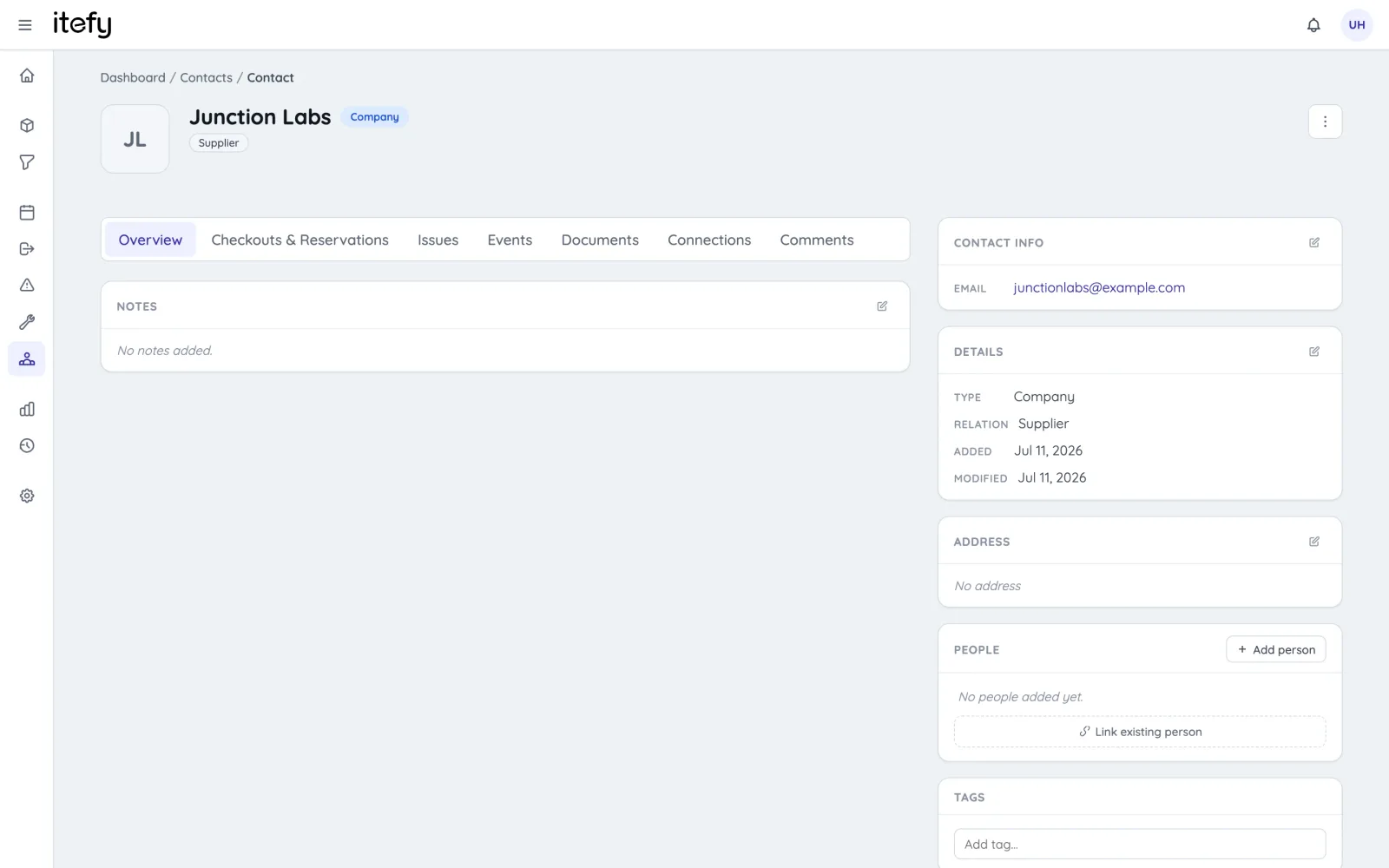
Companies and people, properly modelled
Register companies with their contact persons — roles, departments, addresses, email, phone, VAT numbers. Relations like supplier, manufacturer and customer keep the register organized, and tags handle everything else.
- Companies with linked people, or standalone individuals
- Relationship types: customer, supplier, manufacturer, service partner
- Notes, tags and comment threads on every contact
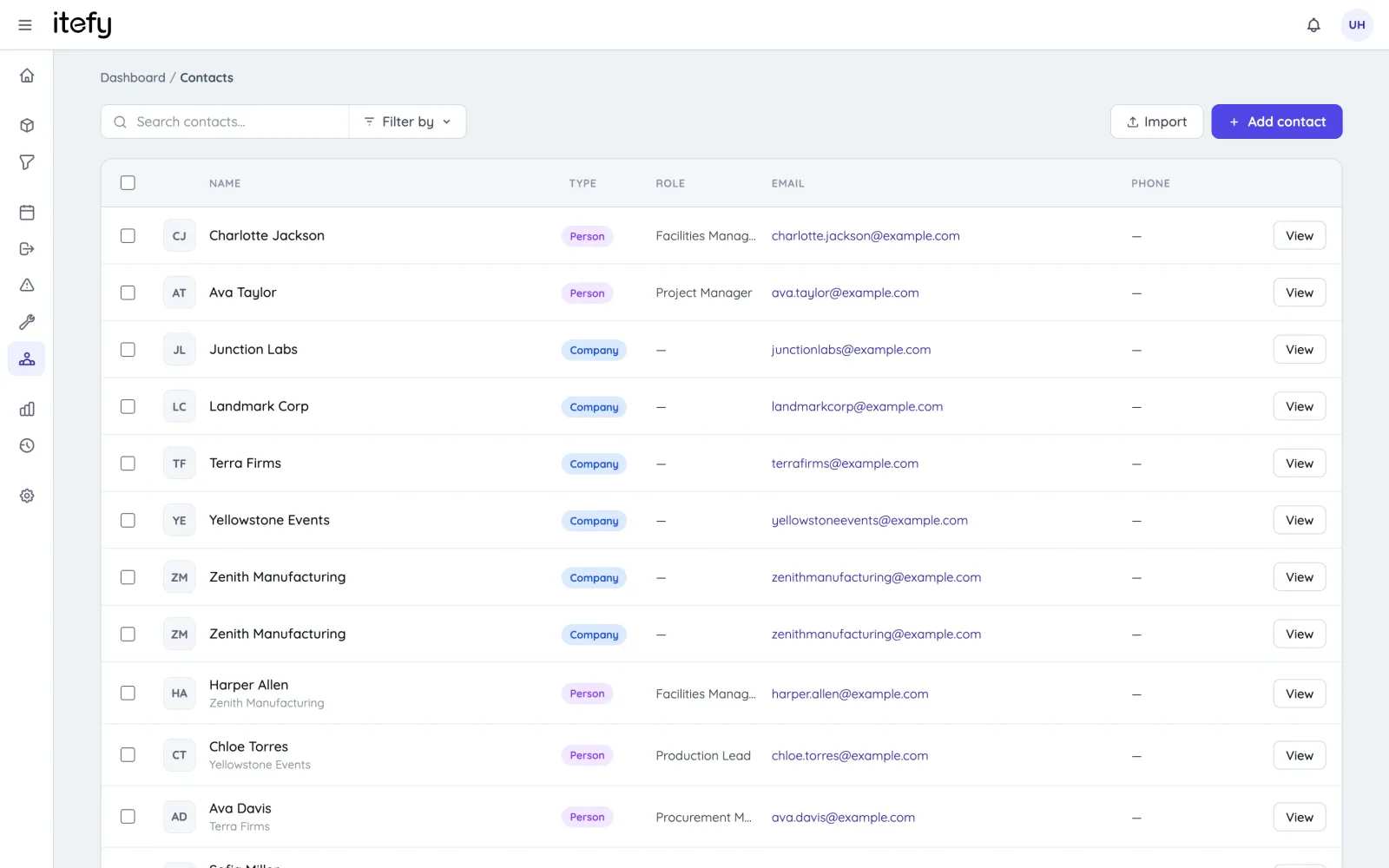
Linked to the records that matter
A contact in Itefy isn’t a rolodex entry — it’s connected to your operation. Attach the supplier to the item they delivered, the customer to their checkout, the service company to the maintenance event, the contact person to the issue.
- Link contacts to items, checkouts, reservations, events and issues
- Role-aware links: supplier, manufacturer, customer, performed-by
- Every linked record shows its contacts — and vice versa
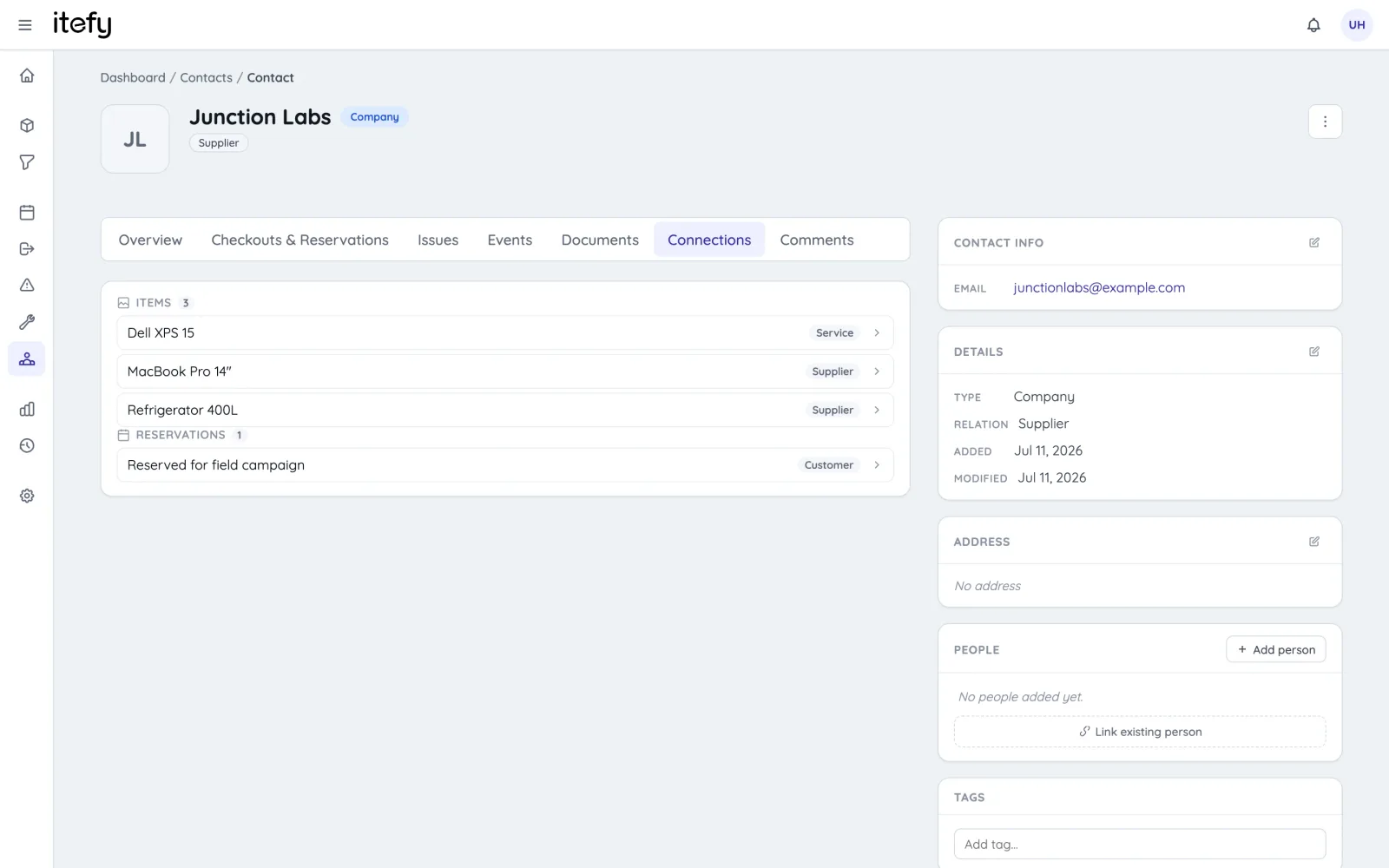
The full history in one view
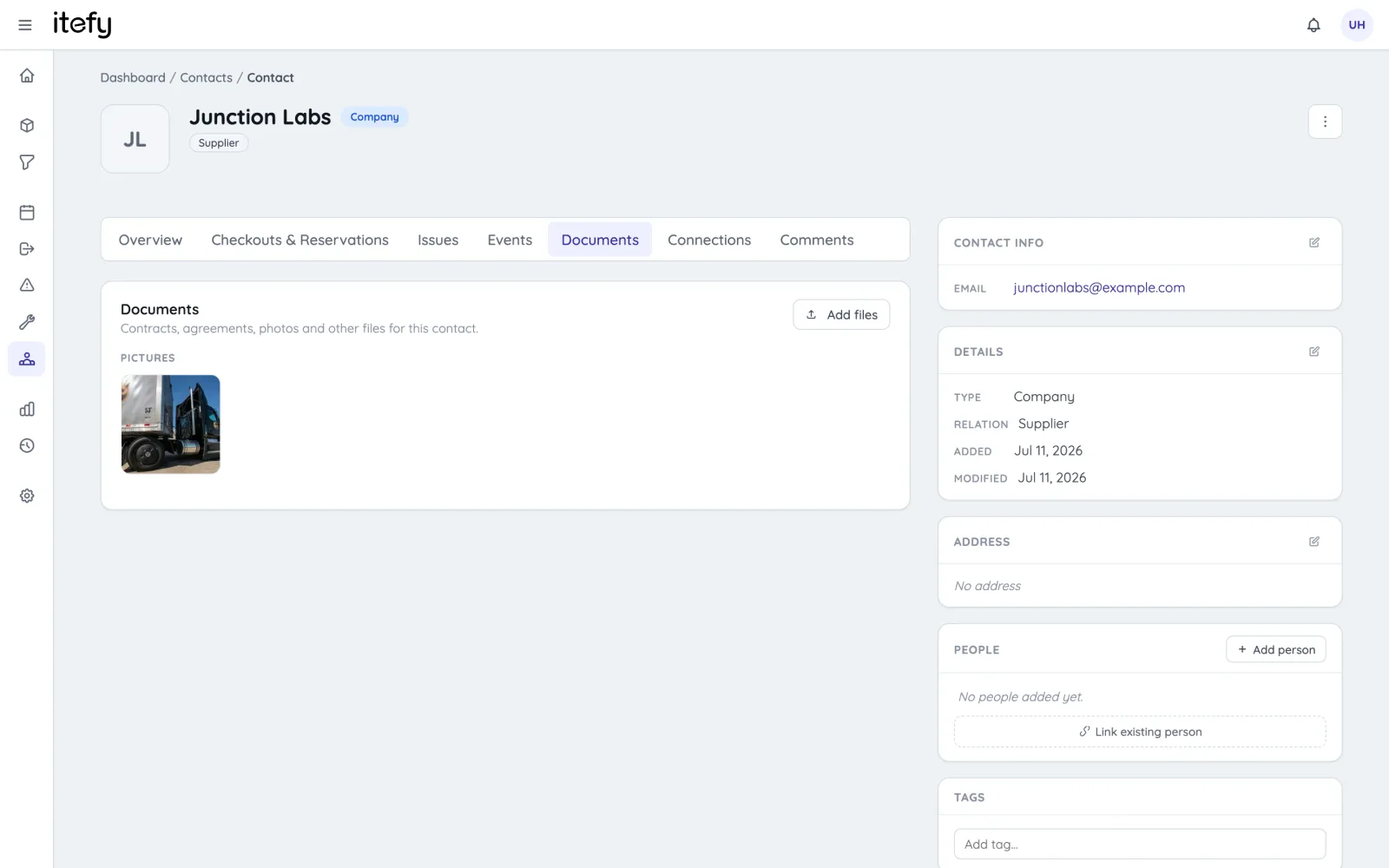
Open a contact and see everything that ever involved them: checkouts and reservations, issues and events, connected equipment — plus a documents tab for contracts, agreements and certificates, stored where you’ll look for them.
- Activity tabs: checkouts & reservations, issues, events, connections
- Documents: contracts, agreements and files on the contact itself
- Comments with @-mentions, just like everywhere else in Itefy
Easy to fill — easy to keep clean
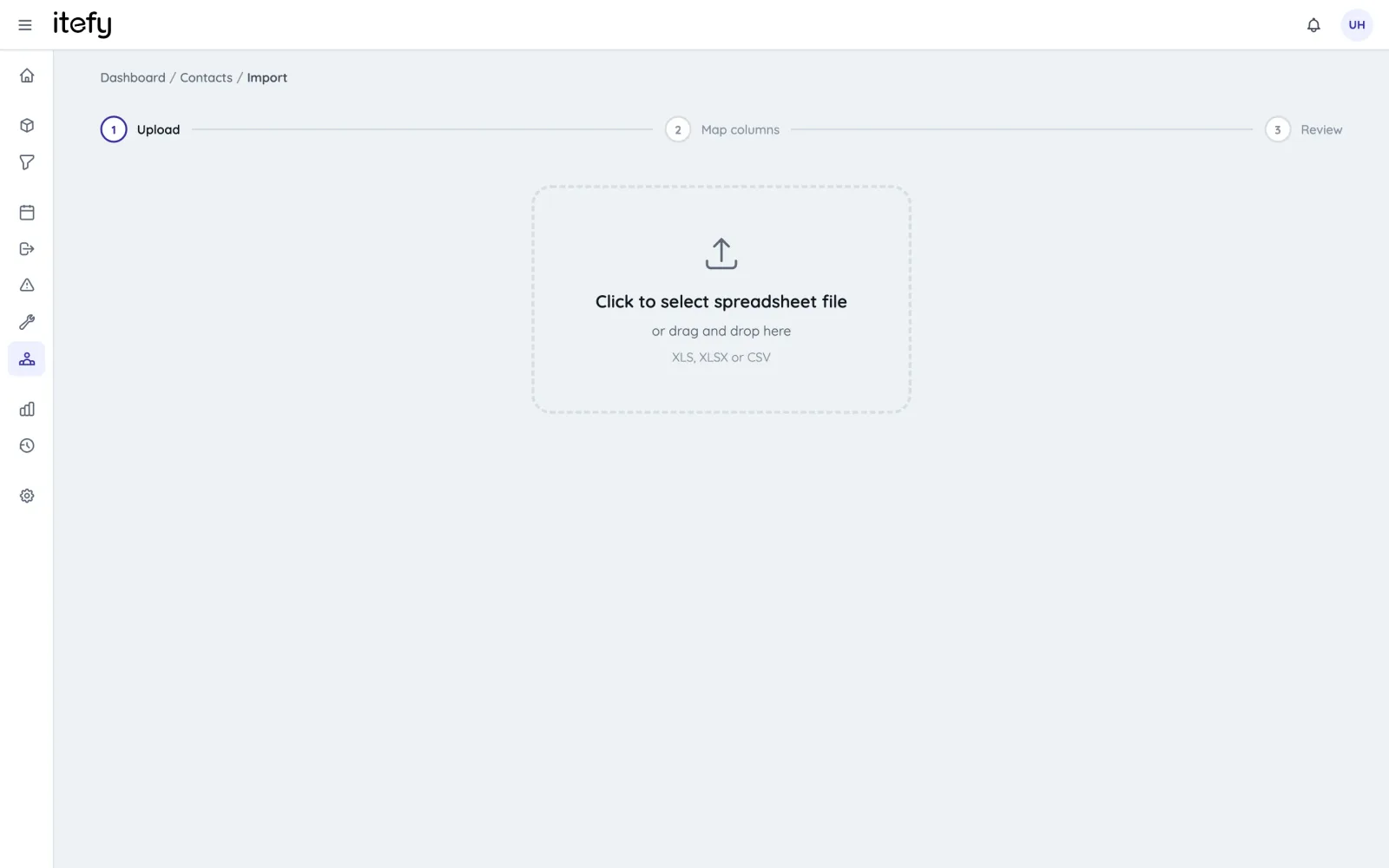
Bring your existing register in from Excel or CSV with the guided import wizard, and when duplicates sneak in over time, merge them safely — every link and record moves to the surviving contact.
- Guided Excel/CSV import with per-row review
- Safe duplicate merging that re-points all links
- Permission-gated: you decide who manages contacts
Where contacts make the difference
Rental operations
Customers linked to their bookings, checkouts and full rental history.
Equipment rentalMaintenance partners
Service companies attached to the equipment they maintain — and the events they performed.
Maintenance managementVendors on items
Supplier and manufacturer on every asset — one click from the item to the person to call.
Asset registryCustomer checkouts
Know which customer every handover was for, with due dates and history.
Checkout & check-inTake control of your equipment
Try every feature free for 14 days. No credit card, no obligations.