
Equipment Rental Management Software
Know what's out, what's due back and what earns its keep. Itefy keeps your rental fleet booked, tracked and in working order.
Key features:
- Bookings without double rentals
- Checkouts with due dates
- Customer register
- Damage & repair tracking
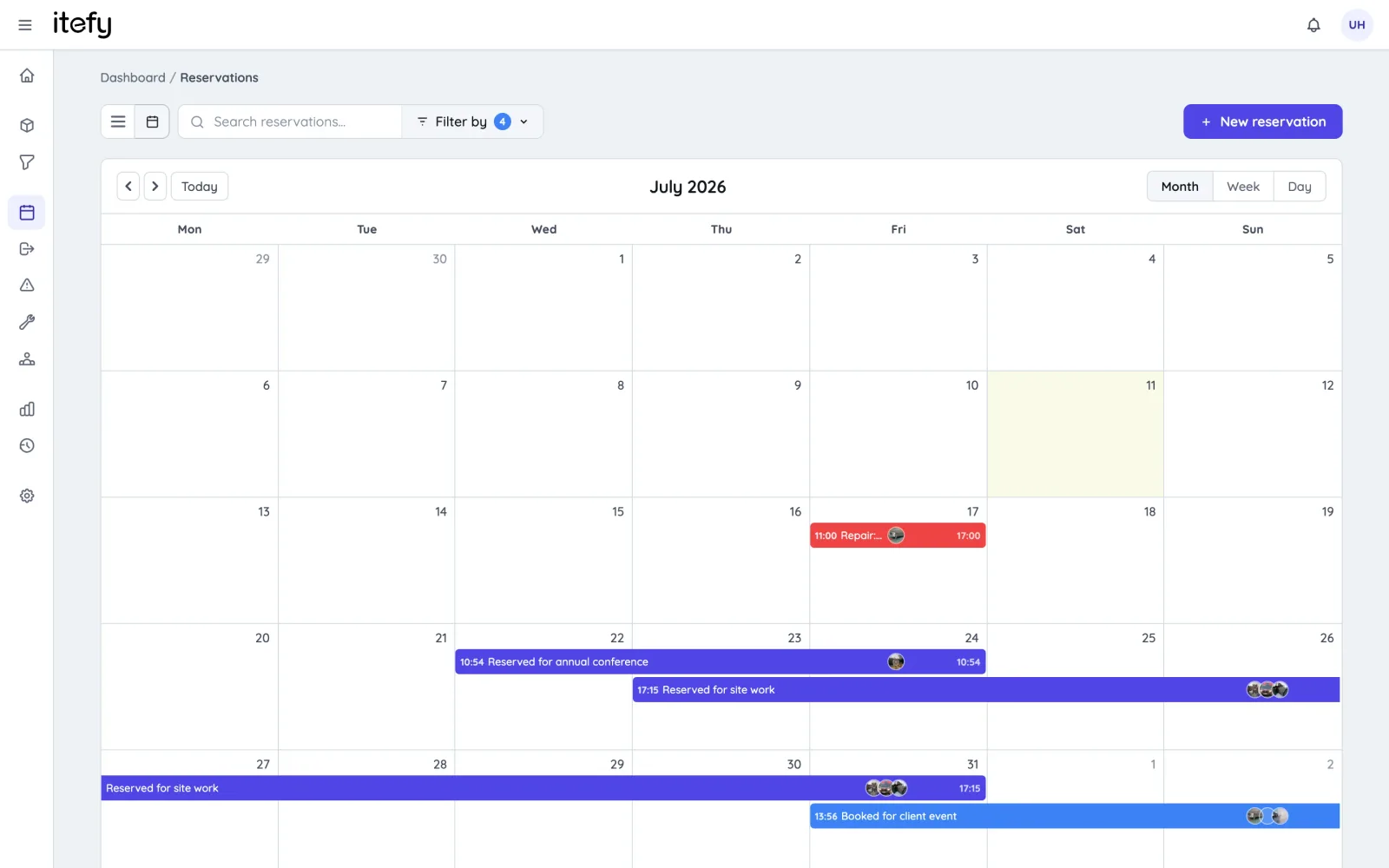
There was a sign-out sheet.
There is always a sign-out sheet.
The clipboard hung on a nail by the door. Two columns on it: name and date. People filled it in when they remembered, which was most of the time, and when the page was full somebody turned it over and carried on. I found four of those sheets in a drawer. Not one of them told me where the transit case was.
Itefy tracks the gear, not the money. No rates, no quotes, no invoices — if you need the invoice to come out of the same system, this is the wrong tool.
It is for the people who lend rather than bill: plant departments, universities, production companies, clubs. No invoice means the record is your only leverage. Four ways that plays out.
A sign-out sheet records that something left. Not where it is.
It is filled in by the person who is already late for something, in handwriting, on paper that lives next to the door it went out of. It records a moment and then stops. Nobody has ever answered “where is the transit case” by reading one, because the sheet cannot tell you what came back — only what did not get written down when it did. What actually fixes it: making the handover the record, in the place the answer will be looked for.
- Check gear out to a named person, with a due date, in a few seconds at the shelf
- Scan the QR label on the item to jump straight to it — no hunting through a list
- Every handover stays on the item forever, so its history is one page rather than four sheets in a drawer
- Lend a whole package as one thing: a kit is checked out and returned complete, five levels deep
- Check part of it back in and the rest stays open, showing exactly what is still out
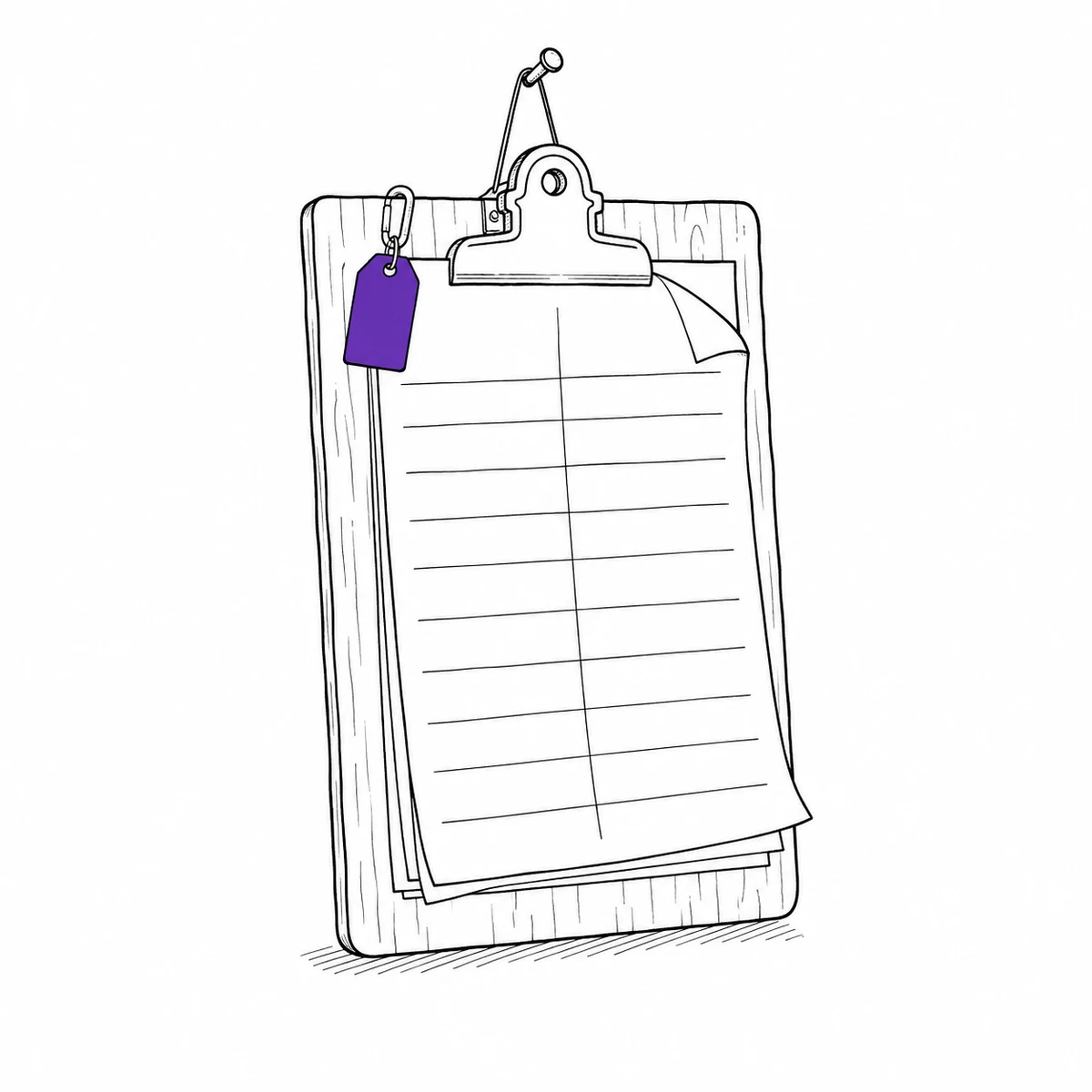
With nothing to charge, chasing it is a favour you have to ask
A rental firm has an invoice doing the arguing. You have a colleague who borrowed something and a growing reluctance to be the person who keeps bringing it up. So the reminder gets postponed, then it gets awkward, and eventually the thing is written off socially long before it is written off financially. What actually fixes it: letting the system be the one that nags, so the relationship stays yours and the deadline is nobody’s opinion.
- Due-soon and overdue notices go out on their own, to the borrower, without you sending them
- Overdue items are visible as a list rather than as a nagging feeling
- Due dates that fit the loan — end of the day for a drill, end of term for a laptop
- Every loan is attributed to a named person, so nothing rests on who remembers what
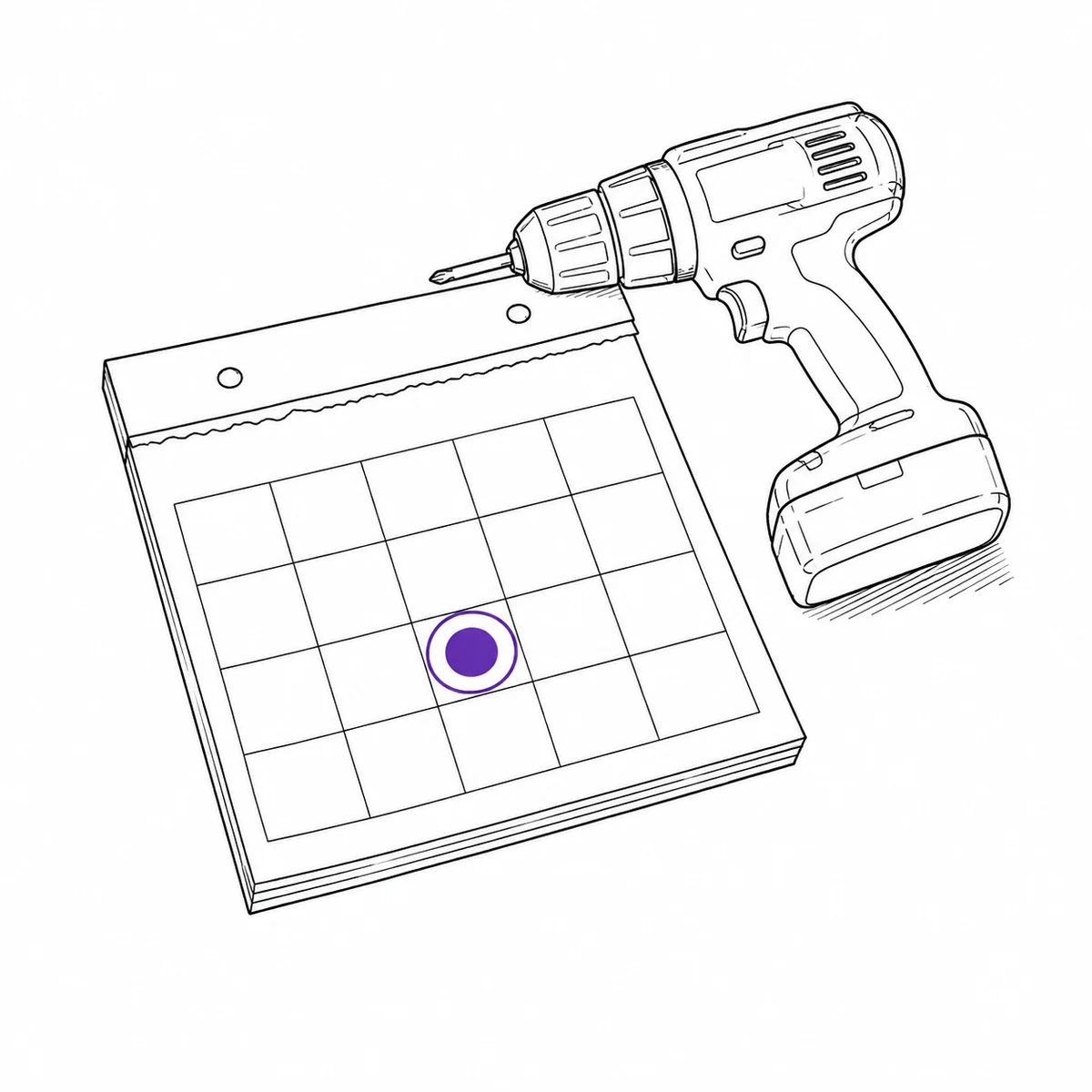
One person knows what exists and whether it is free. Everyone asks them.
It works, right up until they are on holiday. The knowledge lives in a head and a spreadsheet that only they update, so every request is a small interruption and every answer is a guess about whether somebody else already promised it. What actually fixes it: putting the availability where the people who need it can read it themselves, without giving everyone the keys to everything.
- A shared calendar showing what is booked, by whom and until when
- Borrowers can be given accounts that let them book and return, and nothing else
- Permissions go down to individual actions, and can be limited to a person’s own records
- Double-booking is caught automatically, including for anything inside a kit
- Public item pages let a borrower scan a label and read the manual without an account at all
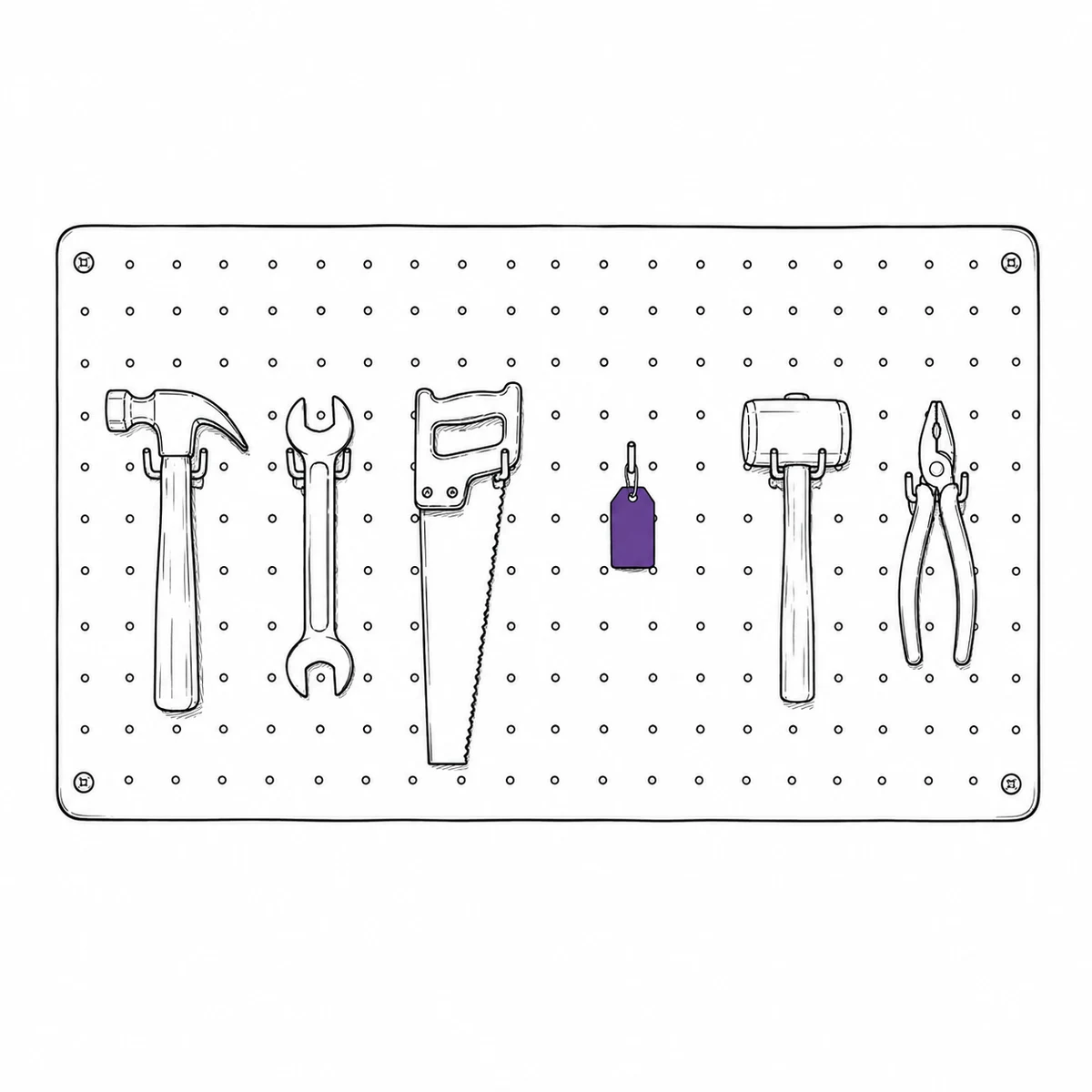
It came back broken, and went out again broken
Nobody hid it. The last borrower mentioned it to somebody, or meant to, and the next person took it off the shelf because a thing on a shelf looks available. In a rental firm the damage argument happens at the counter with money on the table. In a lending pool it happens three loans later, to somebody who had nothing to do with it. What actually fixes it: making the fault a property of the item, and letting that property stop the next loan by itself.
- Log the fault with photos from a phone, at the moment it comes back
- An open issue can flip its items to inoperative automatically, and set them back when it is closed
- Inoperative gear is refused for bookings and checkouts, and flagged NOT WORKING in the picker
- Repair, maintenance, inspection and transport bookings are exempt, so it can still be scheduled into the workshop
- Condition history per item shows what keeps failing, and what to stop buying
What Itefy does not do
There are no rental rates, no quotes, no invoices, no deposits, no contracts or signature capture, and no delivery routing. None of it is hidden in a plan tier — it does not exist. Itefy answers where the gear is, who has it, when it is due and whether it works.
Your customers do not get logins. They are recorded as contacts on the checkout, which is unlimited and costs nothing — but it means a member of staff makes the handover. Staff logins are capped by plan, from 3 on the smallest to 20 on the largest, so count the people who need to sign in before you pick one.
If money changes hands for your equipment, keep the system that handles the money and let Itefy handle the fleet beside it. If money never changeshands, that missing half was never something you needed.
Your whole rental fleet in one registry
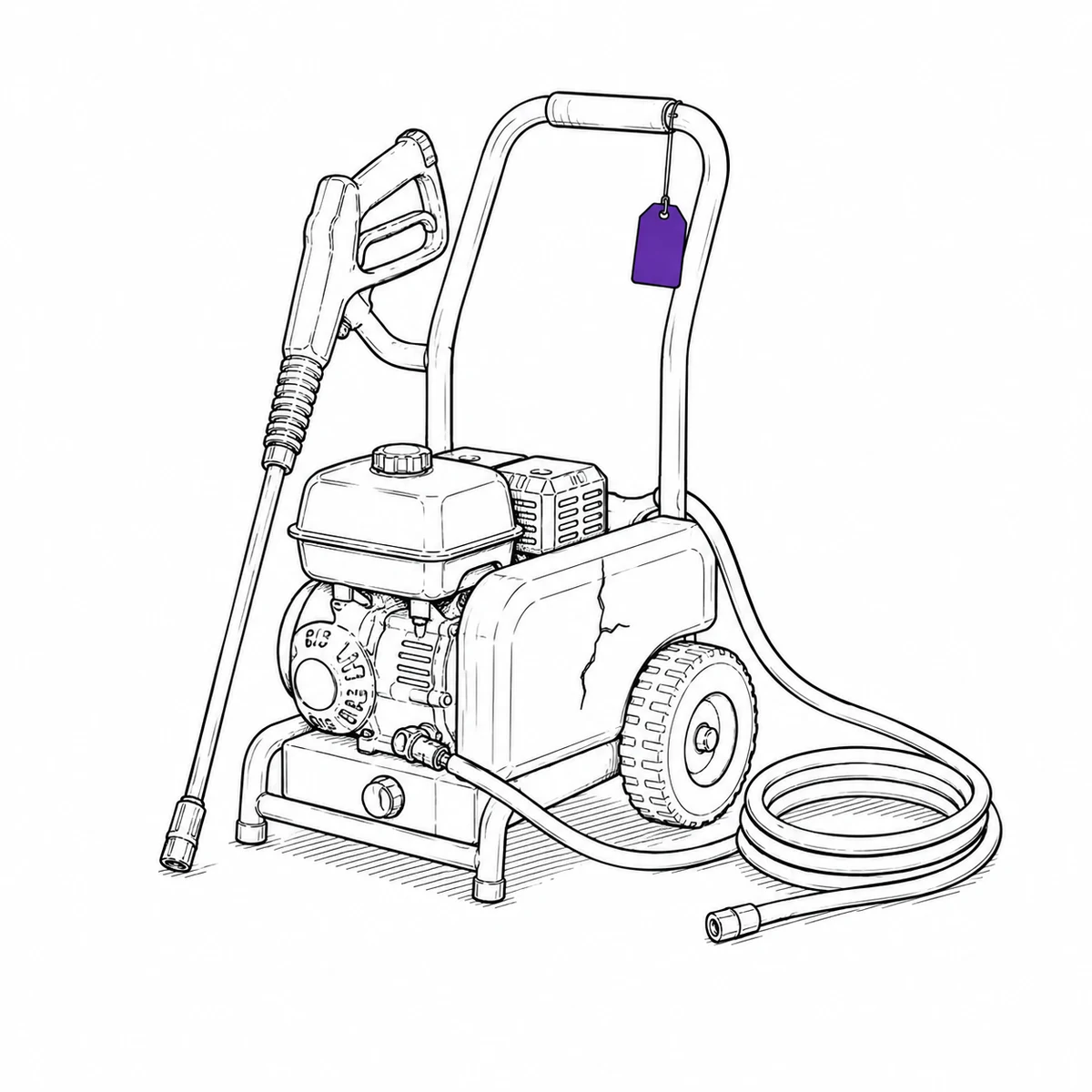
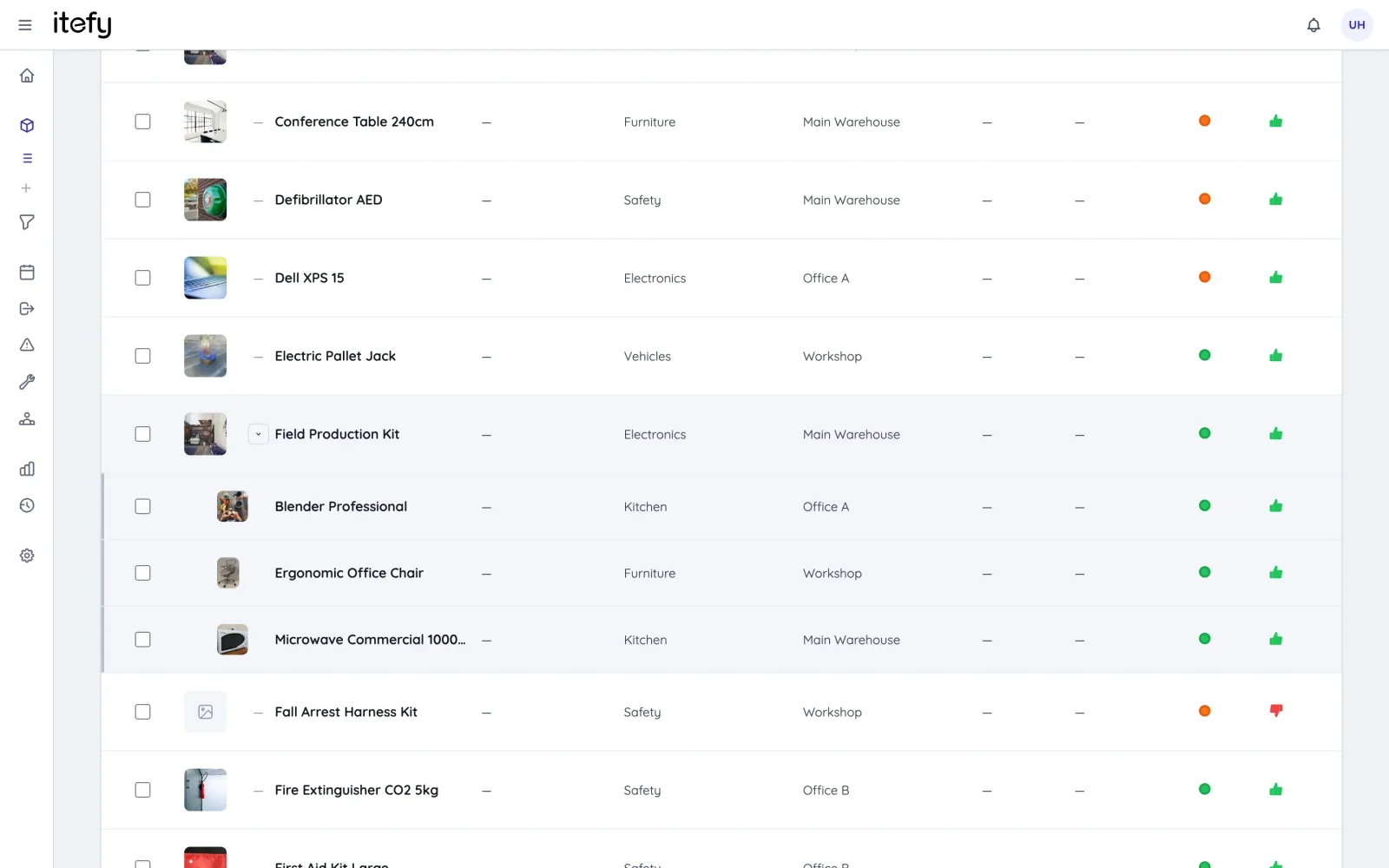
Every machine, tool and accessory gets its own page with pictures, specifications, documents and value. Bundle gear that rents together — a camera package, a scaffold set, a trailer with straps — into kits that are booked and handed over as one.
- Kits keep packages complete: reserved, checked out and returned together
- Search and filter by type, category, location, availability and condition
- Purchase value and depreciation per item — know what the fleet is worth
Bookings without double rentals
The reservation calendar shows exactly what is available when a customer calls. Conflict detection makes double rentals impossible — including for items inside kits — and recurring reservations handle long-term and repeat customers.
- Availability at a glance on month, week and day calendars
- Automatic conflict detection, kit-aware
- Convert a booking to a checkout in one click when the customer picks up
Check out to customers — and get it back
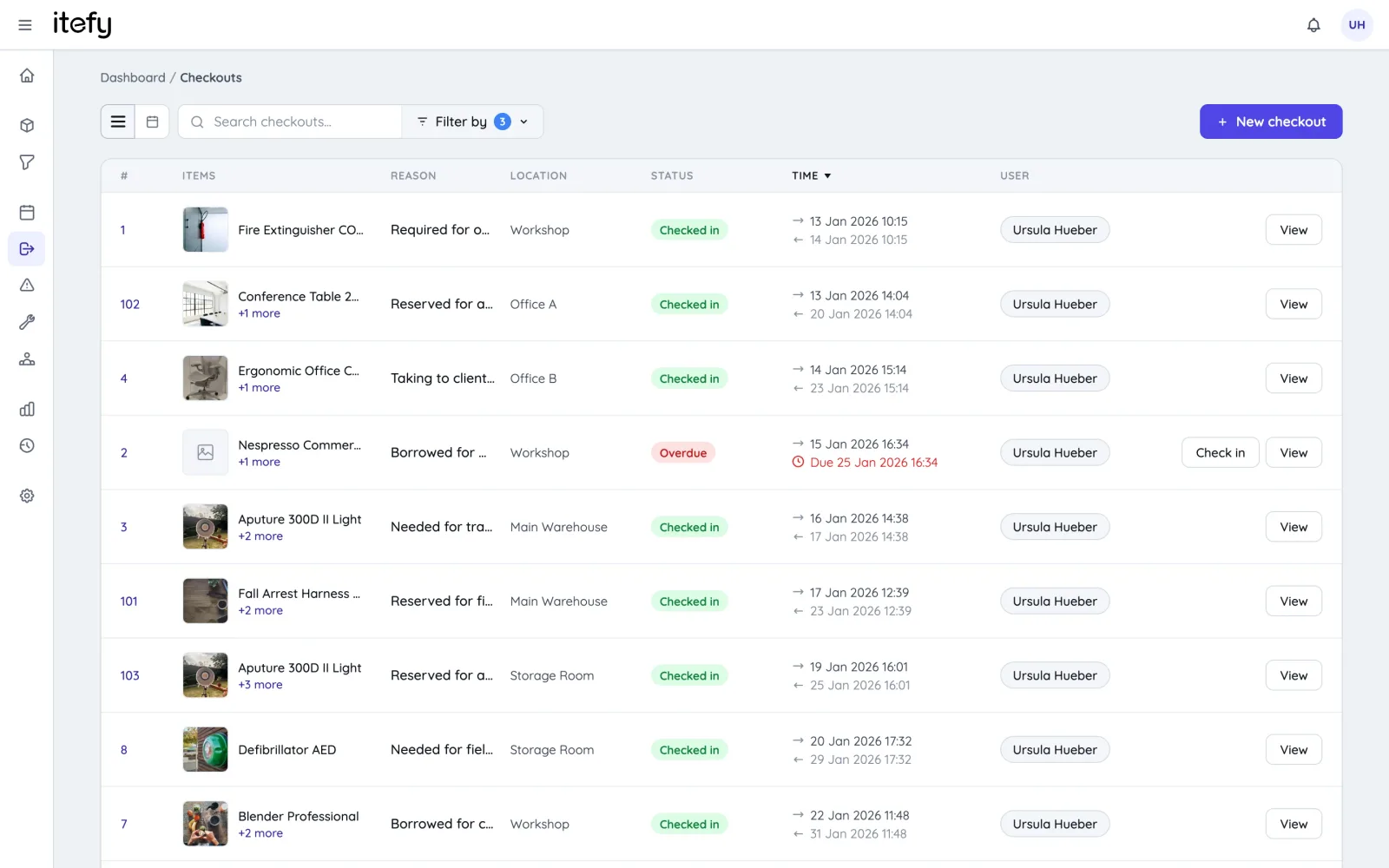
Link every checkout to the customer in your built-in contact register, set the return date, and let Itefy chase the deadline. Overdue rentals are flagged automatically, and partial check-in handles gear that comes back in stages.
- Customer register with companies, people, documents and full rental history
- Due dates with automatic overdue alerts
- Every handover stored permanently in the item’s history
Document condition, damage and repairs
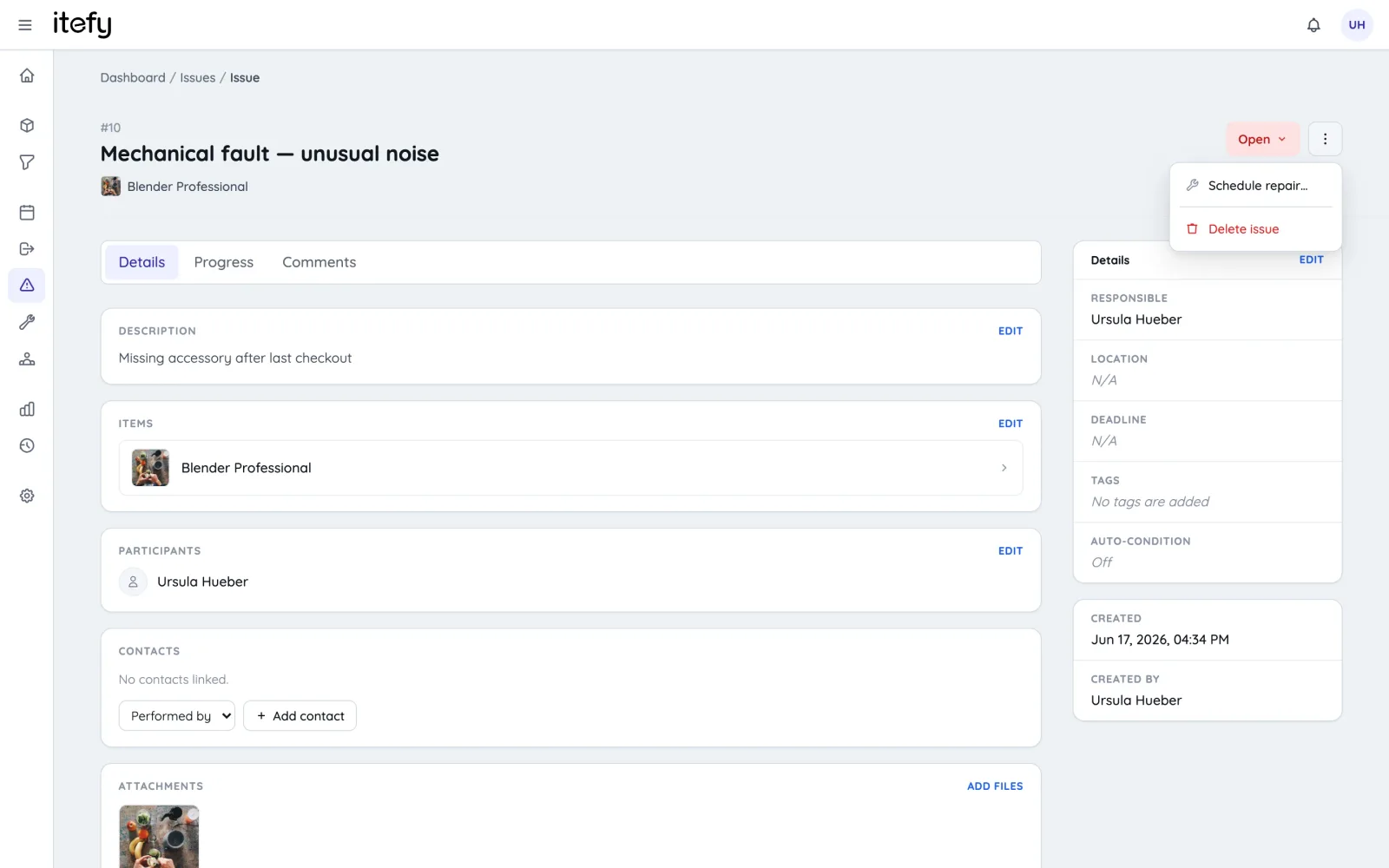
When gear comes back damaged, log an issue with photos on the spot, take the item out of circulation automatically, and schedule the repair. The condition history tells you which equipment holds up — and which brands to stop buying.
- Issue tickets with photos, deadlines and repair scheduling
- Damaged items are marked inoperative and blocked from new rentals
- Downtime and issue statistics per item, type, category and location
QR labels and manuals for self-service
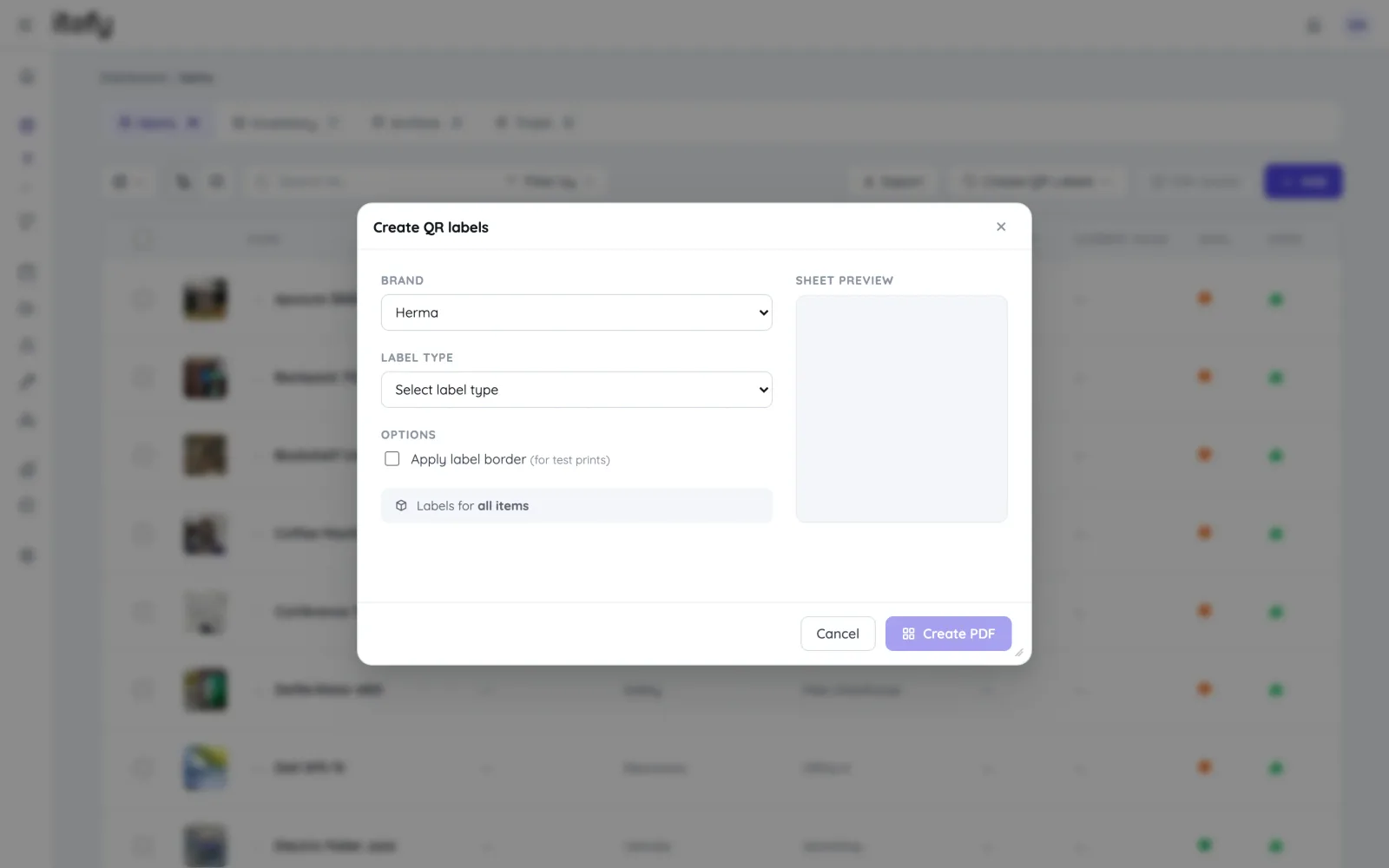
Label your fleet with printed QR codes: your team scans to check gear out and in within seconds, and customers can scan to open a public item page with instructions and safety documentation — no login needed.
- Print QR label sheets yourself, or export the item list with each code to a spreadsheet
- Scan a label to jump straight to an item, or lend a whole kit in one selection
- Public item pages share manuals and instruction videos with renters
Built for rental operations
Customer register
Companies and contact people linked to their checkouts, reservations and rental history.
Learn moreUtilization reports
See which gear earns its keep and which sits on the shelf — per item, type or period.
Learn moreItefy Go mobile app
Handle pickups and returns at the counter or in the yard, on any phone.
Learn moreWho needs a login
Customers are contacts and need no login. Staff logins are limited by plan, and can be locked to booking and returning only.
Learn moreHires in your calendar
Subscribe to the hire schedule from Google, Outlook or Apple, or send a customer their dates as a calendar file.
Learn morePlans & Pricing
- USD
- EUR
- NOK
-
Basic
N/Aper month, paid N/A- N/A items
- N/A locations
- N/A users included
- Extra seats N/A/month
- N/A GB storage
Core features
- Items, check-in & check-out
- Reservations & scheduling
- Calendar sync (Google, Outlook, Apple)
- Issues, maintenance & events
- QR labels & mobile app
- Public item pages
- Custom specifications
- Excel import & export
- Sign in with Google
-
Most popular
Startup
N/Aper month, paid N/A- N/A items
- N/A locations
- N/A users included
- Extra seats N/A/month
- N/A GB storage
Everything in Basic, plus
- Recurring reservations
- Kits
- Contacts
- Reports & insights
-
Business
N/Aper month, paid N/A- N/A items
- N/A locations
- N/A users included
- Extra seats N/A/month
- N/A GB storage
Everything in Startup, plus
- API access for custom integrations
- Up to 5 API keys
-
Enterprise
N/Aper month, paid N/A- N/A items
- N/A locations
- N/A users included
- Extra seats N/A/month
- N/A GB storage
Everything in Business, plus
- Up to 25 API keys
- Highest limits, built for large fleets
- Lowest extra-seat price
Take control of your equipment
Try every feature free for 14 days. No credit card, no obligations.