
Equipment Database & Asset Registry
All your tools, assets and equipment in one searchable registry — with pictures, documents, value and complete history.
Key features:
- Asset database
- Types, categories & tags
- QR labels
- Import & export
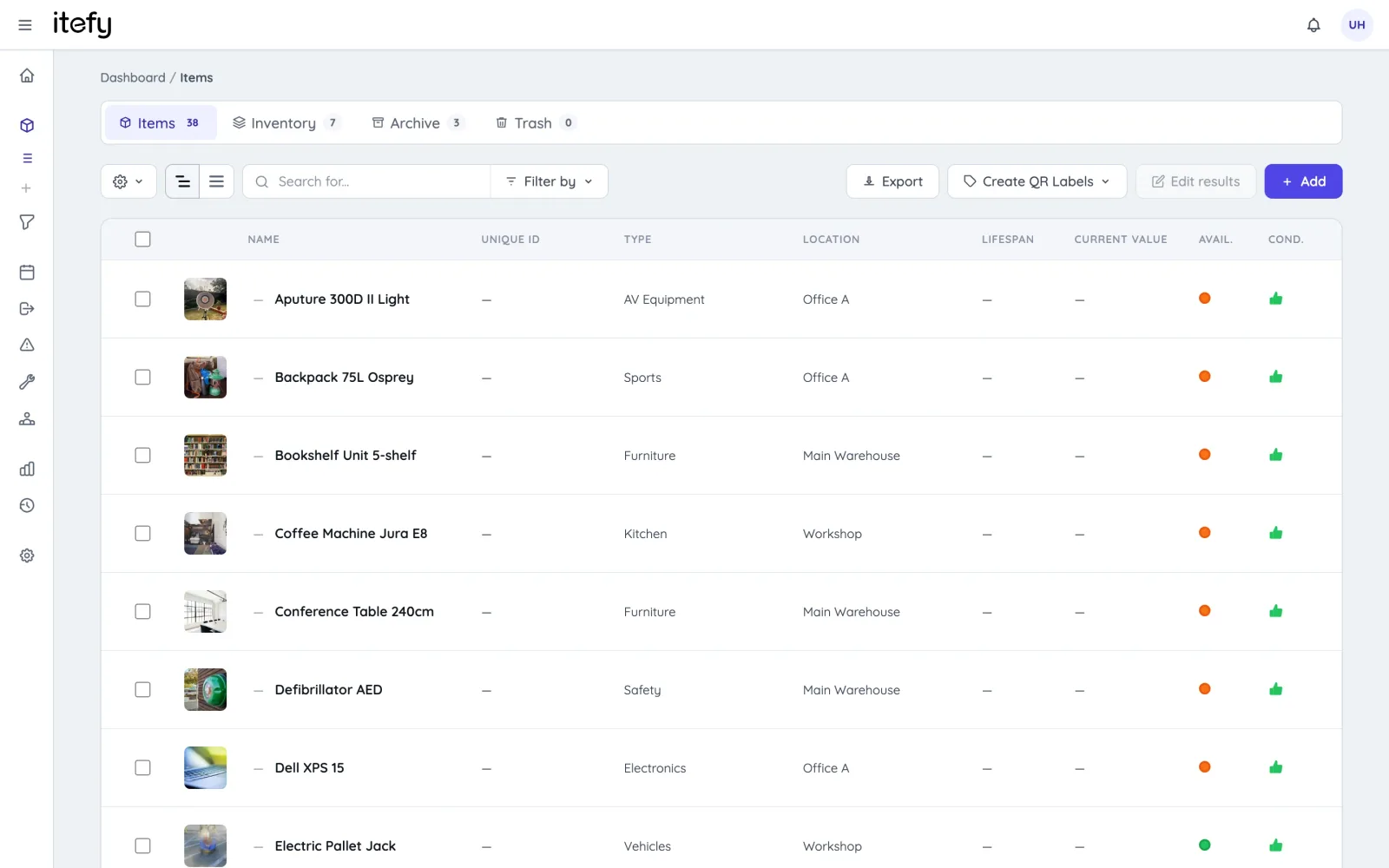
A complete registry, always searchable
Every asset lives in one place, split into tabs for long-term items, consumable inventory, archived equipment and trash. Search and filters answer “what do we have, where, and is it available?” in seconds.
- Search and filter by type, category, location, availability and condition
- Inventory tab for consumables with quantities and low-stock alerts
- Archive parks retired equipment without losing its history
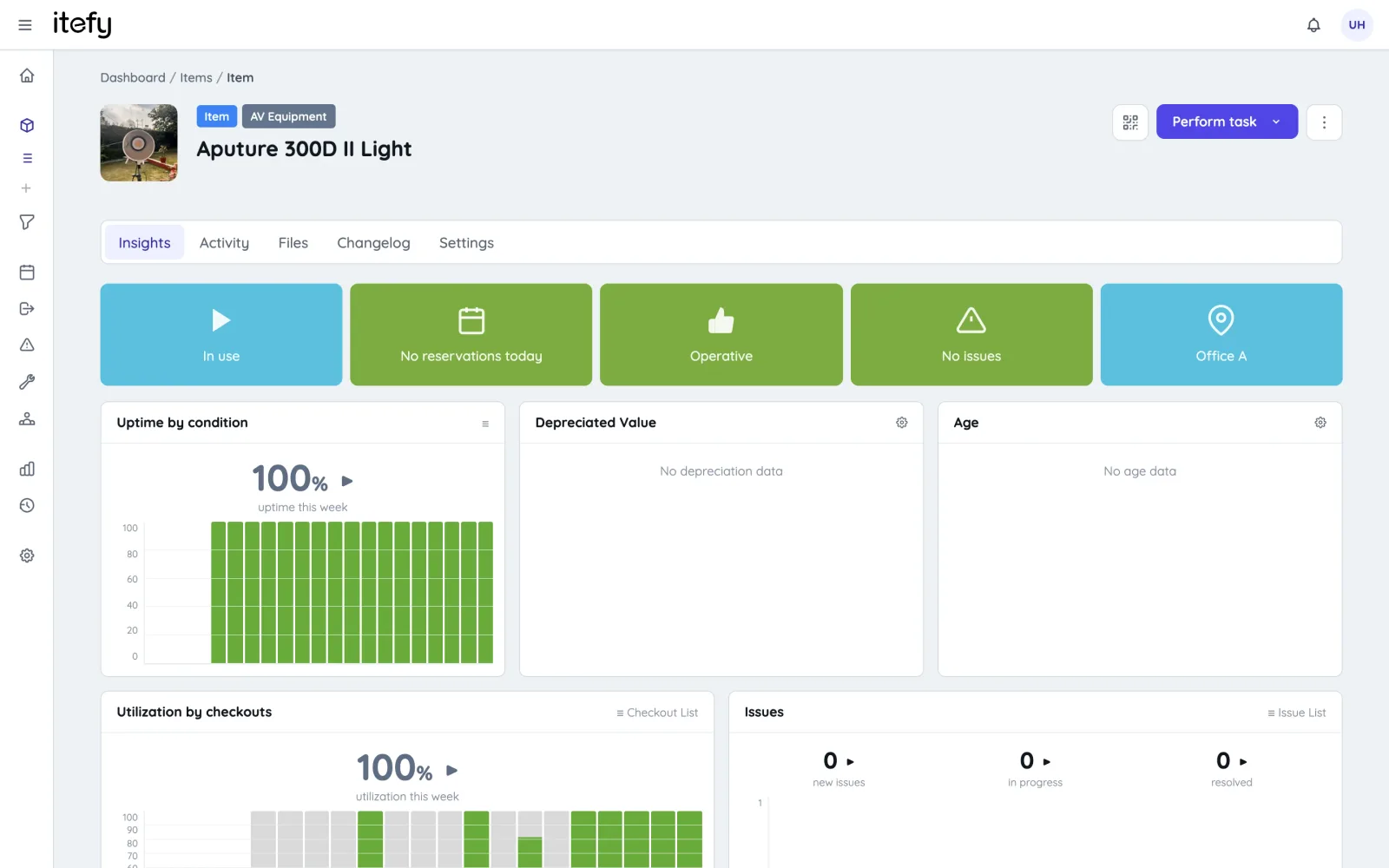
Rich item pages
Each item page collects everything about the asset: pictures with built-in crop and rotate, documents and manuals, specifications, purchase and depreciation values, plus live insights and a complete changelog.
- Pictures, documents and video links on every item
- Specifications: make, model, serial numbers — any properties you need
- Purchase value, salvage value and current depreciated value
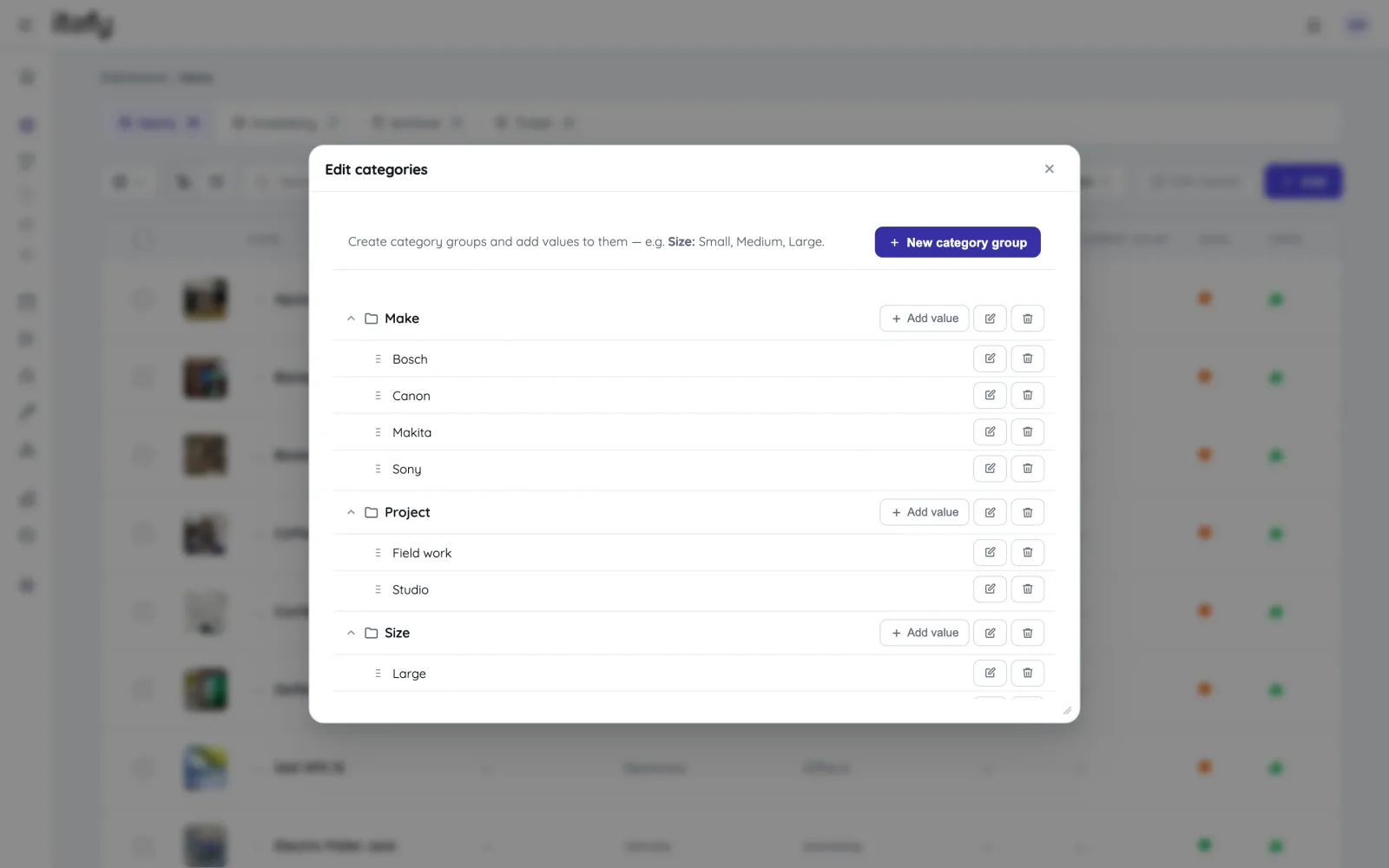
Organize with types, categories and tags
Item types define what something is; custom category groups and tags capture everything else — brand, department, project, certification. Together they make even thousands of items easy to slice and find.
- Unlimited item types with per-type specifications
- Custom category groups with your own values
- Free-form tags for the rest
Get your data in — and out
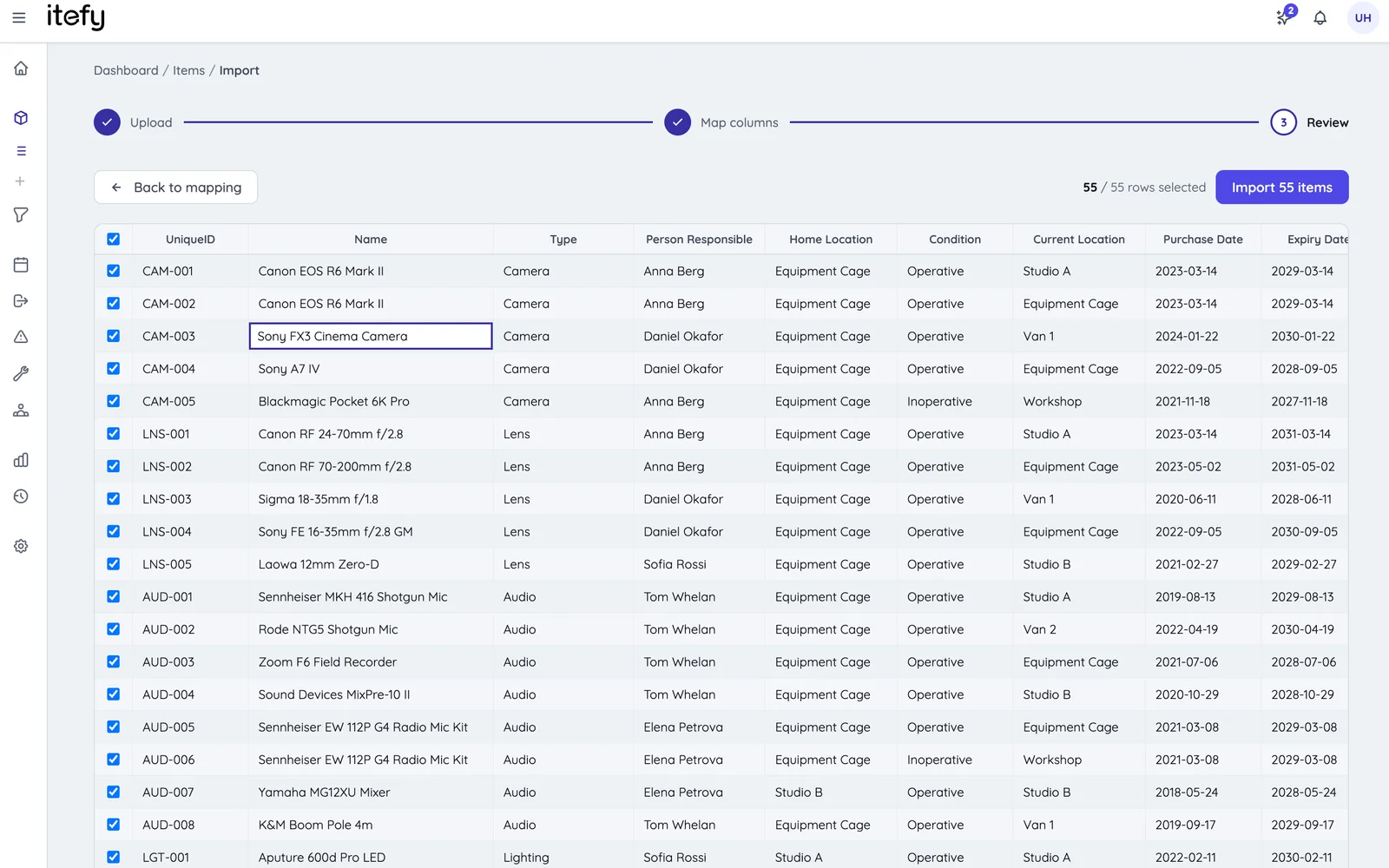
Moving from a spreadsheet? A guided wizard imports items from Excel or CSV, mapping your columns to Itefy fields. Everything can be exported back out at any time — your data is never locked in.
- Excel/CSV import wizard for items and contacts
- One-click export to Excel or CSV, including unique IDs
- REST API for custom integrations
QR labels connect the physical and the digital
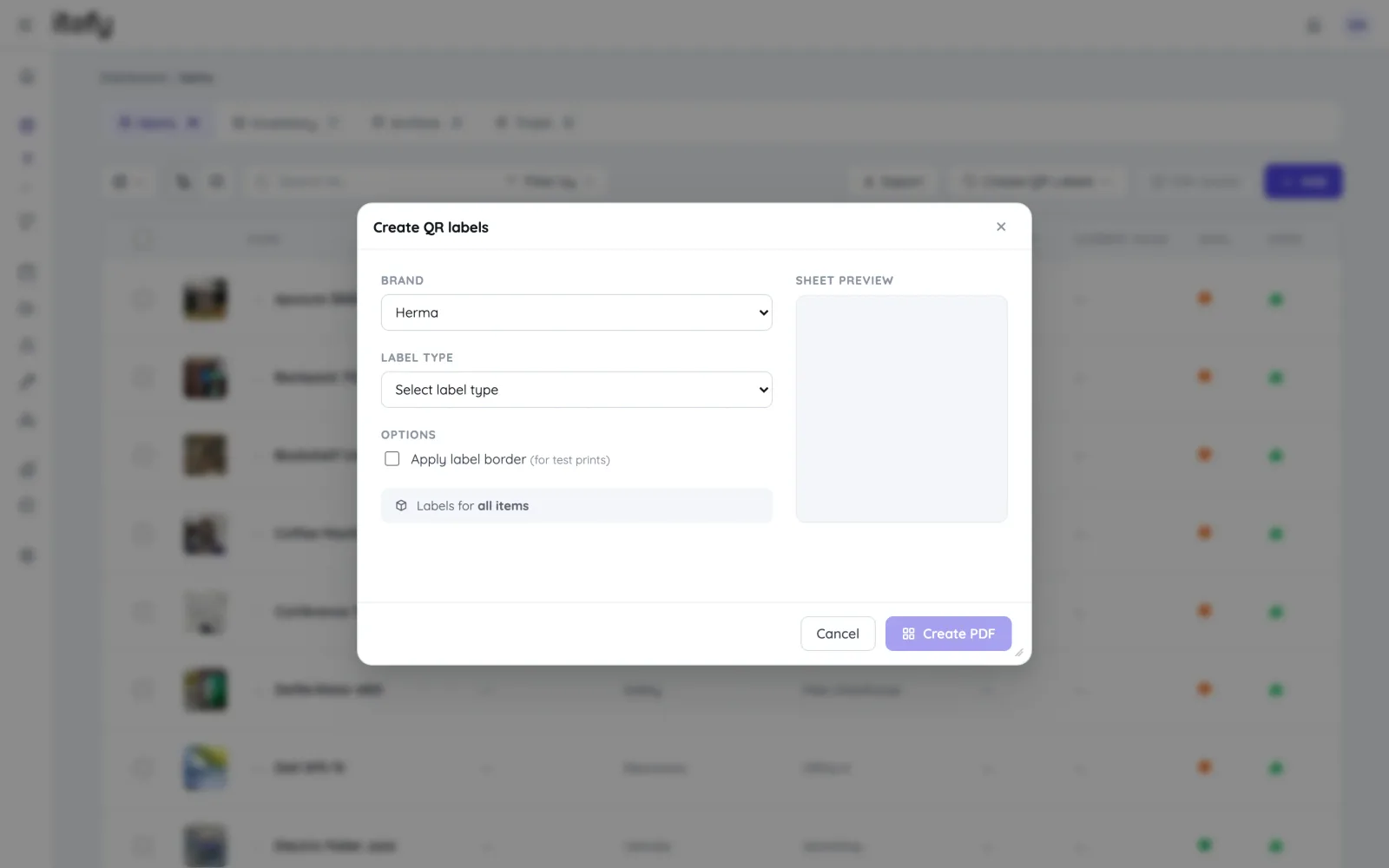
Generate and print QR labels for your equipment, attach them, and every item is one scan away — open its page, check it out or report an issue with the Itefy Go mobile app.
- Generate printable QR label sheets, or blank labels to assign later
- Scan with any phone — no special hardware needed
- Optional public item pages for information sharing
Maintain at scale
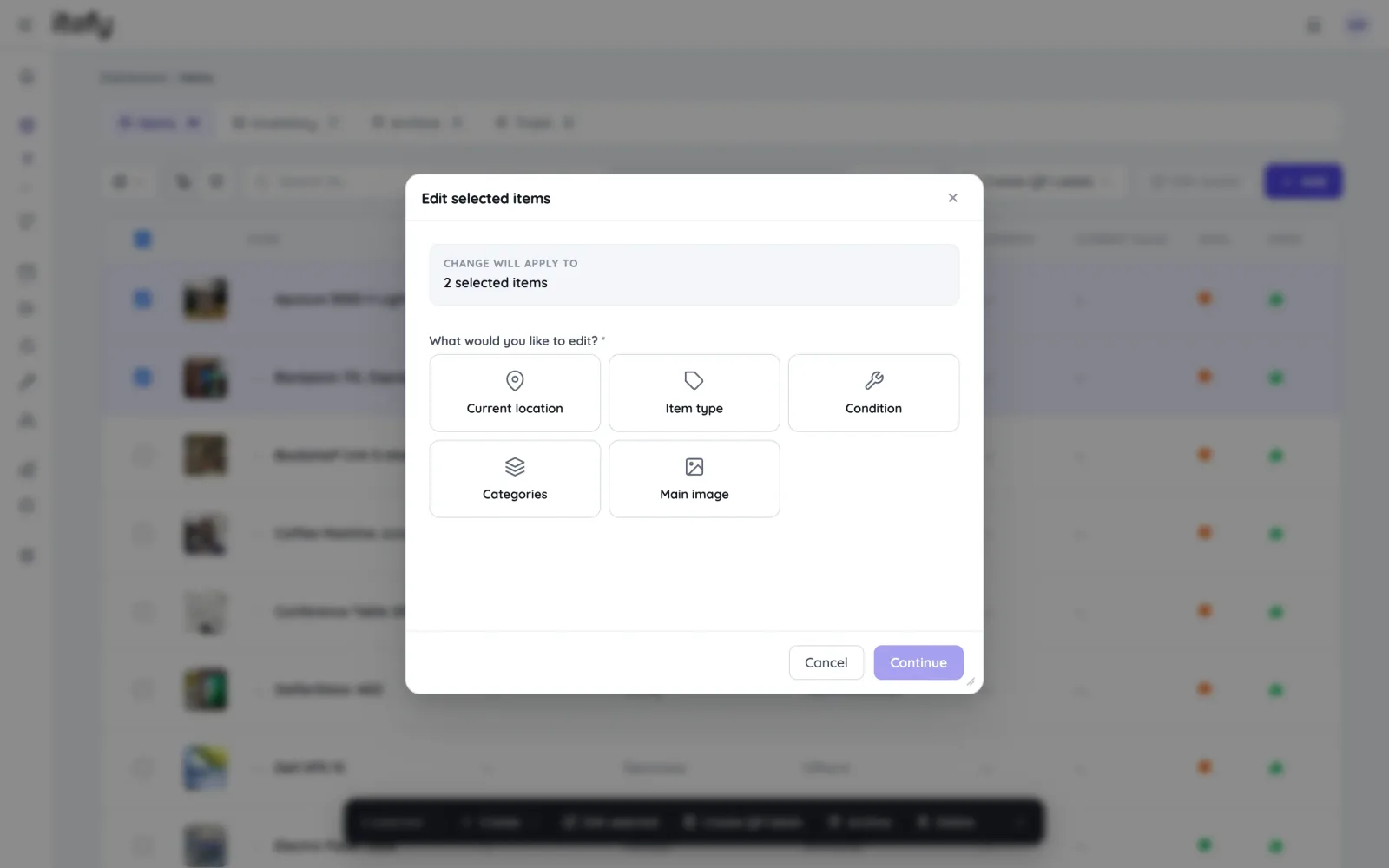
Registries change: departments move, gear gets recategorized, photos need updating. Batch editing applies a change to every selected item — or to every item matching a search — in one supervised run.
- Batch-edit location, type, condition, categories and main image
- Add many identical items at once with auto-numbered names
- Kits bundle items that belong together for one-step operations
The registry is just the start
Everything in Itefy builds on the asset database.
Maintenance & issues
Preventive maintenance schedules and issue-to-repair workflows.
Maintenance managementTake control of your equipment
Try every feature free for 14 days. No credit card, no obligations.