
Event & AV Equipment Management
Speakers, mixers, lights, cameras and cables — packed in kits, booked per event, checked out at load-out and checked back in after the show.
Key features:
- Nested kits for cases & packages
- Per-event bookings
- QR labels on every case
- Damage tracking
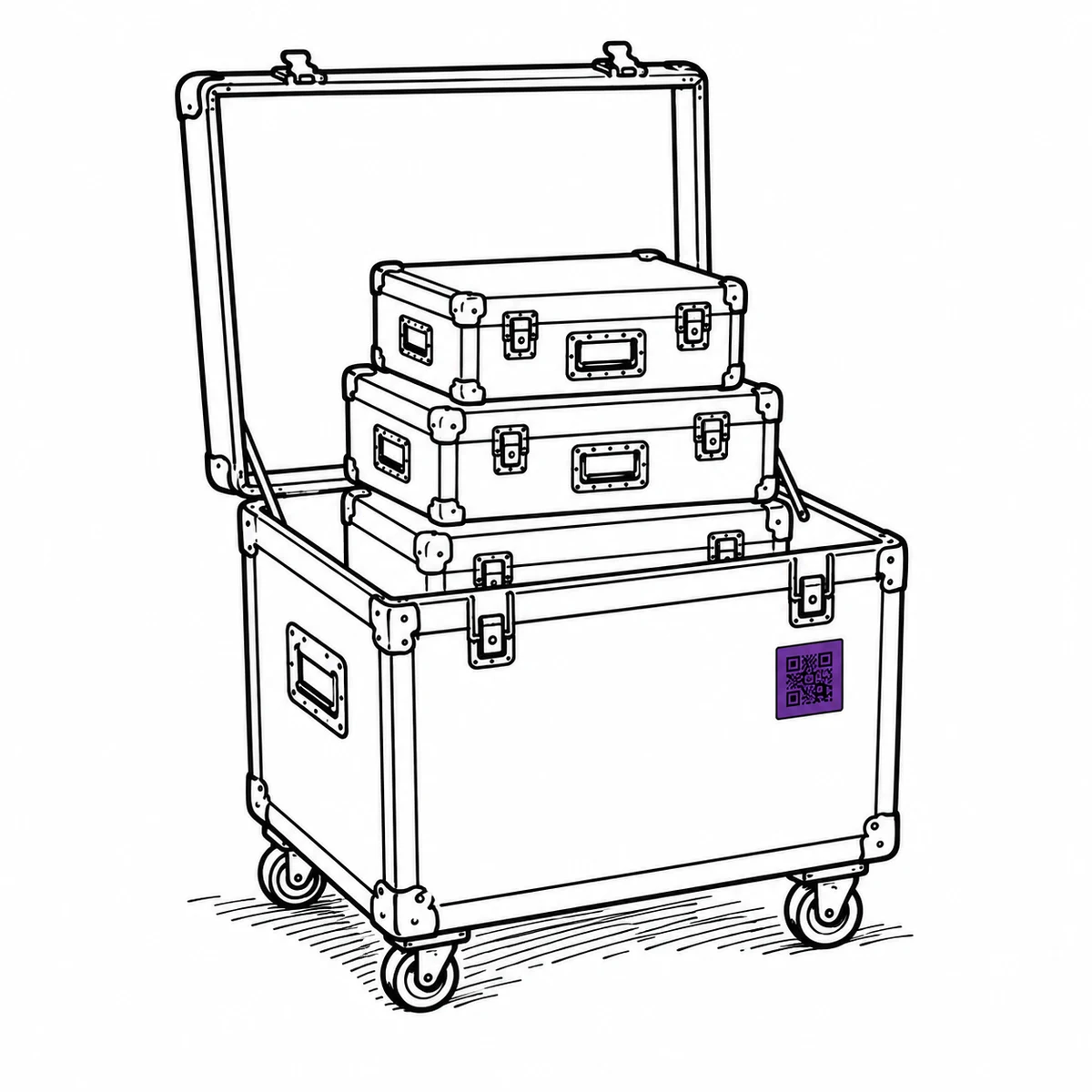
Everything came back.
That is not the same as being ready.
We got in at two and stacked the cases against the wall. Everything was there. Nobody signed anything, because everyone was tired and the cases were obviously all there. Ten days later a crew loaded that same stack for a corporate in Leeds. The wireless rack was one receiver short. It had been short for ten days.
Load-out is not the hard part. The hard part is the next show. Four ways that goes wrong. And what actually changes them.
The truck is packed in cases. The list is flat.
A show does not load as 200 items. It loads as the PA, the lighting rig, the comms case, each of them a stack of cases and each case full of gear — and one of those cases goes out on its own next weekend. A flat list makes load-out a tick-box exercise nobody finishes; a system that only understands packages loses the receiver inside the rack. What actually fixes it: letting the case be a single bookable thing that is still forty tracked items underneath.
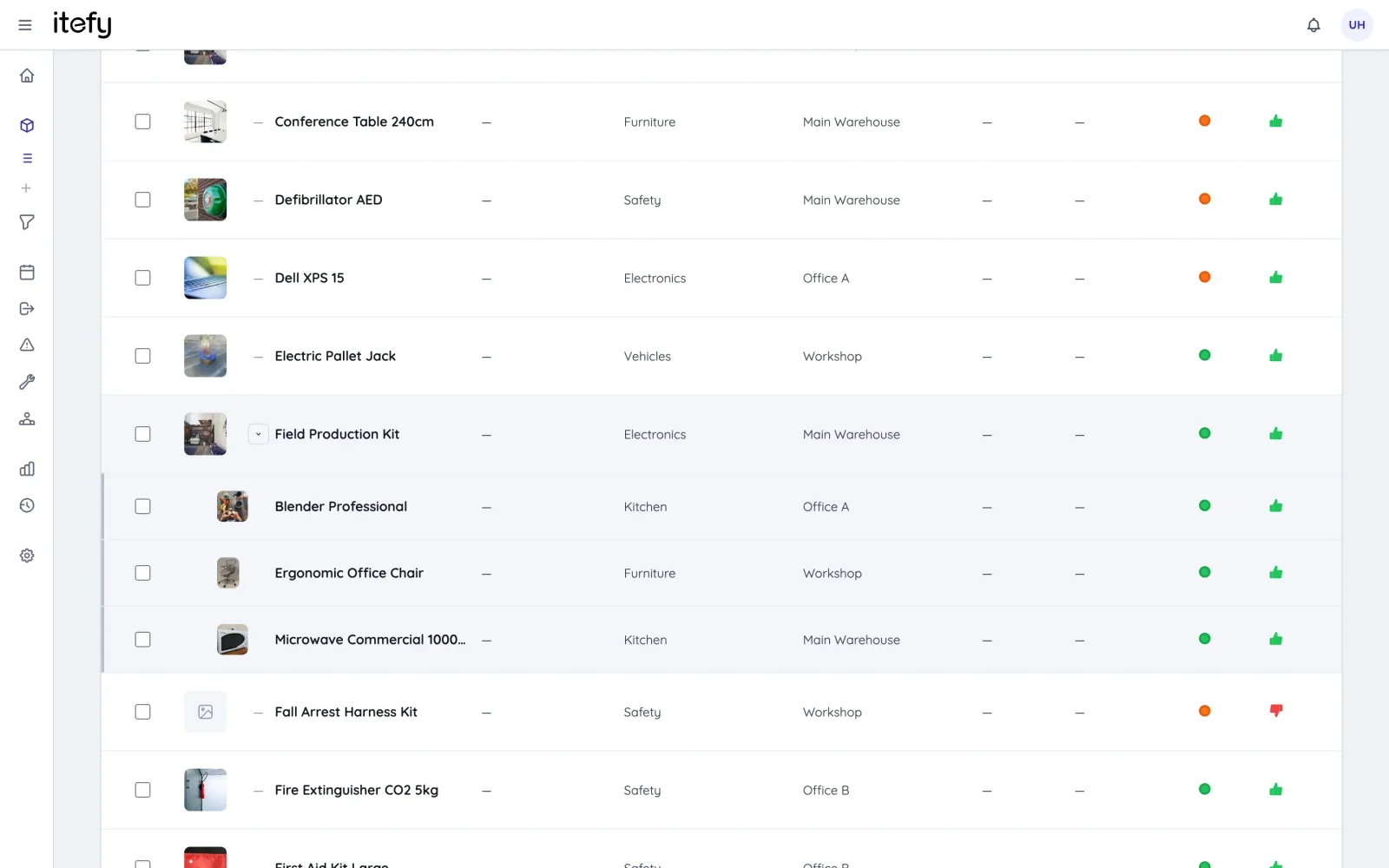
- Kits nest five levels deep — mics in a mic case, the case in the audio package, the package on the cart
- Book or check out at any level and everything inside travels with it
- Anything can be a member and a container at once, so the sub-package still books on its own next weekend
- Members keep their own serial number, condition and service history — the case is a wrapper, not a black box
- Availability is checked against every member at every depth, so a kit is never free when something inside it isn’t
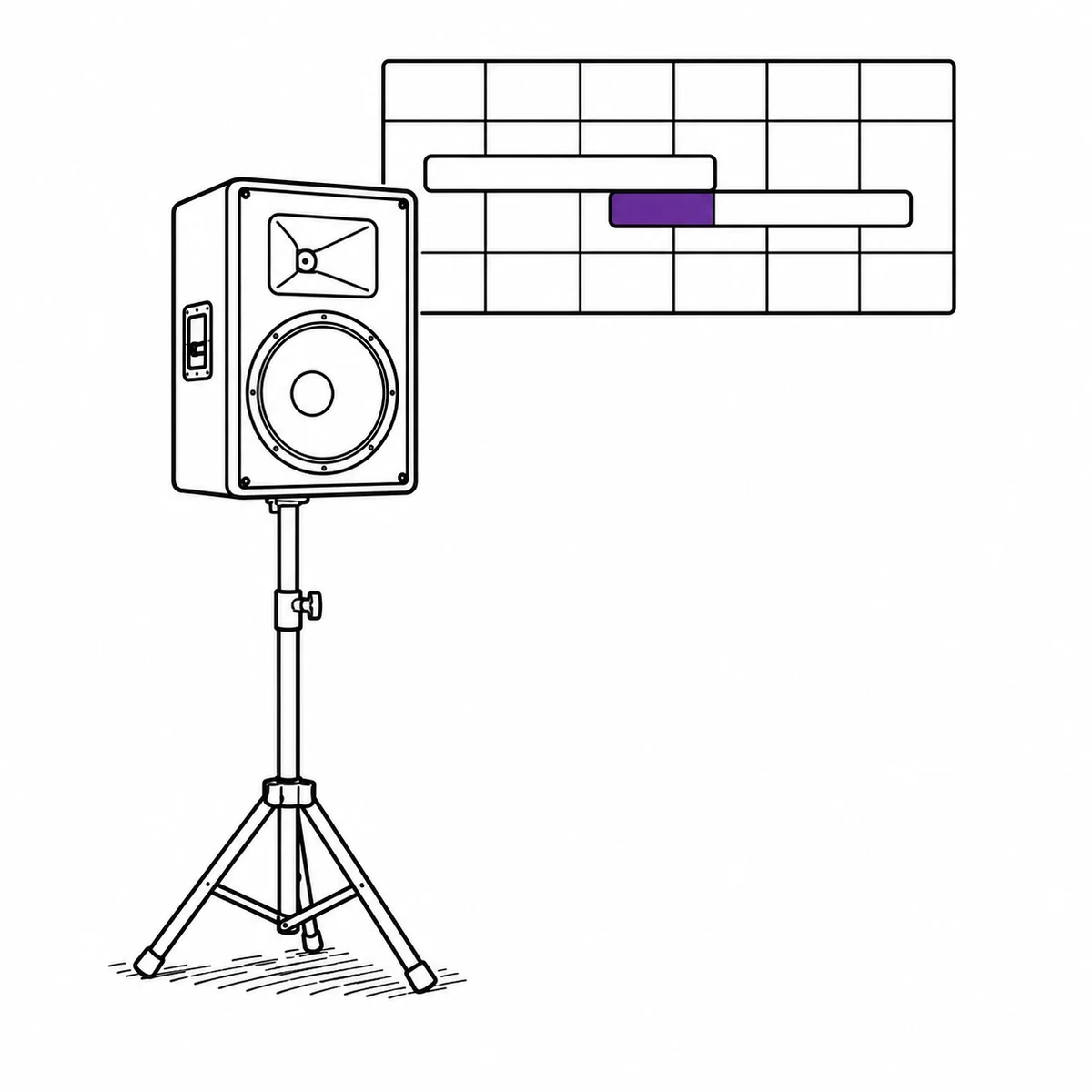
Two shows want the same rig on overlapping weekends
The clash is never discovered in the diary. It is discovered by a crew chief standing in front of a shelf that should have a rack on it. And it is rarely the whole rig that is double-booked — it is one radio mic set that somebody pulled out of the package for a different job, which makes the package unavailable without the package looking unavailable. What actually fixes it: booking against the real contents, so a clash four levels down surfaces when the booking is made rather than on the loading bay.
- Reserve gear per event on a shared calendar, assigned to the crew and the venue
- Double-booking is caught against every member of every nested kit, not just the case you picked
- Bookings are classified — usage, transport, maintenance, inspection, repair — so the diary shows what the gear is actually doing
- A reservation does not block a checkout: very often the checkout is that booking being collected, and one click links the two and closes it
- Convert the booking to a checkout when the truck is loaded, so the plan and the reality stay attached
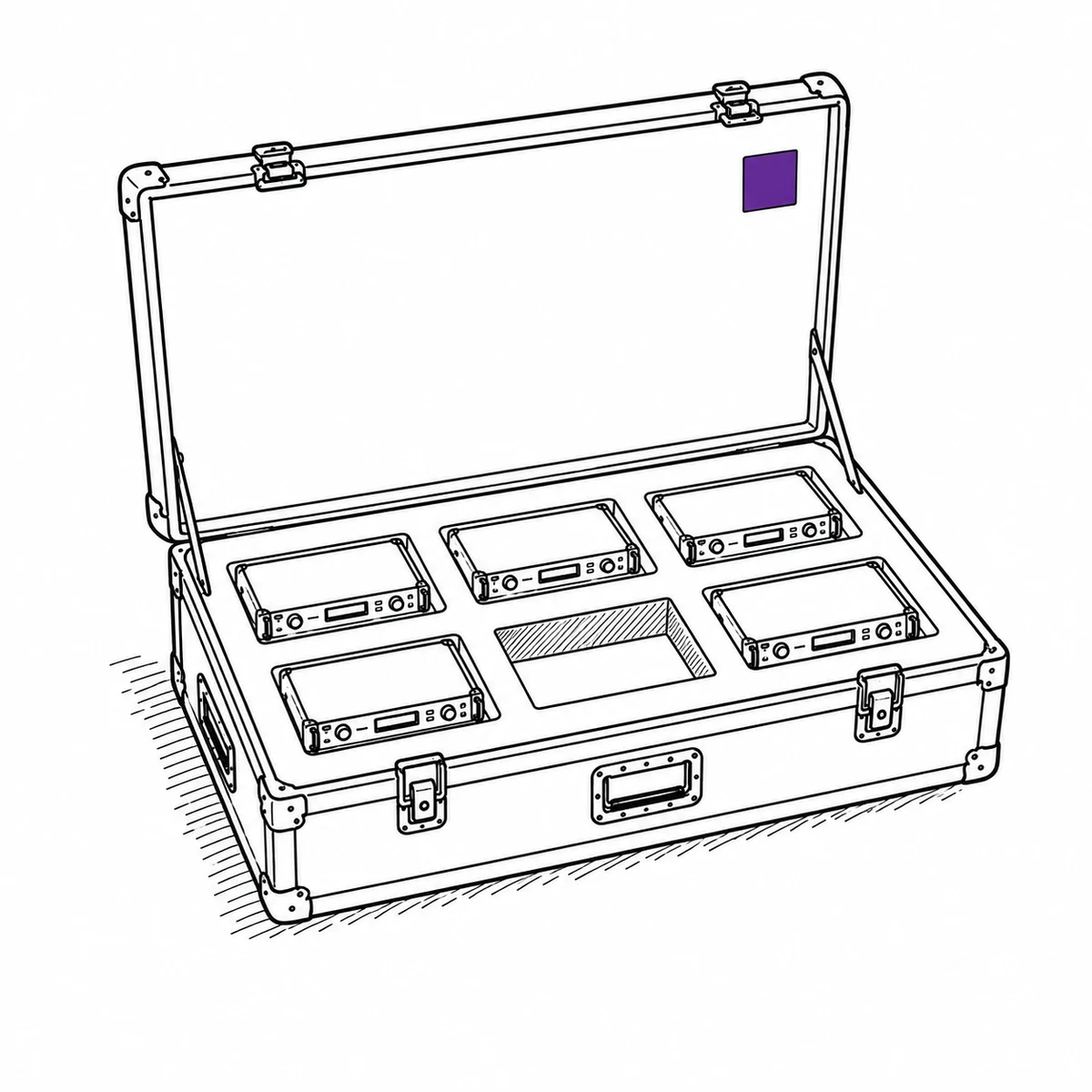
What comes back is not always what went out
Nothing is stolen at load-in. Things are lent to the other crew on the same site, packed in the wrong case at three in the morning, or left on a shelf in a venue that will happily keep them. The shortfall is real at load-in and invisible until the next show needs the thing — by which point nobody can say which of four jobs it went missing on. What actually fixes it: checking gear back in as an act, so the gap is a fact on the day instead of a mystery a fortnight later.
- Check part of a load back in and the checkout stays open, showing exactly what is still out
- The check-in list is laid out as the kit tree, so ticking a case ticks its contents
- Due-soon and overdue notices go out on their own, rather than depending on someone remembering
- Every checkout is attributed to a named person, so “who had it last” is a lookup and not an argument
- Link the checkout to the client or the venue, so a hire that never came back has a name against it
The fixture that died on Saturday gets promised to Thursday
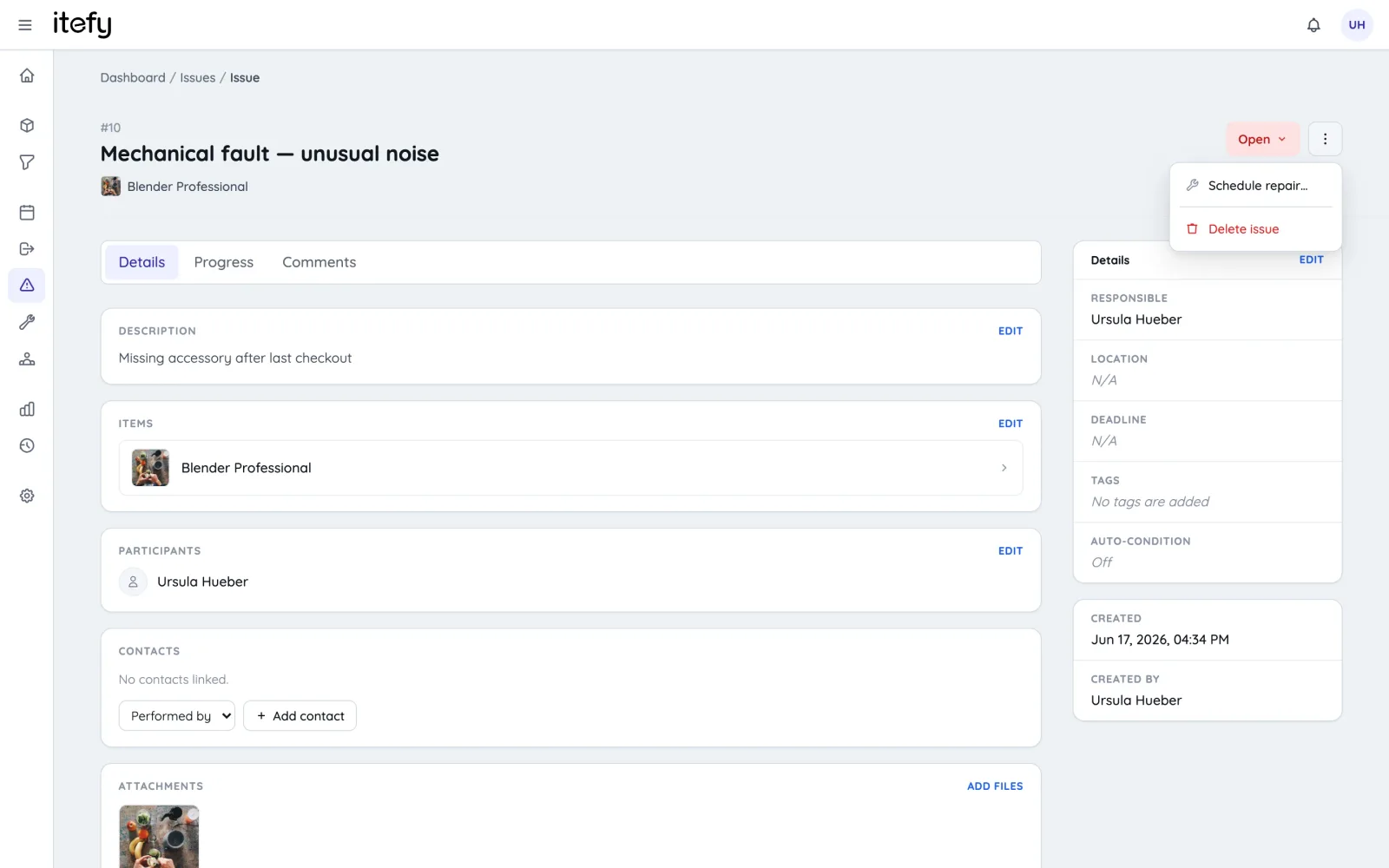
Somebody knows it is broken. They knew on Saturday night. But knowing lives in a head, or a group chat, or a strip of tape on the yoke that falls off in the truck — and none of those are consulted when the next booking is made. So it goes out again, and this time it fails in front of an audience. What actually fixes it: making the fault a property of the gear rather than a memory, and letting that property stop the next booking on its own.
- Log the issue with photos on the spot, from a phone, before the memory fades
- Mark it inoperative and it is refused for bookings and checkouts — flagged NOT WORKING in the picker, not merely noted somewhere
- Repair, maintenance, inspection and transport bookings are the exception, so the gear can still be scheduled into the workshop and collected
- Schedule the repair from the issue itself, and the booking holds the gear for the bench like any other job
- Set it back to operative when it is fixed — one change puts it back in circulation
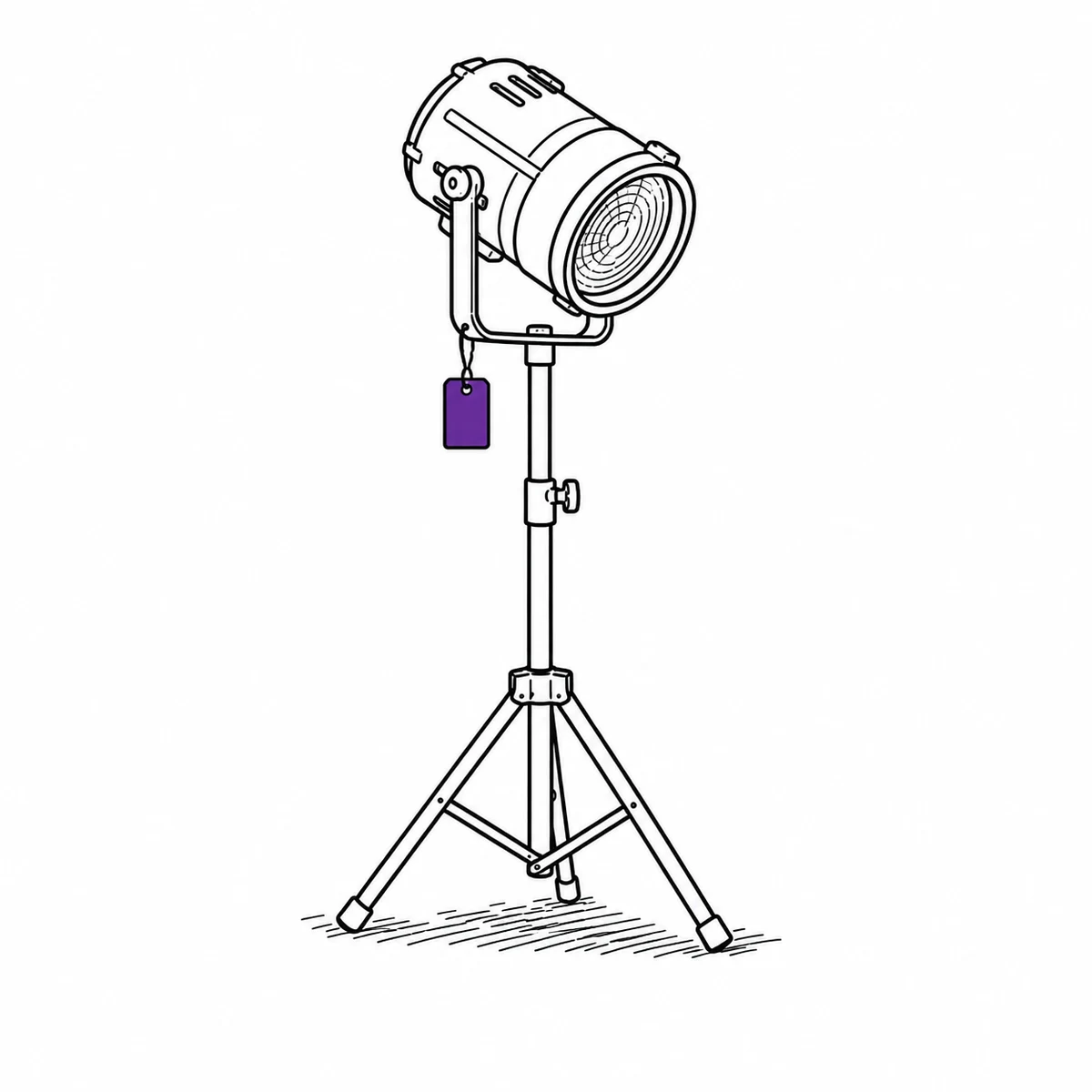
What Itefy does not do
It is custody tracking, not a warehouse scanner. A QR label identifies one item at a time and opens it — there is no batch scan that fires a hundred items into a checkout, and no RFID gate that reads a cage as it rolls past. The reason load-out is still quick is that you take the case, not the hundred items: a nested kit is one selection.
Crew do not get logins. A freelancer is recorded as a contact on the checkout — unlimited, and the trail still carries their name — but somebody with a login has to do the handover. Staff logins are capped by plan, from 3 on the smallest to 20 on the largest.
There is no hour or lamp-hour metering, so maintenance is scheduled by date and by recurrence, not triggered by a counter. And there is no sub-rental or cross-hire costing — Itefy tracks the gear, not the invoice for gear you brought in.
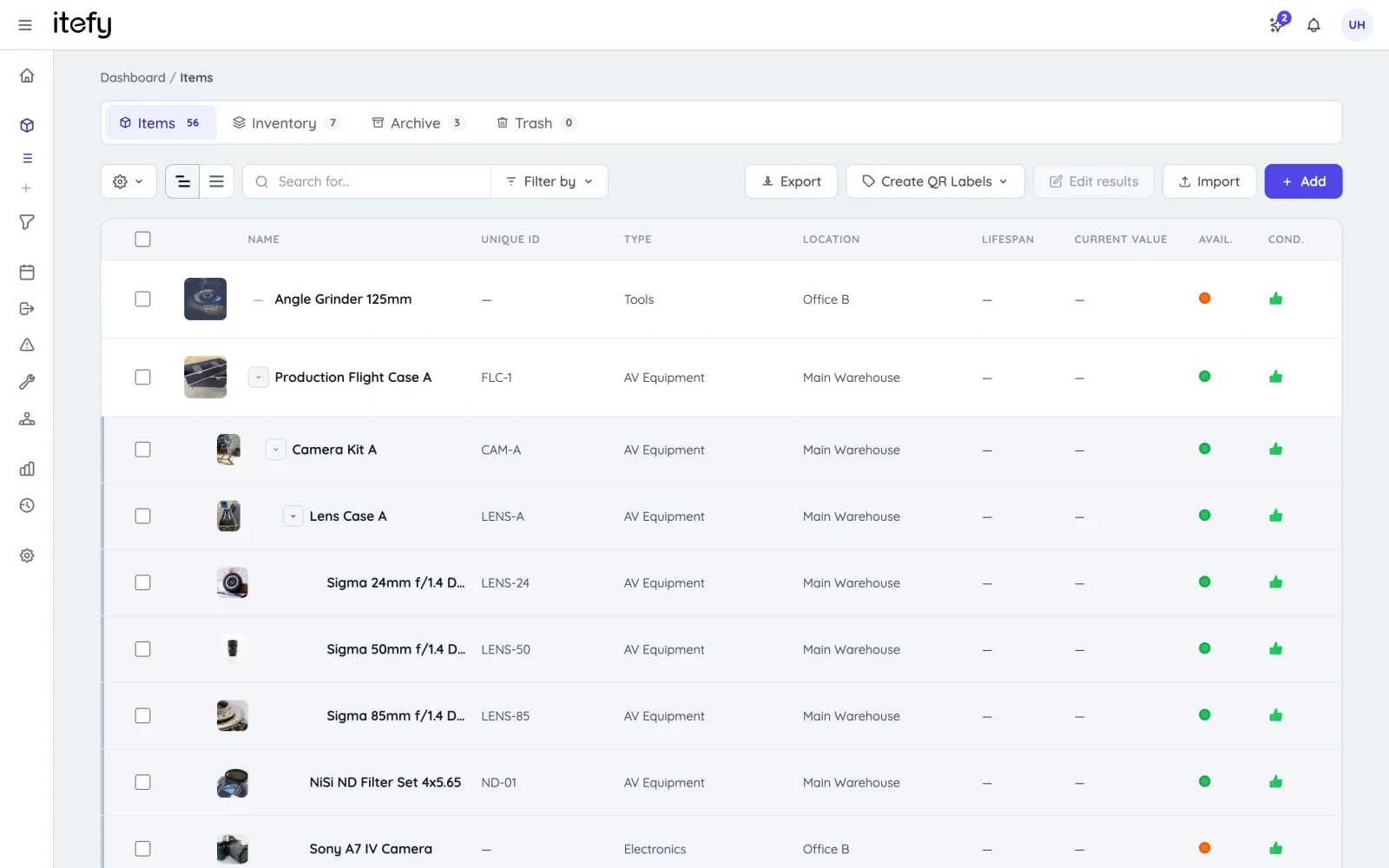
Kits that match how gear travels — cases inside cases
A show does not load out as a list of items. It loads out as the PA rig, the camera package, the lighting truss — each of them a stack of cases, each case full of gear, and one of those cases is itself a package you sometimes send out on its own. Itefy nests kits five levels deep, so the data can be shaped the way the truck is packed instead of flattened into one heap. Every level still books, scans and services on its own.
- Kits inside kits, five levels: mics in a mic case, in the audio package, on the cart
- Book or check out any level and everything below it goes with it
- Members keep their own serial numbers, PAT history and condition
- Categories and tags for departments: audio, video, light, rigging
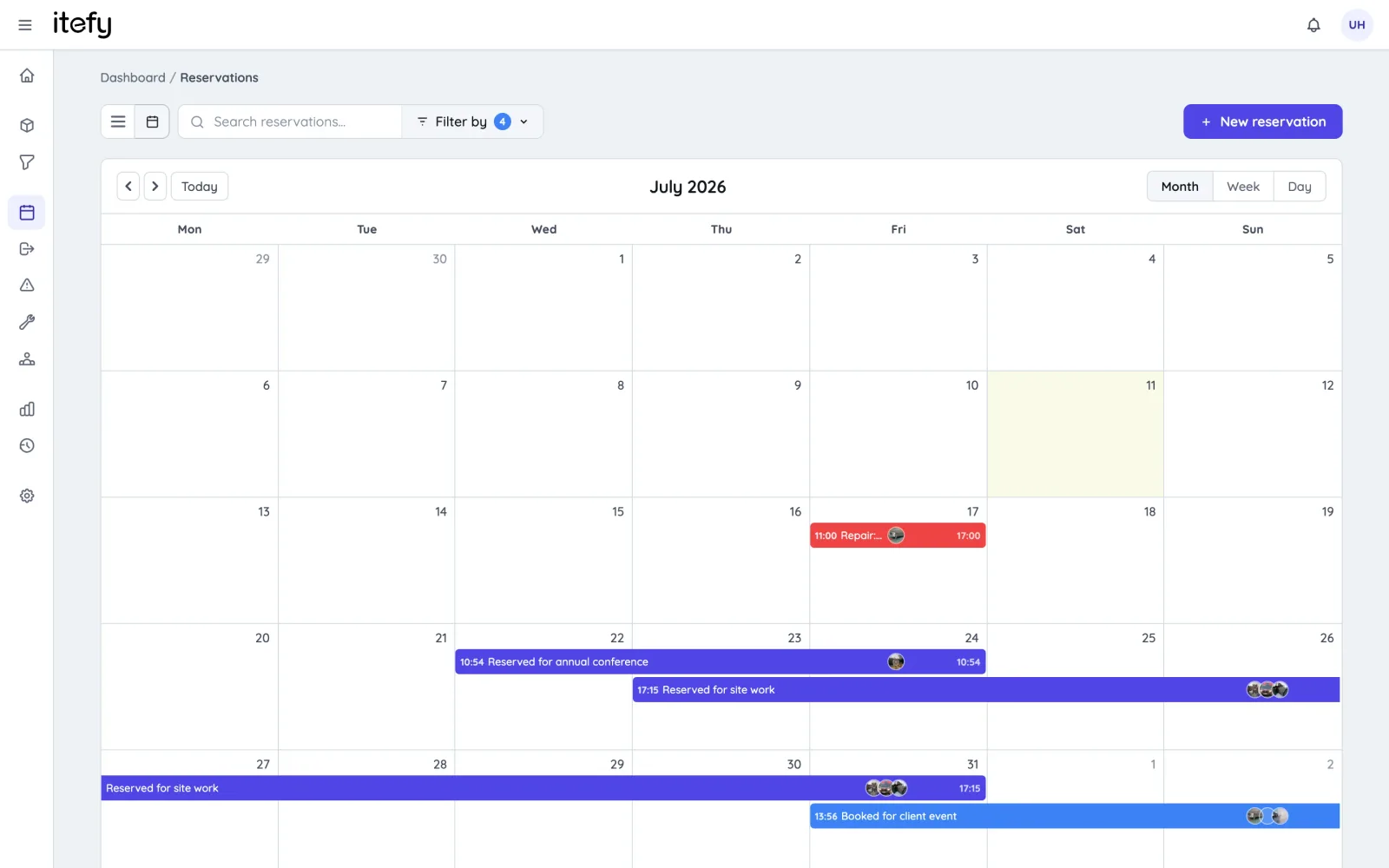
Book gear per event — no surprises on show day
Reserve everything an event needs on a shared calendar, assigned to the crew and the venue. Conflict detection catches overlapping shows before they become a problem, and the whole team sees what’s committed where.
- Reserve to a location — see what’s at which venue
- Automatic double-booking prevention, kit-aware at every level of nesting
- Convert the booking to a checkout when the truck is loaded
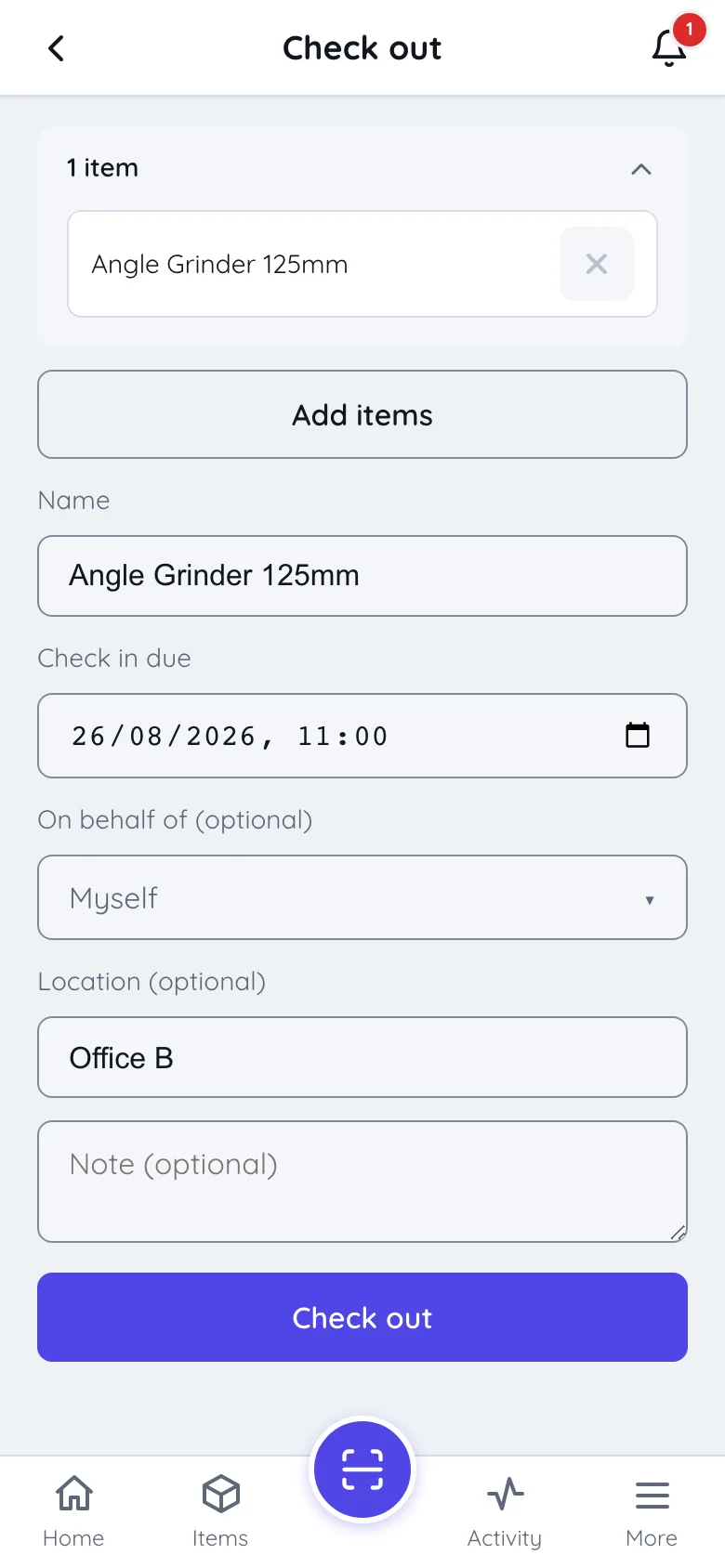
A label on every case, and a phone that reads it
Print QR labels for every case and every item inside it. Point a phone at one and you are on that item — its history, its condition, who has it and what it belongs to — without hunting through a list on a dark loading bay. Load-out itself stays quick because you check out the case, not its contents.
- Scan a label to jump straight to an item, or check the whole case out in one selection
- Partial check-in shows exactly what hasn’t come back
- Works on any phone with Itefy Go — no scanners to buy
After the show: condition, damage, repairs
Blown driver, bent truss, flickering fixture? Log the issue with photos before the memory fades, flag the gear as inoperative so it isn’t booked for the next show, and schedule the repair.
- Issue tickets with photos, taken on the spot
- Gear marked inoperative is refused for new bookings and checkouts, service work excepted
- Repair reservations keep the service schedule honest
Made for production crews
Clients & venues
Link checkouts and bookings to clients and venues in the built-in contact register.
Learn moreCrew without logins
Freelancers are recorded as contacts on the checkout — no seat used. Staff logins are limited by plan, with the permissions you decide.
Utilization insights
See which gear pays for itself and what can be cross-rented instead of bought.
Learn moreMaintenance
PAT tests, servicing, firmware — recurring maintenance bookings with reminders.
Learn moreTV & film production
Managing camera gear for productions? There’s a dedicated page for that.
TV & filmItefy Go mobile app
The whole workflow from the warehouse floor or the venue, on any phone.
Learn moreProduction calendar
Push the show schedule into the calendar the crew already opens — Google, Outlook or Apple.
Learn morePlans & Pricing
- USD
- EUR
- NOK
-
Basic
N/Aper month, paid N/A- N/A items
- N/A locations
- N/A users included
- Extra seats N/A/month
- N/A GB storage
Core features
- Items, check-in & check-out
- Reservations & scheduling
- Calendar sync (Google, Outlook, Apple)
- Issues, maintenance & events
- QR labels & mobile app
- Public item pages
- Custom specifications
- Excel import & export
- Sign in with Google
-
Most popular
Startup
N/Aper month, paid N/A- N/A items
- N/A locations
- N/A users included
- Extra seats N/A/month
- N/A GB storage
Everything in Basic, plus
- Recurring reservations
- Kits
- Contacts
- Reports & insights
-
Business
N/Aper month, paid N/A- N/A items
- N/A locations
- N/A users included
- Extra seats N/A/month
- N/A GB storage
Everything in Startup, plus
- API access for custom integrations
- Up to 5 API keys
-
Enterprise
N/Aper month, paid N/A- N/A items
- N/A locations
- N/A users included
- Extra seats N/A/month
- N/A GB storage
Everything in Business, plus
- Up to 25 API keys
- Highest limits, built for large fleets
- Lowest extra-seat price
Take control of your equipment
Try every feature free for 14 days. No credit card, no obligations.