
QR Code Asset Tracking
A printed label and any smartphone — that's the whole hardware stack. Label your equipment, scan to act.
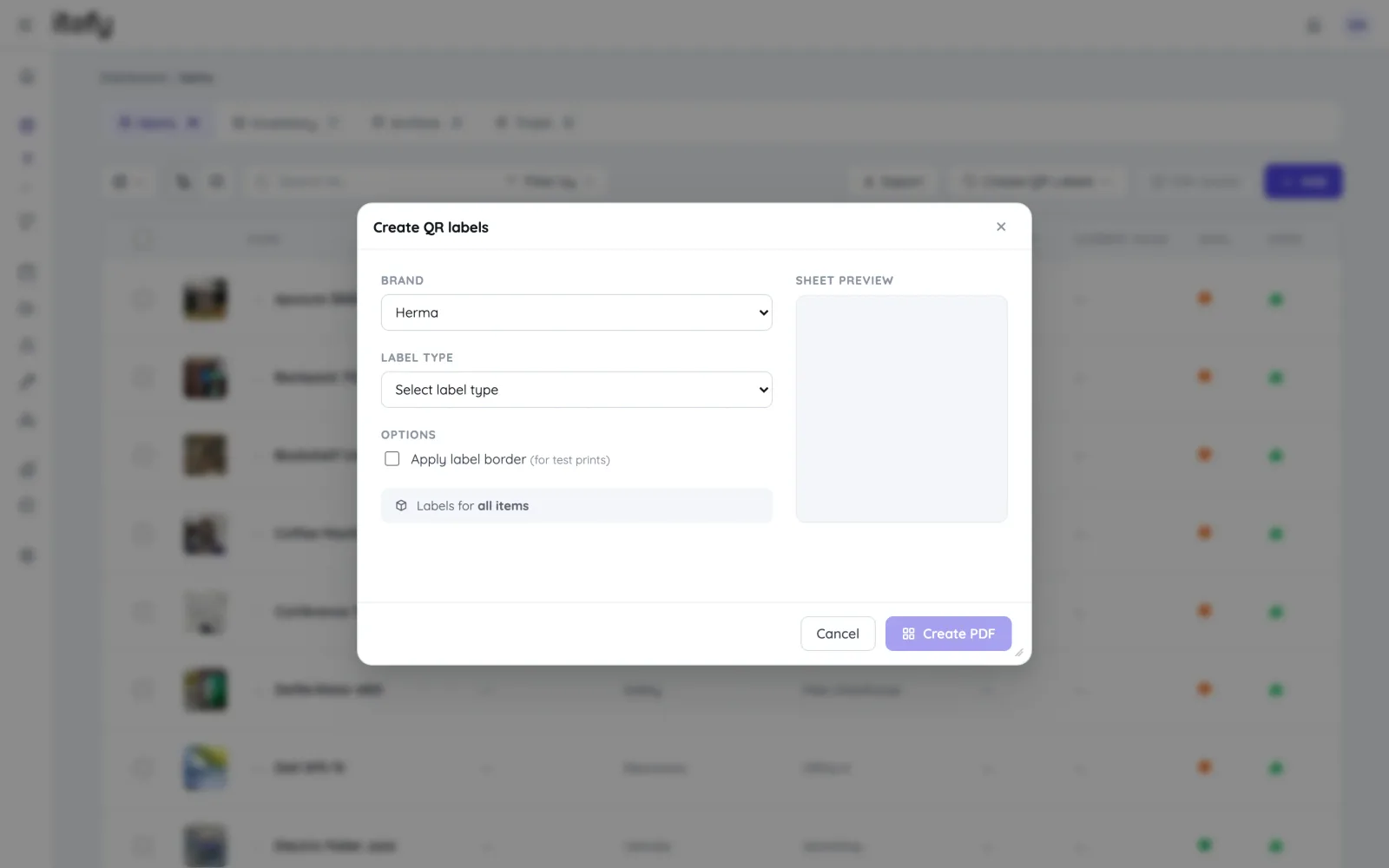
Generate and print labels yourself
Create QR label sheets directly in Itefy and print them on standard Avery or Herma labels with any laser printer — or export item codes for dedicated DYMO and Brother label printers. Blank labels can be printed in advance and assigned by scanning.
- Label sheets for standard Avery and Herma formats
- Export unique item codes for dedicated label printers
- Pre-print blank labels, assign them in the field with a scan
Scan to find — and to act
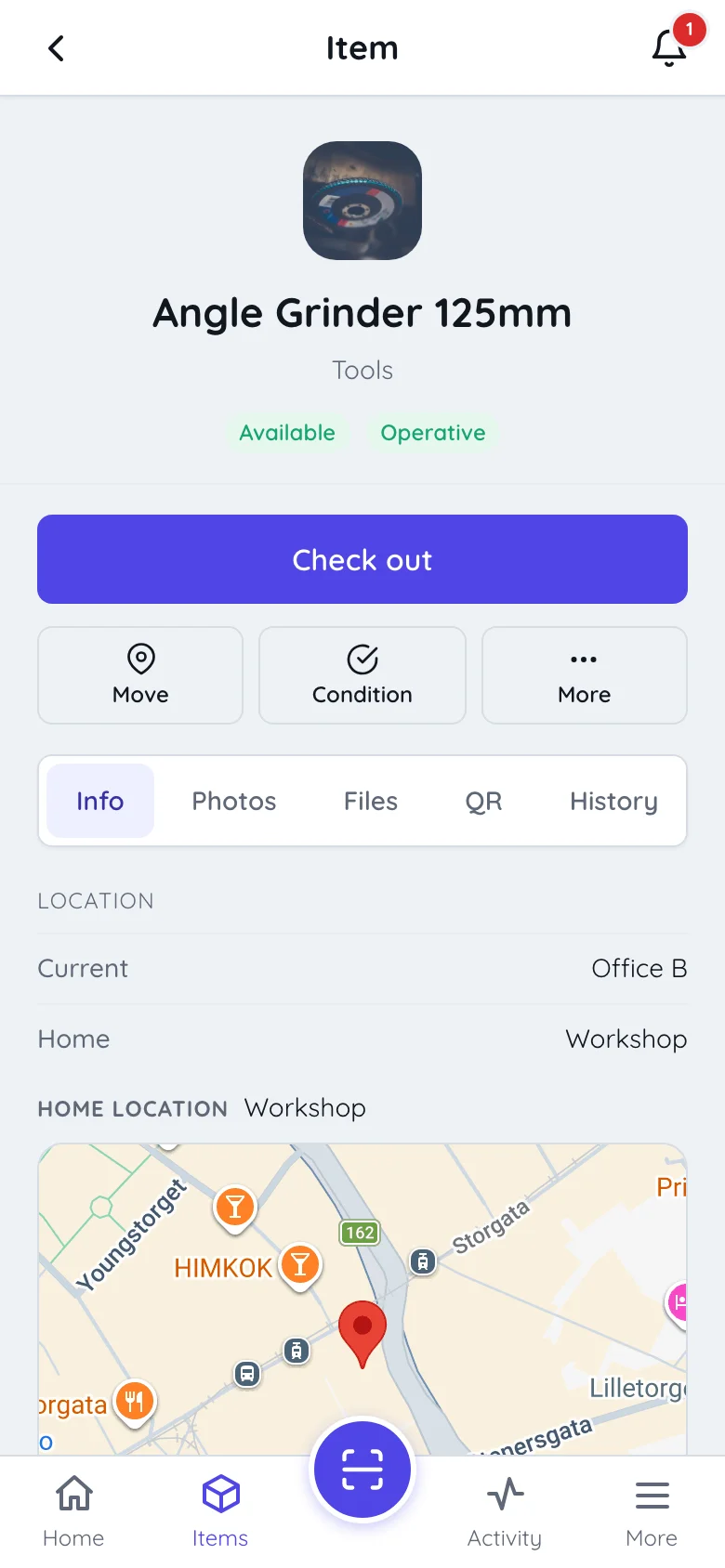
Point a phone at a label and the asset opens in Itefy Go: status, location, condition, history. Every action is right there — check out, reserve, report an issue, change location, adjust inventory.
- Instant lookup — no typing, no searching, no wrong item
- All workflows available straight from the scan
- Works on any iOS or Android phone; installation optional
Batch scanning for real workflows
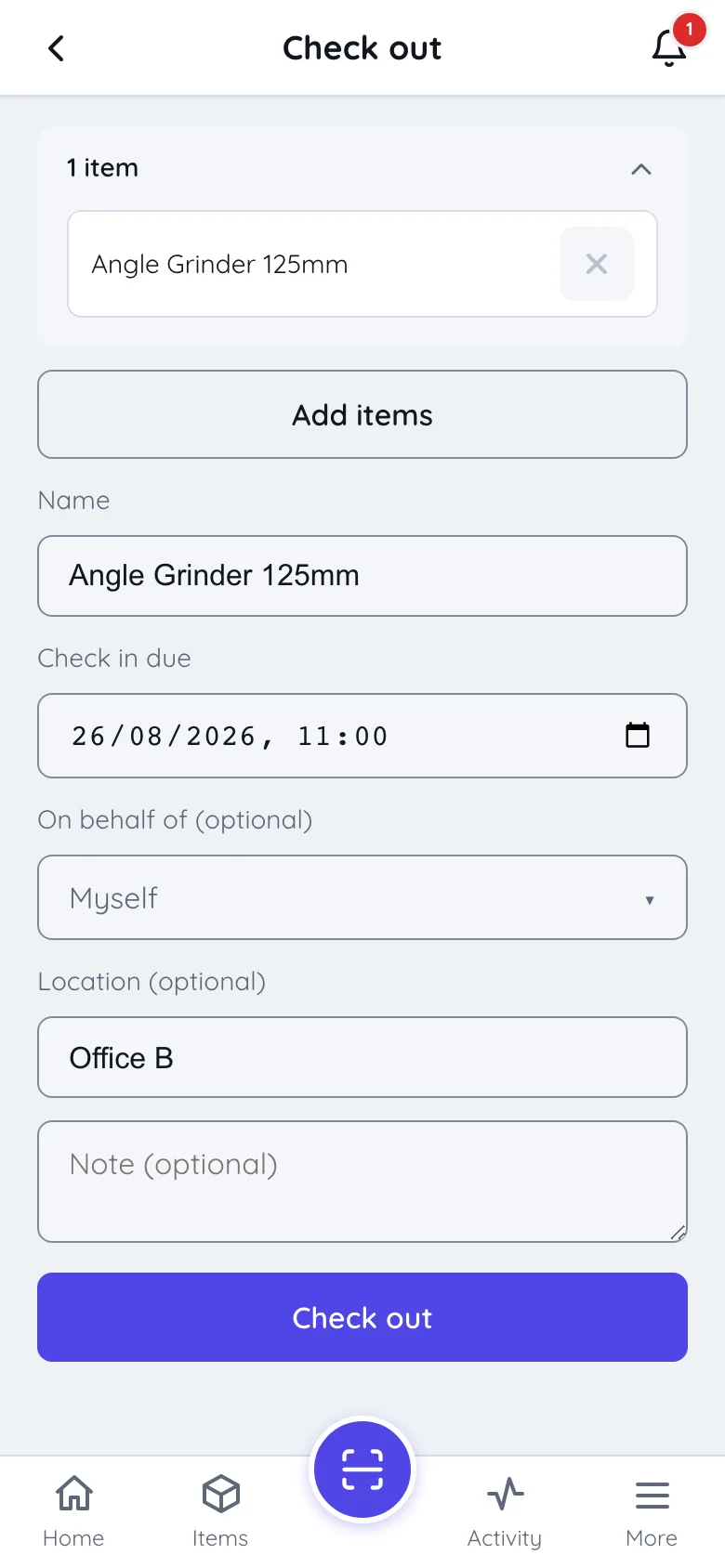
Checking out a pile of gear? Scan label after label and the items are added hands-free — a full checkout or reservation in seconds. It’s the difference between a system people use and a system people skip.
- Batch-scan multiple items into one checkout or reservation
- No-touch adding — items register as soon as the code is recognized
- Scan again at return for instant partial check-in
Share information through the same label
The QR label can also serve people outside your team: public item pages show selected information — manuals, instruction videos, safety documentation — to anyone who scans, with no login.
- Public item pages with the documentation you choose to share
- Perfect for rental machines, shared facilities and safety equipment
- You decide per item what is public — everything else stays private
The label is just the entry point
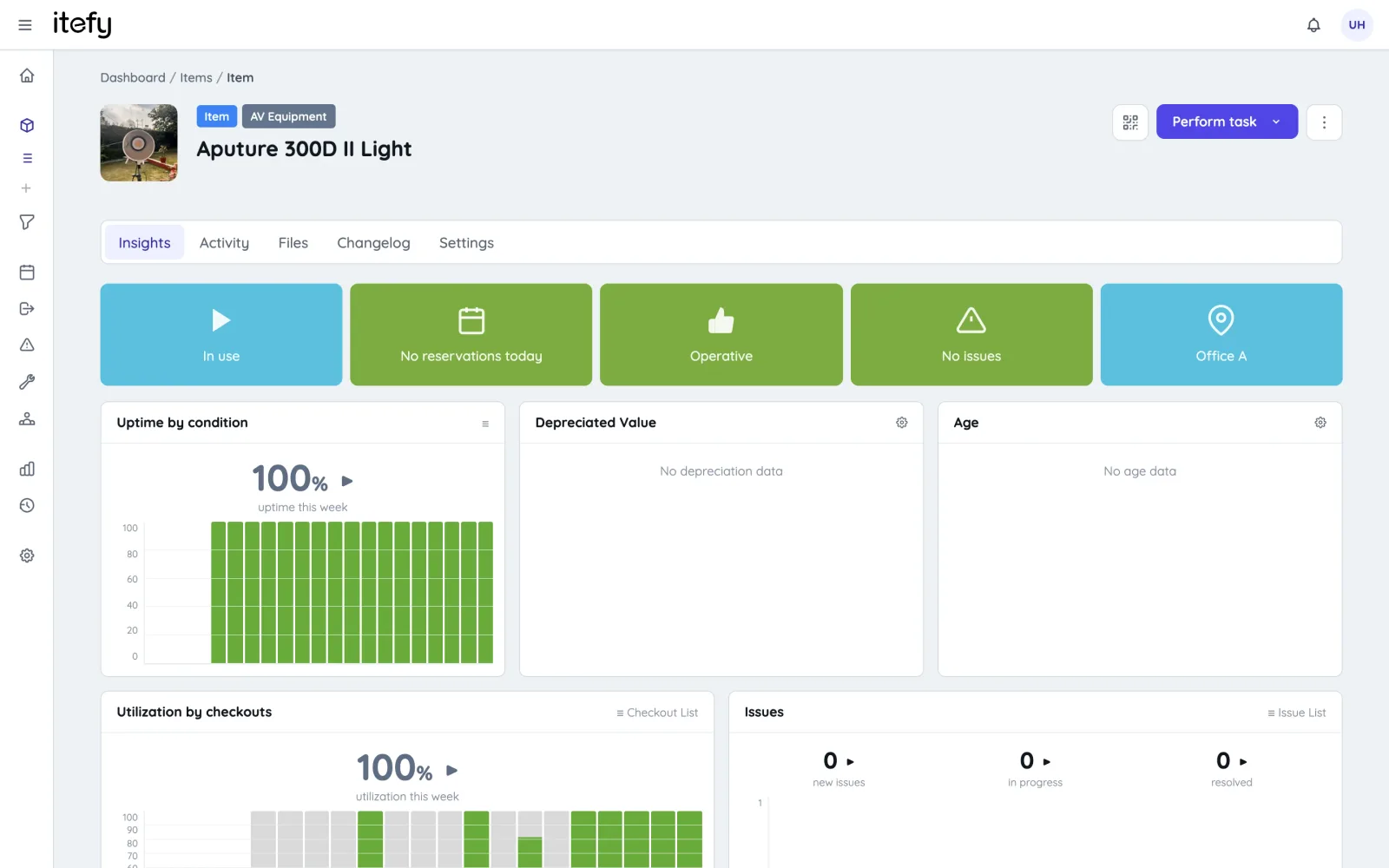
Behind every QR code sits the complete Itefy toolbox.
Take control of your equipment
Try every feature free for 14 days. No credit card, no obligations.