
Facility & Property Management Software
Technical installations, appliances, furniture and tools — organized per building, floor and room, with inspections on schedule and faults handled fast.
Key features:
- Assets per building & room
- Inspection schedules
- Fault reporting with photos
- Value per location
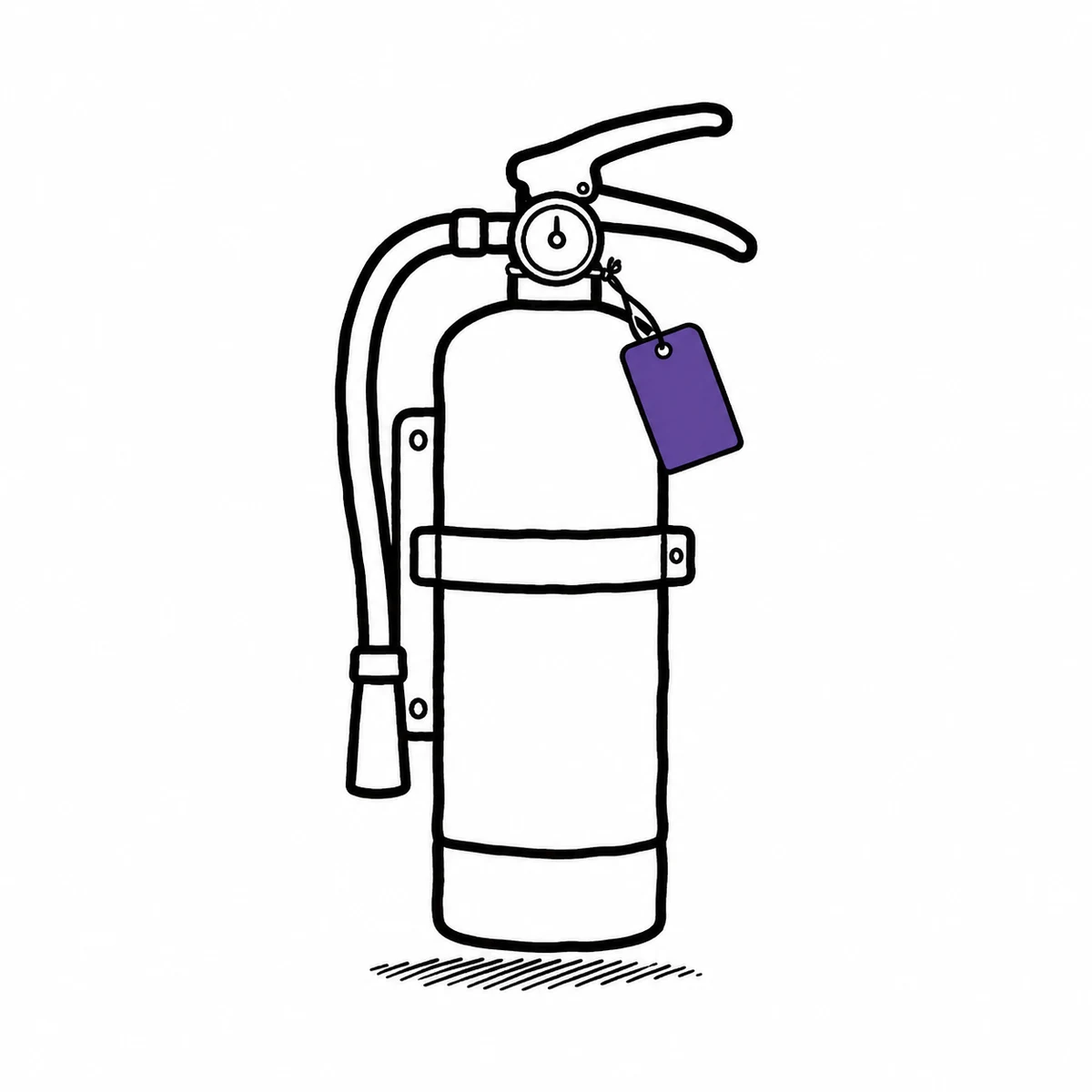
We had done the work. We just could not prove we had done it.
He pointed at the extinguisher by the stairwell. Just that one. Asked when it had last been checked. I knew that it had been. I had walked the building with the engineer myself — I remembered the rain. But the folder said the site was serviced in the spring. The site. Not the extinguisher by the stairwell. He waited. I heard the lift doors. Twice. Then I said I would get back to him. And heard exactly how that sounded.
A certificate covers a building. An auditor points at a thing on a wall. Evidence has to attach to the thing.
Four places that gap opens, and what actually closes it.
The answer is on the item. Not in a folder.
Facilities work gets done and then disappears. The engineer came, the round was walked, the part was replaced — and the only surviving trace is a line on an invoice for the whole site. What actually fixes it: record the work against the individual asset, and attach the proof to the work rather than to the year.
- A full activity history on every asset: who, what, when, what changed
- Photos and documents attach to the inspection or the repair itself
- A QR label on the asset — scan it and its history is on your phone
- Export any of it to Excel, CSV or PDF when somebody asks
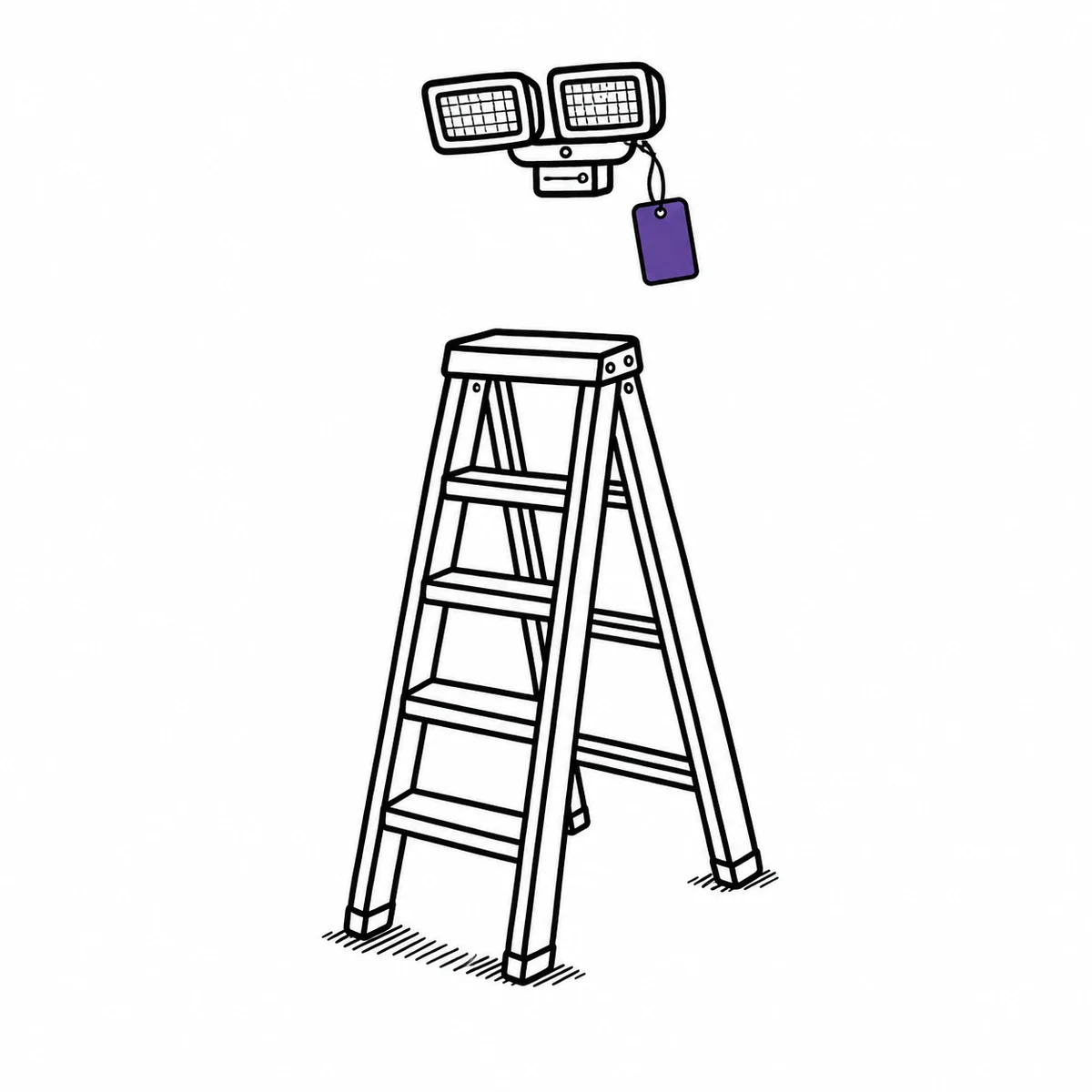
Work that did not happen tells you itself.
Statutory rounds, filter changes, emergency-light tests — the schedule is never the hard part. Noticing that this month's did not happen is. What actually fixes it: put the round on the calendar as a recurring booking and let the slot report on itself when it passes empty.
- Recurring inspection schedules per asset, at whatever interval it needs
- A reminder six hours before a scheduled round is due to start
- If the slot ends and nothing was completed, that is flagged an hour later
- Inspection, maintenance and repair are separate classifications, so the calendar stays readable
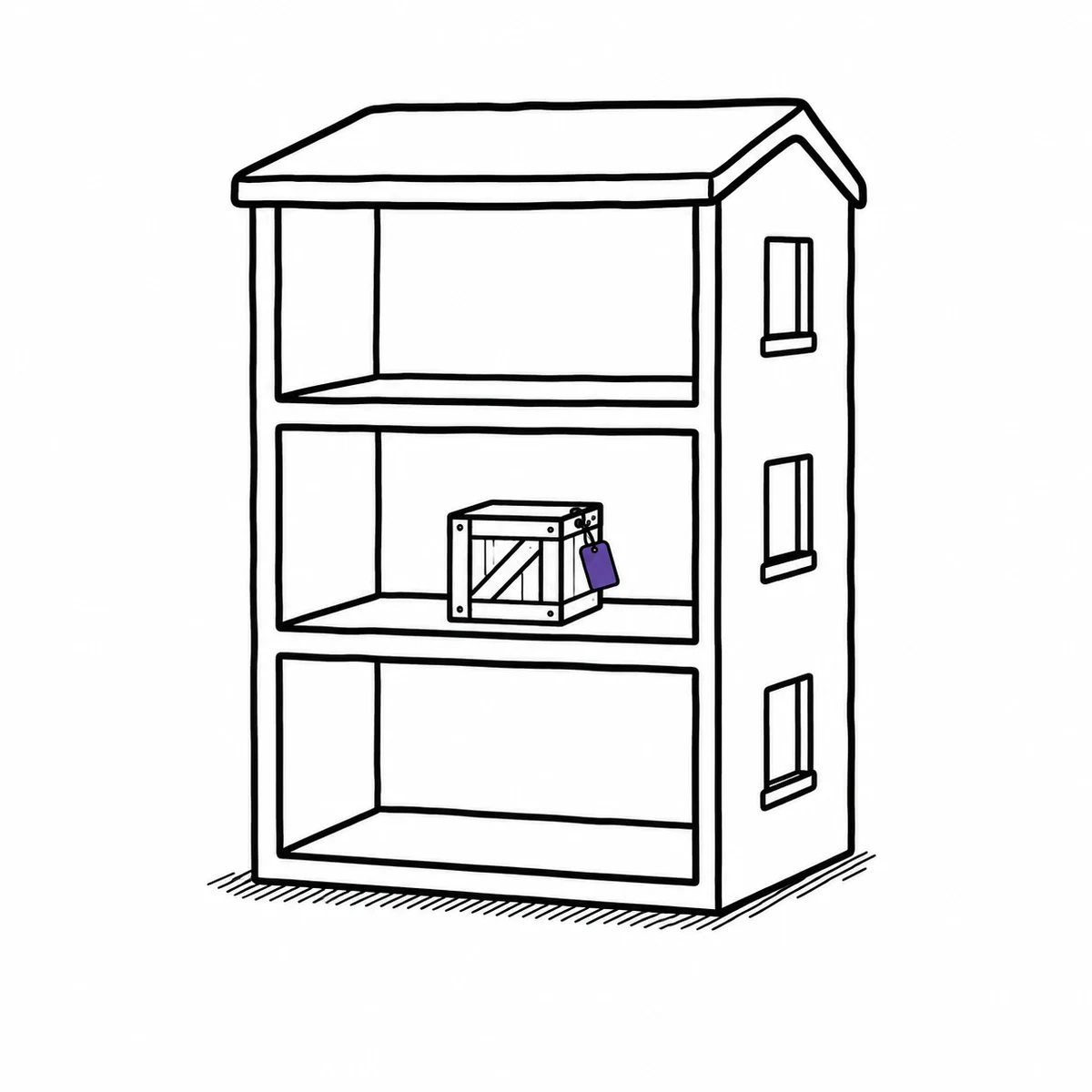
Four hundred of them. Each one somewhere.
A property portfolio is not a list, it is a shape: sites containing buildings containing floors containing rooms, with plant rooms and yards hanging off the side. Flatten it into one column of location names and every question takes a walk. What actually fixes it: let the register have the same shape as the estate.
- Locations nest the way a property does — site, building, floor, room
- Filter by a building and everything beneath it comes too
- Item count and combined value roll up per location
- Every move is logged, so where something ended up is answerable
Reported by one person. Fixed by another. Weeks apart.
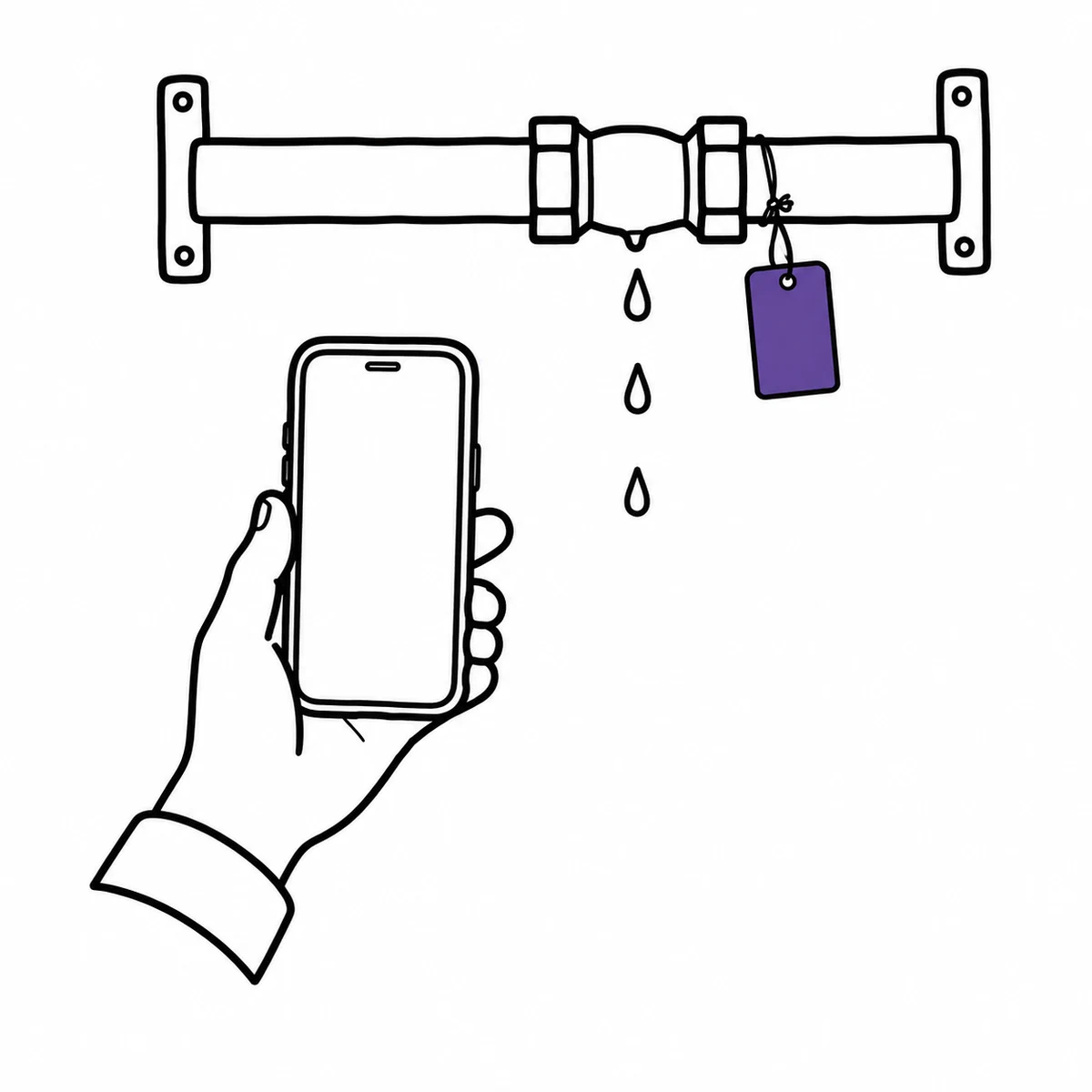
Somebody noticed. They told somebody. It was a good day, so it reached the right inbox — and then it lived there, in a thread with no photo, no deadline and no asset attached to it. What actually fixes it: report at the thing, from a phone, and keep the whole conversation on the fault instead of in a mailbox.
- Report a fault from a phone, standing at the asset, with photos
- A responsible person and a deadline on every one
- Mark it inoperative and it stops being offered as available to book
- Comments, updates and the repair all stay on the ticket
What Itefy does not do
It is not a CAFM. No floor plans, no space or occupancy management, no BMS or sensor feeds. Itefy tracks the assets inside your buildings, not the square metres they stand on.
There is no certificate register. You schedule the next inspection and Itefy chases the schedule. Nothing watches an expiry date on a document and warns you before it passes.
Fault reporting needs an account. A passer-by who scans the QR label gets a read-only page — genuinely useful, but there is no form on it. Anyone who reports faults needs a user seat.
Linking an electrician to a boiler records who services it. It does not email them. Contractor notification is not something Itefy does.
Built for facility teams
Team permissions
Caretakers, technicians and managers each get the right access.
Itefy Go mobile app
Scan a label, report a fault, check the history — from the plant room, on any phone.
Learn morePlanned rounds
Inspection and service bookings on the shared calendar, beside everything else that week.
Learn morePlans & Pricing
- USD
- EUR
- NOK
-
Basic
N/Aper month, paid N/A- N/A items
- N/A locations
- N/A users included
- Extra seats N/A/month
- N/A GB storage
Core features
- Items, check-in & check-out
- Reservations & scheduling
- Calendar sync (Google, Outlook, Apple)
- Issues, maintenance & events
- QR labels & mobile app
- Public item pages
- Custom specifications
- Excel import & export
- Sign in with Google
-
Most popular
Startup
N/Aper month, paid N/A- N/A items
- N/A locations
- N/A users included
- Extra seats N/A/month
- N/A GB storage
Everything in Basic, plus
- Recurring reservations
- Kits
- Contacts
- Reports & insights
-
Business
N/Aper month, paid N/A- N/A items
- N/A locations
- N/A users included
- Extra seats N/A/month
- N/A GB storage
Everything in Startup, plus
- API access for custom integrations
- Up to 5 API keys
-
Enterprise
N/Aper month, paid N/A- N/A items
- N/A locations
- N/A users included
- Extra seats N/A/month
- N/A GB storage
Everything in Business, plus
- Up to 25 API keys
- Highest limits, built for large fleets
- Lowest extra-seat price
Take control of your equipment
Try every feature free for 14 days. No credit card, no obligations.