
Equipment Location Tracking Software
Keep track of where your equipment is, has been,
and make sure it ends up where it belongs when not in use.
Locations that mirror the real world
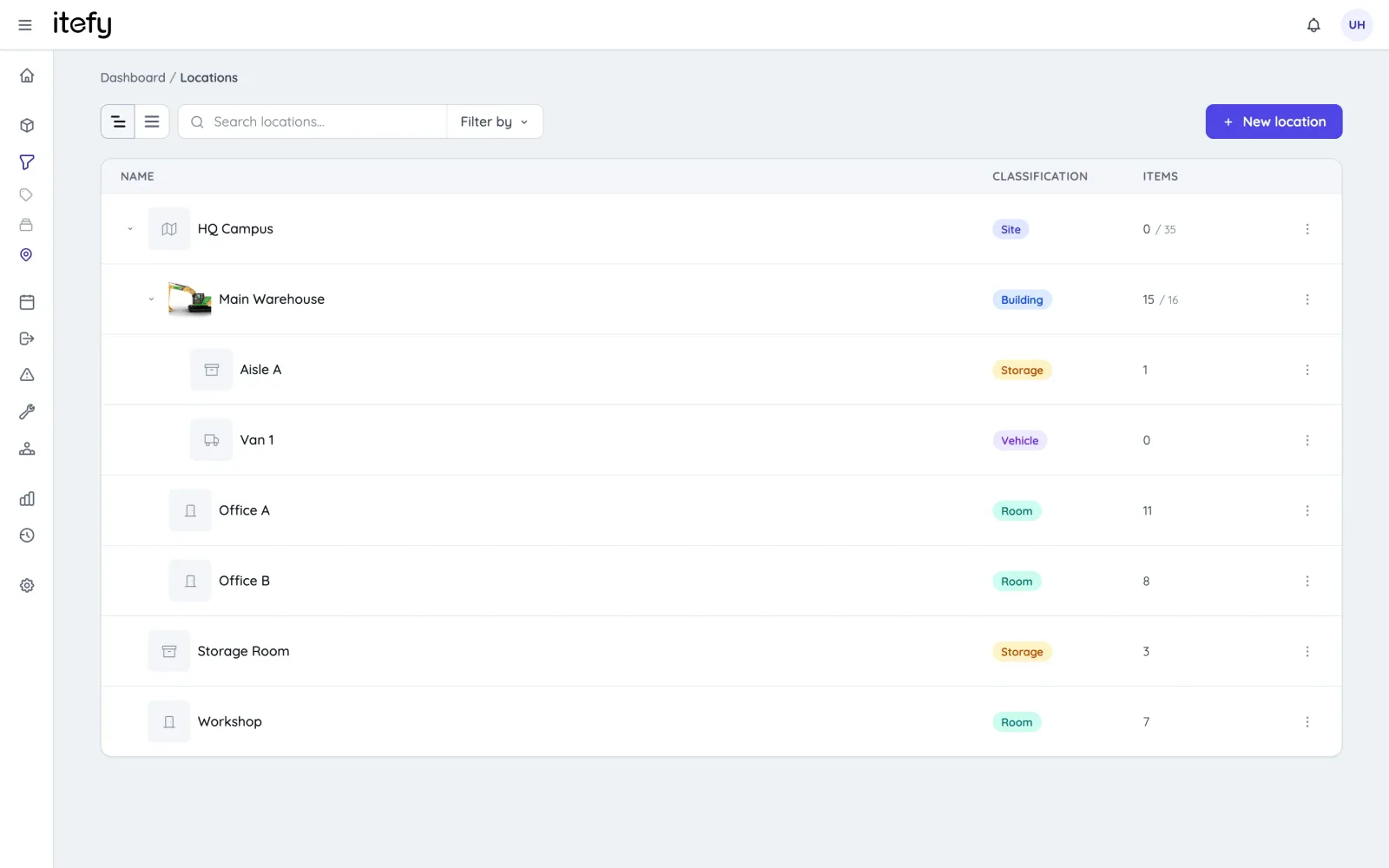
Model your sites exactly as they are: nest locations up to five levels deep — from a site down to a building, room, shelf or bin — and classify each one so everyone instantly understands what kind of place it is.
- Organize locations in a hierarchy: site → building → room → shelf, with a tree view and instant search.
- Classify every location — site, building, room, storage, vehicle or container — with color-coded labels.
- Item counts and asset values roll up through the tree, so you see totals per building or per site at a glance.
- Filtering by a location automatically includes everything in its sublocations.
Every location gets its own page
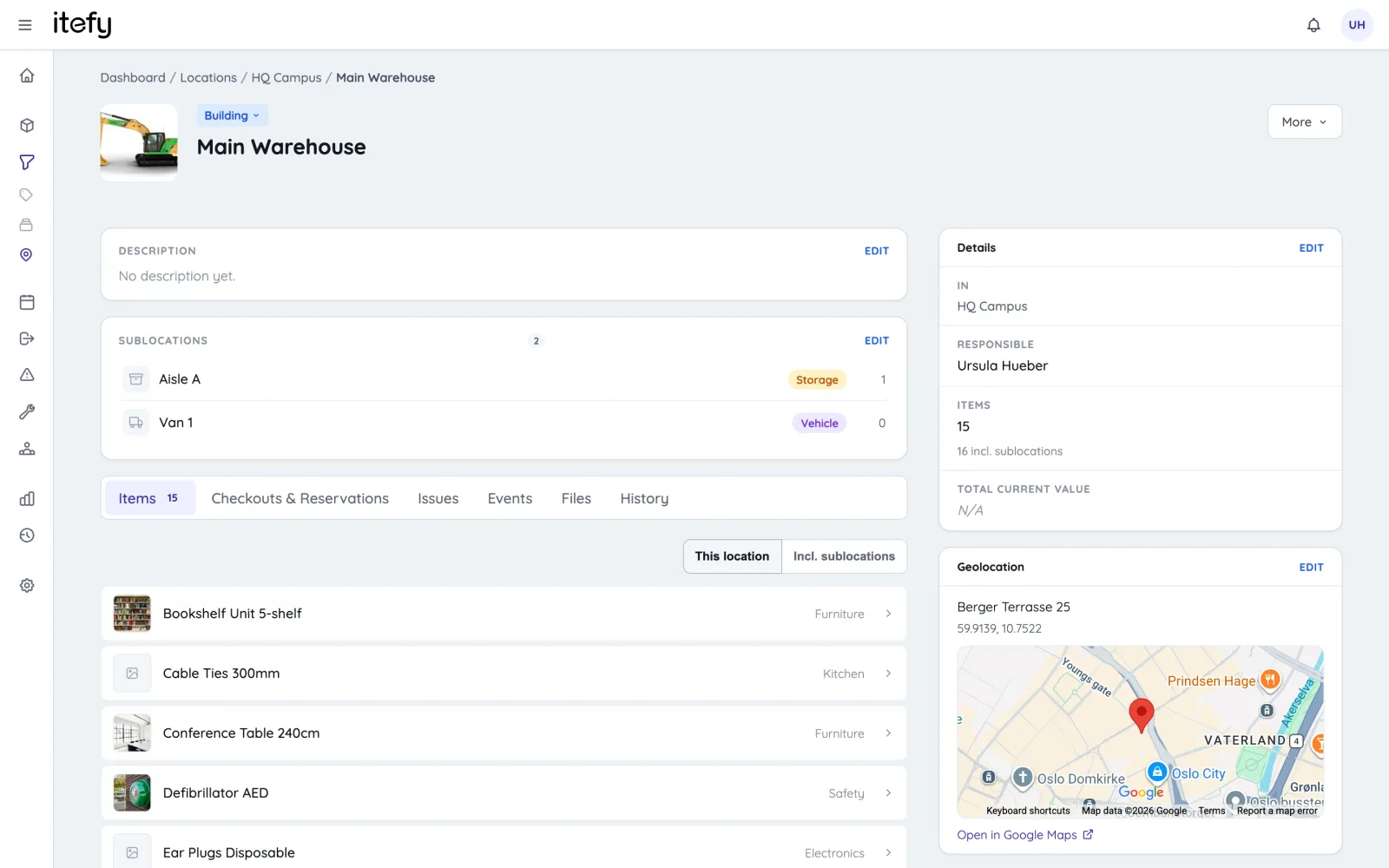
Each location has a full profile: a photo, a description, a person responsible, files like floor plans and access documents — and tabs with everything going on there.
- See the items at the location, plus every checkout, reservation, issue and event connected to it.
- Upload pictures and attachments; the main picture becomes the location's thumbnail everywhere.
- Assign a person responsible for each location.
- A complete history shows every item moved in and out — and where mobile locations have been.
Put your locations on the map
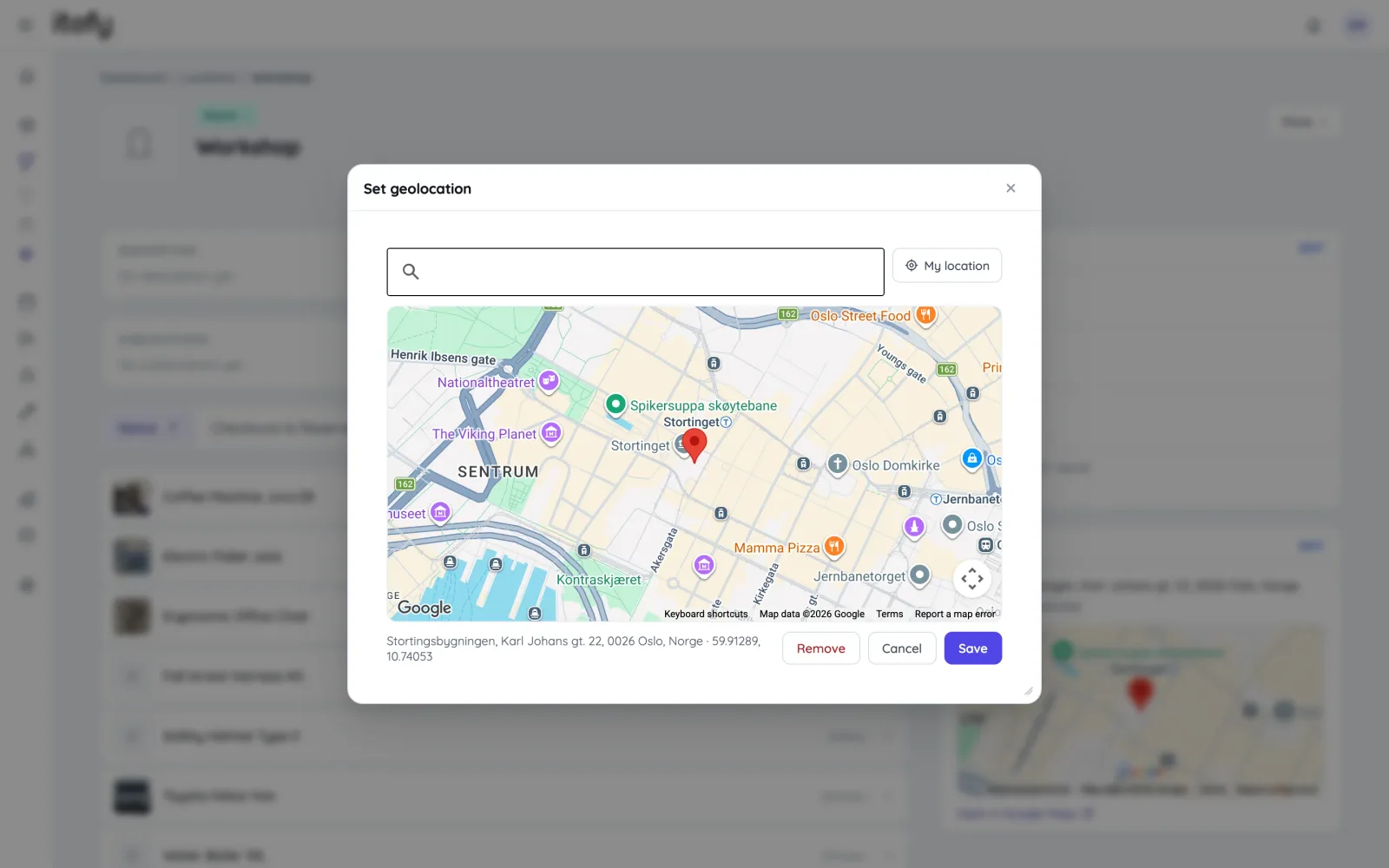
Give sites, buildings and rooms a real position: search for an address with live suggestions, drop a pin on the map, or use your current position — and get a map preview on the location's page.
- Address search with auto-suggestions, powered by Google Maps.
- Pinpoint the exact spot by clicking or dragging the pin on the map.
- One click opens the position in Google Maps for directions.
Track vehicles and containers on the move
Some locations move around. Classify a van or a flight case as a mobile location, place it wherever it currently is, and everything inside moves with it — no scanners or GPS hardware required.
- Place a vehicle or container at another location; its contents follow automatically.
- A movement history shows where it has been, when, and who moved it.
Reserve and check out to locations
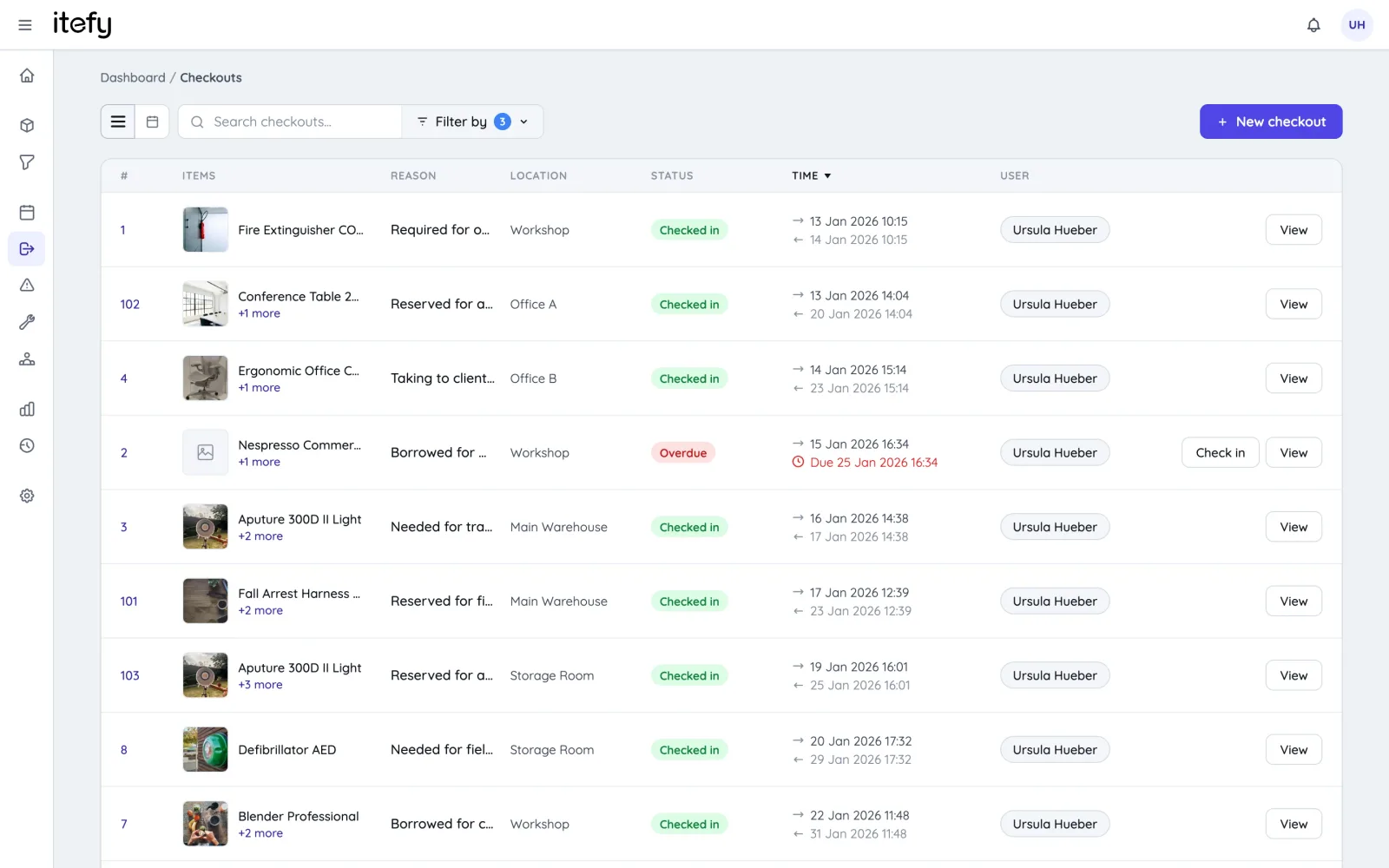
During resource planning, select the equipment location for that reservation. Check out equipment to that same location with ease.
- Select a location for each reservation so that staff knows where the equipment is located.
- Make sure equipment is being transported to the correct locations.
- Convert a reservation into a checkout, having the checkout location automatically included.
- Location statistics show the number of items and total depreciated asset value at each location.
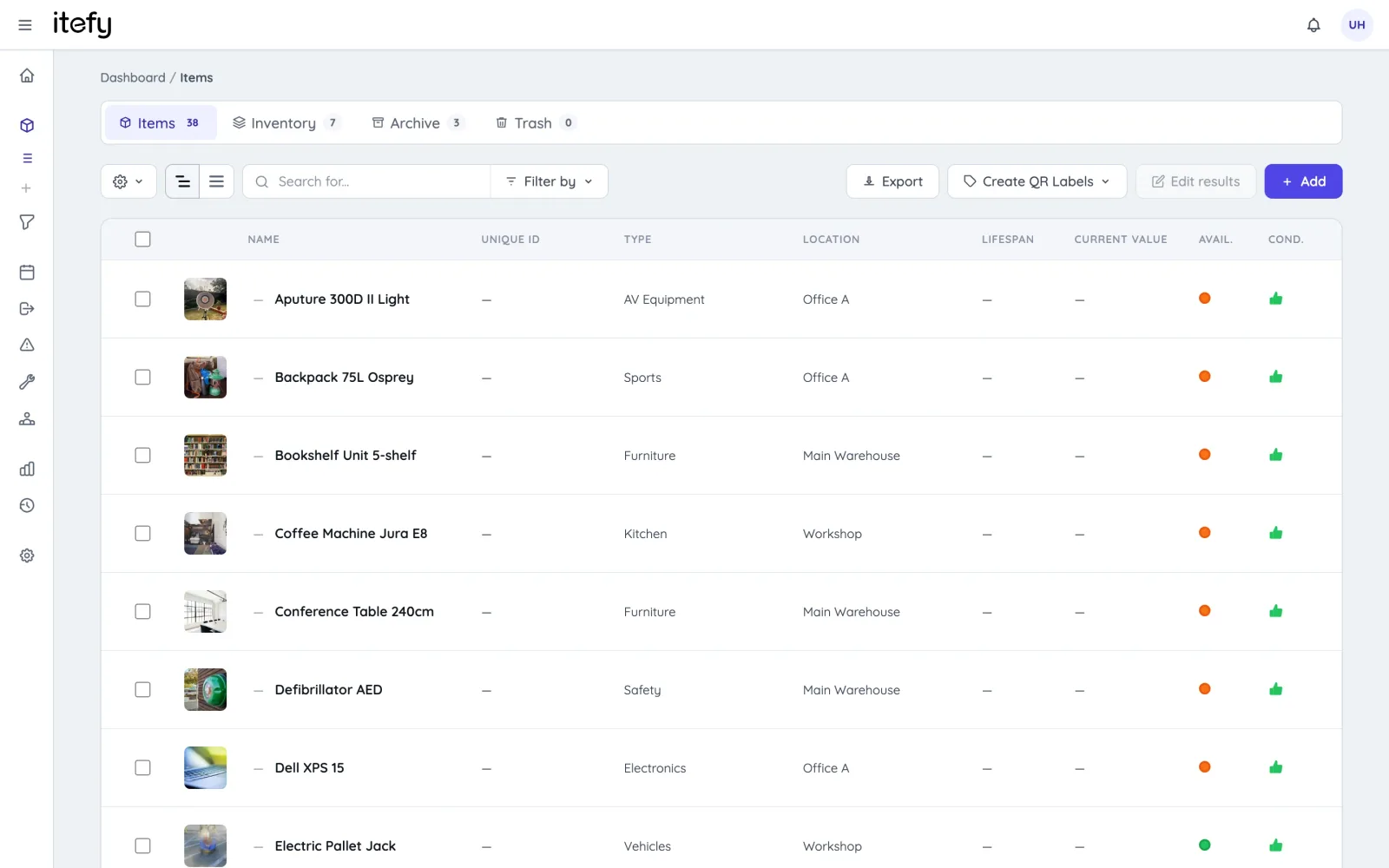
Not just a location tracking software
Itefy is a complete toolbox for all your equipment, inventory and assets.
Reservations
Plan and schedule usage, maintenance or whatever needs to be scheduled for your assets.
Learn moreIssue Tracking
When equipment breaks, Itefy's issue management module helps to efficiently resolve it.
Learn moreEvent Tracking
Keep track of events such as purchases, license renewals, maintenance etc.
Learn moreMobile App
Use our mobile app Itefy GO to create reservations, checkouts and more on the go.
Learn moreCollaboration
Share the equipment management by delegating responsibility to multiple people.
Take control of your equipment
Try every feature free for 14 days. No credit card, no obligations.