
IT Asset Management Software
Laptops, phones, monitors and AV gear — assigned to people, tracked through their lifecycle, and documented for finance and audits.
Key features:
- Who has which device
- Serial numbers & specifications
- Purchase value & depreciation
- Warranty documents attached
The laptop was in the MDM.
Everything around it was not.
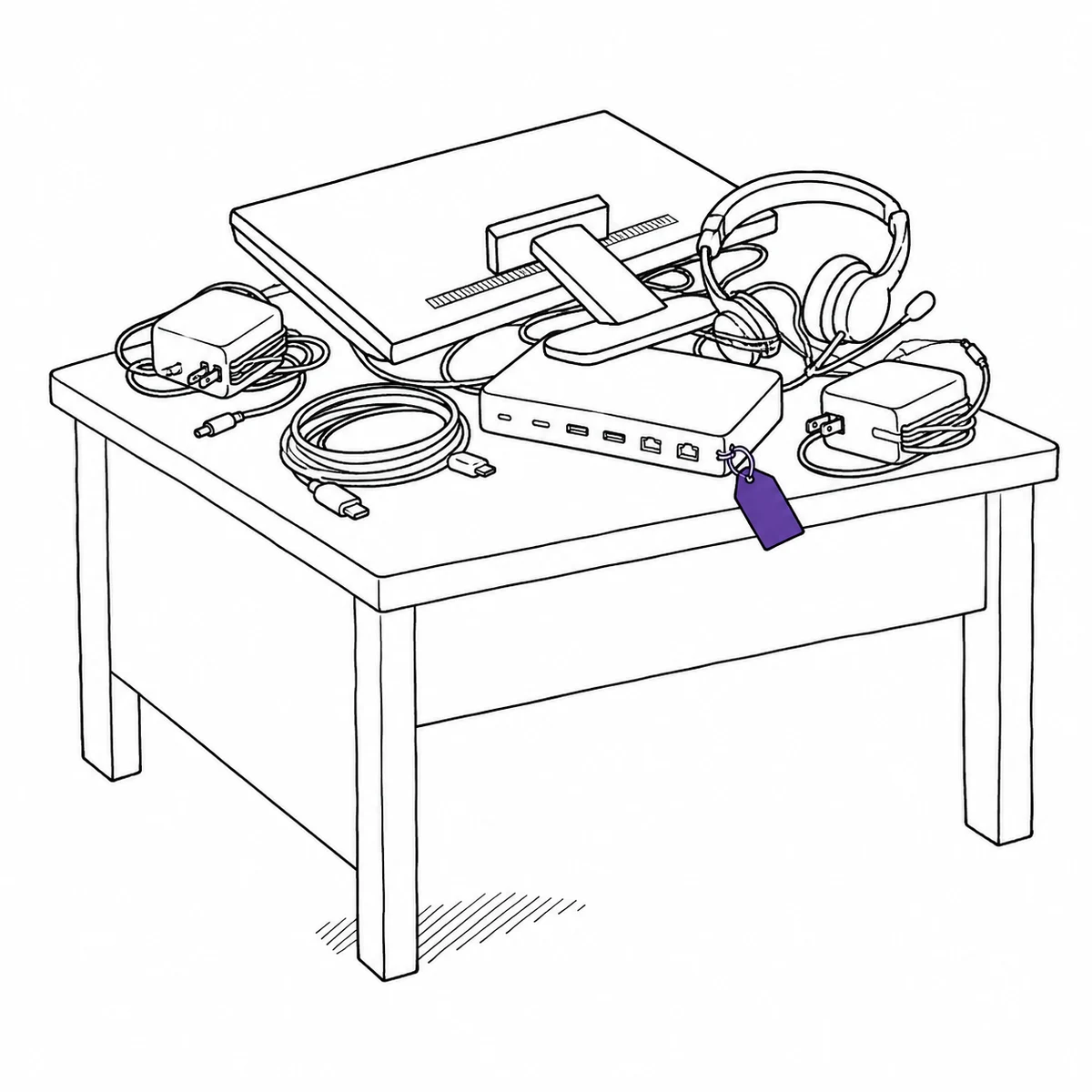
She left in April and returned the laptop, because the laptop is the thing everyone remembers. In September we were three docks short and I went looking. One was under a desk on the second floor. One had gone home with somebody in a different team. The third I never found. Not one of them had ever appeared in any system we owned.
Discovery tools see what is powered on and talking to the network. That is a fraction of the estate, and none of the custody.
Itefy is the other half: the physical things and who actually has them. Four ways that shows up.
The things that go missing are the things with no IP address
Your discovery tool has an excellent picture of the managed endpoints. It has nothing at all on the dock, the second monitor, the USB-C adapter, the headset, the spare laptop in the cupboard or the phone in a drawer that is still on the balance sheet. Those are also the cheapest things to lose track of and, in aggregate, the most expensive. What actually fixes it: a register that does not depend on a device being switched on to know it exists.
- Every device gets a page: specifications, purchase information, pictures and documents
- Serial and service tags as specifications, so a lookup is a search rather than a hunt
- Import the spreadsheet you are already keeping — that is usually where this data lives
- QR labels on the peripherals too, so the dock has an identity and not just a shape
- Archive retired kit: out of daily views, still fully documented for the audit
Enrolled is not the same as who has it
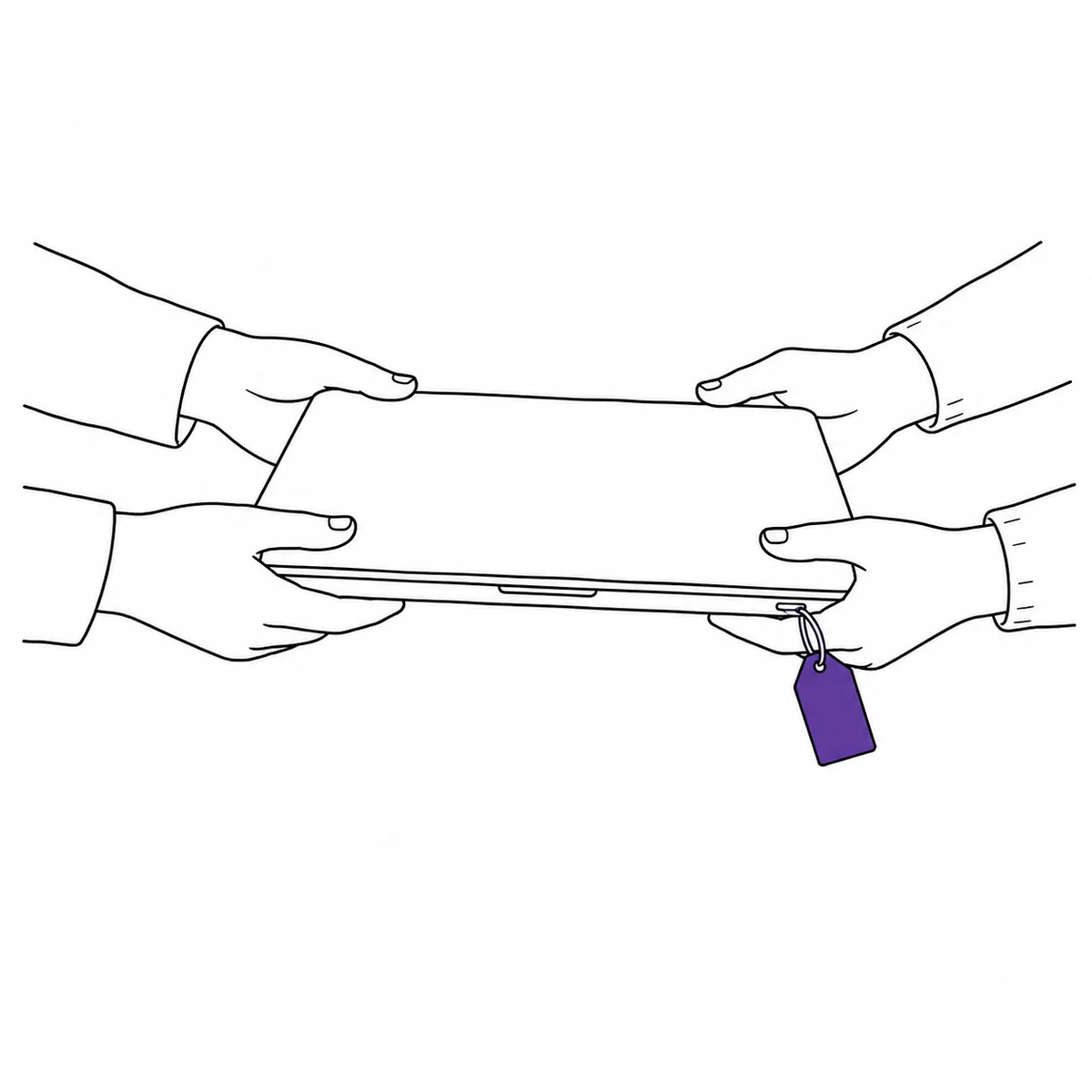
A device checking in from an IP address tells you it is alive. It does not tell you that it went home with someone in March, or that it has been sitting in a drawer since the contractor finished, or which of the four people in that team is actually carrying it. The moment that gap becomes expensive is offboarding, when somebody asks what to collect and the honest answer is a guess. What actually fixes it: recording the handover as an event with a person attached, so custody is a fact rather than an inference.
- Check a device out to a named person — the handover, not the enrolment, is the record
- Filter by person to see everything they currently hold, which is the offboarding list
- Partial check-in, because the laptop comes back on the last day and the monitor comes back in June
- Overdue notices go out on their own for loaner kit
- Every handover stays on the device forever, so its history survives the person
Once a year somebody asks what it is all worth
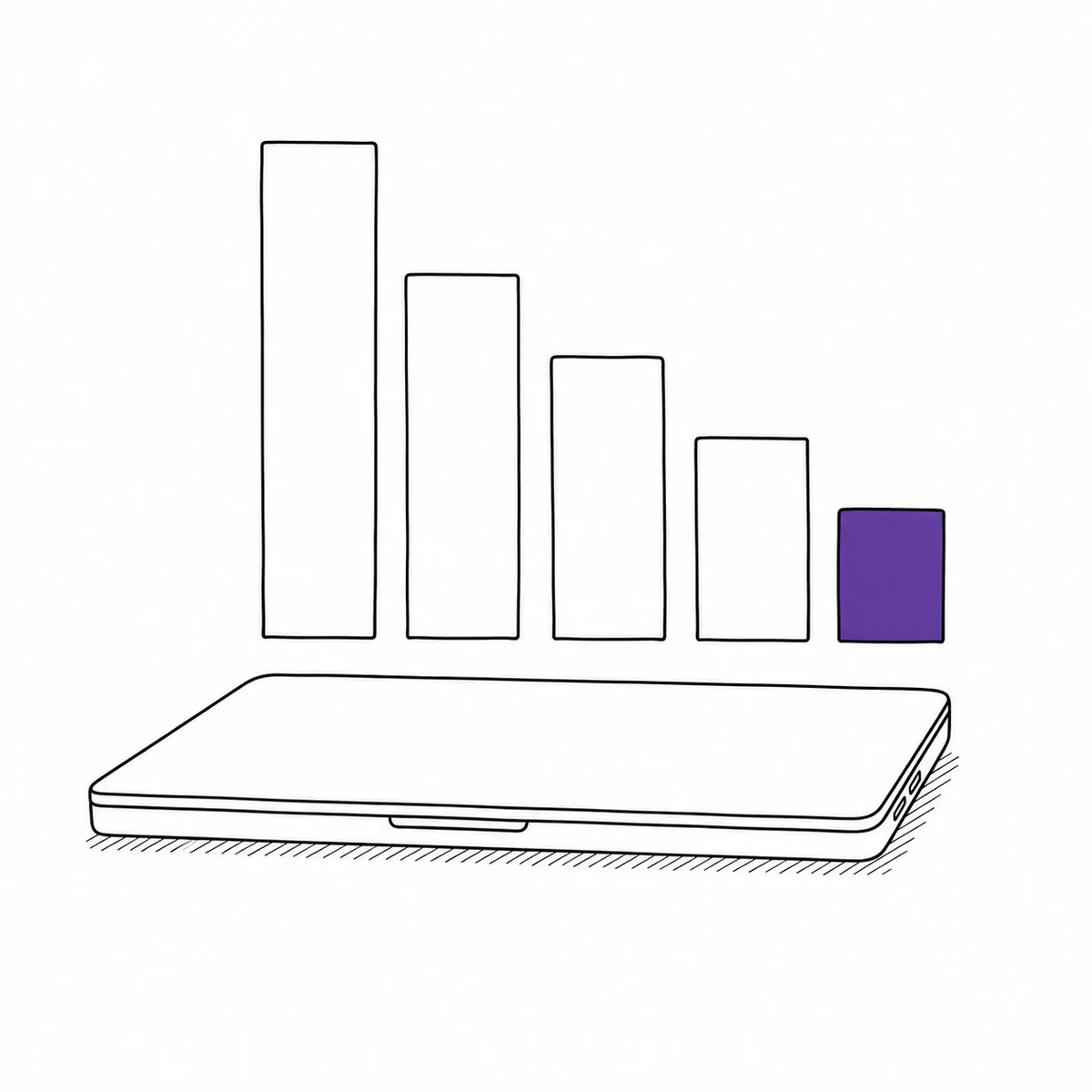
Finance wants a value, the insurer wants a list, and the auditor wants to know what happened to the twenty machines that were replaced. None of them accept “it is in the MDM”, because the MDM has no purchase price, no disposal date and no memory of the kit that was never enrolled. What actually fixes it: keeping the money facts on the same record as the device, from the invoice to the day it is retired.
- Purchase value, salvage value and depreciated value per device
- Warranty documents, invoices and configuration notes attached to the asset itself
- Asset value reports grouped by type, location or individual device, exported to Excel, CSV or PDF
- Retired kit is archived rather than deleted, so last year’s estate is still answerable
The machine everybody knows about, that keeps getting issued
It has been back to the bench twice. Two people have said they would rather not have it. None of that is written anywhere, so it goes out to the next starter, who is now the third person to discover the same fault and the second to lose a morning to it. What actually fixes it: making the fault a property of the machine, so the knowledge outlives whoever happened to hear about it.
- Anyone can report an issue with photos; the responsible person is notified
- An open issue can flip the device to inoperative automatically, and clear it when closed
- Inoperative devices are refused for bookings and checkouts, flagged NOT WORKING in the picker
- Repair and maintenance bookings are exempt, so it can still be scheduled to the bench
- Downtime and issue history per device and per type — the evidence for not re-buying that model
What Itefy does not do
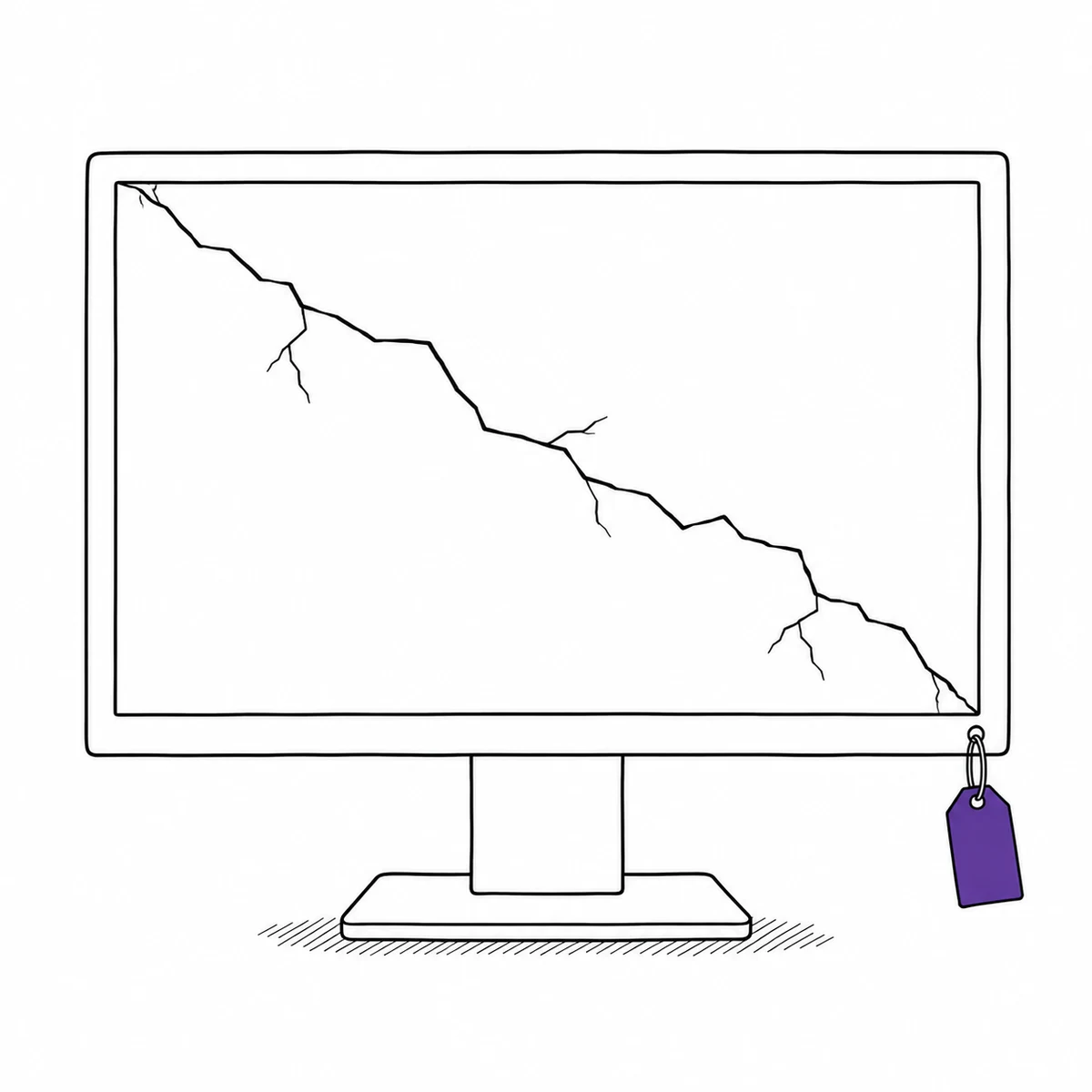
There is no discovery agent and no network scan: Itefy knows what you tell it, the same way a spreadsheet does, but with custody, history and permissions around it. There is no MDM or directory integration either — nothing syncs from Intune, Jamf, Active Directory, Okta or Google Workspace. There is a REST API if you want to build that yourself.
It does not manage software licences, subscriptions or entitlements, and it has no warranty-expiry field or renewal alerting — you can attach the warranty document, but nothing will remind you. This is hardware custody. If what you need is an agent on every endpoint, you need a different category of product, and probably both.
A complete IT asset registry
Every device gets a page with serial number, specifications, purchase information, pictures and documents — warranties, invoices, configuration notes. Types and categories keep laptops, phones, peripherals and AV gear neatly separated.
- Specifications for make, model, serial and service tags
- Warranty and purchase documents attached to the asset
- Import your existing registry from Excel or CSV in minutes
Know who has which device
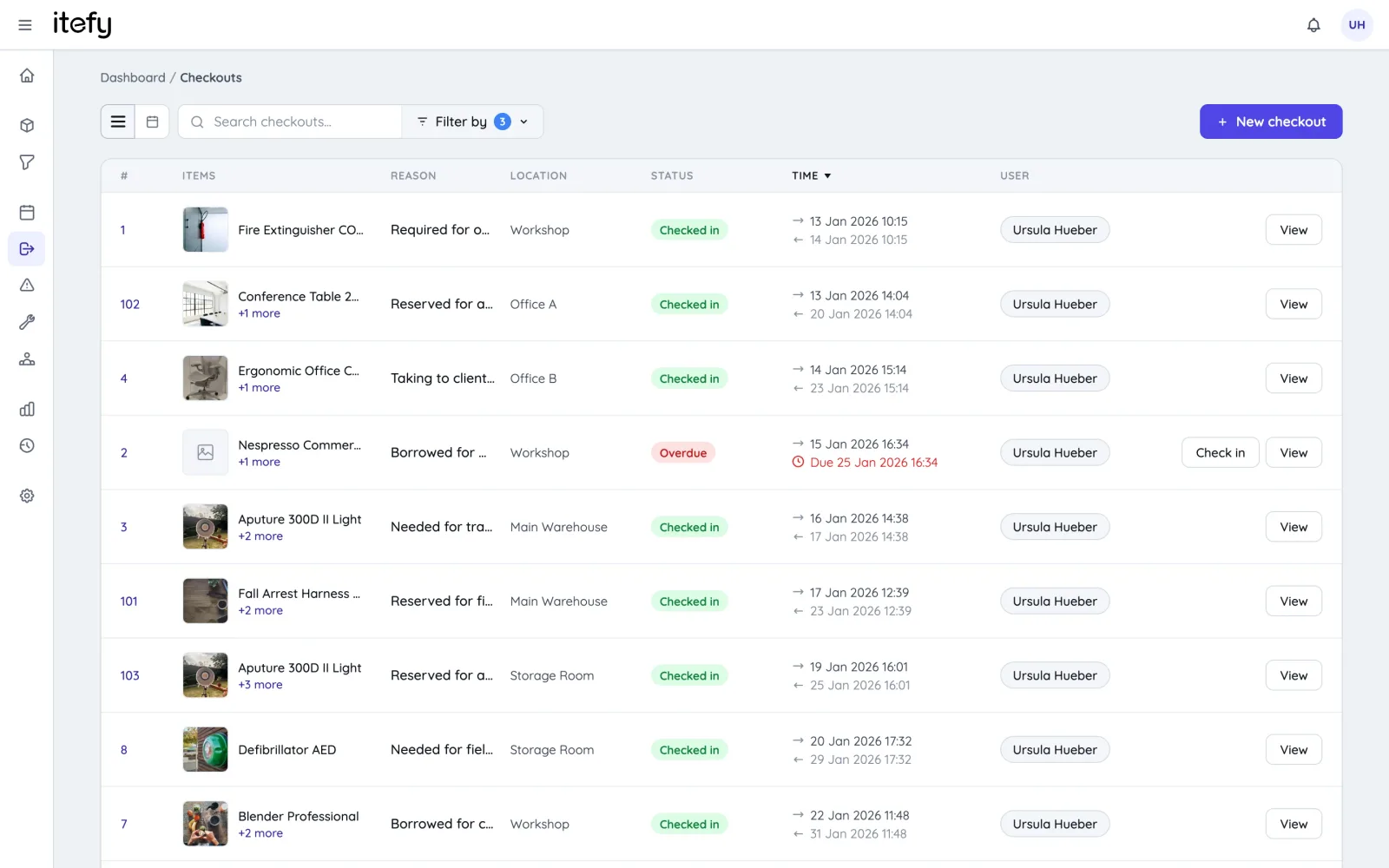
Check equipment out to employees when it’s issued — including home-office gear — and check it in when it comes back. No more guessing where the spare laptops went or who still has a monitor from the old office.
- Assignments with the full history of every handover
- Overdue alerts when loaner equipment isn’t returned
- QR labels on devices: scan to see owner, status and history
The full lifecycle — purchase to disposal
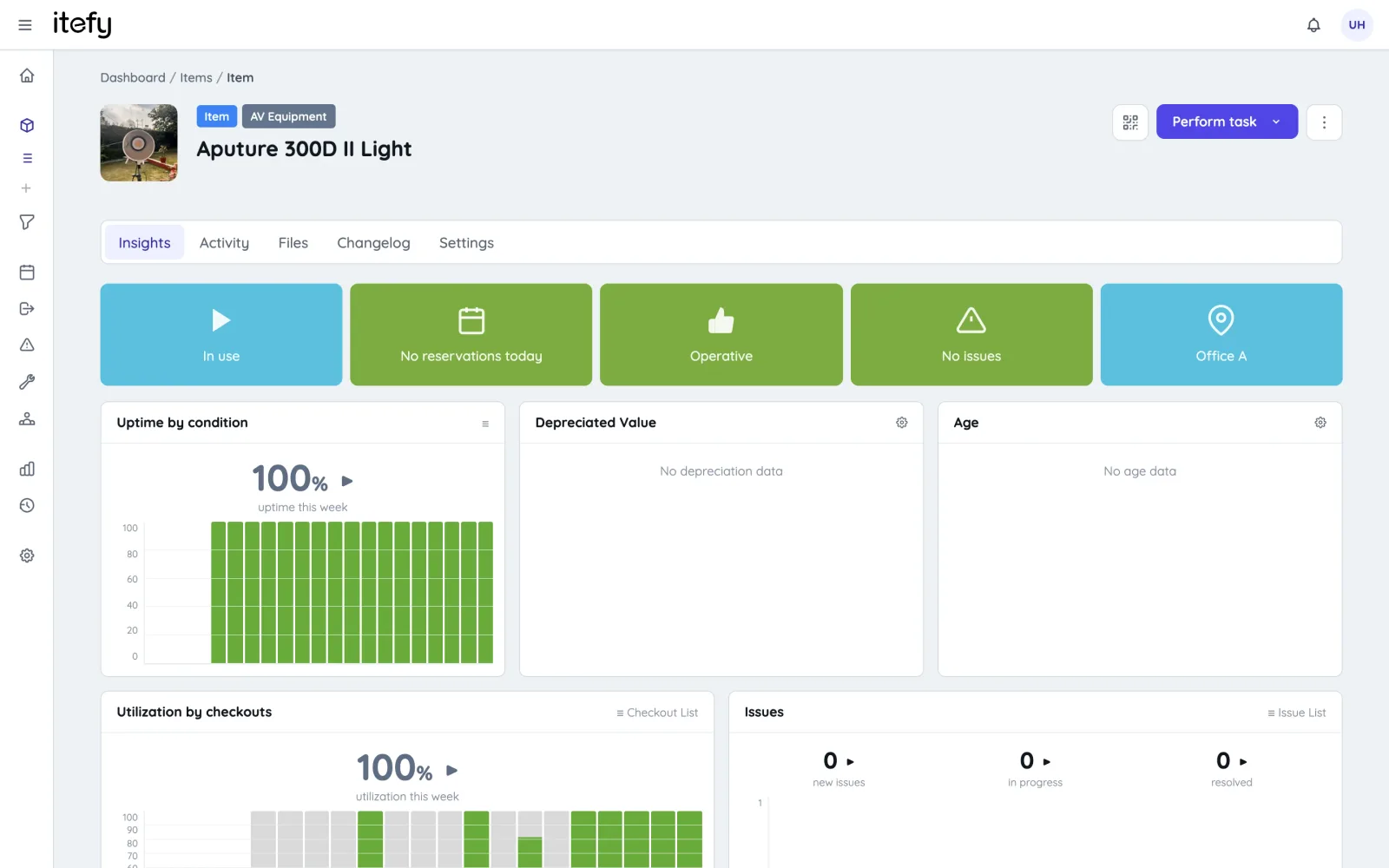
Track acquisition date and value, watch depreciation run, and archive devices when they’re retired without losing their history. When auditors or insurers ask, the answer is an export away.
- Purchase value, salvage value and current depreciated value per device
- Archive keeps retired equipment out of daily views but fully documented
- Asset value reports per type, location or individual device
Repairs, incidents and replacements
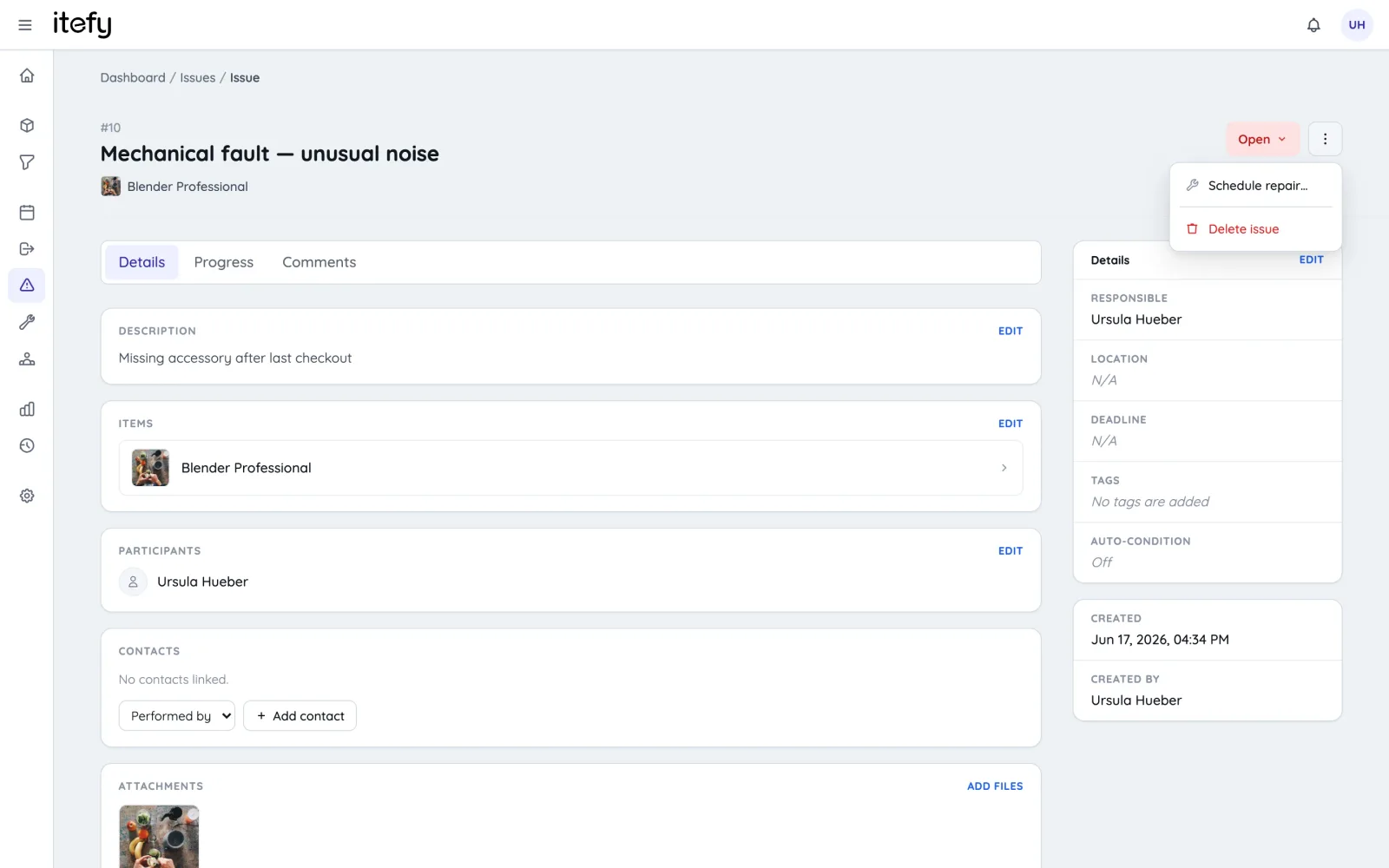
Broken screen? Battery worn out? Anyone can report an issue with photos; the responsible person is notified, the device is flagged, and the repair or replacement is scheduled and documented.
- Issue tickets with attachments, deadlines and comment threads
- Inoperative devices are refused for bookings and checkouts until they are fixed
- Downtime and issue statistics reveal the duds before you re-buy them
Fits how IT teams work
One login, all accounts
Manage multiple Itefy accounts with a single user — one login for the whole estate.
Granular permissions
Per-user permissions with presets — helpdesk, technicians and managers see what they should.
Import & export
Move in from spreadsheets with the guided wizard; export everything back out at any time.
Loan return dates
Every loaner device is due back on a date — put it in Outlook or Google Calendar so it is not quietly forgotten.
Learn morePlans & Pricing
- USD
- EUR
- NOK
-
Basic
N/Aper month, paid N/A- N/A items
- N/A locations
- N/A users included
- Extra seats N/A/month
- N/A GB storage
Core features
- Items, check-in & check-out
- Reservations & scheduling
- Calendar sync (Google, Outlook, Apple)
- Issues, maintenance & events
- QR labels & mobile app
- Public item pages
- Custom specifications
- Excel import & export
- Sign in with Google
-
Most popular
Startup
N/Aper month, paid N/A- N/A items
- N/A locations
- N/A users included
- Extra seats N/A/month
- N/A GB storage
Everything in Basic, plus
- Recurring reservations
- Kits
- Contacts
- Reports & insights
-
Business
N/Aper month, paid N/A- N/A items
- N/A locations
- N/A users included
- Extra seats N/A/month
- N/A GB storage
Everything in Startup, plus
- API access for custom integrations
- Up to 5 API keys
-
Enterprise
N/Aper month, paid N/A- N/A items
- N/A locations
- N/A users included
- Extra seats N/A/month
- N/A GB storage
Everything in Business, plus
- Up to 25 API keys
- Highest limits, built for large fleets
- Lowest extra-seat price
Take control of your equipment
Try every feature free for 14 days. No credit card, no obligations.