
Manufacturing Equipment Maintenance Software
Keep your factory running smoothly with Itefy’s equipment inventory management system. Eliminate downtime, avoid double bookings, and track every machine in real time.
From maintenance to reservations, Itefy gives your team full control and visibility—across shifts, departments, and locations.
Key features:
- Prevent equipment downtime
- Location logged on every move
- Avoid double-bookings
- Automate maintenance logs
- Schedule recurring inspections
- Assign tool responsibility
- Log issues instantly
- Share visibility across teams
The machine you cannot take offline
is the one that will take itself offline.
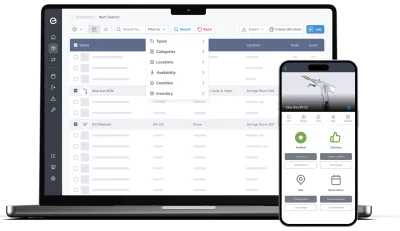
The service was booked for a Tuesday. It moved, because the line was running and the line running is the whole point. It moved again in March. In May it stopped in the middle of a shift and stayed stopped for two days while a part came from Germany. Everybody had known it was due. Nobody had been wrong to bump it.
Planned maintenance loses to production every single time, because production is measured and maintenance is not.
Which means the argument is won with numbers or not at all. Four ways that plays out.
Maintenance loses to production because only one of them is booked
Production has a schedule with names and hours against it. Maintenance has an intention. When the two collide, the one that exists in the calendar wins, and it is never the service. Three postponements later nobody remembers it was ever due, because there was nothing to remember it in. What actually fixes it: giving the service the same kind of slot the production run has, so bumping it is a visible decision rather than a default.
- Book maintenance, inspection and repair on the same calendar as everything else
- Recurring schedules for anything on an interval — the next one appears without being remembered
- Bookings are classified, so the calendar shows what is production and what is service
- Assign the job to a named technician and a location
- A booked machine is unavailable to everyone else, including production
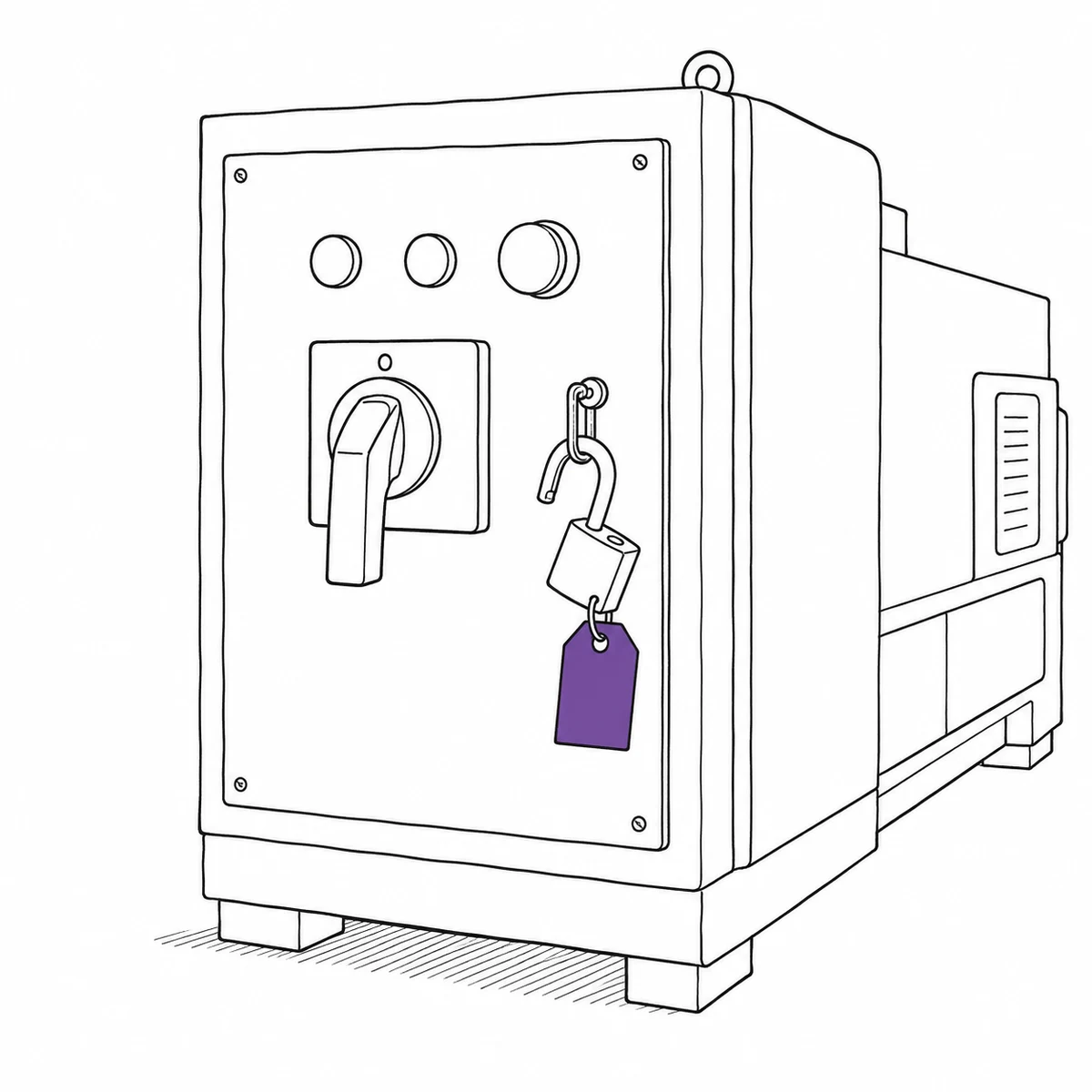
Everyone knows what an hour of downtime costs. Nobody knows how many hours there were.
The cost-per-hour figure is on a slide somewhere and it is quoted often. The hours themselves are folklore — “that press is always down” — because nothing recorded when it stopped and when it came back. Without the hours, the case for preventive work is a feeling competing against a production target, and it loses. What actually fixes it: recording the state change, so downtime becomes a measured interval instead of a shared impression.
- Marking a machine inoperative starts the clock; setting it back to operative stops it
- A downtime report totals those intervals per machine, type or location, over any period
- Issue history alongside it: what failed, how often, how long it took to resolve
- An open issue can flip the machine to inoperative automatically, so the clock starts without extra steps
- Export to Excel, CSV or PDF for the meeting where the case gets made
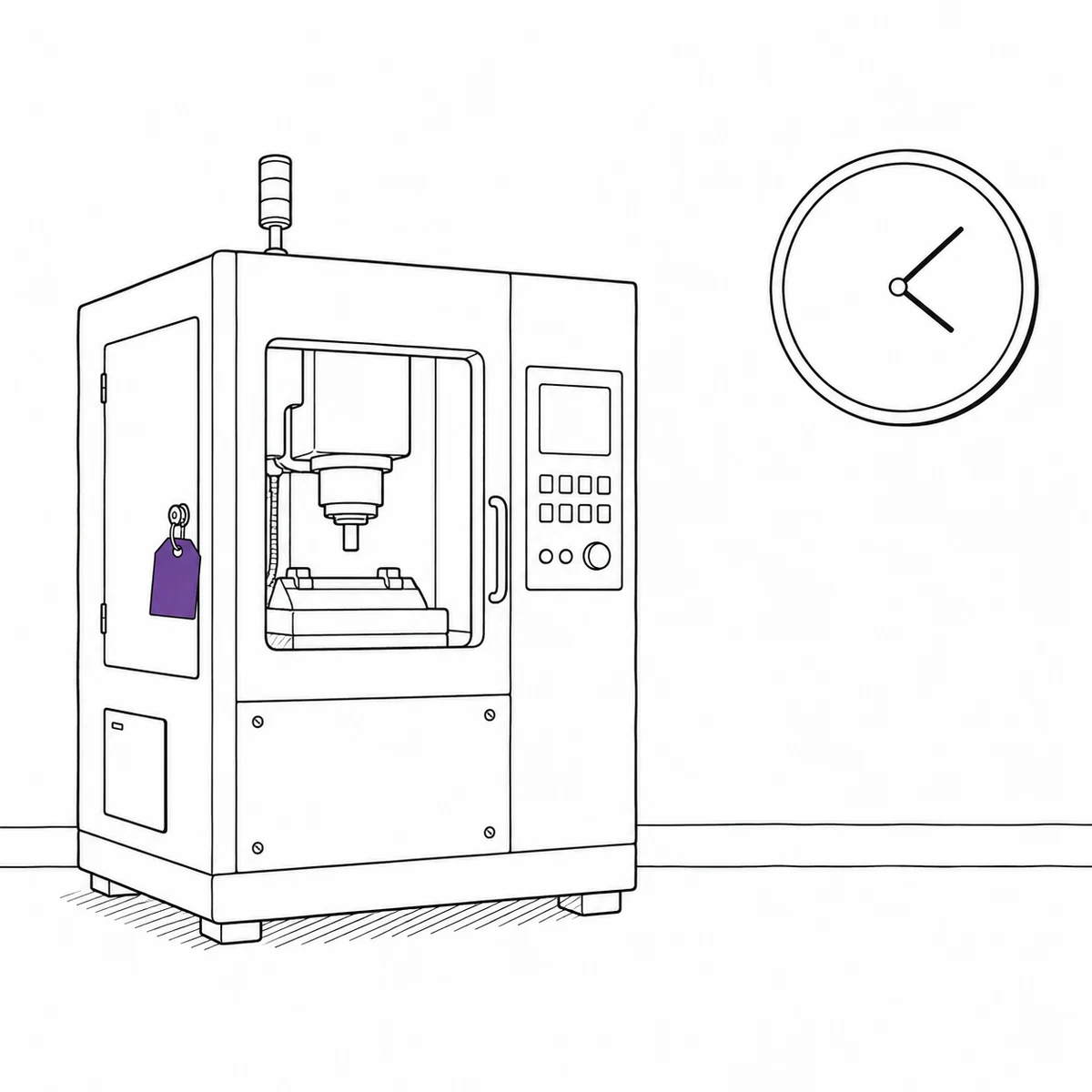
Which machine is quietly eating the maintenance budget
Every repair is signed off on its own, and on its own every repair is reasonable. The pattern only exists across a year, in a place nobody looks, which is how a machine can cost more to keep than to replace for three years running without anybody noticing. What actually fixes it: putting the cost of each job on the machine it was spent on, so the total is a query rather than an archaeology project.
- Record the cost of a maintenance or repair job on the job itself
- A costs report totals spend per machine, type, location or kind of work
- Purchase value, expected lifespan and depreciation sit on the machine too
- Attach invoices, service reports and photos to the job for the audit trail
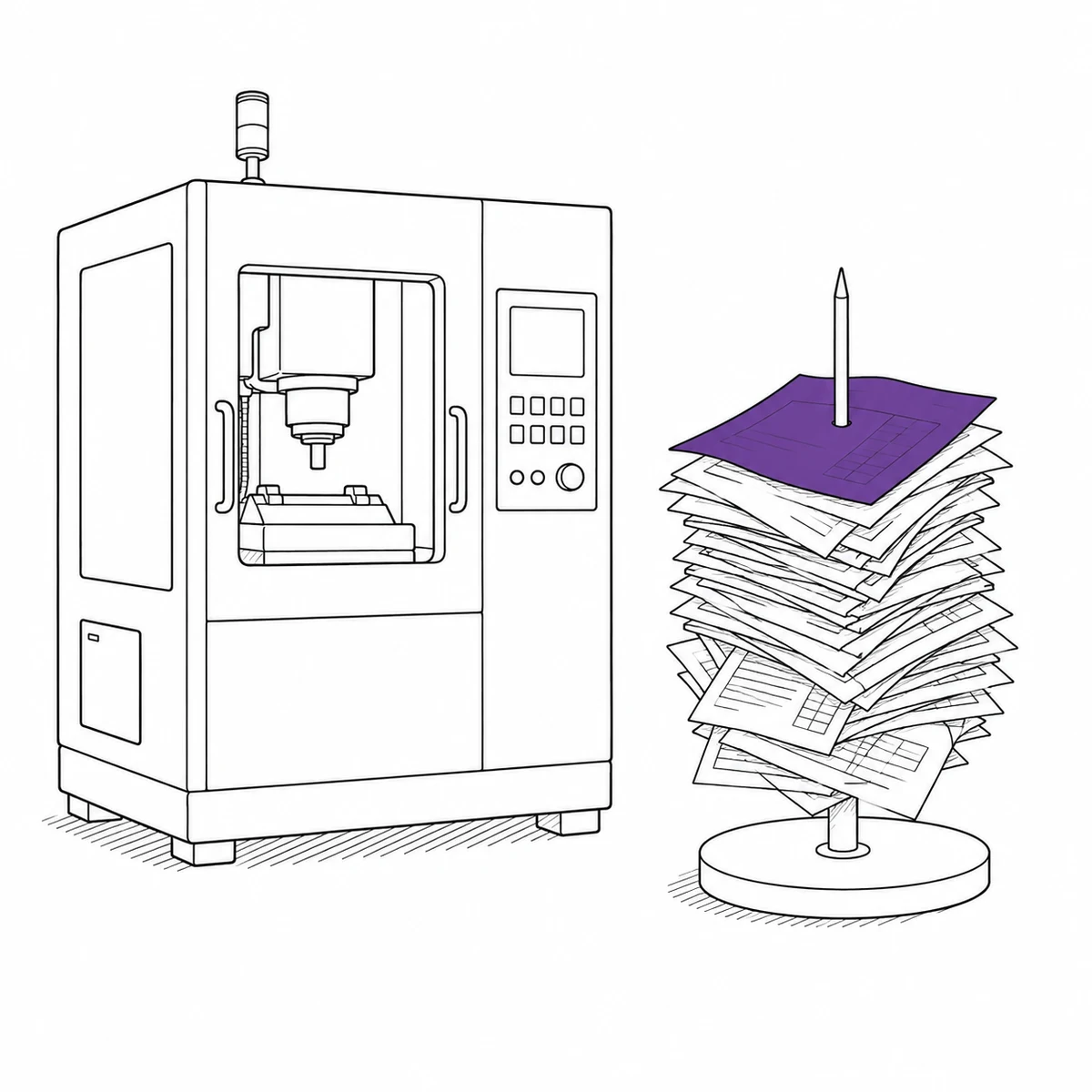
The part you need is the part you ran out of
Spares are consumed quietly by whoever needed one, and counted properly only after a line has stopped waiting for one. The shortage is discovered at exactly the moment it is most expensive, by the person least able to do anything about it. What actually fixes it: counting stock as it is used rather than when it runs out.
- Track consumables and spares as inventory with a quantity and a unit
- Technicians register what they take, from a phone, at the shelf
- Low-stock alerts on a threshold you set per part
- Full movement history, so the threshold can be set from what actually gets used
What Itefy does not do
Maintenance is scheduled by date and interval, not by runtime: there are no hour meters, cycle counters or condition-monitoring triggers, and nothing reads from a PLC, SCADA or MES. If your preventive schedule is driven by machine hours rather than the calendar, that is the gap to weigh first.
It is not a full CMMS either. There is no work-order workflow with labour hours and rates, no parts consumption linked to a job, no OEE, and no calibration-certificate register with expiry alerting. It records what happened to a machine, what it cost and how long it was down — which is usually the argument you are missing, but it is not a shop-floor control system.
Full control of your manufacturing equipment and machinery
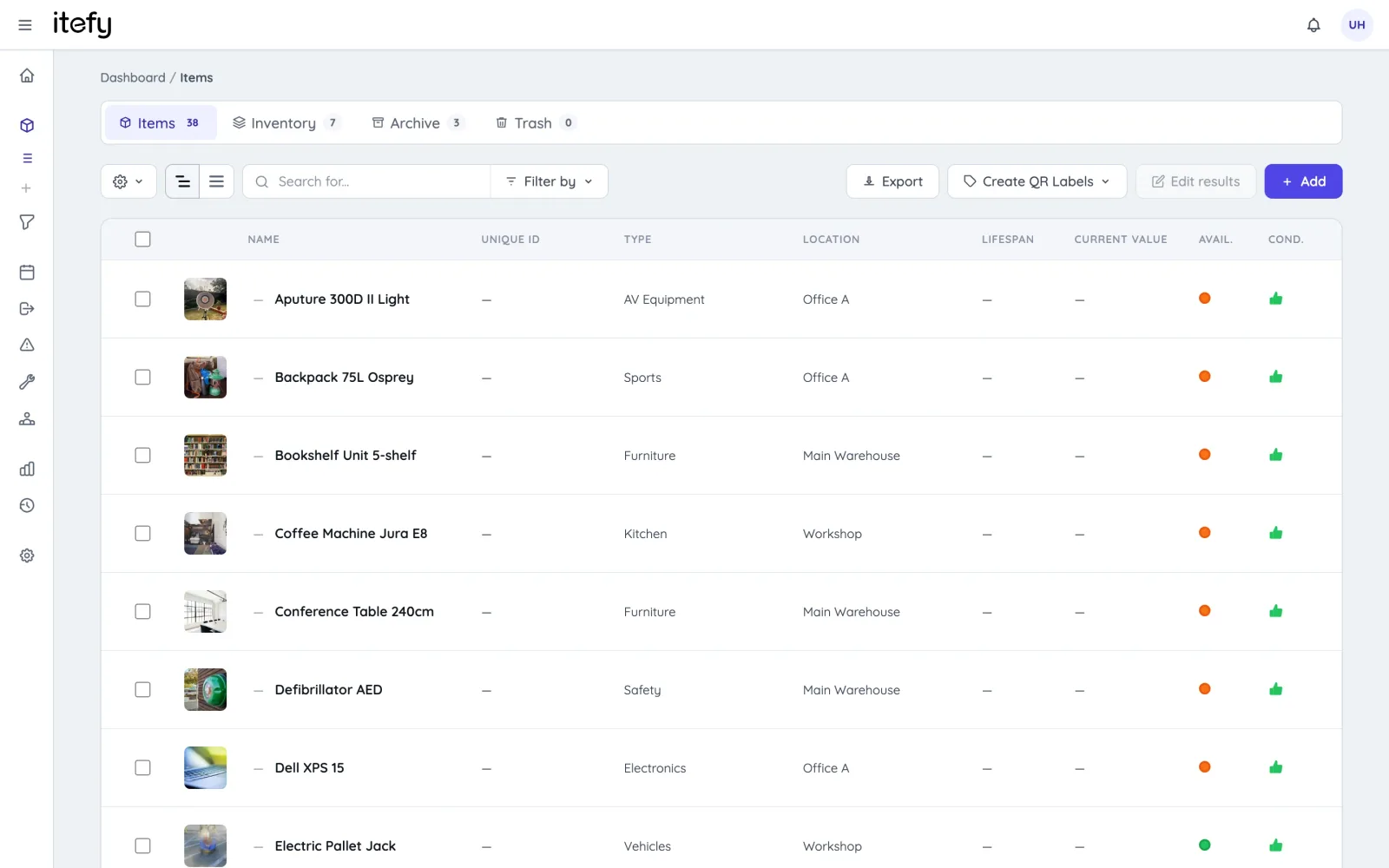
Keep machines, tools, and production assets organized in one centralized system—accessible anytime, always up to date.
- All machinery, tools, and factory equipment in a single, unified database
- Categorize by equipment type, category, location or condition
- Group related machines, tools, and parts into kits for joint reservations—while tracking maintenance individually
Maintenance Scheduling and Tracking
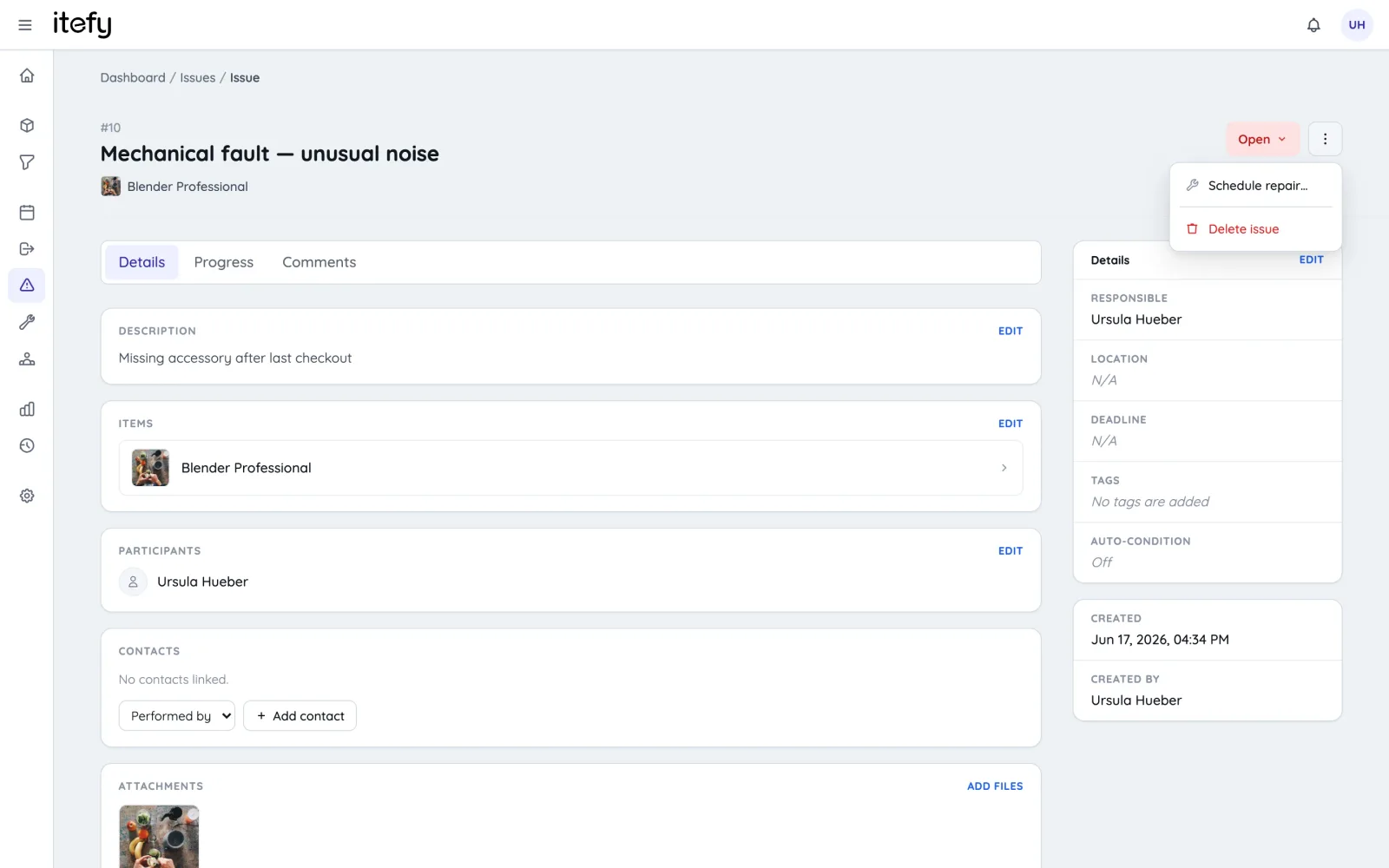
Minimize unplanned downtime with proactive maintenance planning and detailed service history for every machine.
- Schedule preventive and corrective maintenance with recurring tasks
- Assign maintenance jobs to specific technicians and locations
- Log completed maintenance with detailed records and timestamps
- Allow technicians to document findings, service notes and the cost of the job
Schedule Equipment Usage with Reservations
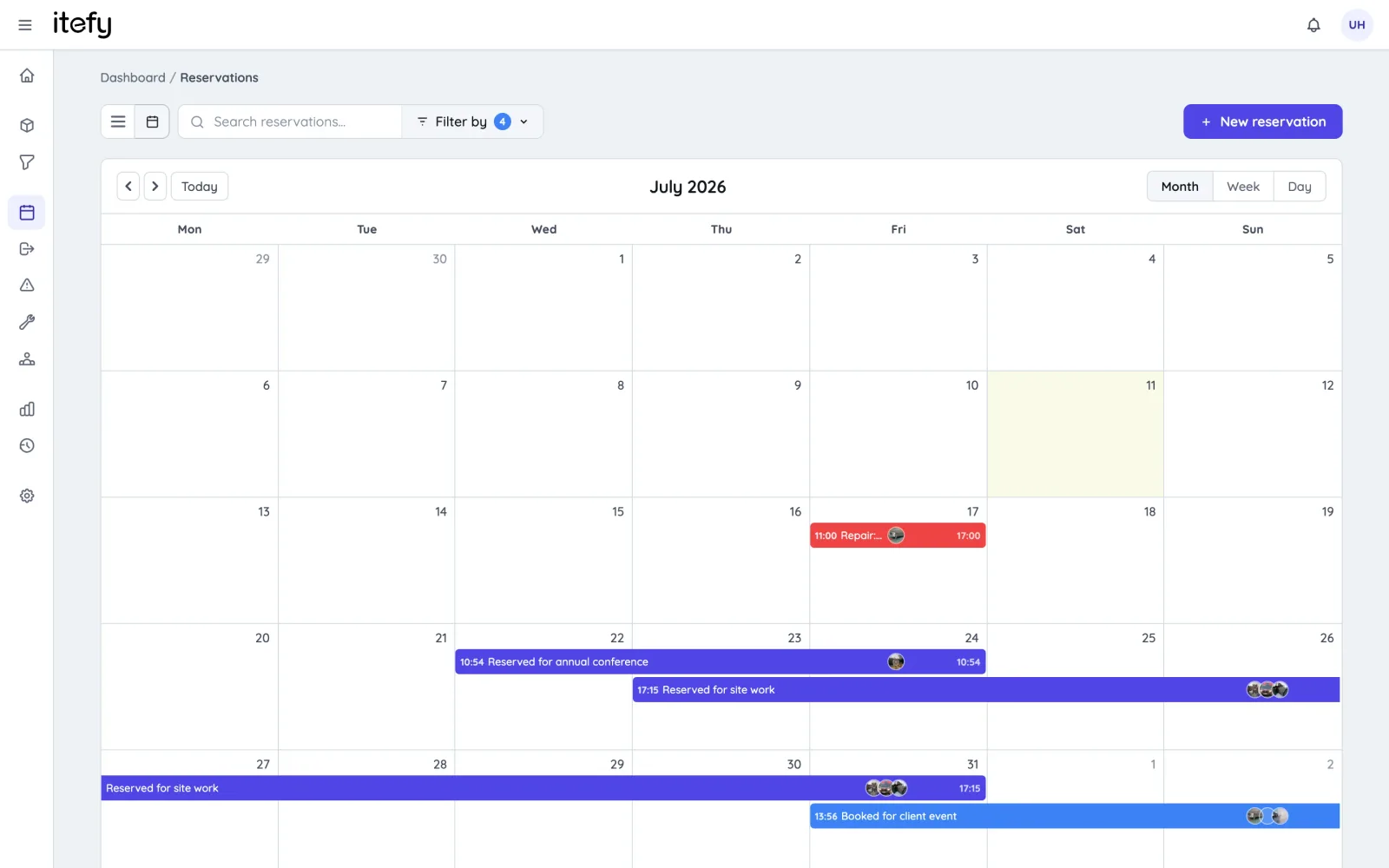
Maximize machine availability and avoid conflicts with clear, organized booking schedules.
- Enable self-service reservations for operators and technicians
- Reserve multiple machines, tools, or kits in one booking
- Scan QR codes on equipment to create instant reservations
- View all upcoming equipment usage in a centralized calendar
Track Actual Equipment Usage with Checkouts
Go beyond planning - track utilization and accountability for every machine and tool.
- Record when, where, and how equipment is used across shifts and projects
- Enable self-checkout to track who’s using each item
- Get alerts when equipment isn’t returned on time
- Set home locations to ensure tools and machines are returned correctly
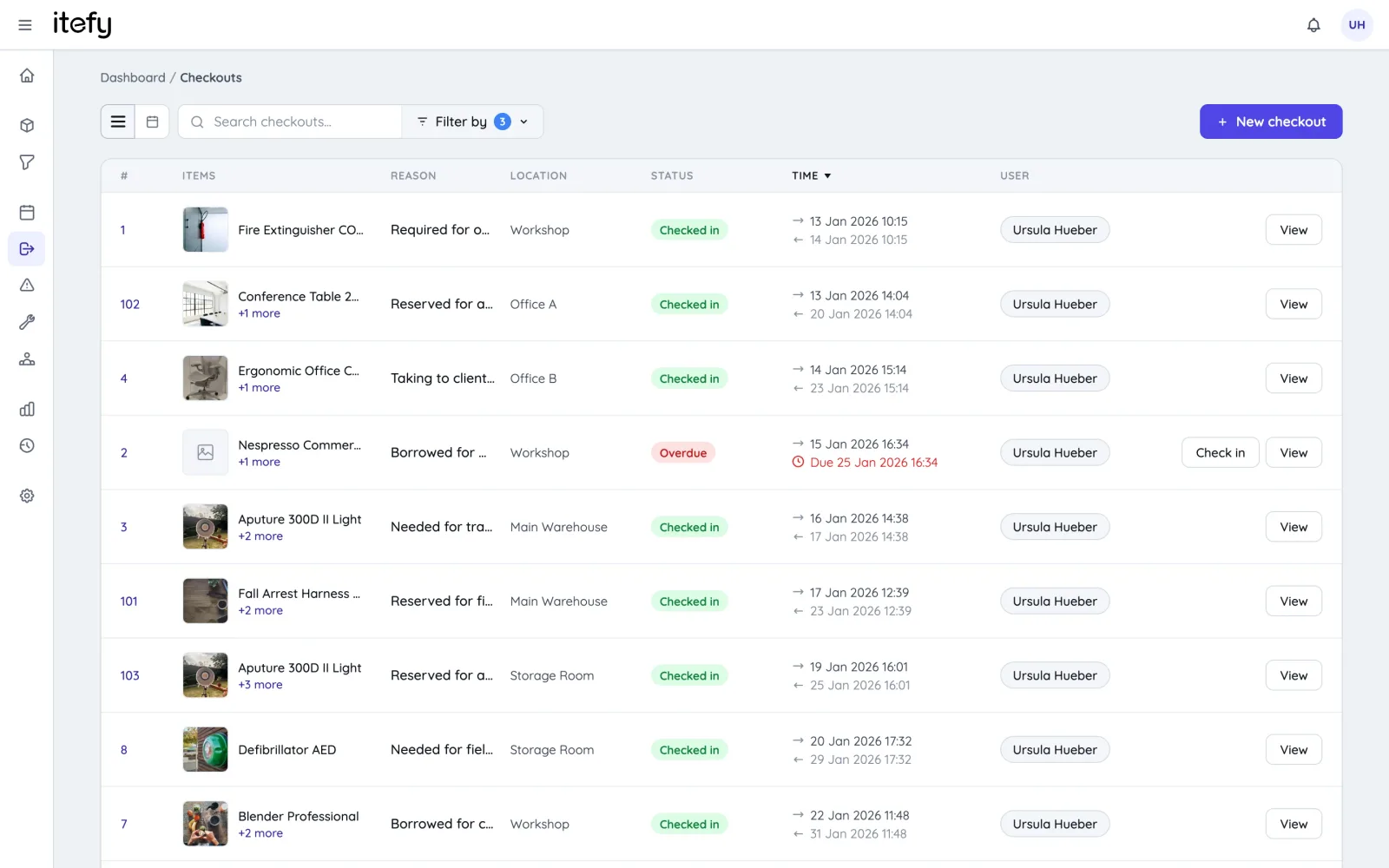
Scan Equipment QR Codes for Fast Handling
Speed up equipment access and reduce errors with QR code labeling and mobile scanning.
- Label machines and tools with self-printed QR codes
- Print on standard Avery or Herma labels using your own printer
- Export item lists with unique codes for bulk label printing
- Use the Itefy GO app to scan, reserve, check out, or locate equipment instantly
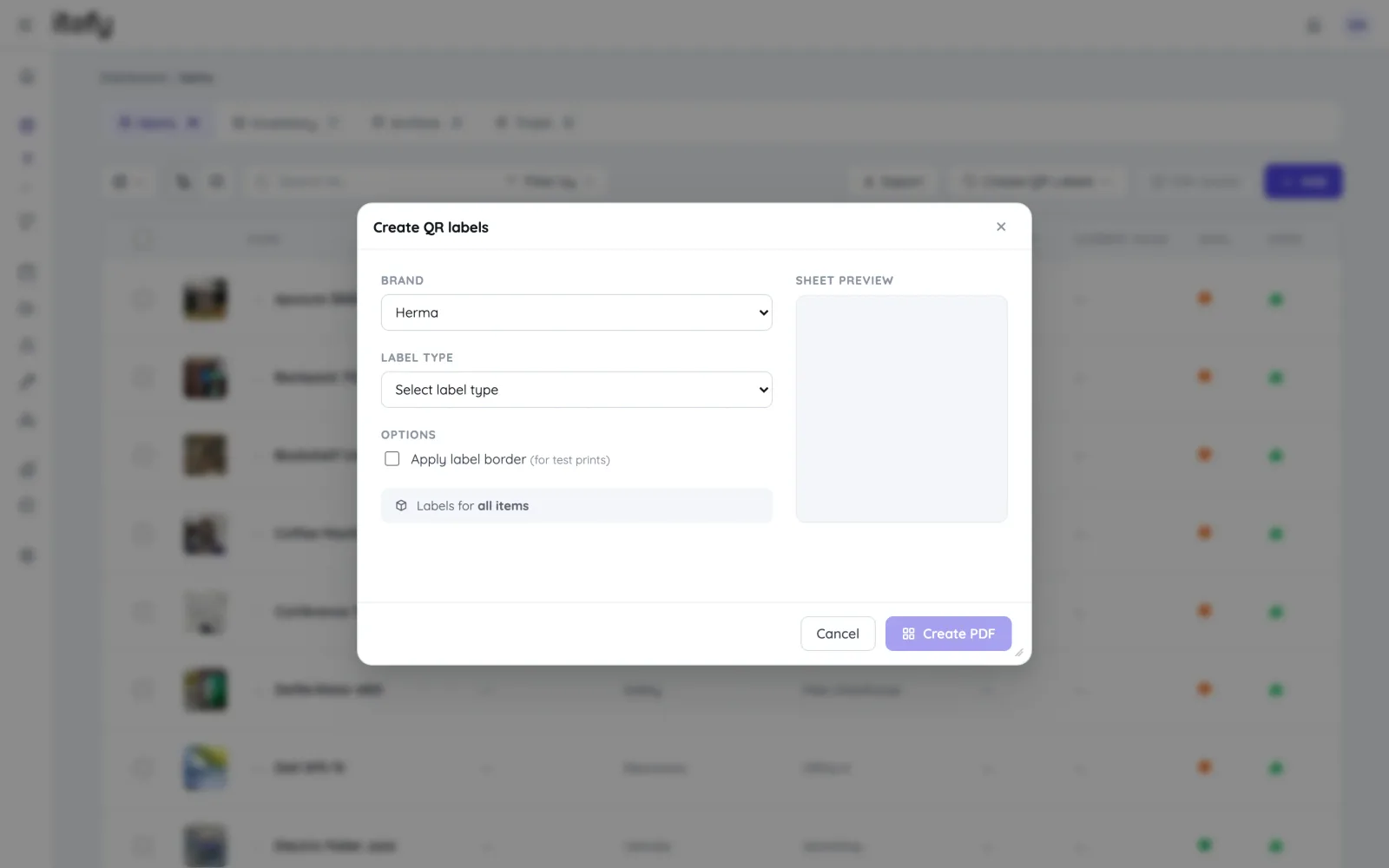
Monitor Material Usage with Lightweight Inventory Tracking
Keep tabs on consumables, spare parts, and materials to support smooth manufacturing operations.
- Register material usage on the go with self-service entries
- Label material bins or stacks with QR codes for fast updates
- Track adjustments, usage, and restocks with full history
- Set custom low-stock alerts to avoid unexpected shortages
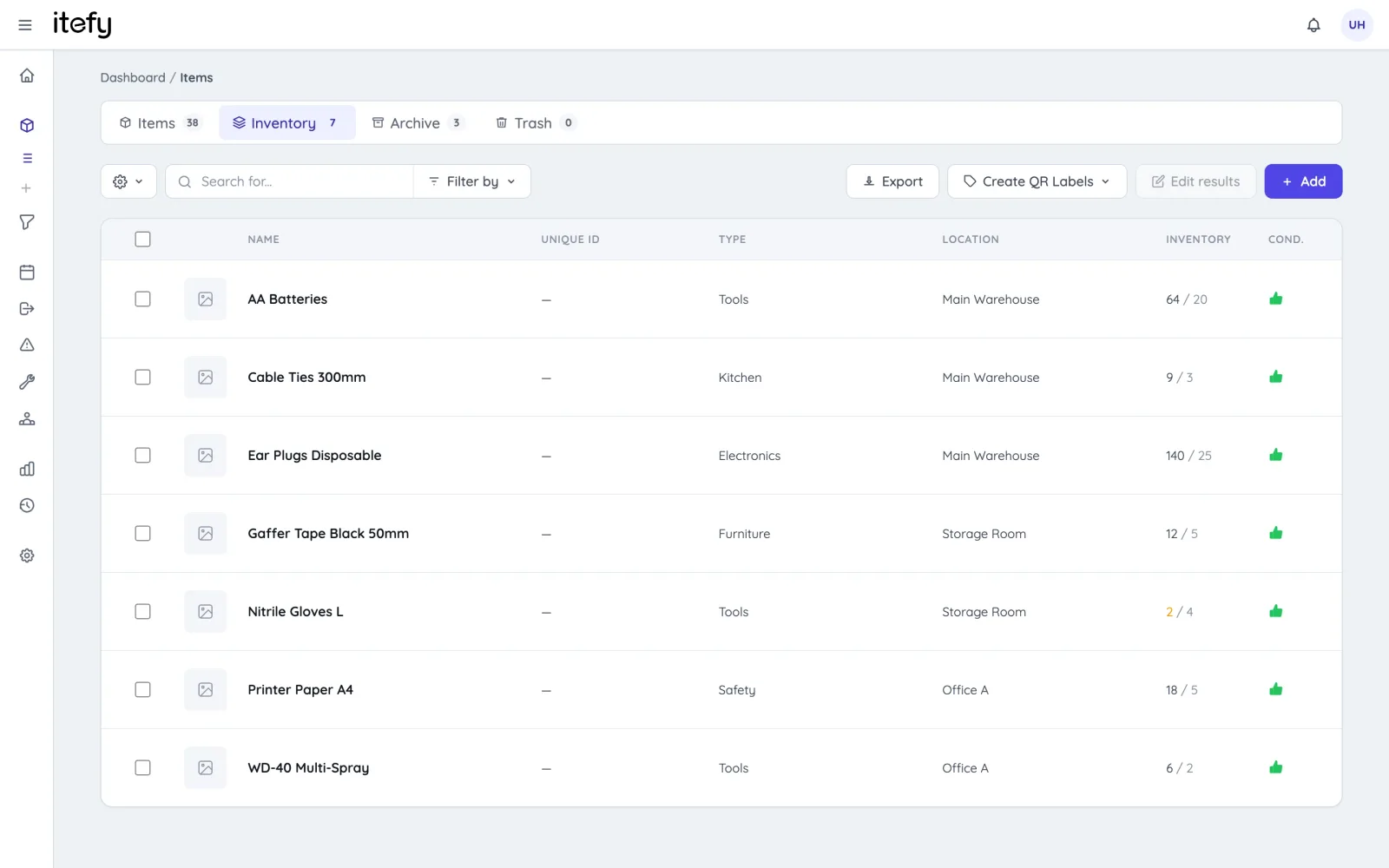
Instant Equipment Overview on the Dashboard
Quickly assess the status of your machines, tools, and maintenance tasks at a glance.
- Color-coded indicators highlight critical equipment issues
- Spot what needs attention in seconds—no digging required
- View recent activity and key stats on a single screen
- Access maintenance, reservations, and checkouts with one click
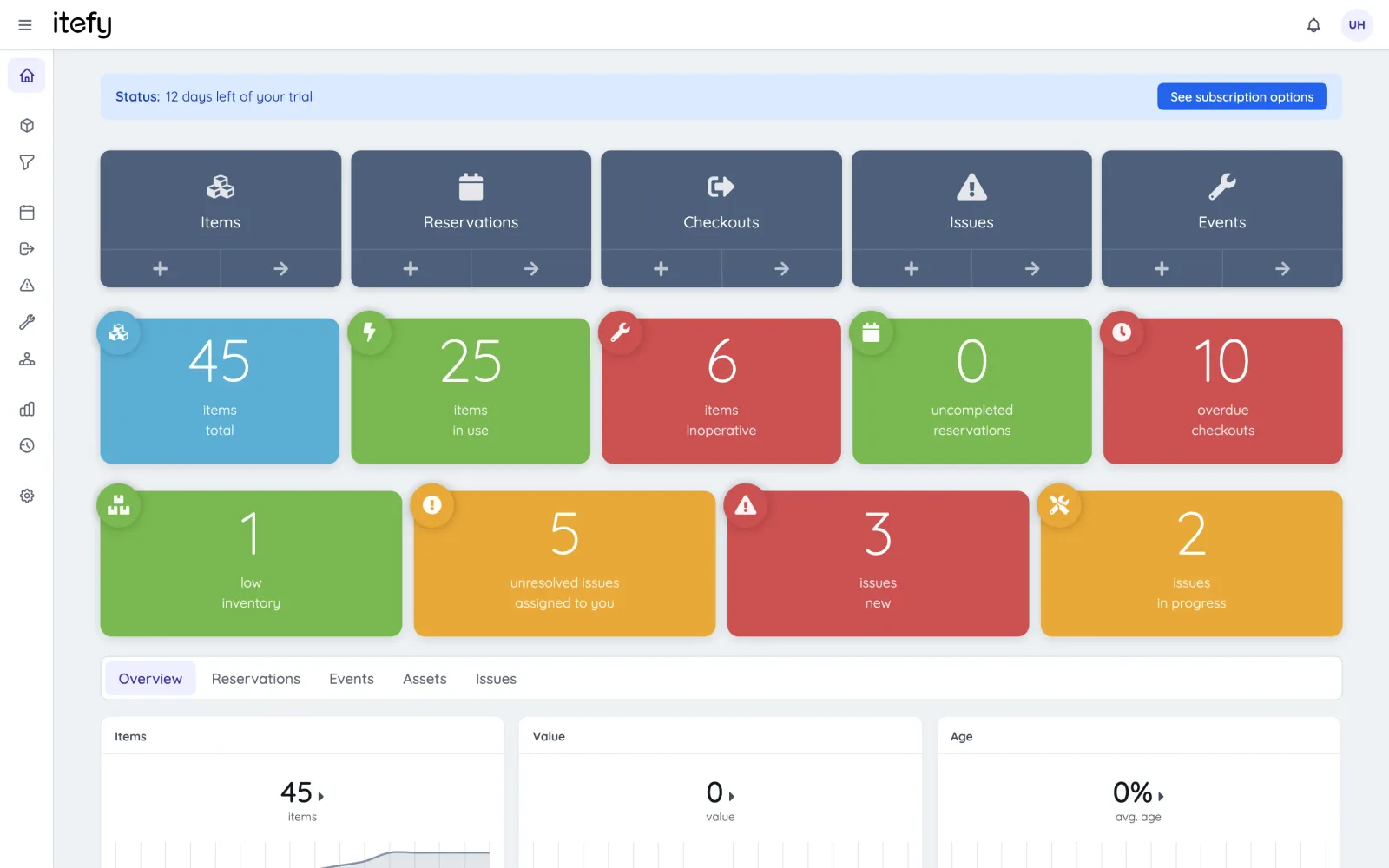
Delegate Equipment Responsibility Across Your Team
Empower your workforce with transparent, shared control through a centralized system.
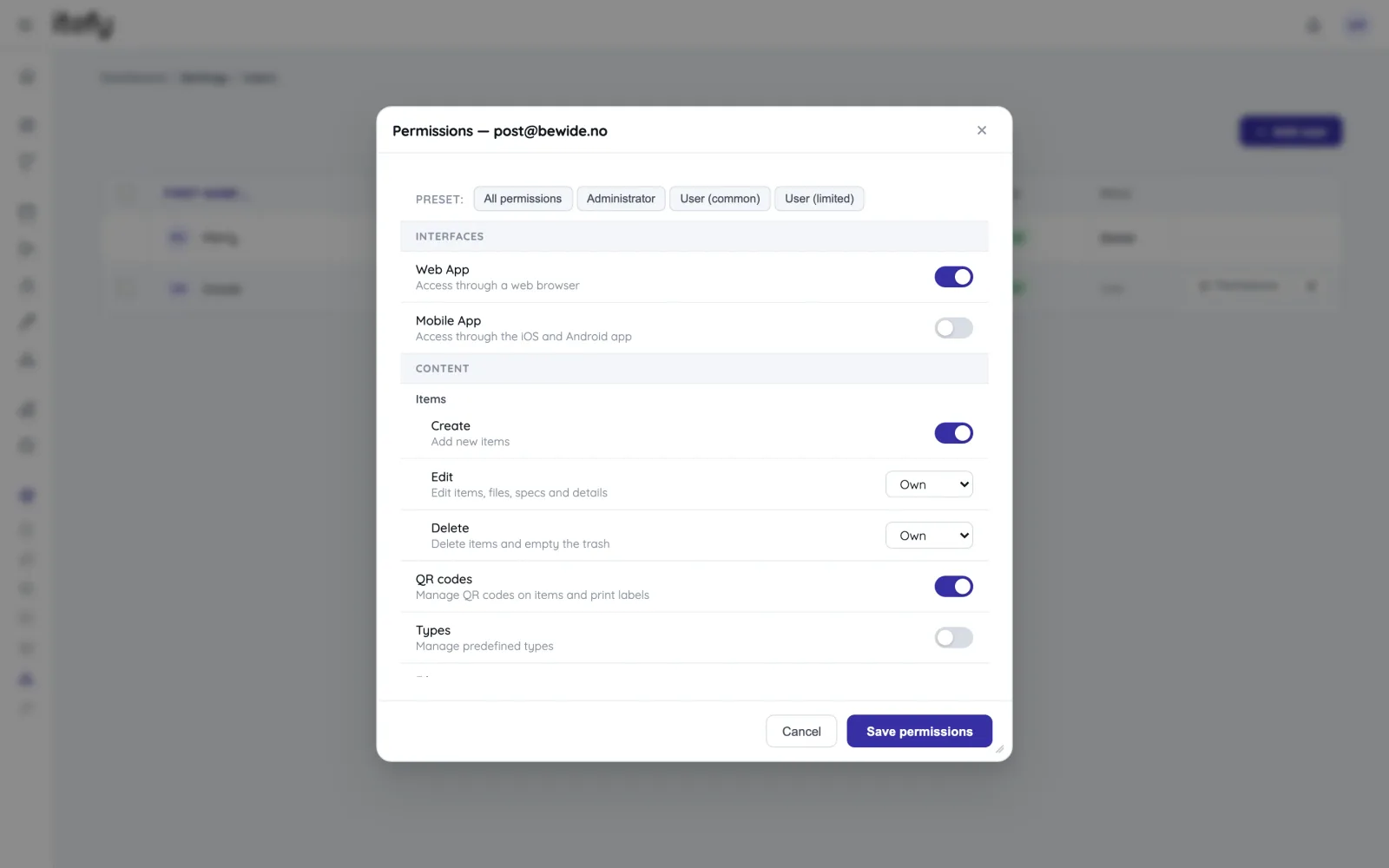
- Customize user permissions for each team member
- Assign specific machines or tool groups to responsible operators
- Track who currently has each piece of equipment checked out
- Generate checkout and activity reports grouped by employee
A toolbox for all your equipment assets
Reservations
Plan and schedule usage, maintenance or whatever needs to be scheduled for your assets.
Learn moreIssue Tracking
When equipment breaks, Itefy's issue management module helps to efficiently resolve it.
Learn moreEvent Tracking
Keep track of events such as purchases, license renewals, maintenance etc.
Learn moreMobile App
Use our mobile app Itefy GO to create reservations, checkouts and more on the go.
Learn moreCollaboration
Share the equipment management by delegating responsibility to multiple people.
Calendar sync
Read your bookings in Google Calendar, Outlook or Apple Calendar — on every plan.
Learn morePlans & Pricing
- USD
- EUR
- NOK
-
Basic
N/Aper month, paid N/A- N/A items
- N/A locations
- N/A users included
- Extra seats N/A/month
- N/A GB storage
Core features
- Items, check-in & check-out
- Reservations & scheduling
- Calendar sync (Google, Outlook, Apple)
- Issues, maintenance & events
- QR labels & mobile app
- Public item pages
- Custom specifications
- Excel import & export
- Sign in with Google
-
Most popular
Startup
N/Aper month, paid N/A- N/A items
- N/A locations
- N/A users included
- Extra seats N/A/month
- N/A GB storage
Everything in Basic, plus
- Recurring reservations
- Kits
- Contacts
- Reports & insights
-
Business
N/Aper month, paid N/A- N/A items
- N/A locations
- N/A users included
- Extra seats N/A/month
- N/A GB storage
Everything in Startup, plus
- API access for custom integrations
- Up to 5 API keys
-
Enterprise
N/Aper month, paid N/A- N/A items
- N/A locations
- N/A users included
- Extra seats N/A/month
- N/A GB storage
Everything in Business, plus
- Up to 25 API keys
- Highest limits, built for large fleets
- Lowest extra-seat price
Take control of your equipment
Try every feature free for 14 days. No credit card, no obligations.