
Agriculture Equipment Management Software
Optimize farm operations, minimize downtime, and maintain productivity with a centralized, cloud-based asset management platform tailored for modern agriculture.
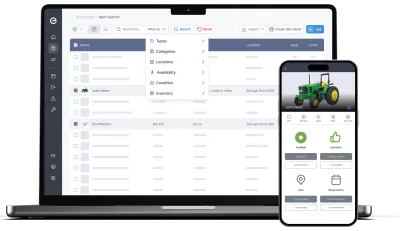
Coordinate planning, in-field operations, and maintenance scheduling seamlessly across desktop and mobile.
Key features:
- Manage tractors, implements, machines & tools
- Plan seasonal and recurring tasks
- Location logged on every move
- Schedule preventive maintenance
- Log issues & repairs
- Monitor consumable inventory
- Delegate tasks across teams
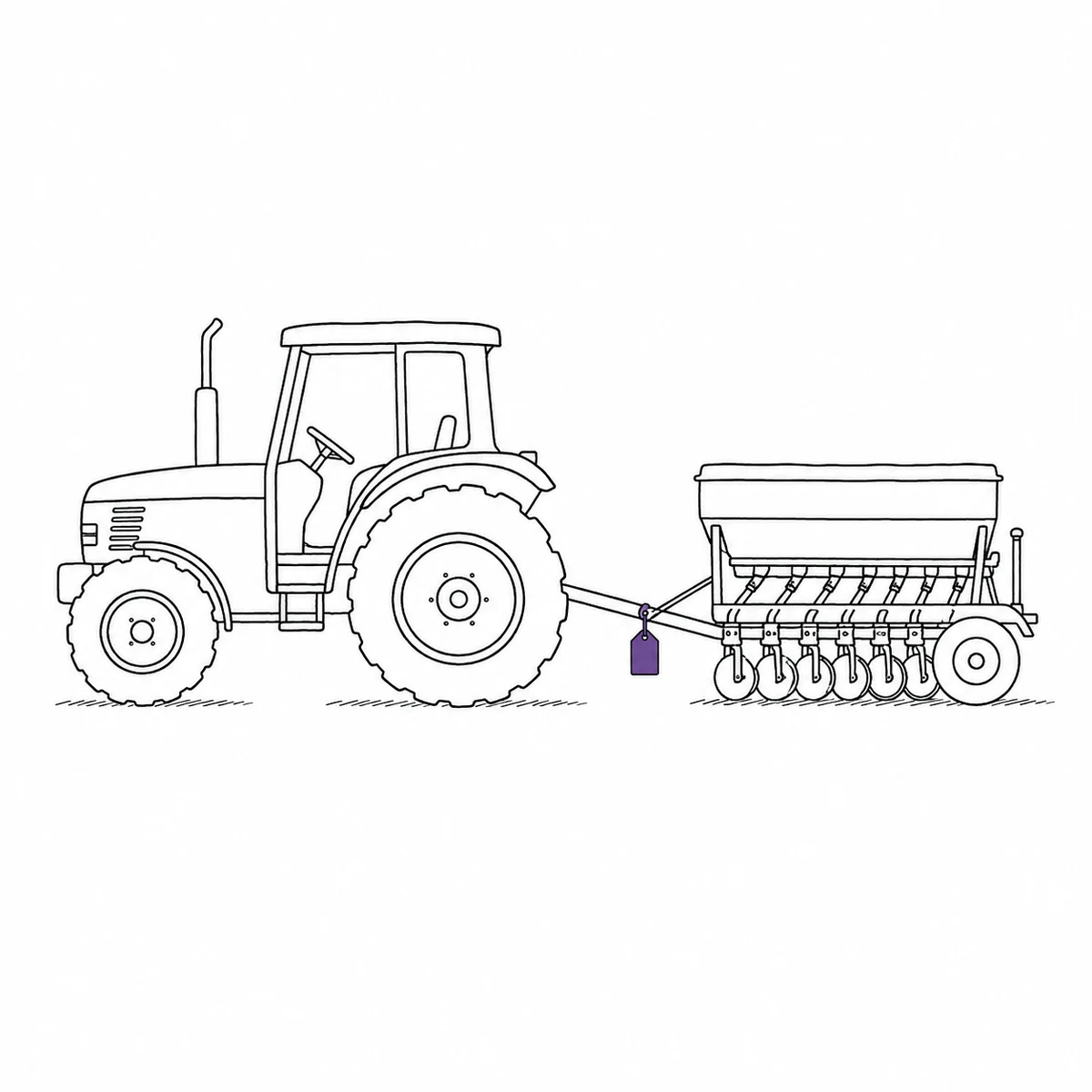
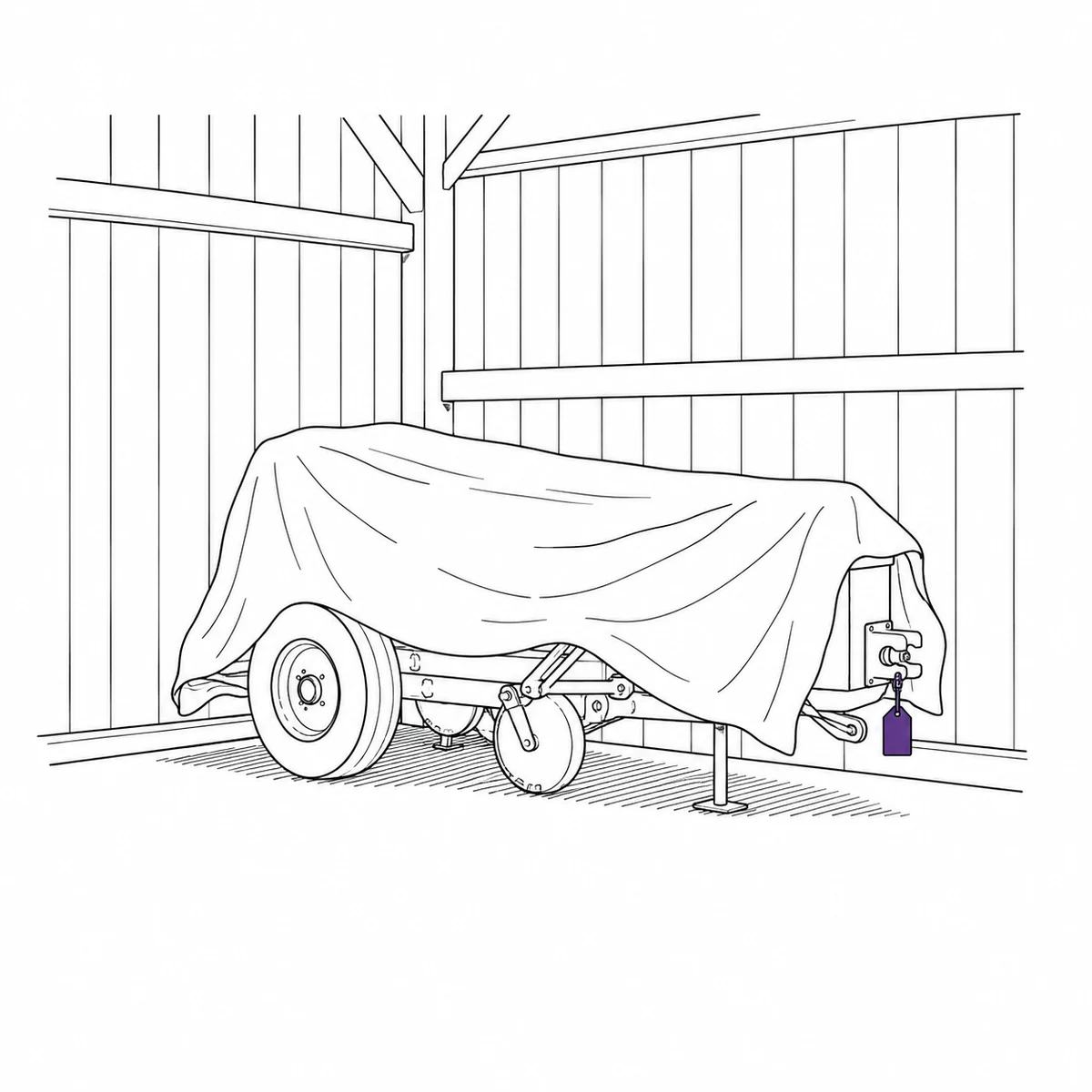
It sat in a shed for eleven months.
It has three weeks to work.
The drill came out on the Tuesday and the bearing had gone. Somebody had known that in September, standing in the same yard, and had meant to say so. By April the person who knew was working somewhere else and the note, if there ever was one, was on the back of a feed bag. We lost four days of a window that was fourteen days long.
Farm machinery spends most of the year waiting, then has to work on a date the weather picks.
Four ways that goes wrong, and what actually changes them.
Everything is needed in the same fortnight, once a year
Nothing is used evenly. The kit stands idle for months and then every machine is wanted on the same few days, in an order the weather decides. A fault that would be a nuisance in November is a lost field in April, and the pre-season check that would have caught it competes with all the other jobs that are not urgent yet. What actually fixes it: putting the readiness work in the calendar early, where it is a booking rather than an intention.
- Schedule pre-season checks and services as recurring bookings, months ahead
- Reserve machinery for the operation, not just the day, so two jobs cannot claim the same drill
- Hitch a tractor and its implements into a kit and book the set as one thing
- Reminders before anything falls due, so the winter list exists before the spring
- Every machine keeps its own service and repair history, however long between uses
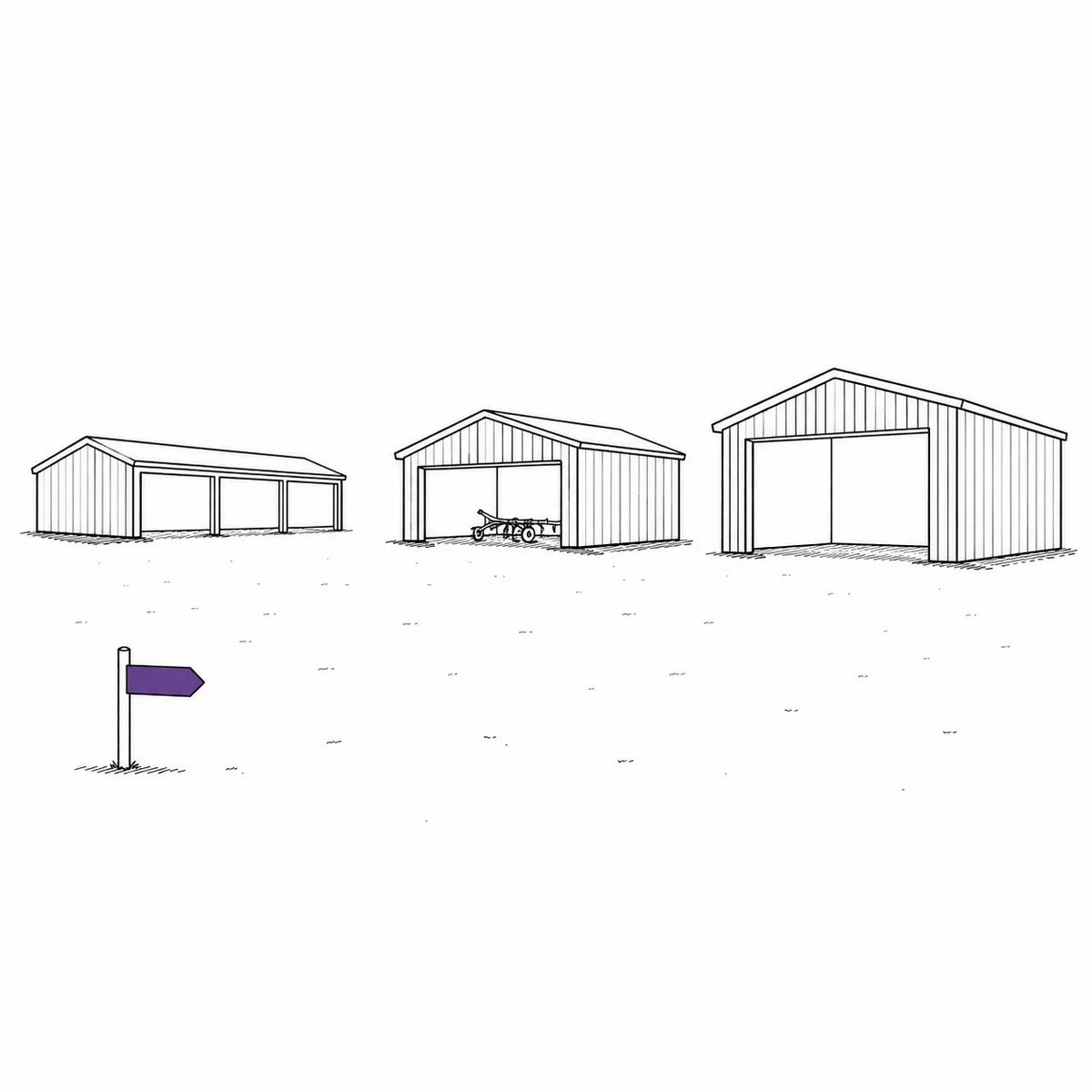
It is in a shed. There are nine sheds and they are four miles apart.
A farm is not one site, it is a scatter of yards, buildings, containers and field gateways across a few hundred hectares, and the kit moves between them for reasons nobody writes down. Finding something is a drive, and the drive is the cost — not the machine. What actually fixes it: letting the structure of the place be in the system, including the parts of it that move.
- Locations nest the way the farm is laid out: holding, yard, building, bay
- Trailers and containers are mobile locations — they carry things and their moves are logged
- Every item keeps a location history, so where it usually ends up is answerable
- Filter by a yard and everything beneath it comes too
- Home locations, so kit has a place it is supposed to go back to
Half the machinery on the place belongs to somebody else
Kit is borrowed, shared between holdings, hired in for a fortnight and lent to the neighbour on the understanding that it comes back. That works, because it has to, and the record of it lives in a handful of heads. It only becomes a problem when something breaks while it is out, or when the contractor finishes and half of it goes home with him. What actually fixes it: writing the loan down at the gate, with a name and a date on it, in less time than the conversation took.
- Check machinery out to a named person, with a date it is due back
- Contractors and neighbouring farms can be contacts rather than accounts — no seat, no login
- Link the loan to that contact, so their whole borrowing history is on their record
- Overdue notices go out on their own rather than depending on an awkward phone call
- Record the condition it went out in, with photos, so the state it comes back in is comparable
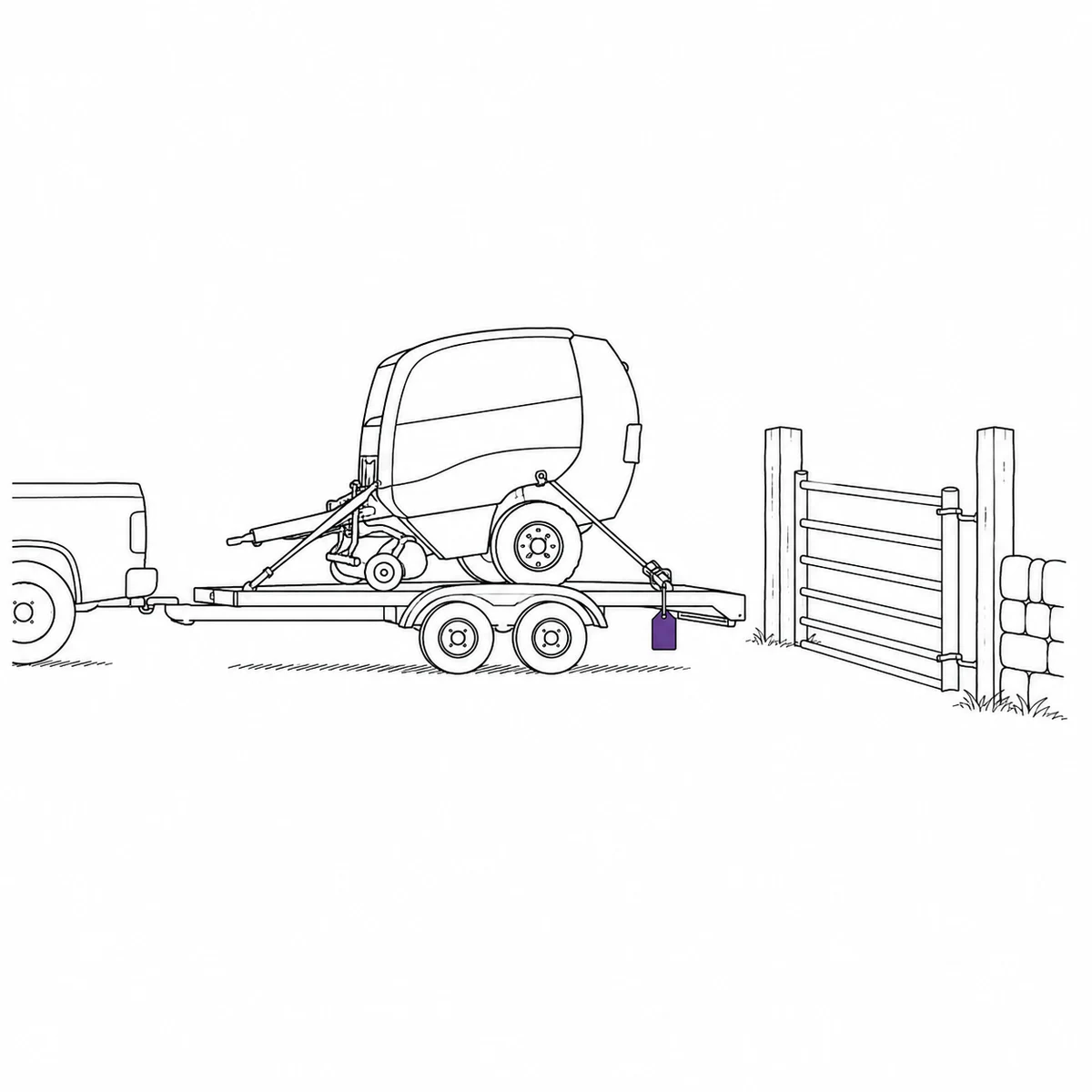
The fault you found in September has to survive until April
You notice it as you are putting the machine away, at the end of a long day, at the end of a season. There is no good moment to deal with it and no obvious place to put the knowledge, so it goes in your head — and seven months is a long time for a head to hold something nobody else heard. What actually fixes it: making the fault a property of the machine at the moment you are standing next to it, so April finds out without depending on September remembering.
- Log the fault with a photo from the yard, as you put the machine away
- An open issue can flip the machine to inoperative automatically, and clear it when the work is done
- Inoperative machinery is refused for bookings and checkouts — not merely noted
- Repair, maintenance, inspection and transport bookings stay allowed, so it can still be scheduled in
- The winter job list is a filter on open issues, not an exercise in remembering
What Itefy does not do
It needs a data connection. The mobile app is a web app, and while it will show you pages you have already loaded, you cannot check a machine out or log a fault with no signal. On a farm with black spots, that is the first thing to test — walk to the far field and see whether it works before you decide anything else.
There is no telematics: nothing is read from the machine, so no GPS position, no field mapping, and — the one that matters most here — no engine-hour service triggers. Service intervals are scheduled by date, not by hours run. There are also no agronomy records: no crop plans, no spray or application diary, no compliance reporting. This tracks the machinery, not the farming.
Centralized Farm Asset Database
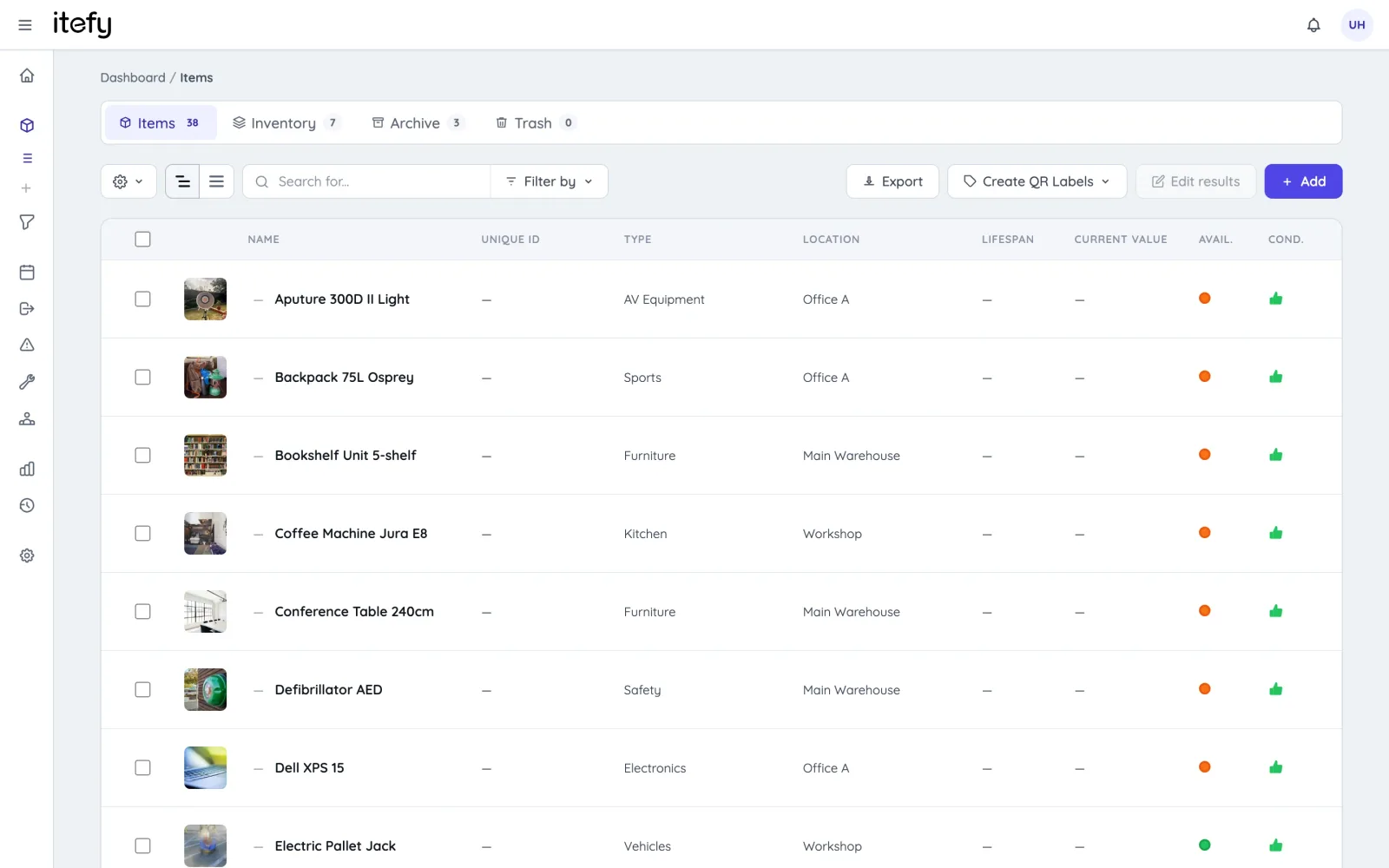
Consolidate tractors, harvesters, spray rigs, and small tools into one always up‑to‑date system.
- Catalog by type, category, location or condition
- Bulk import existing inventories from Excel
- Generate and print QR labels for all assets
- Filter by condition, location, type or availability
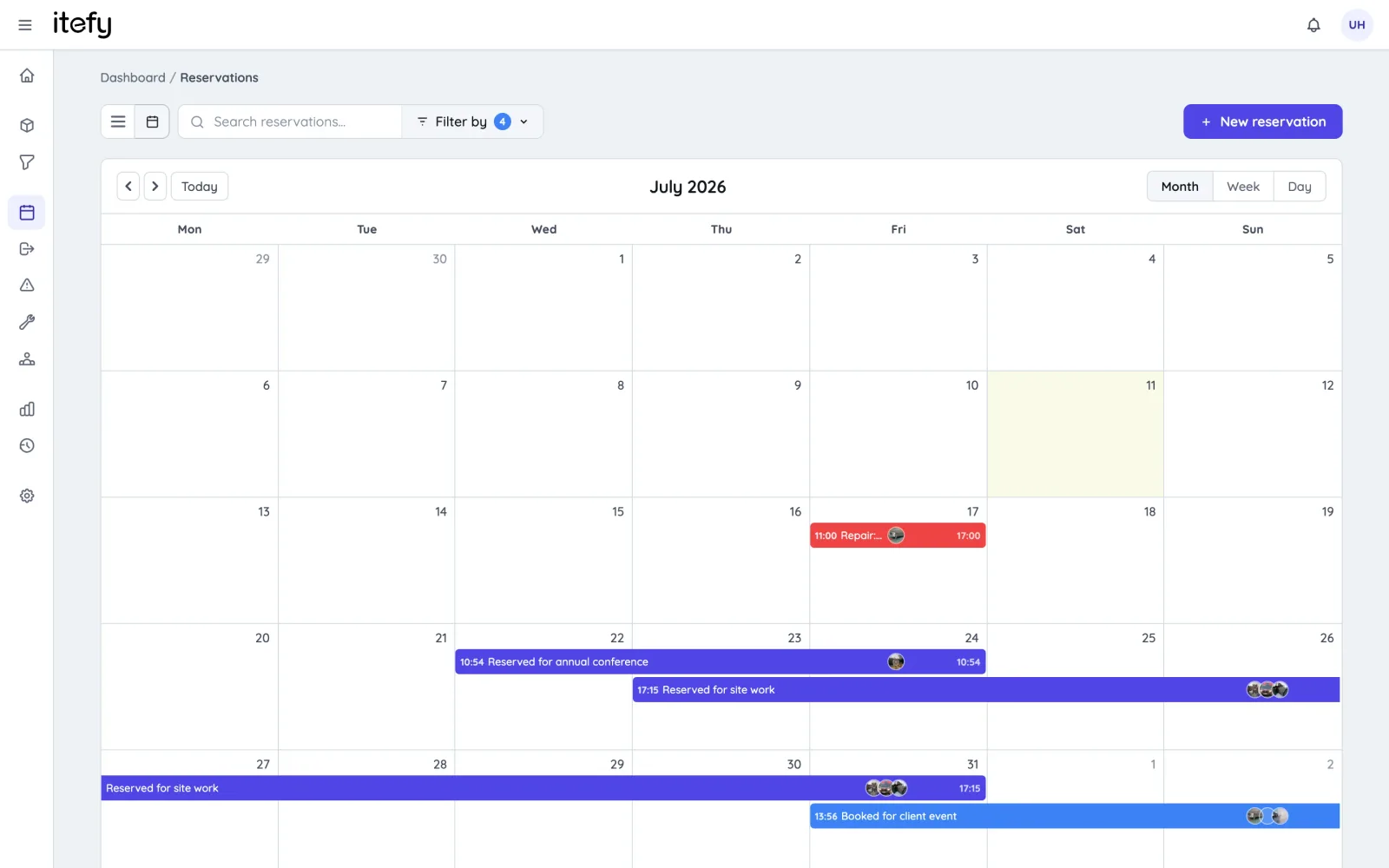
Plan Seasonal and Recurring Reservations
Avoid equipment conflicts during critical planting and harvest windows.
- Create single or recurring reservations for machinery
- Combine tractors with implements into one kit
- Self‑service booking for operators
- QR code reservation creation via Itefy GO
Track Actual Usage with Mobile Checkouts
Ensure accountability and timely returns for every piece of equipment.
- Field operators check out assets via mobile app
- Automatic notifications for overdue returns
- Record who took it, where it went and how long it was out
- Define home locations for easy returns
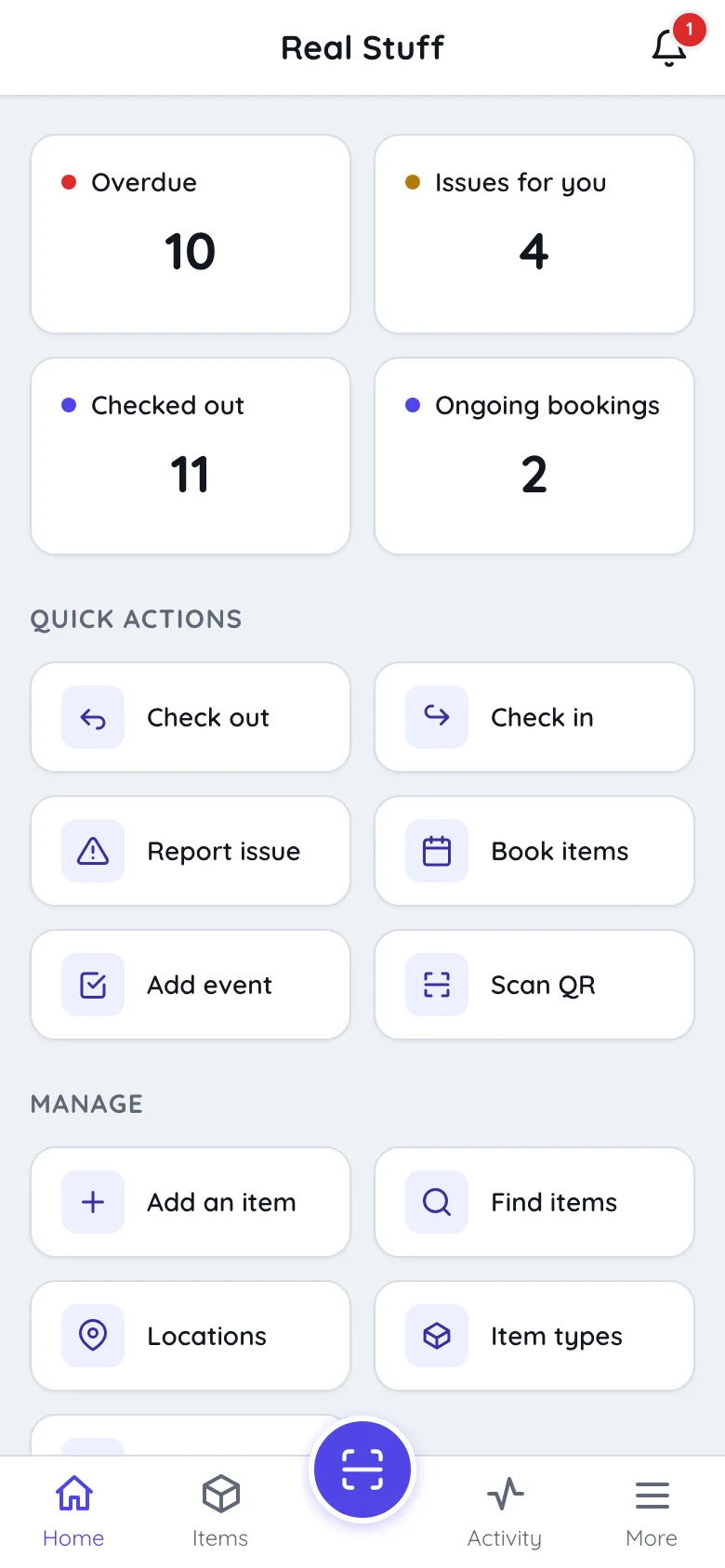
Mobile Field Operations with Itefy GO
Bring full asset control to the palm of your hand
- Print on to Avery and Herma labels with your own laser printer
- Export item lists with unique item codes to use with dedicated label printers
- Use our Itefy GO mobile app to scan equipment QR labels, to quickly find items, create reservations, checkouts etc.
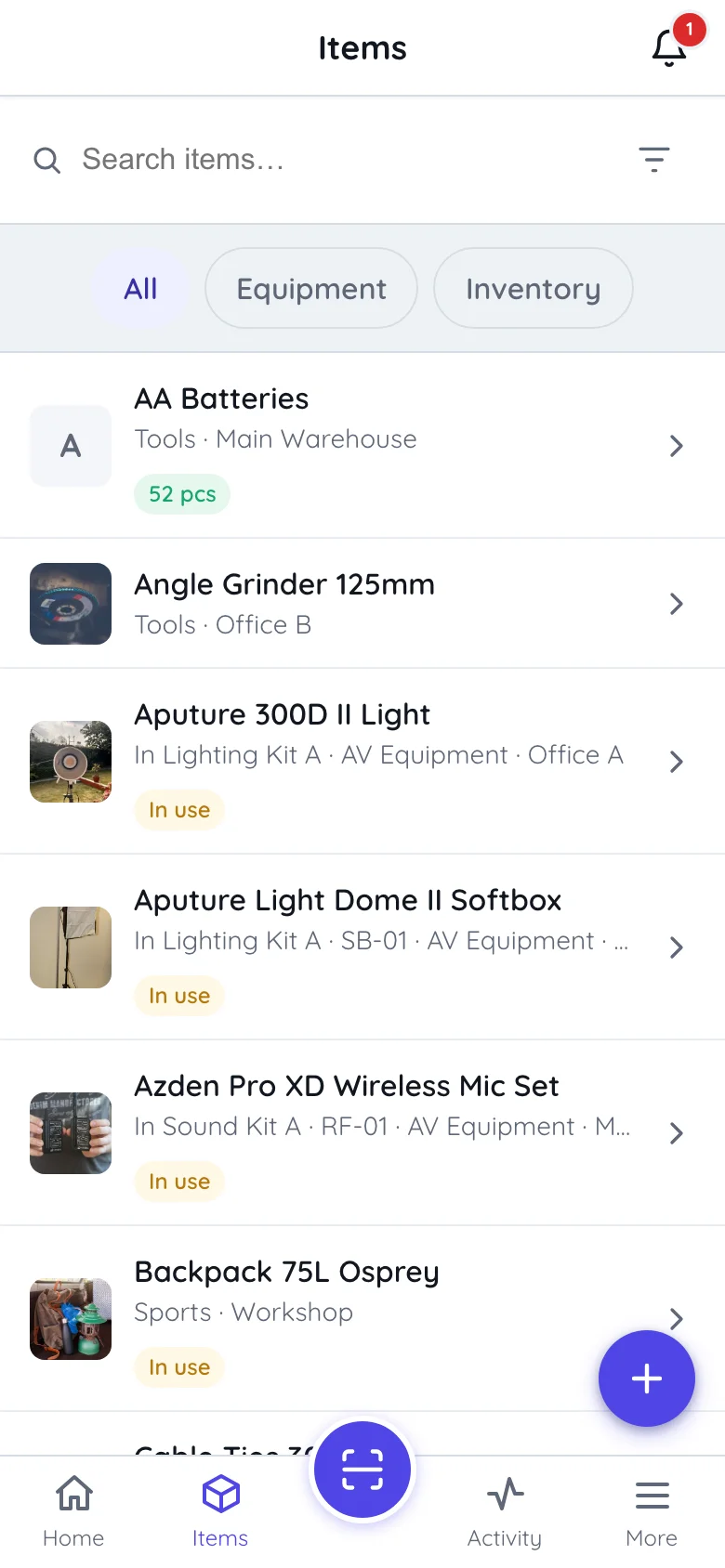
Issue & Maintenance Management
Reduce unplanned downtime by staying ahead of equipment failures.
- Log issues directly after inspections
- Convert issue tickets into maintenance events
- Assign tasks to technicians or external vendors
- Maintain a full history of repairs, findings and what each job cost
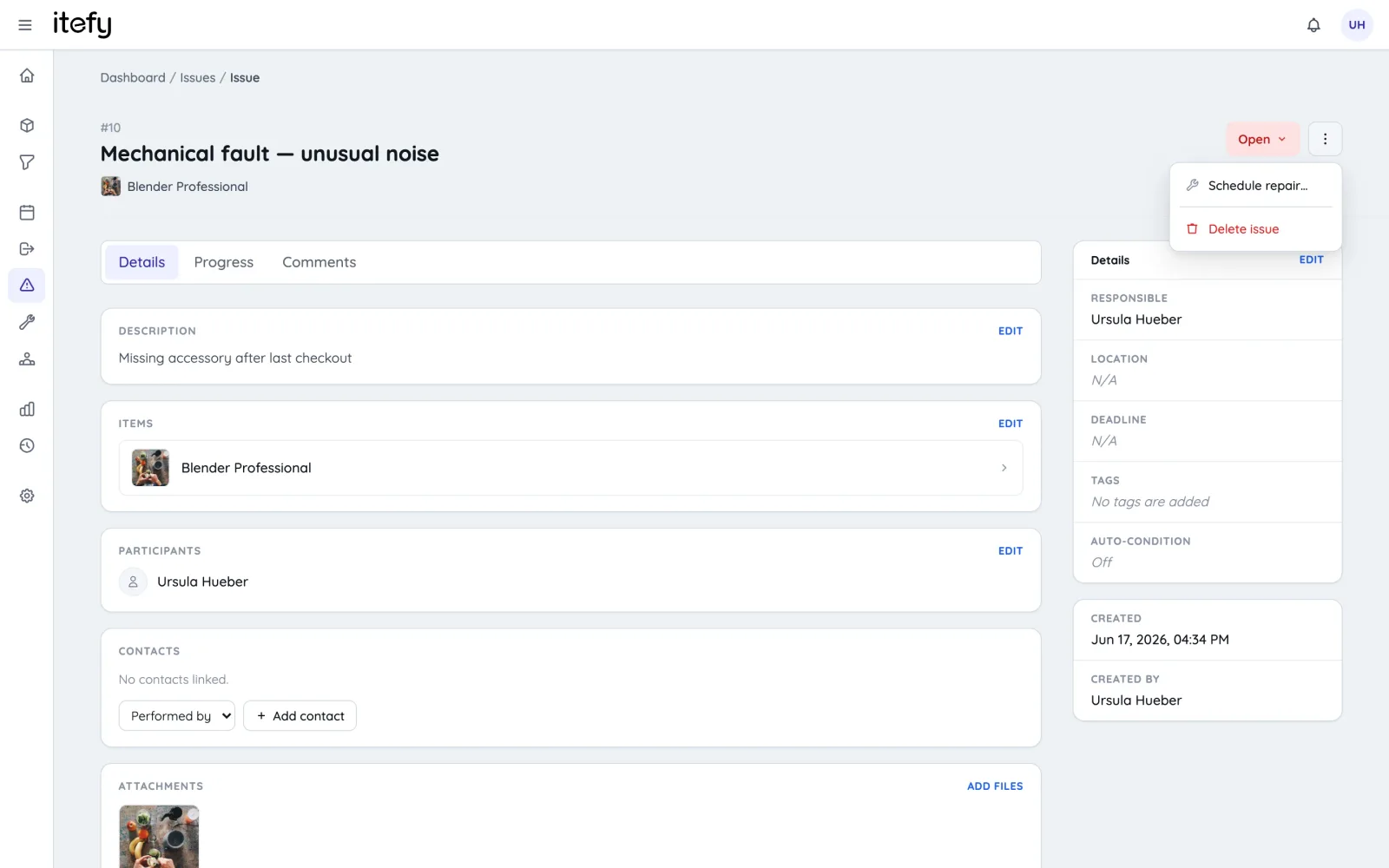
Consumables & Inventory Control
Avoid mid‑season shortages of seeds, fertilizers, and chemicals.
- Track stock levels with QR‑enabled bins
- Log material usage as it happens, with notes on the entry
- Set custom low‑stock thresholds
- Receive notifications before running out
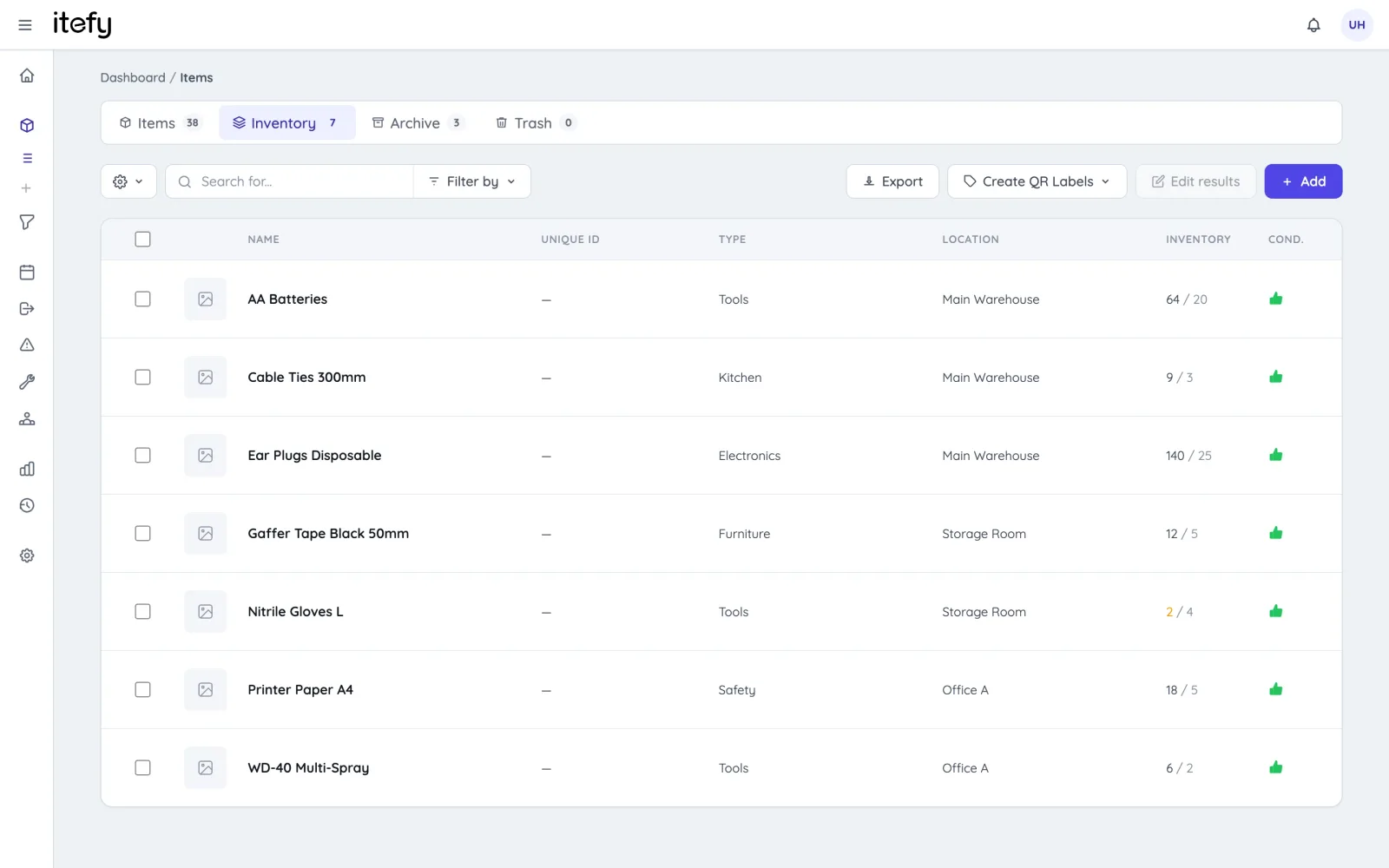
Quick Status on the Dashboard
Get instant insights into your farm’s operational health.
- Color‑coded status widgets for key metrics
- Utilization, condition, and maintenance charts
- Recent activity and upcoming reservations
- Quick links to critical functions
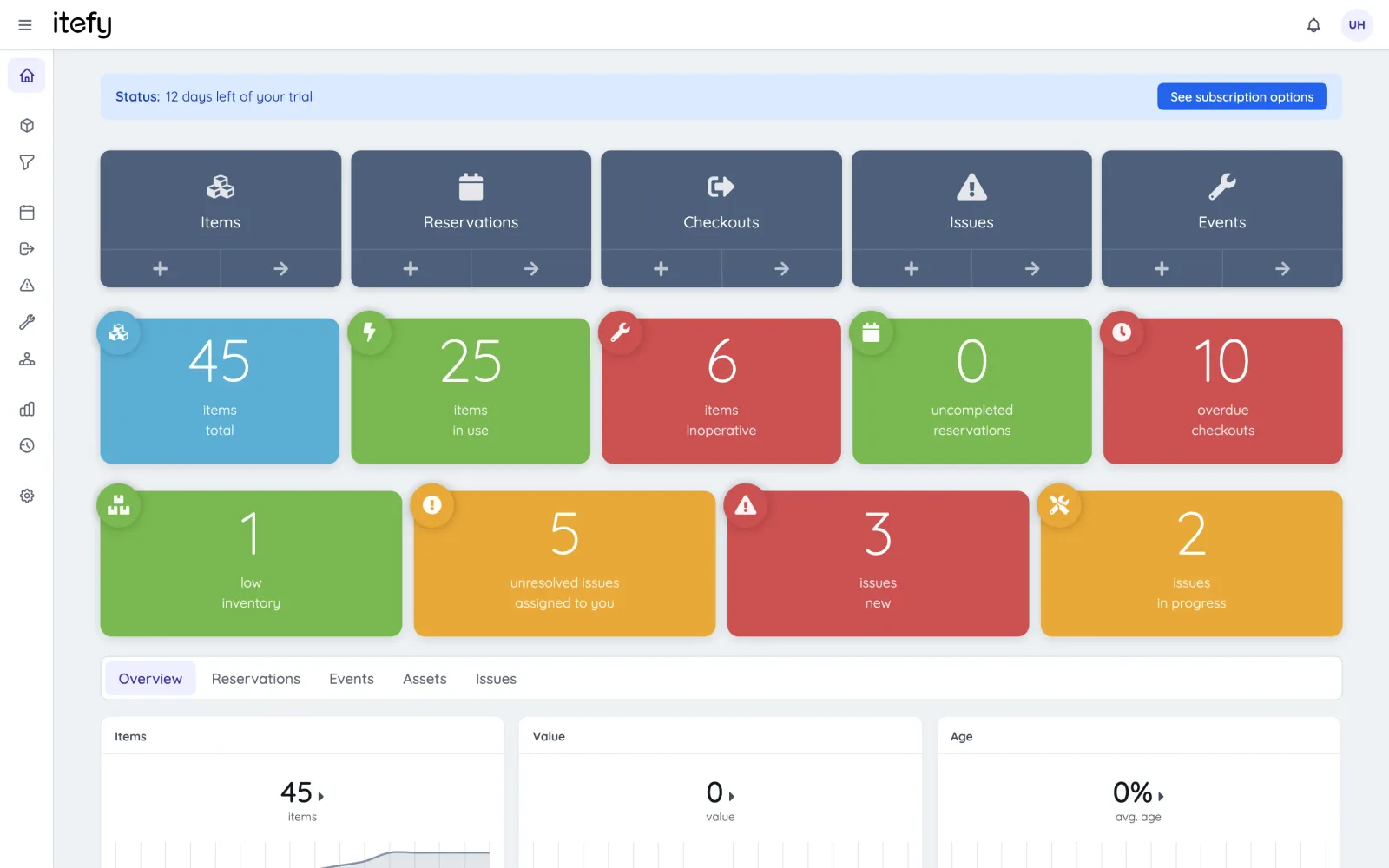
Team Collaboration & Delegation
Empower your workforce with self‑service and clear responsibilities.
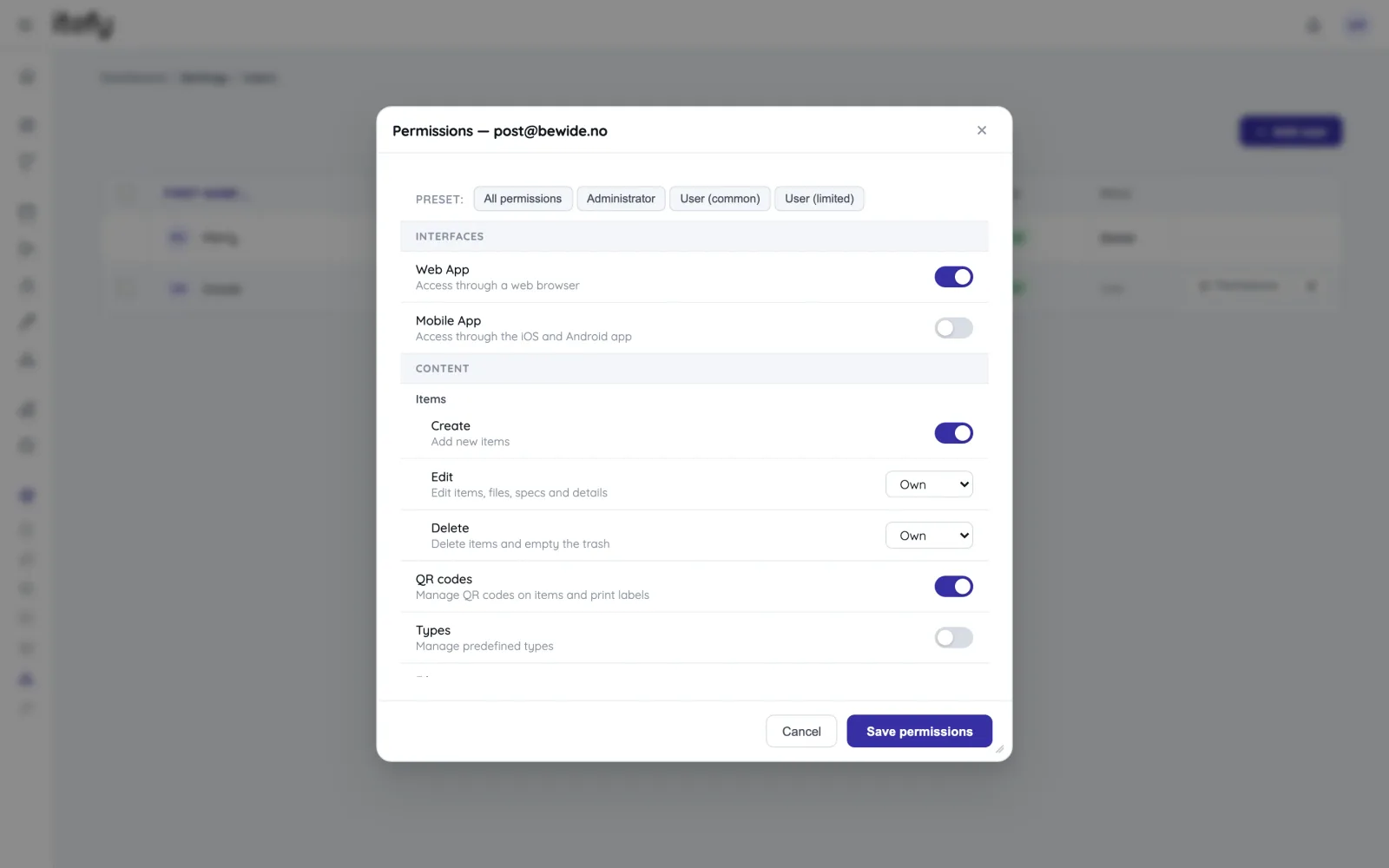
- Assign permissions by role or individual
- Delegate asset oversight to field managers
- Track who’s operating which equipment
- Generate usage reports by person or team
Your Digital Farm Operations Hub
Manage assets, schedules, and stock in one unified platform - right from the field.
Reservations
Plan and schedule usage, maintenance or whatever needs to be scheduled for your assets.
Learn moreIssue Tracking
When equipment breaks, Itefy's issue management module helps to efficiently resolve it.
Learn moreEvent Tracking
Keep track of events such as purchases, license renewals, maintenance etc.
Learn moreMobile App
Use our mobile app Itefy GO to create reservations, checkouts and more on the go.
Learn moreCollaboration
Share the equipment management by delegating responsibility to multiple people.
Calendar sync
Read your bookings in Google Calendar, Outlook or Apple Calendar — on every plan.
Learn morePlans & Pricing
- USD
- EUR
- NOK
-
Basic
N/Aper month, paid N/A- N/A items
- N/A locations
- N/A users included
- Extra seats N/A/month
- N/A GB storage
Core features
- Items, check-in & check-out
- Reservations & scheduling
- Calendar sync (Google, Outlook, Apple)
- Issues, maintenance & events
- QR labels & mobile app
- Public item pages
- Custom specifications
- Excel import & export
- Sign in with Google
-
Most popular
Startup
N/Aper month, paid N/A- N/A items
- N/A locations
- N/A users included
- Extra seats N/A/month
- N/A GB storage
Everything in Basic, plus
- Recurring reservations
- Kits
- Contacts
- Reports & insights
-
Business
N/Aper month, paid N/A- N/A items
- N/A locations
- N/A users included
- Extra seats N/A/month
- N/A GB storage
Everything in Startup, plus
- API access for custom integrations
- Up to 5 API keys
-
Enterprise
N/Aper month, paid N/A- N/A items
- N/A locations
- N/A users included
- Extra seats N/A/month
- N/A GB storage
Everything in Business, plus
- Up to 25 API keys
- Highest limits, built for large fleets
- Lowest extra-seat price
Take control of your equipment
Try every feature free for 14 days. No credit card, no obligations.