
School Inventory Management Software
Managing school equipment can be chaotic - lost items, double bookings, and missed maintenance cause constant disruptions. These issues waste time and impact both teaching and learning.
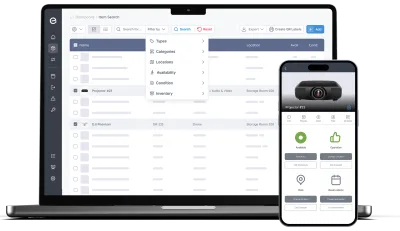
Itefy simplifies equipment management with one centralized system. Track, reserve, maintain, and manage school assets - easily and efficiently.
Key features:
- Track school-owned equipment
- Reserve items for classes
- Log staff and student checkouts
- Schedule regular maintenance
- Avoid booking conflicts
- Monitor item locations
- Report and resolve issues
- Manage multi-user access
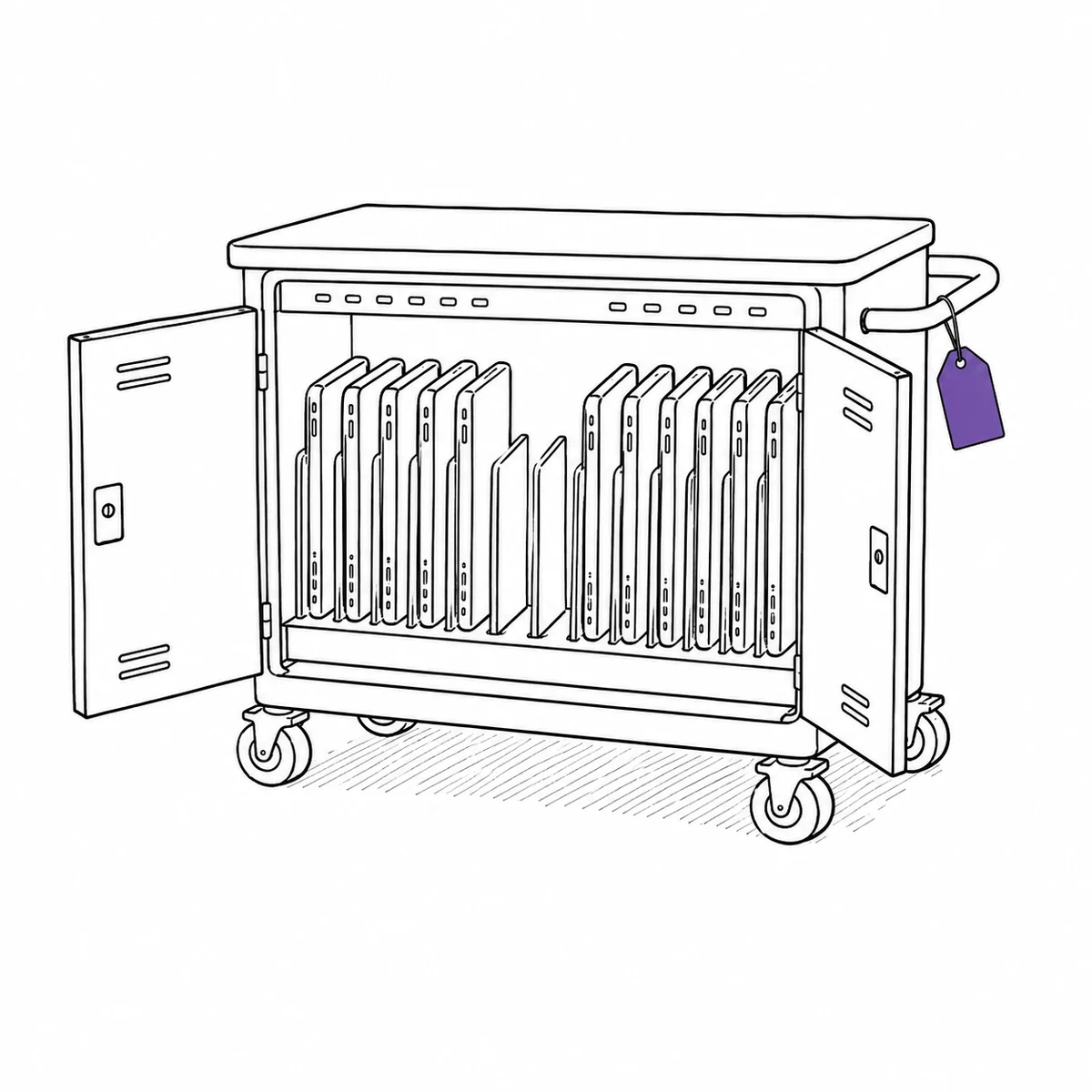
The trolley left with thirty.
It came back with twenty-eight.
It was noticed in September, by a different teacher, in a different room. By then the trolley had been out to four classes a day since May and nobody had counted it since the spring. Two devices were somewhere in the building, almost certainly, and the honest answer to which two was that we would find out when they turned up.
Schools lend constantly, to people who do not work there, on a rhythm that resets every term.
Four ways that goes wrong, and what actually changes them.
A class set is one thing when it goes out and thirty things when it comes back
The trolley is booked as a trolley, wheeled to a room and handed to thirty pairs of hands, and at the end of the lesson it is one object again. The counting that should happen in between competes with a bell. So it does not happen, and the shortfall surfaces weeks later with no way to place it. What actually fixes it: letting the set be a single bookable thing that is still thirty tracked devices underneath, so counting it back in is a screen rather than a headcount.
- Build the trolley as a kit — one booking, one checkout, thirty tracked items inside
- Kits nest, so a cupboard of sets is one structure rather than a flat list
- Check part of it back in and the rest stays open, showing exactly what is still out
- The check-in list is laid out as the kit, so ticking the trolley ticks its contents
- Every device keeps its own serial number, condition and repair history inside the set
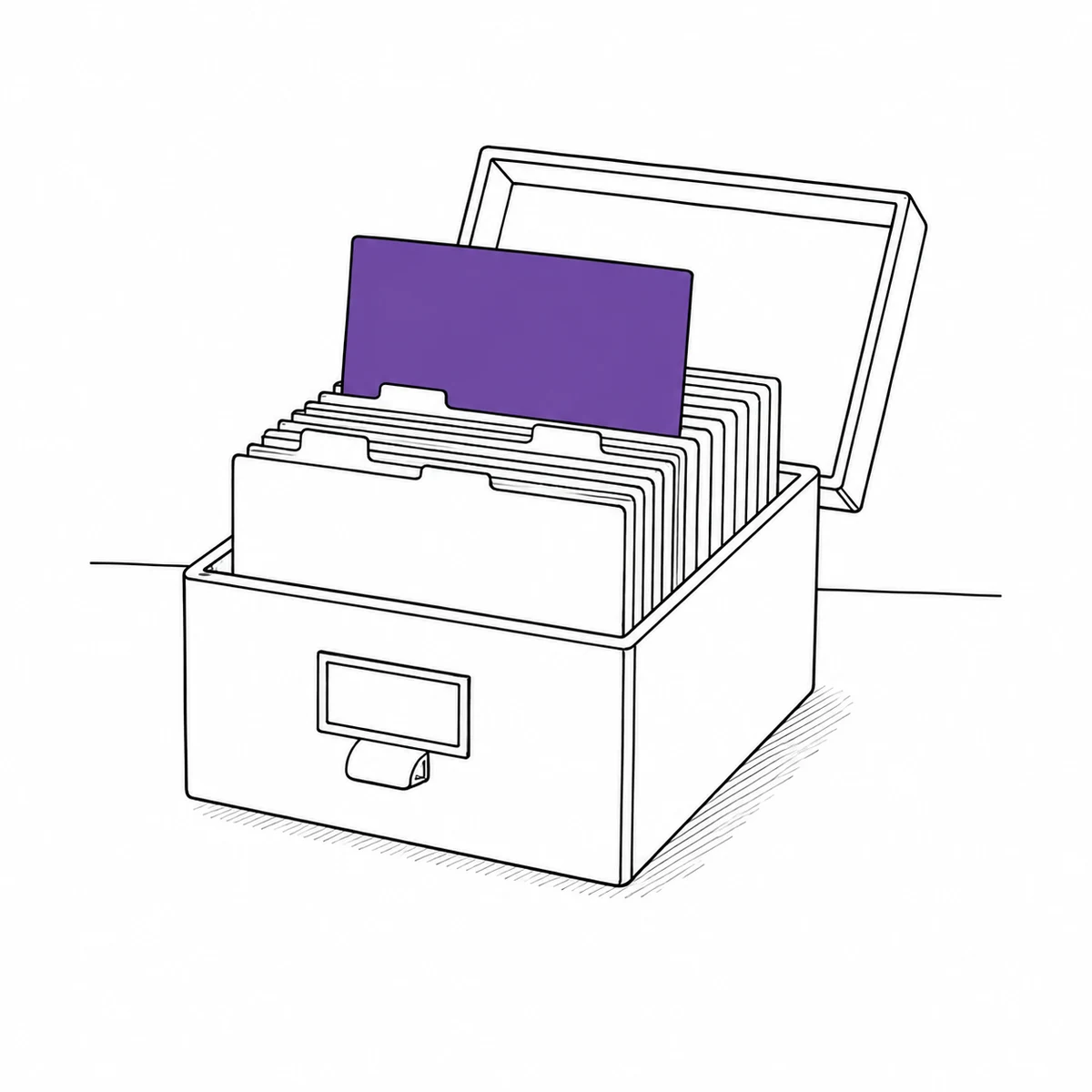
Nine hundred students should not be nine hundred logins
Most systems price by user, so lending to students means either paying for an account per child or writing names on paper and losing the history. Neither is reasonable, and the paper one is what actually happens. What actually fixes it: separating the people who operate the system from the people who borrow from it — staff are accounts, students are contacts, and contacts are not counted or charged for.
- Staff get accounts with permissions; students, parents and visitors are contacts
- There is no limit on contacts, and they do not consume a seat
- Link the checkout to the student, and their whole borrowing history sits on their record
- Departments, clubs and classes can be contacts too, when the borrower is a group
- Attach documents to a contact — a signed acceptable-use form lives with the borrower
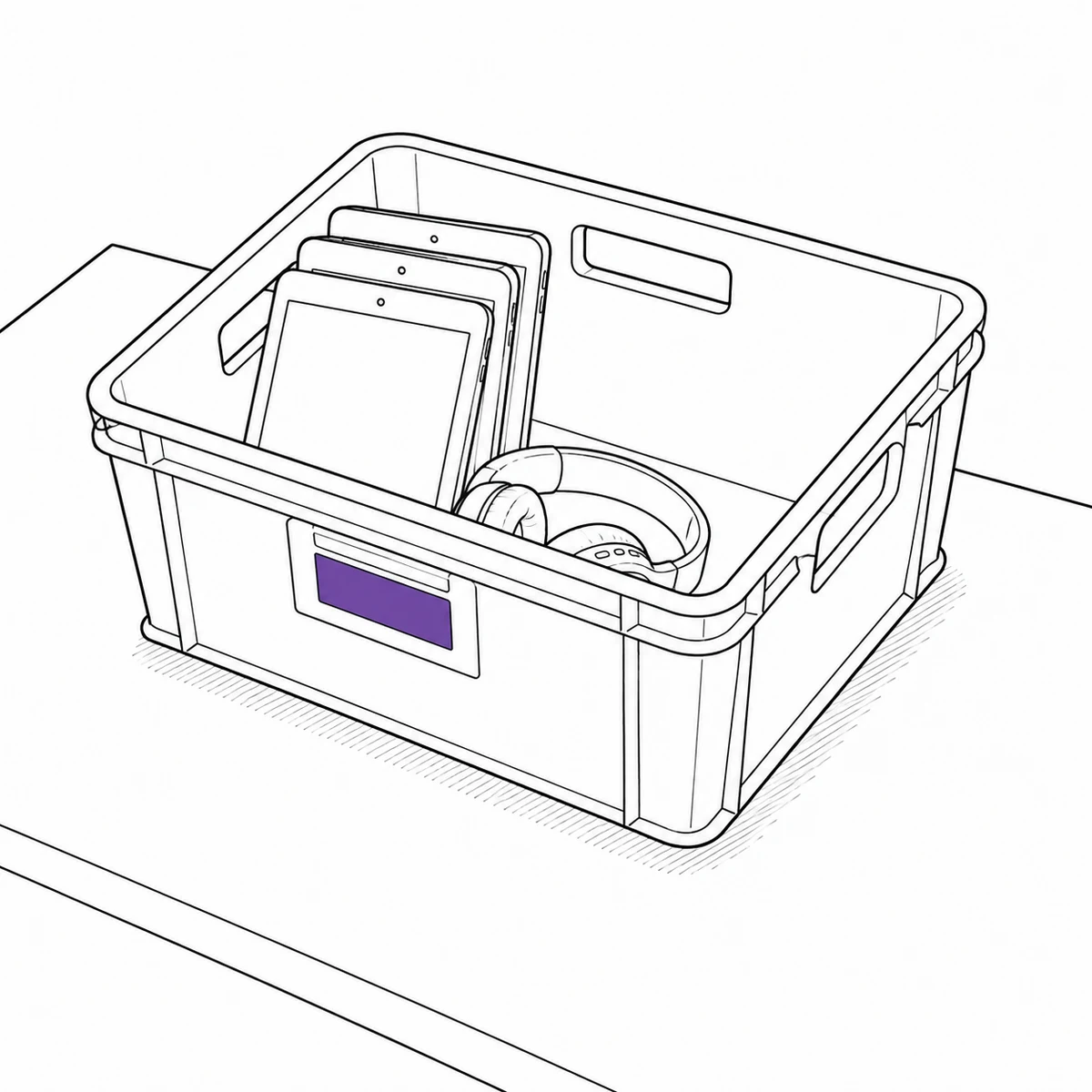
Everything is due back in July, from people who are leaving
Collection is a fixed deadline against a population that is dispersing, and the leavers are exactly the ones with the least reason to come back. Chasing in the last week of term means finding out what is missing at the point when nothing can be done about it. What actually fixes it: knowing throughout the year who holds what, so the July list is a report rather than an investigation.
- Every loan carries a named borrower and a due date, from the day it goes out
- Due-soon and overdue notices go out on their own, rather than depending on the office
- Filter by borrower to see everything one person still holds — the leaver’s list
- Due dates that fit the loan: end of the lesson, end of the week, end of term
- Home locations, so returned kit goes back where the next class expects it
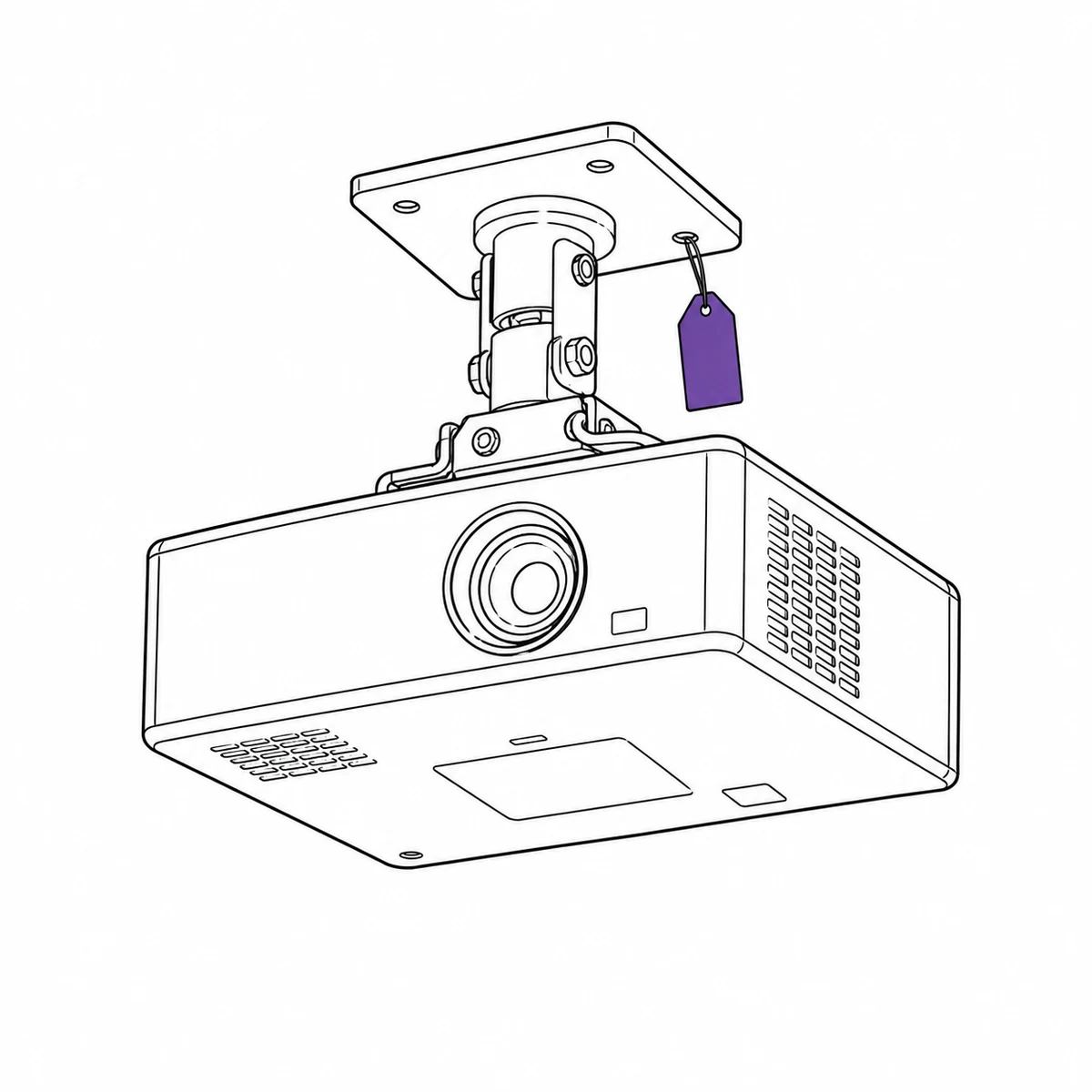
The projector in room nine has been broken since February
Everyone who teaches in there knows. They work around it, because reporting it means finding out who to tell and then trusting that they told someone else. Meanwhile it is still bookable, so it keeps being booked, and every booking is somebody discovering the fault for the first time. What actually fixes it: making the fault a property of the equipment, so the next booking is refused without anyone having to remember.
- Report a fault from a phone in the room, with a photo, in less time than finding the right person
- An open issue can flip the equipment to inoperative automatically, and clear it when closed
- Inoperative kit is refused for bookings and checkouts, flagged NOT WORKING in the picker
- Repair, maintenance and inspection bookings stay allowed, so it can still be scheduled for the fix
- Recurring inspections and service per item, with the history kept on the item
What Itefy does not do
Students borrow, but they do not log in. There is no student-facing portal and no self-service kiosk: a member of staff makes the handover and the student is recorded as the contact on it. That is what keeps the cost sane, and it does mean the borrower cannot book their own equipment.
Nothing syncs from your MIS or SIS — no roll-over of classes, registration groups or leavers from SIMS, Arbor, PowerSchool or Google Classroom — and there is no fines or charging module for late returns. For staff laptops and the device estate itself, the IT asset management page is the better fit.
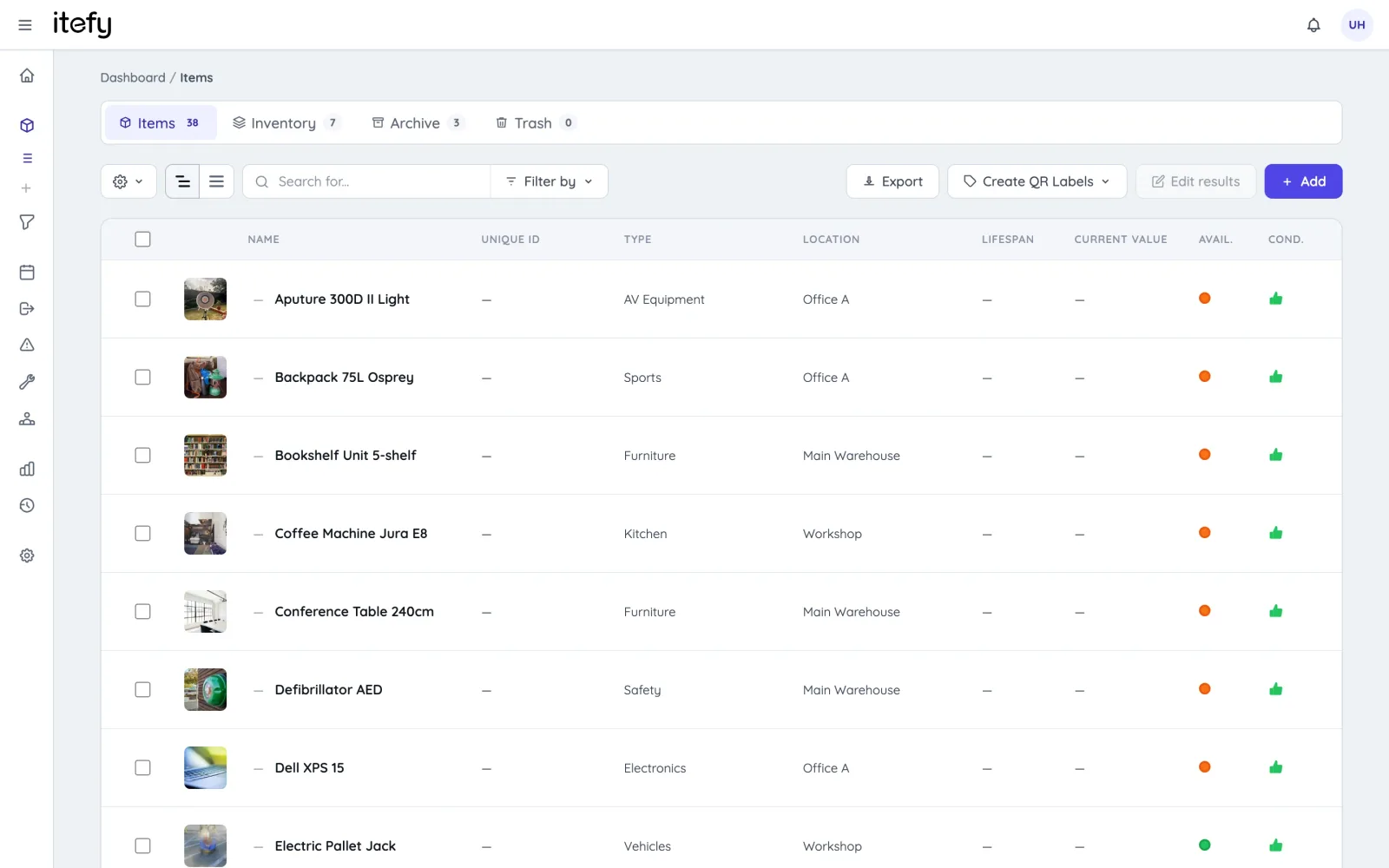
Prevent Lost or Misplaced School Equipment
Keep classroom tech, teaching aids, and shared resources from getting lost - especially when moved between rooms, departments, or staff.
- Centralize all school inventory in one always up-to-date system
- Track last known or assigned location of each inventory item
- Organize by room, category, type or condition
- See who has what equipment and when it's due back
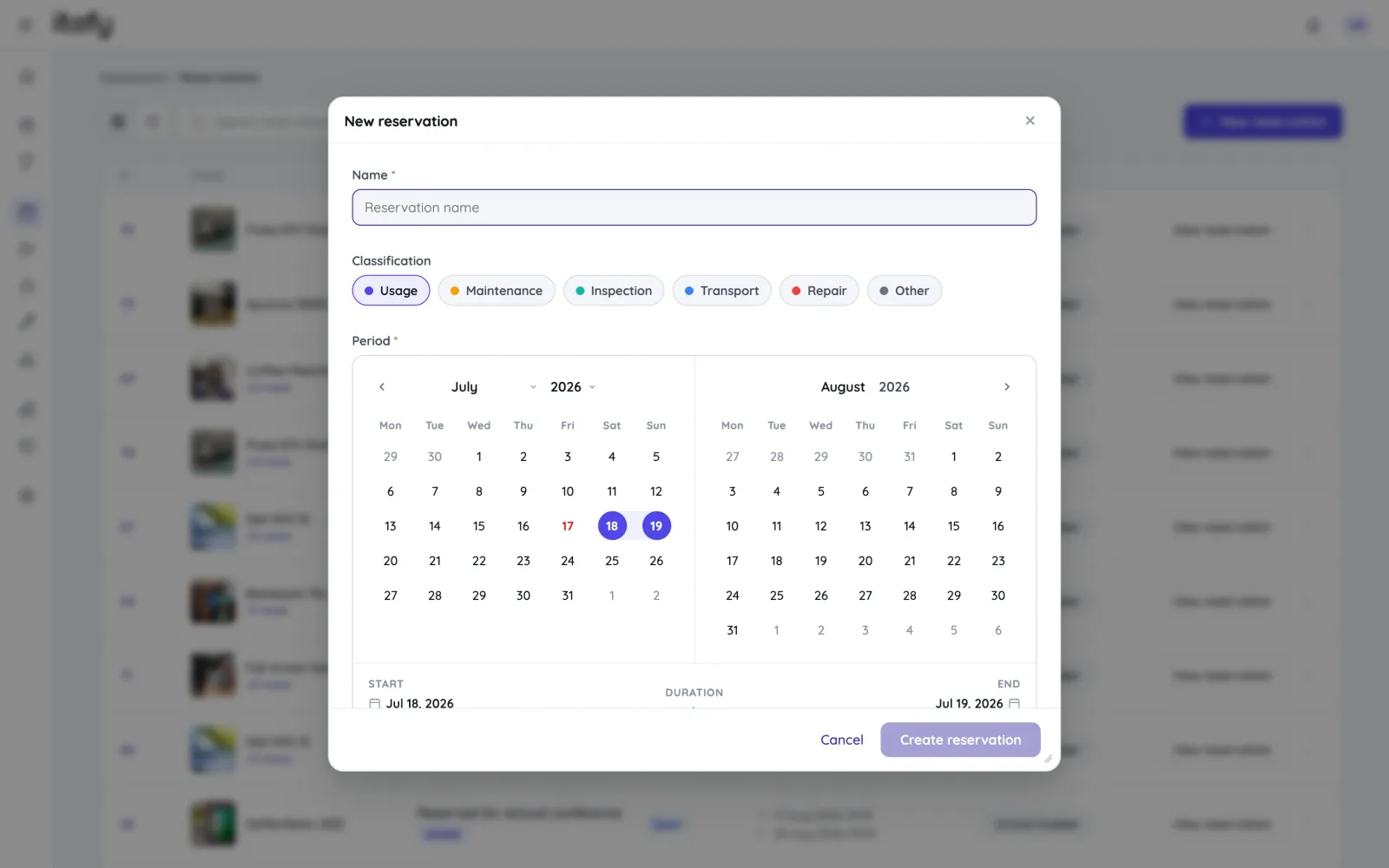
Eliminate Double Bookings and Equipment Conflicts
Make the most of shared school resources - like classroom tech, lab kits, or AV equipment - without overlapping reservations or last-minute surprises.
- Staff can view real-time equipment availability
- Reserve items in advance to avoid scheduling conflicts
- Group multiple items into a single booking
- Scan QR codes to reserve quickly on the spot
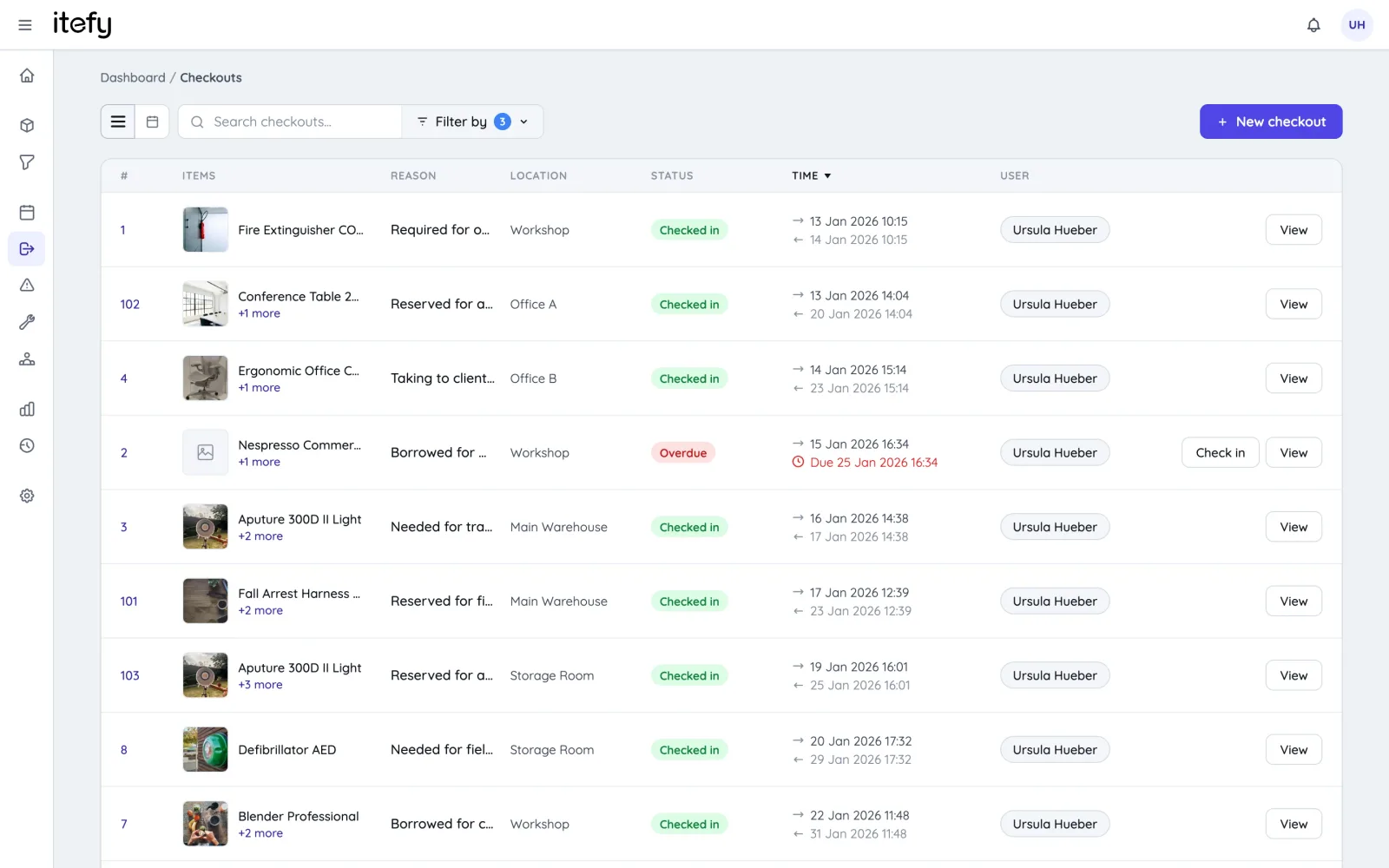
Track Real Equipment Usage with Checkouts
Reservations show who plans to use school equipment - checkouts track who actually has it, helping maintain accountability and reduce loss.
- Enable self-checkout to track real-time possession
- Flag overdue items for follow-up
- Set home locations to ensure correct returns
- View usage history to monitor demand and wear
Scan Equipment QR Codes for Fast Handling
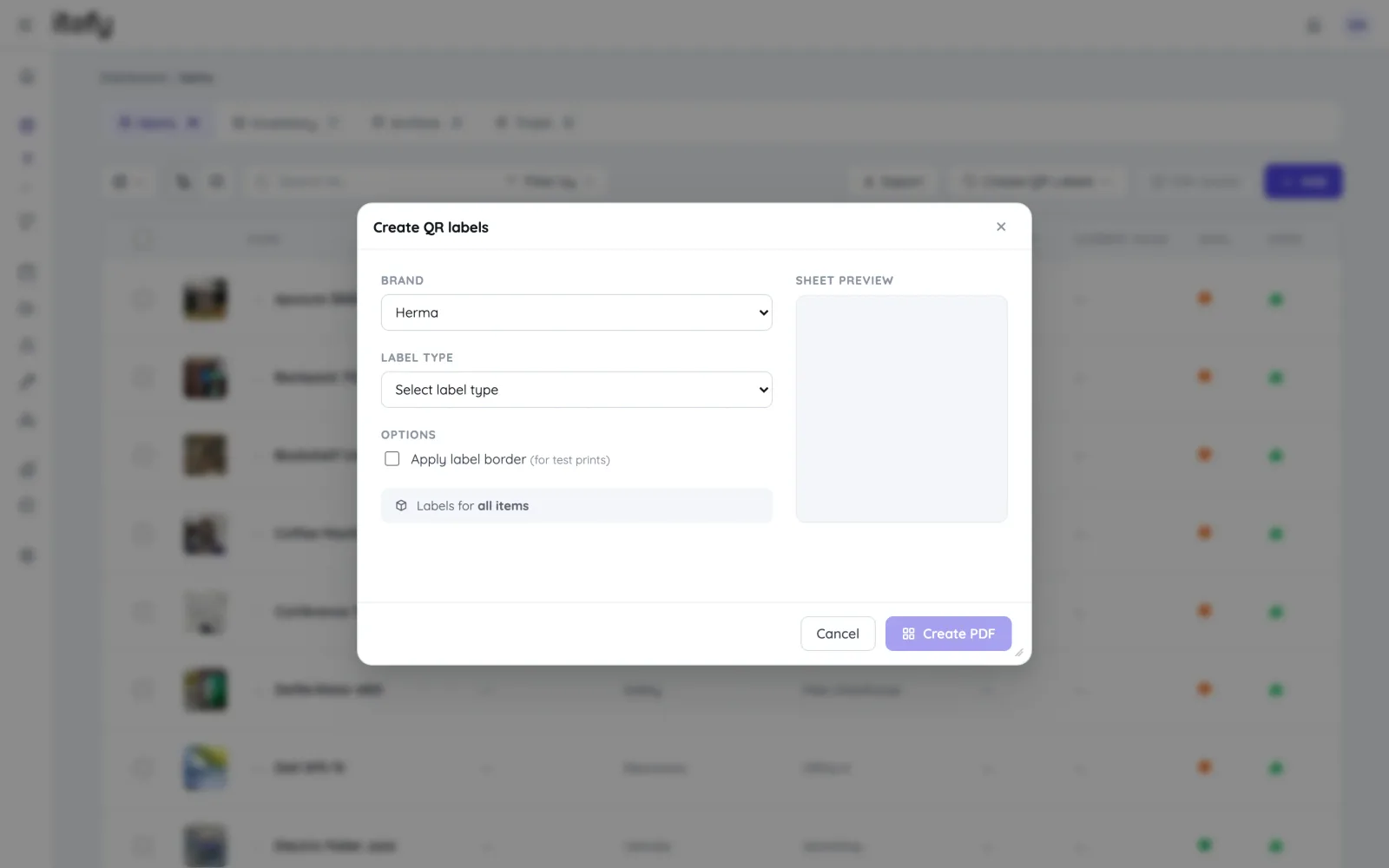
Speed up daily routines and reduce mix-ups—label school equipment with QR codes for instant identification and action.
- Print QR labels using standard Avery or Herma sheets
- Export item lists with unique codes for bulk label printing
- Use the Itefy GO app to scan and instantly access items
- Quickly create reservations, checkouts, and updates on the go
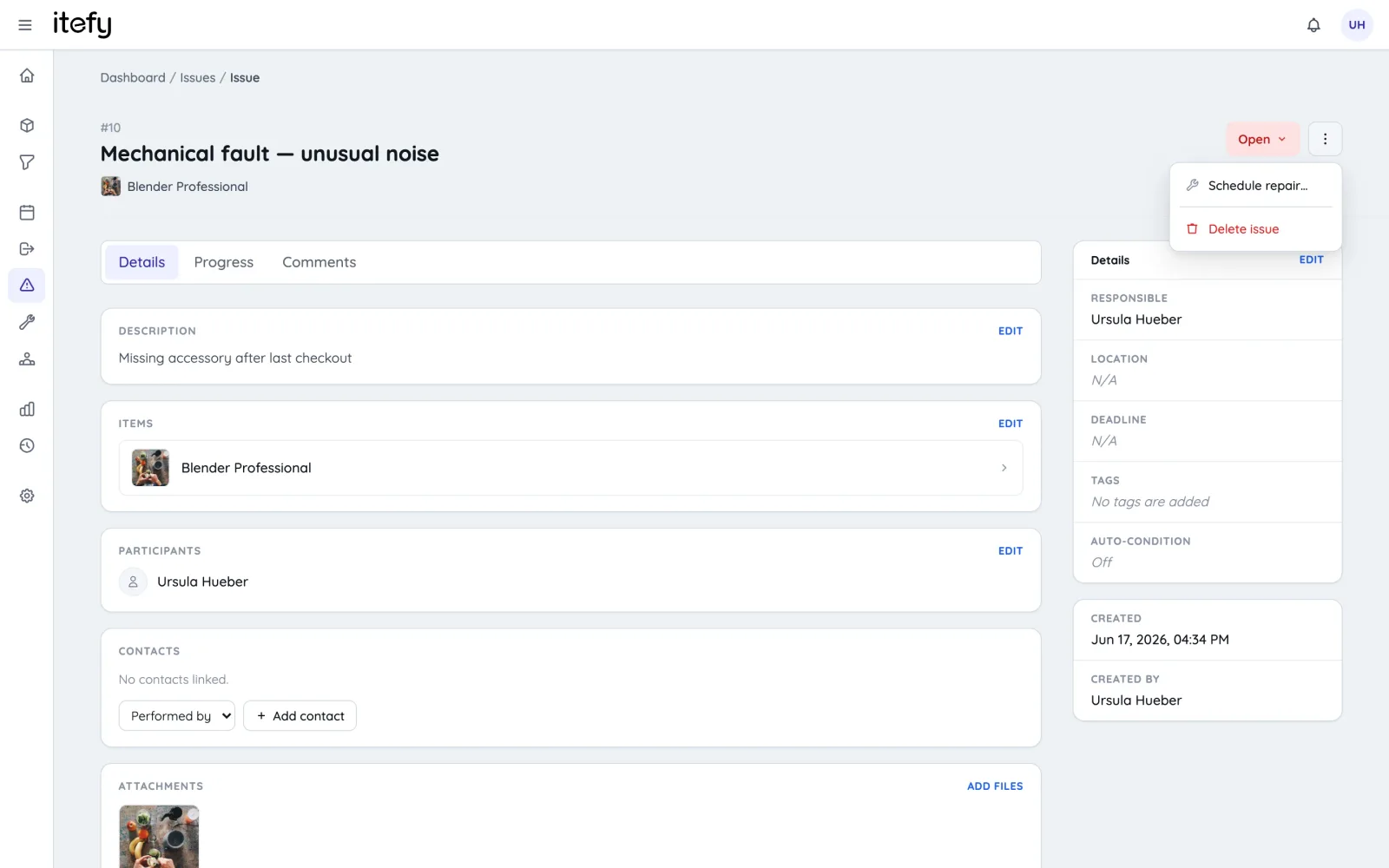
Maintenance Scheduling and Tracking for School Equipment
Prevent classroom disruptions by keeping equipment in good shape with timely maintenance and clear issue tracking.
- Set scheduled, repeating maintenance reminders
- Assign tasks to the right staff and locations
- Track full maintenance and usage history per item
- Let staff log updates and results during maintenance
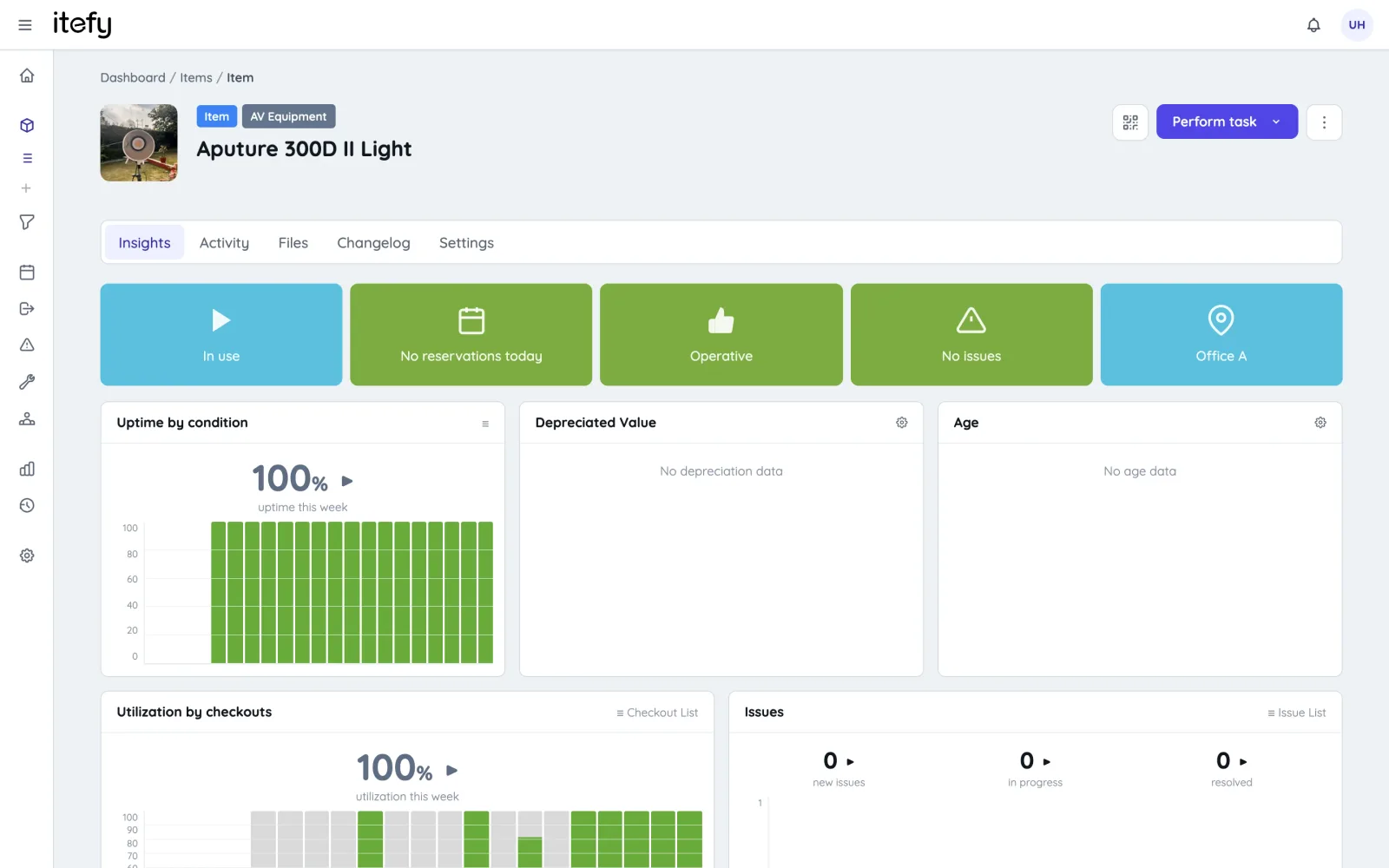
Gain Full Control of School Supply Usage
Avoid running out of essential classroom or office supplies - track usage, manage stock levels, and stay ahead with timely alerts.
- Enable self-service logging for supply use
- Label supply containers with QR codes for fast updates
- View complete usage history by item
- Get low-stock alerts with custom thresholds
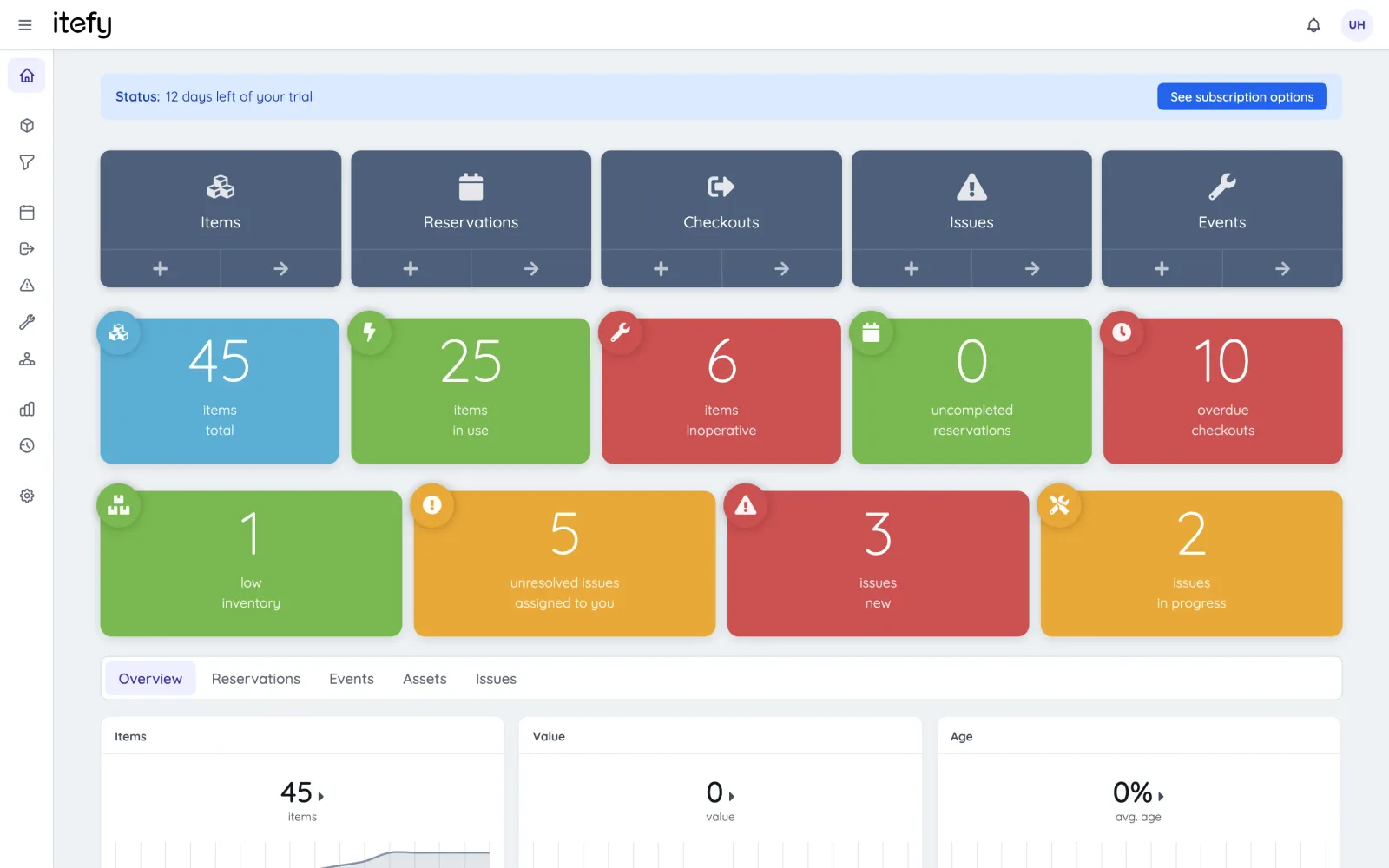
Quick Equipment Overview on the Dashboard
Get a clear snapshot of your school’s equipment status in seconds—no digging required.
- Color-coded boxes highlight key info instantly
- Spot issues or overdue items at a glance
- View stats and recent activity on one screen
- Access all key functions with quick shortcuts
Delegate Responsibility Across Your Team
Empower staff with shared access to equipment management - reduce bottlenecks and increase accountability with a centralized system.
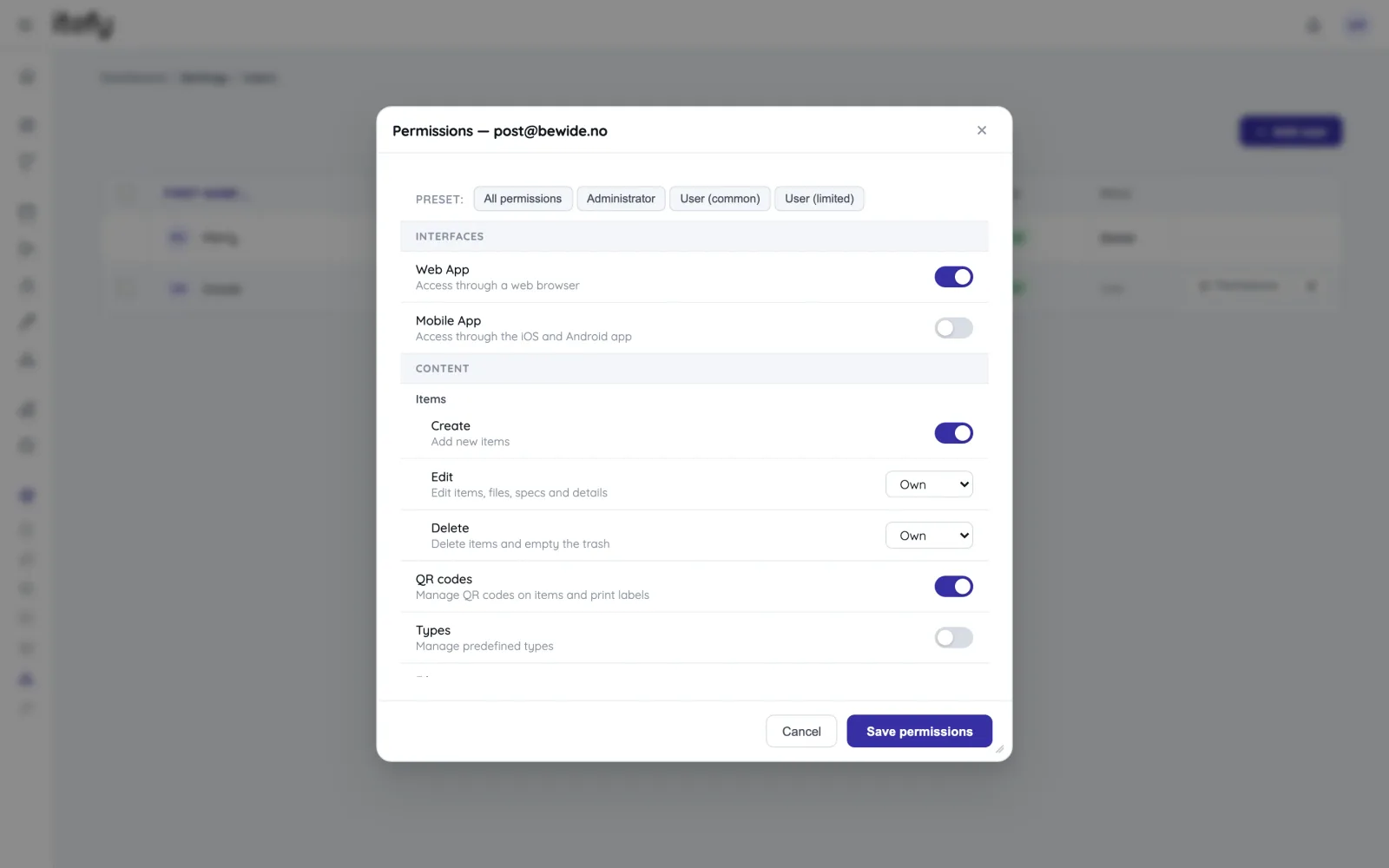
- Set custom permissions for each user
- Assign specific equipment to responsible staff
- Track who currently holds each item
- Generate checkout and activity reports grouped by staff member
A Toolbox for All Your School Equipment
Itefy isn’t just a simple inventory list—it’s a complete toolbox for managing school equipment, classroom resources, and shared assets with ease!
Reservations
Plan and schedule usage, maintenance or whatever needs to be scheduled for your assets.
Learn moreIssue Tracking
When equipment breaks, Itefy's issue management module helps to efficiently resolve it.
Learn moreEvent Tracking
Keep track of events such as purchases, license renewals, maintenance etc.
Learn moreMobile App
Use our mobile app Itefy GO to create reservations, checkouts and more on the go.
Learn moreCollaboration
Share the equipment management by delegating responsibility to multiple people.
Calendar sync
Read your bookings in Google Calendar, Outlook or Apple Calendar — on every plan.
Learn morePlans & Pricing
- USD
- EUR
- NOK
-
Basic
N/Aper month, paid N/A- N/A items
- N/A locations
- N/A users included
- Extra seats N/A/month
- N/A GB storage
Core features
- Items, check-in & check-out
- Reservations & scheduling
- Calendar sync (Google, Outlook, Apple)
- Issues, maintenance & events
- QR labels & mobile app
- Public item pages
- Custom specifications
- Excel import & export
- Sign in with Google
-
Most popular
Startup
N/Aper month, paid N/A- N/A items
- N/A locations
- N/A users included
- Extra seats N/A/month
- N/A GB storage
Everything in Basic, plus
- Recurring reservations
- Kits
- Contacts
- Reports & insights
-
Business
N/Aper month, paid N/A- N/A items
- N/A locations
- N/A users included
- Extra seats N/A/month
- N/A GB storage
Everything in Startup, plus
- API access for custom integrations
- Up to 5 API keys
-
Enterprise
N/Aper month, paid N/A- N/A items
- N/A locations
- N/A users included
- Extra seats N/A/month
- N/A GB storage
Everything in Business, plus
- Up to 25 API keys
- Highest limits, built for large fleets
- Lowest extra-seat price
Take control of your equipment
Try every feature free for 14 days. No credit card, no obligations.