
What is CMMS: Uses, Benefits, Examples, and How it Works
Want to take your maintenance to the next level? Learn how CMMS transforms maintenance strategies and makes your organization more efficient and productive.
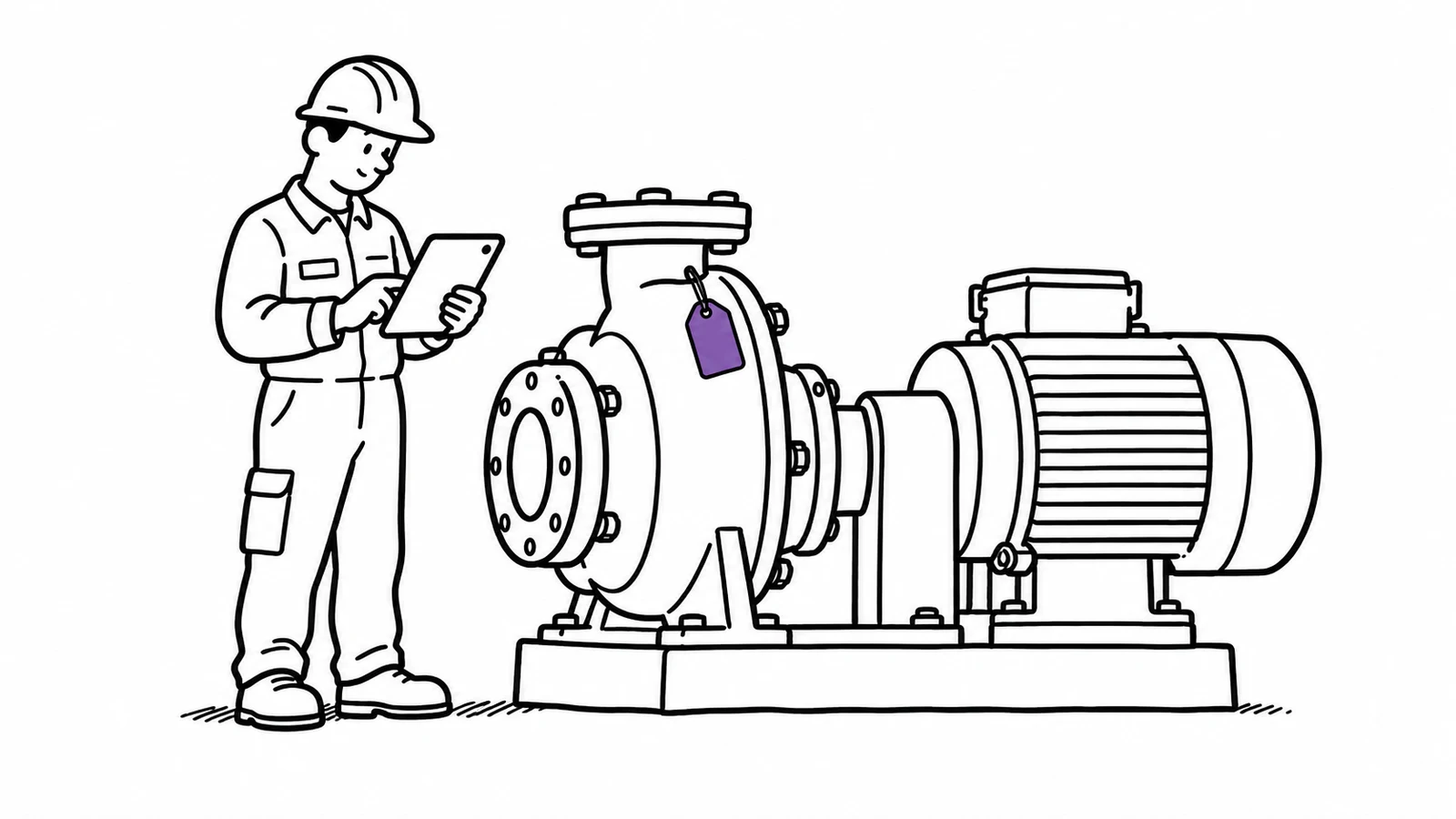
Data is everywhere—from manufacturing facilities to healthcare establishments, everyone has to manage it properly for maximum efficiency. Manual methods are no longer enough to handle the vast amounts of data generated today, and that's where CMMS enters the picture. Future Market Insights puts the CMMS market at US$4.2 billion by 2033, up from US$1.6 billion in 2022.
It is a tool that enables maintenance managers to monitor multiple aspects of their organization with a few clicks. By offering timely notifications and presenting data in an easy-to-follow manner, CMMS ensures a minimal number of mishaps and maximum efficiency.
This write-up will answer what a CMMS system is, its functionality, practical examples, and much more.
Is a CMMS what you need?
Worth settling before you read three thousand words about one. A CMMS is built around work orders on machinery that stays put — a plant, a hospital, a housing stock. Assets are fixed to a location, work is raised as a ticket, assigned to a technician, and closed against a parts inventory. If that is your operation, and especially if you have a maintenance team large enough to schedule, buy a CMMS: Limble and UpKeep are the ones small teams usually end up on, and they will serve you better than we will.
It is the wrong shape for a different, very common problem: equipment that moves. Cameras, tools, laptops, instruments, test gear — booked by one person, taken out, brought back, and needed by somebody else on Thursday. A CMMS has no booking loop and no check-out; it was never meant to answer "who has it and when is it back". Bolting that onto one is the source of a lot of unhappy implementations.
Itefy is the second shape. Booking and check-out are the same system, every item carries a QR label, faults get reported from a phone and take the item out of service until it is fixed, and maintenance is scheduled by date against the item rather than raised as a work order. There is no parts inventory, no technician dispatch and no work-order hierarchy — if you need those, see the paragraph above.
A useful test: if the sentence you would write is "the pump in Line 3 needs its quarterly service", you want a CMMS. If it is "who took the C300 and is it back before Thursday", you want something like Itefy. Read on for what a CMMS actually is either way.
What is a CMMS System?
CMMS stands for computerized maintenance management system. It’s a comprehensive digital management system for organizations to keep a detailed equipment maintenance log.
CMMS can help organizations monitor assets, including:
- Production plants
- Manufacturing equipment and machinery
- Maintenance personnel
- Delivery fleet
- Storage facilities
- General infrastructure
A CMMS is handy for maintenance managers who want to proactively manage maintenance, work orders, compliance reports, asset life cycles, and other related activities.
A Brief History of CMMS
CMMS software is older than most people assume. The first systems ran in the 1960s on IBM mainframes fed by punch cards, and only very large organisations and government departments could justify them. Terminals replaced the punch cards through the 1970s, minicomputers put CMMS within reach of mid-sized companies in the 1980s, the PC opened it to everyone through the 1990s, and the move to the web removed the last reason to install anything locally.
Brightly Software's history of maintenance and CMMS traces the thread back much further, through Benjamin Franklin's fire-prevention work in Philadelphia and the industrial revolutions that followed. It is worth reading if the long view interests you.
What matters when choosing a system today is simpler: everything a CMMS does was once a filing cabinet and a wall planner, and the reason it moved was that nobody could answer "when was this last serviced?" quickly enough.
What is CMMS Experience?
Since several industries have varying requirements and organizational sites, optimizing business operations with comprehensive fixed asset management software is a must. Following are some of the most common types of CMMS prevalent today and the experience they provide.
Enterprise CMMS
As the name suggests, the enterprise maintenance management system is meant for large organizations with multiple facilities, hundreds or thousands of employees, and diverse assets. These systems have comprehensive features, including centralized asset management, multi-facility support, position-based access, ERP and Enterprise Asset Management (EAP) integration, and much more.
Enterprise CMMS is flexible enough to provide detailed reporting capabilities, scalability, and large-scale maintenance and operations customizations.
Cloud-Based CMMS
Cloud-based CMMS or SaaS CMMS is accessed via the internet on remote servers. Since it's a remote system, it doesn't have to be installed or saved on local computers. It takes the lead over on-premise solutions because of its capabilities, such as rapid deployment, automatic software updates, scalability, and remote accessibility from anywhere.
Mobile CMMS
When addressing what is CMMS experience, mentioning mobile CMMS is necessary. It has been designed to offer maintenance technicians real-time insights into work schedules, maintenance data, and asset information from their smartphones or tablets. With a few smartphone app taps, technicians can record labor hours, update work order status, record equipment readings, and access maintenance manuals anywhere.
It’s an excellent solution that offers flexibility, boosts productivity, simplifies communication, and reduces downtime.
Industry-Specific CMMS
Industry-specific CMMSs are designed to handle maintenance for specific industries, such as healthcare, transportation, hospitality, utilities, and the like. Since these solutions are purpose-built for industries, they include specific modules, workflows, and compliance features according to industrial requirements and regulatory frameworks.
Organizations opt for this CMMS to optimize operations and comply with strict laws and regulations.
Open-Source CMMS
Open-source CMMS is available under a license. Once obtained, users can modify their source code to fit their organizational requirements. Companies choose this system because it offers more flexibility and cost savings than its proprietary counterpart.
Companies can modify this system themselves and benefit from the rich inputs coming from scores of developers working to improve it. However, it's important to note that using and modifying this system requires considerable technical expertise that many organizations might not have.
CMMS Maintenance - Key Features and Uses
We have discussed CMMS; it is time to understand its basic components, which make it a robust system for any organization.
Everything below rests on one thing: a register of what you own and where it is. Get that wrong and nothing above it can be trusted.
Asset Hierarchy
Asset hierarchy is an integral part of any CMMS. It forms a hierarchical relationship between assets, such as components, equipment, systems, and the like, establishing logical connections among them.
This system is the backbone of any maintenance strategy because it facilitates easy data navigation. Maintenance managers can locate any asset with a single tap through this system, simplify work order assignments, and ensure accurate records of each asset.
Work Orders
Work orders are also equally important for structuring, initiating, and tracking various maintenance activities. These documents contain all the details and specifics of maintenance jobs, providing maintenance teams with a roadmap.
Work orders usually contain information like:
- Nature of the task
- Detailed instructions
- Resources needed
- Safety considerations
Work orders streamline this information in a standardized format to enhance communication and enable better coordination within teams. They also help organizations allocate resources efficiently by prioritizing and scheduling maintenance activities based on their importance to operational continuity.
The best part about work orders is that they go beyond day-to-day operations. They become part of the record and serve as a valuable history for any company. Using these work orders, companies can check maintenance history for each machine: which parts were repaired, replaced, and much more.
Preventive Maintenance
CMMS is also crucial in preventive maintenance/scheduled maintenance by tracking assets. Since managers can track all their assets with CMMS, planning and executing maintenance tasks based on predetermined criteria and intervals becomes much easier. These intervals can be time-based, such as monthly, quarterly, bi-annual, annual, or service-based, depending on usage.
Downtime is what makes that worth doing. Siemens' True Cost of Downtime report found an hour of unplanned downtime costs manufacturers at least 50% more than it did in 2019–20, and puts the automotive industry's cost at around $2 million an hour.
The difference is not that repairs stop happening. It is how much has to happen around each one:
- Machine stops
- Someone reports it
- Fault diagnosed
- Part ordered
- Delivery waited on
- Repaired
- Back in use
- Schedule falls due
- Part already in stock
- Serviced in a planned window
- Back in use
Additionally, CMMS preventive maintenance also comes in handy with ‘meter-based maintenance.’ Firms can integrate meter readings into CMMS to automate maintenance tasks, ensuring robust servicing and minimizing failure risk.
For instance, an asset manager might perform maintenance operations after the fleet has run for a specific km or a machine has operated for a particular number of hours.
Inventory Management
While computerized maintenance management system software doesn't directly deal with inventory management, it is still important. Spare parts and consumables are essential to work orders and play a crucial role in determining maintenance costs and asset ownership over their lifetime.
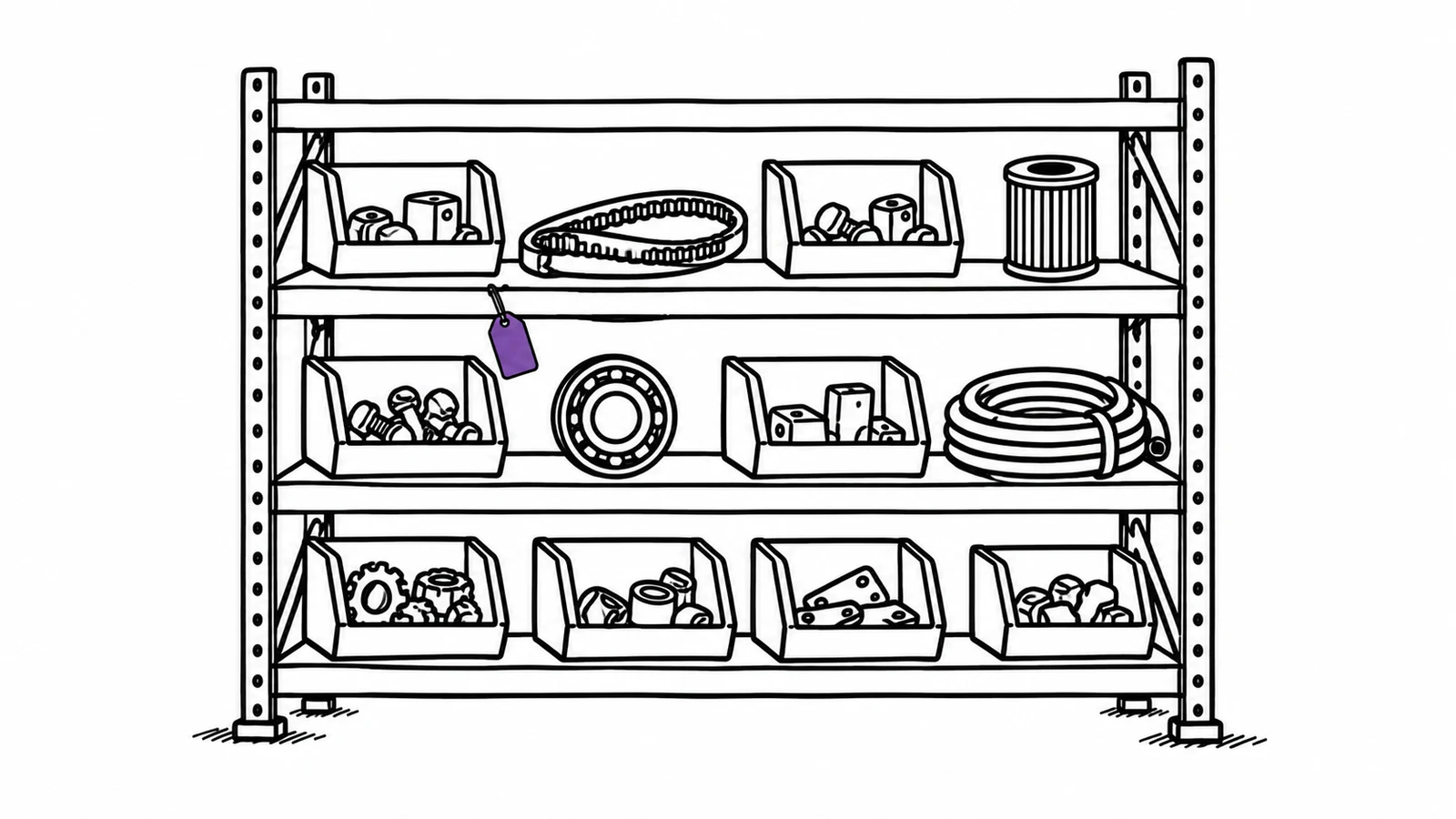
CMMS contains spare parts lists, stock locations, stock transfers, and spare parts purchasing. Putting barcodes on parts can help you identify them and simplify the parts booking process.
Detailed Analytics
Quality CMMS has several reporting options to analyze crucial metrics, such as:
- Downtime Tracking: CMMS keeps a detailed record of downtimes, enabling firms to determine the causes and frequency of failures.
- Equipment Reliability: Detailed records on asset performance lets organizations assess the reliability and availability of critical equipment.
- Mean Time Between Failures (MTBF) and Mean Time to Repair (MTTR): Companies can easily check MTBF and MTTR through CMMS to understand their assets' efficiency.
- Completion Rates: Completion rates refer to the maintenance teams' successful completion of their tasks. CMMS records them to help organizations determine the professionalism and efficiency of their maintenance teams.
- Response Times: Analyzing response times helps companies improve their strategy to address critical maintenance and repair issues.
Who Uses CMMS?
Anyone involved in equipment or property management can use CMMS (computerized maintenance management software) to streamline operations and improve efficiency. This includes maintenance managers, facility managers, technicians, operational managers and others.
Benefits to Maintenance Operations
Maintenance teams are the primary users of CMMS at any organization, any day of the week. So, let's dig into its benefits for the maintenance tasks.
Enhanced Scheduling and Coordination
One of the major advantages of CMMS for maintenance teams is that it reduces their administrative burden by streamlining documentation and automating task scheduling. It also makes technicians' lives easier, as they have all the relevant documentation readily available to perform maintenance tasks accurately.
Real-Time Work Order Updates and Management
CMMS provides a centralized location to authorize and manage work orders regarding maintenance and repairs. Individual team members can always access this information, allowing managers to assign work orders, tweak task priorities, and change due dates as required.
Quality CMMS also had a dedicated mobile app to make it even more flexible. With the app, teams can access these features anywhere to manage work orders and make task maintenance more efficient.
Maintenance Cost Reduction
Labor costs automatically decrease when maintenance workflows become more efficient. CMMS also reduces costs associated with emergency repairs and emergency shipping for spare parts by enabling preventive maintenance and quality forecasting.
When you know maintenance is due, you perform it and don't wait for the machine to break down. This significantly boosts asset lifespan by minimizing the frequency of asset replacement.
Better Team Communication
We already know that CMMS offers a refined central repository for asset and maintenance information. What many people miss is that it also serves as an excellent platform for team communication. Since mobile CMMS is cloud-based, team members can access it from anywhere with an internet connection.
When technicians and team members are performing repairs or maintenance, input from managers and other team members is just a few taps away. Even better, these communications can be saved for later usage.
Benefits of Using CMMS to the Organization
As we mentioned above, the benefits of CMMS don't stop at the maintenance teams. They can have far-reaching effects on the whole organization, which we'll discuss here.
A Productivity Boost
Advanced CMMS automates predictive maintenance for timely notifications, which helps organizations avoid equipment failures and downtimes. The central repository of information predicts breakdowns so you can fix them before they actually happen. These effects multiply in the longer run with far fewer repairs and replacements. Ultimately, it helps a company stay highly productive throughout the year and outpace competitors.
Reduction in Costs Related to Planned and Unplanned Downtime
Unplanned downtimes can cripple your operations and leave you far behind the competitors. It's estimated that they cost organizations around $50 billion each year. Even if you're not an industrial manufacturer, keeping your equipment in perfect working condition is critical to running operations smoothly.
Designing a robust maintenance program around a capable CMMS can significantly reduce breakdowns and unplanned downtimes. This also improves planned maintenance by facilitating more productive approaches to maintenance tasks.
Better Compliance and Efficiency
Equipment health is the fundamental aspect of safety. Industries with heavy equipment must take safety seriously because it is a practical, human, ethical, and legal concern. CMMS helps in this area by providing a foolproof platform for automating maintenance tasks and documenting safety protocols. Managers and administrators no longer have to worry about compliance and regulations as much, as CMMS eases that burden.
In Thomson Reuters' 2023 Risk & Compliance Survey, which polled more than 180 risk and compliance professionals, 65% said streamlining and automating manual processes would help reduce the complexity and cost of compliance work.
With maintenance histories and SOPs available in one place, CMMS is increasingly becoming indispensable in the organizational toolbox.
Improved Employee Morale
Boosting employee morale is one of CMMS's most crucial yet overlooked benefits, as it creates a highly functional and supportive work environment. Here's how it does that:
- Less overtime and stress due to fewer equipment emergencies.
- Employee recognition with accurate reporting.
- Better team collaboration through simplified communication.
- Detailed analytics for better resource allocation.
- Easy-to-understand guidance through manuals, checklists, compliance standards, and more.
Practical CMMS Examples
Although most people think of CMMS as a tool used in industrial manufacturing environments, it is ideal for any business to plan, schedule, and track maintenance work. Let's discuss some industries that can benefit from it.
Restaurants
In the restaurant industry, maintenance is much more than ensuring the stove cooks food properly. It is also directly related to preparing food safely and quickly to satisfy customers.
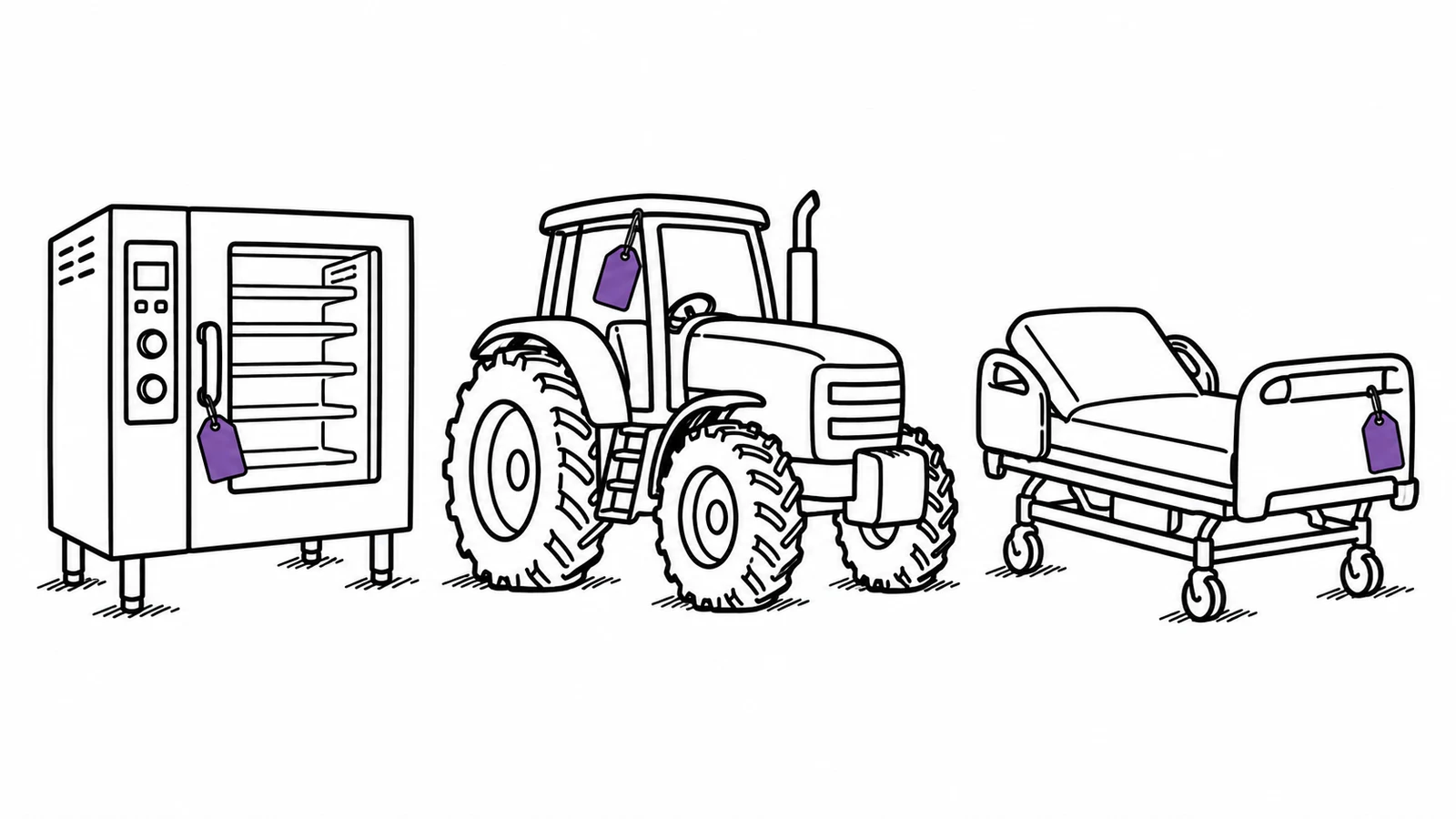
CMMS helps restaurants manage work orders on essential equipment, such as stoves, sinks, and dishwashers. It helps managers track staff schedules, monitor supplier expenses, and prioritize tasks based on urgency, especially during busy periods.
Farming
Since farming is a seasonal job in many places around the globe, perfecting maintenance and scheduling tasks is indispensable for a resourceful harvest.
Where CMMS shines is off-season maintenance because there is a risk that farmers could ignore problems that end up harming their farming prospects when the season arrives. Farmers can keep their tractors, plows, and tills in excellent condition to perform exactly as intended during the harvest.
In addition, CMMS can also track seed quantity and fertilizer usage, repurchasing seeds when they run out and providing easy access to this information through mobile apps.
Healthcare
The healthcare sector always has tons of data to process, which is why it is one of the best CMMS examples. CMMS's data storage and handling capabilities can immensely benefit a hospital or medical facility. For instance, it can keep track of the beds available in a hospital or the number of wheelchairs in a retirement community.
Where Itefy fits
With lots of equipment, people, and relationships with suppliers and vendors, manual data handling is challenging and inaccurate for almost all organizations. Itefy is not a full CMMS — there are no work orders, no spare-parts inventory and no plant hierarchy — but it covers the maintenance record that a small team actually keeps.
It has a maintenance log where you can keep all the maintenance activities and their details. It also tracks the cost of each maintenance activity, so an item that keeps costing money becomes visible. With its smartphone app, you can scan the QR code on the equipment and record what you did while you are standing next to it.
So, just enter your email address and start a free trial for 14 days.
Frequently Asked Questions
-
Follow these simple steps when choosing CMMS:
Step 1: Form a competent selection team with executives, maintenance managers, and other relevant members.
Step 2: Conduct a thorough assessment based on your needs.
Step 3: Research CMMS options based on pricing, customer support, mobile compatibility, usability, and implementation.
Step 4: Test all the options and pick one that provides the most value for money. -
CMMS has no fixed costs, as they vary significantly across companies, features, and packages. For instance, basic CMMS costs around $29-79/user/month, and the upfront expenses for subscription-based CMMS onboarding will set you back $600-2,500.
-
The four major types of CMMS are:
Enterprise CMMS
Cloud-based CMMS
Mobile CMMS
Industry-specific CMMS -
CMMS often fails because of deficiencies in the tool or a lack of proper implementation from the maintenance teams and executives. Some organizations don’t do their homework before implementing CMMS and adopt poor maintenance practices, which results in a CMMS failure.
-
Contrary to what many think, quality CMMS like Itefy has a simple interface with a very low learning curve. Everything you need is available in one place that you can access with a few taps.
-
An ERP runs the business as a whole — finance, procurement, HR and orders. A CMMS runs maintenance — assets, work orders, preventive schedules and spare parts. Larger organisations often run both and connect them, so a work order raised in the CMMS lands as a cost in the ERP.