
Free asset register template for Excel — and the five columns everyone forgets
Every organisation needs one list of what it owns. Download a free Excel asset register template, see which columns actually earn their place, and learn where a spreadsheet register quietly stops being true.
In this article
- The core columns
- The five columns everyone forgets
- If the gear gets lent out, add two more
- Structure tips that save you later
- Where the spreadsheet register stops being true
Somewhere between the insurance renewal that asked "what exactly do you own?" and the auditor who asked it again, every organisation concludes the same thing: we need one list. Not the finance system's depreciation schedule, not the warehouse's memory — one register of the physical things the business owns, where they are, and what state they're in.
Start it in Excel. Genuinely — it's the fastest way to get from nothing to complete. Our free equipment database template gives you a working structure out of the box; this article explains the thinking behind the columns, so you can adapt it instead of trusting it blindly. If you would rather not open Excel at all, the same columns are waiting in our free equipment tracking spreadsheet — it runs in the browser, needs no signup, and exports to .xlsx when you want the file.
If the register is part of a bigger job you've just been handed, how to manage company equipment, step by step shows what comes before it and what comes after.
One clarification first, because three different documents get called "the asset list" and they answer different questions:
| Document | Answers | Owned by | Unit |
|---|---|---|---|
| Asset register (this article) | What do we own, where is it, what state is it in? | Operations | One row per physical unit |
| Inventory / stock list | How many do we have left? | Warehouse / purchasing | Quantities of interchangeable items |
| Fixed-asset / depreciation schedule | What is it worth on the books? | Finance | Whatever the accountant capitalised |
They overlap but never substitute: the depreciation schedule won't tell you which drill is in which van, and the register shouldn't try to compute book values. Build the register for operations and let finance keep their schedule — just agree on shared asset IDs so the two can be reconciled.
The core columns
| Column | Why it's there |
|---|---|
| Asset ID | One unique code per item, forever. This is the register's spine — every label, log and repair refers to it. Never reuse an ID, even after disposal. |
| Name + model | "Makita DHP482 drill", not "drill". Precision here is what makes duplicates visible. |
| Category | Power tools, AV, vehicles, IT… — the axis you'll filter and total by. Pick 8–15 categories, resist inventing forty. |
| Location | Where it normally lives. Site, building, room, van — whatever granularity you'd search by. |
| Responsible person | The single name that answers for the asset. Not "operations". |
| Purchase date + price | The base for insurance claims, depreciation and replace-or-repair calls. |
| Status | In use / in storage / in repair / retired. The column that keeps ghosts out of your totals. |
The five columns everyone forgets
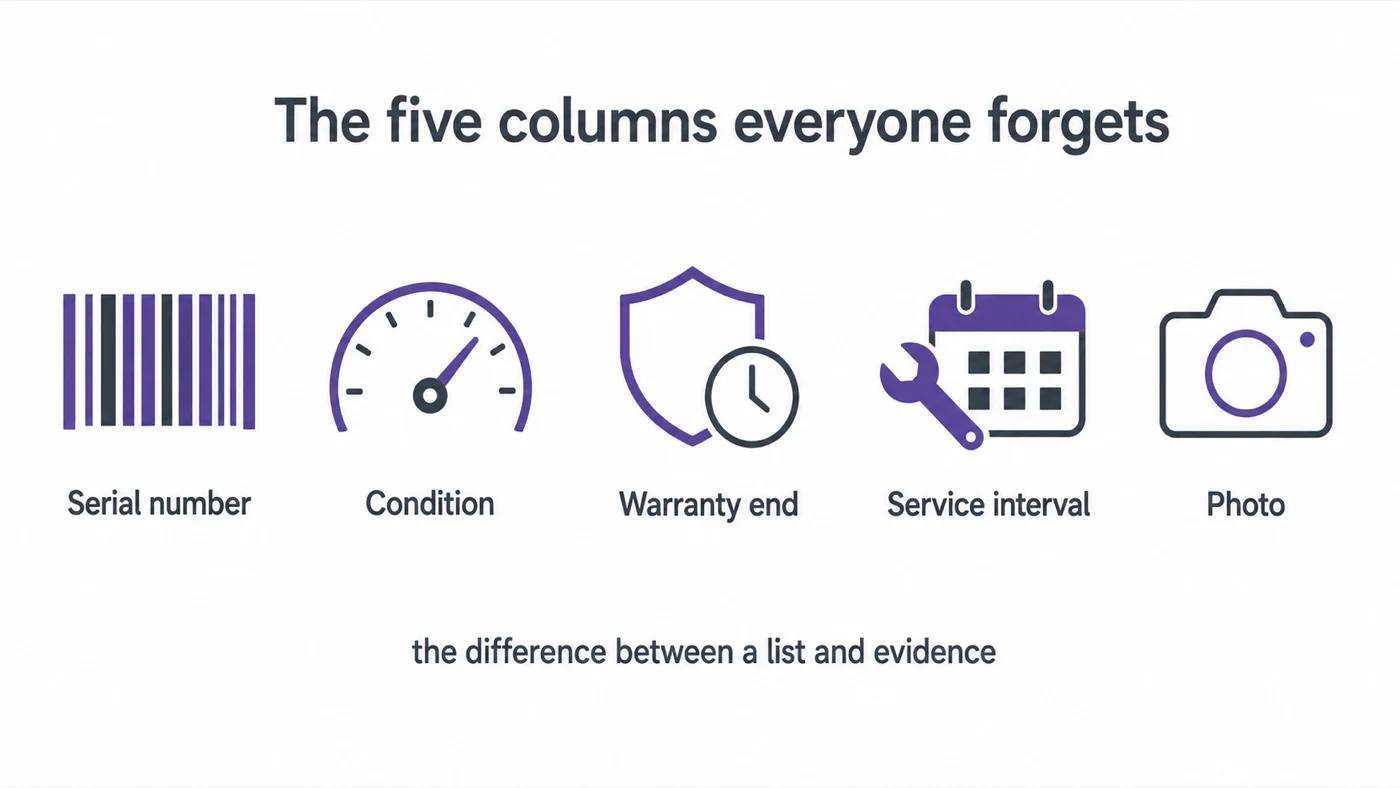
These are the difference between a list and a register you can act on:
- Serial number. The only identifier the police, the insurer and the warranty desk all accept. Photograph it while the asset is new and clean.
- Condition. A simple scale — good / fair / poor / broken — reviewed when the asset is touched, not annually. Condition trends are your early-warning system; we've written about what condition data unlocks on the maintenance side.
- Warranty end date. The most expensive blank cell in most registers: repairs paid for out of pocket on assets still under warranty.
- Service interval. "Every 6 months" or "every 200 hours". Without it the register can't tell you what's overdue — and a register that can't generate a to-do list is just a memorial.
- Photo. One picture per asset settles more identification arguments than any text field, and doubles as condition evidence for insurance.
If the gear gets lent out, add two more
The columns above describe a register of things that mostly stay put. If your equipment is booked, taken out and brought back, two more earn their place — and they are the pair most registers conflate into a single "Location":
- Home location. Where the item belongs when nothing is happening. This is what a stock check is measured against, and it changes only when you decide it does.
- Current location or holder. Where it is now, or who has it. This changes constantly, which is exactly why it must not overwrite the column above.
A register with one location column has to choose between being right about where things live and being right about where things are, and it will drift into being wrong about both. Add a last seen date alongside them and you can sort by staleness, which is the closest a spreadsheet gets to telling you something is missing.
Structure tips that save you later
- One row per physical unit, not per model. Three identical drills are three rows with three IDs — because they'll live three different lives.
- A "retired" status, not a delete key. Removing rows destroys history exactly when you need it (disposal audits, insurance, theft reports).
- Data validation from day one. Dropdowns for category, location, condition and status. Free-text versions of those columns rot within a month ("AV", "A/V", "audio-video"…).
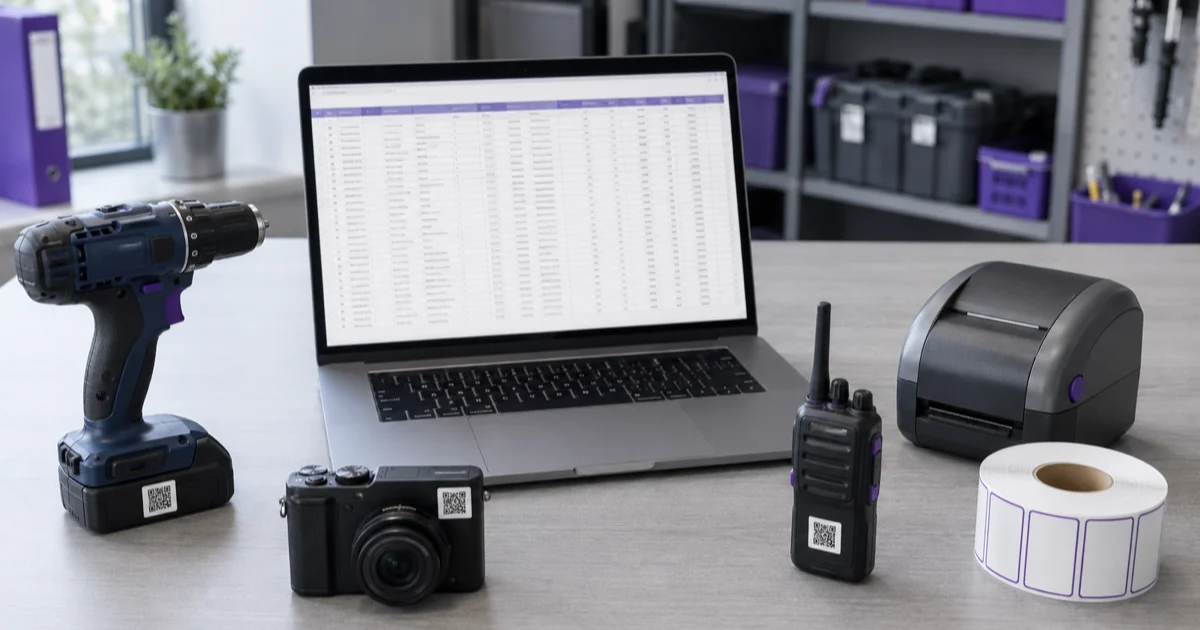
- Label the asset with its ID the day it enters the register — tape and marker beats nothing; printed QR labels mean anyone can pull up the record by pointing a phone at it.
Where the spreadsheet register stops being true
A register has one measure of success: does it still match reality in six months? Excel's weakness isn't building the register — it's keeping it true, because every change depends on a human remembering to type it. The pattern we see over and over:
- Assets move; the location column doesn't.
- Two people edit; one overwrites the other.
- Service intervals exist as text, but nothing fires when they lapse.
- Somebody borrows the projector; the register has no concept of "out".
The fix isn't discipline — it's connecting the register to the events that change it. In an equipment management system, the register updates itself: a checkout moves the asset and records the holder, a repair changes status, a service marks the interval done and schedules the next one. The spreadsheet columns don't disappear — they just stop depending on anyone's memory. (When you're ready, the register imports straight from the spreadsheet — the work you did in Excel is the migration.)
Until then: download the template, or open the browser version and start typing — it records who has what as you go, which is the first column a spreadsheet stops keeping true. Block out an afternoon with a label maker and build the list. An imperfect register you own beats the perfect one you keep postponing.
Frequently Asked Questions
-
A single authoritative list of the physical assets an organisation owns — equipment, tools, vehicles, IT — with enough detail per asset to answer what it is, where it is, what condition it's in, what it's worth, and who is responsible for it.
-
Per asset — a unique ID, name, category, location, person responsible, purchase date and price, current condition, service requirements, and status (in use, in repair, retired). Serial numbers, warranty end dates and photos raise the register from list to evidence.
-
For building the first complete register, yes — a spreadsheet is the fastest way to get everything written down. It struggles as a living document — multiple editors, movement tracking, maintenance triggers and checkout history all fight the format. Build in Excel, then migrate when the register needs to stay true by itself.