
Load-out, load-in: getting gear from the venue back to the right shelf
Gear rarely goes missing at the venue. It goes missing in the last twenty metres, at two in the morning, when tired people push cases into the first free space. Here is a routine that gets every case back on its own shelf, and tells you what did not come back.
The short version
- Most gear is not lost at the venue. It is lost back at base, at the end of the longest day, when nobody puts it away.
- Give every item a home location precise enough to walk to. A shelf, not a building.
- Check gear out to the job when it leaves, so the record says where it went and who has it.
- The check-in is the put-away. Check items in when they go on the shelf, not when the truck arrives.
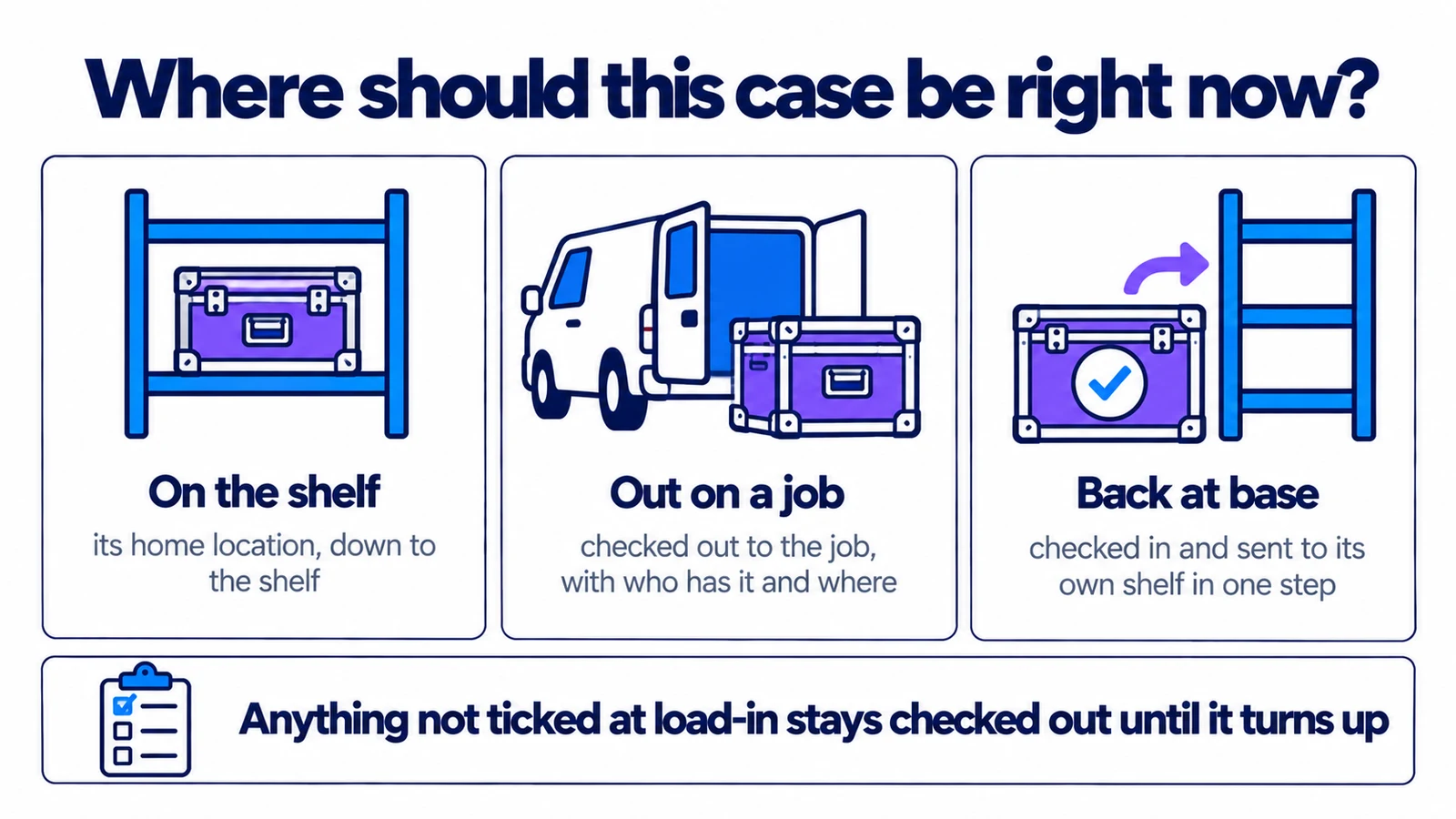
- Whatever is not ticked at load-in stays checked out to the job until it turns up.
In this article
- Where gear actually goes missing
- Give everything a home you can walk to
- Load-out: check it out to the job
- Load-in: check in what goes on the shelf
- What did not come back
- A put-away routine that survives 2 a.m.
- What Itefy does not do
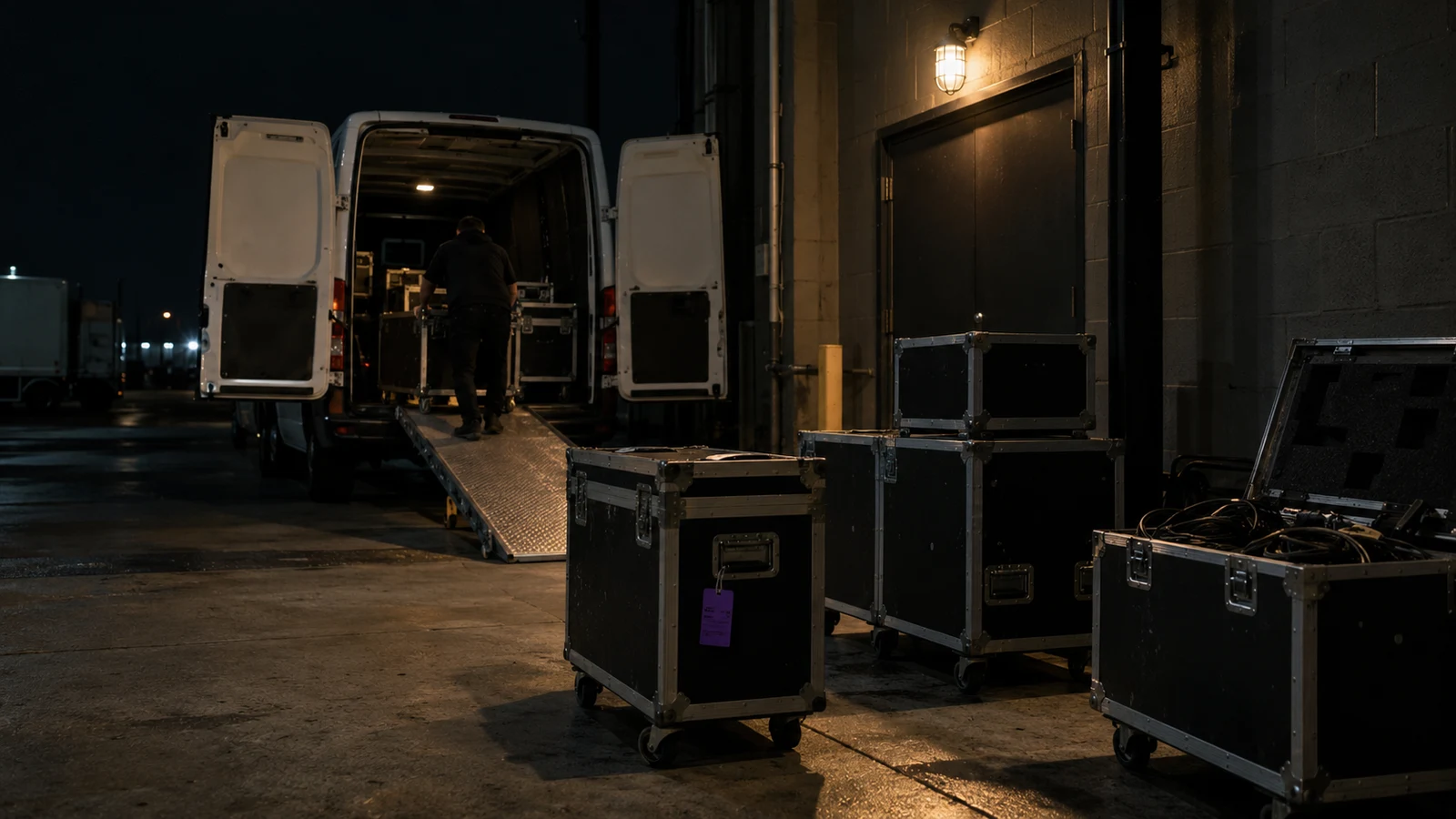
The truck backed in at twenty to two. Four people, eleven cases, a pallet of cable. Nobody had stopped since the morning call. The cases came in through the roller door and stayed where the door let go of them. By half past two the warehouse was dark again.
On Thursday someone needed the DI boxes for a school concert. The record said they were in the warehouse. They were. They were in a case behind the door, under the pallet of cable, next to a lighting desk that should have gone back to its supplier on Monday.
Nothing had been lost. It just had not been put back. In a busy week, that costs about the same.
The short version: give every item a home location precise enough to walk to. Check gear out to the job when it leaves, so the record follows it. At load-in, tick off what came back and send each item to its own shelf in one step, and only check in what is actually going on the shelf. Whatever is not ticked stays checked out to the job until it turns up.
Where gear actually goes missing
At the venue everyone is careful. There is a stage manager, a schedule, and a truck that leaves at a fixed time whether you are ready or not. Things get counted because they have to fit.
The trouble starts in the last twenty metres, back at base:
- The load-in comes at the end of the longest day. It is the part of the job nobody plans, done by the people with the least left.
- The person unloading is often not the person who packed. They know what a case is. They do not know which shelf it came off.
- "In the warehouse" is true and useless. A record that names the building says the gear exists. It does not help anyone find it.
- Some of it does not come back at all. A stand stays at the venue, a case stays in the van, a cable goes home with a freelancer. Nobody notices until the next job needs it.
None of this is theft or carelessness. It is a handover with nobody responsible for the last step.
Give everything a home you can walk to
A home location is where an item belongs when it is not in use. It only works if it is precise enough to walk to. "Warehouse" is not a home. "Bay B, shelf 3" is.
- Name places the way people talk about them. If the crew says "the cable wall", call it the cable wall.
- Nest them. Warehouse, then Bay B, then Shelf 3. Somebody looking for a shelf finds it, and somebody counting the warehouse still gets the whole building.
- Let a case be the home for what lives in it. If the DI boxes always travel in the same case, the case is enough. If they get pulled out for small jobs, give them a shelf of their own.
- Write it on the shelf. A label on the shelf edge that matches the name in your records ends the "where does this go?" question at 2 a.m. There is more on that in labelling your equipment.
In Itefy, each item has a Home location under Settings, Properties on the item page, and the add-item form and the spreadsheet import both take one too. Locations nest up to five levels deep, and each can be marked as a building, a room, a storage spot, a vehicle or a container, so the van and the cases inside it are places as well.
Load-out: check it out to the job
Prep against a list, not from memory. A packing list taped inside each case lid does most of the work, and our checkout form has room for the contents of every case.
Then record the job before the truck leaves:
- Name it after the job, so you can find it later: "Corporate gala, Grand Hotel, 21 Nov."
- Give it to one person, usually the crew chief. They are who you call when something is missing.
- Set a return date, so the job shows as overdue if the gear is not back.
- Say where it is going.
In Itefy that is one checkout. The reason is the job name, Assigned to is the crew chief, Return by is the morning after, and Checkout location is the venue or the van. Choosing a checkout location also moves the items there, so while the job is on, the record says the gear is at the Grand Hotel rather than on shelf 3. Check out a case that is set up as a kit (kits are included from the Startup plan) and everything inside it is checked out with it, item by item, so the contents are written down without anyone typing them. On a phone, Itefy Go can scan several labels in a row to build the list.
Load-in: check in what goes on the shelf
Here is the rule that fixes the opening story: the check-in is the put-away. Check items in when they go back on the shelf, not when the truck pulls in.
At the warehouse door, work through the job's list:
- Tick each item as it comes off the truck. In Itefy Go, "Scan to verify" ticks items off the checkout as you scan their labels, which is quicker than reading a list at 2 a.m.
- Choose where they go. Itefy asks "Put them back" and offers three answers. Usual places sends each item to its own home location. One place sends everything to a single location, such as a repair shelf. Leave leaves them where they are.
- Read the line under the buttons before you press. It says what is about to happen, for example "11 items go back to their usual places." Items with no home recorded stay where they are, and it tells you how many.
- Check in. Each item now has the right location, without anyone opening eleven item pages to change it.
If the crew is only putting half of it away tonight, check in that half. The rest stays checked out until morning, which is the truth: it has not been put away yet.
Broken, dirty and borrowed
Not everything should go back to its usual place.
- Broken gear goes to a repair shelf. Tick just those items, check them in with One place and the repair shelf, then check in the rest with Usual places. Mark the broken items as not working, so they cannot be booked for the next job until someone has looked at them (how condition works).
- Dirty or wet gear goes to a drying area the same way, and moves on when it is clean.
- Hire-ins go to their own bay, together with the supplier's paperwork, so they go back to the supplier and not onto your shelves.
What did not come back
Whatever is left unticked is what did not come back. That is the most useful thing a load-in produces, and it is easy to waste.
In Itefy, unticked items stay checked out on the same checkout, still assigned to the same person. The checkout stays open with only those items on it, and the person it is assigned to is told that some items are still out. If the return date passes before they turn up, it shows as overdue like any other checkout.
Make one person responsible for that list the next morning. A phone call at ten o'clock finds a stand that is still at the venue. A phone call a fortnight later usually does not.
A put-away routine that survives 2 a.m.
Pin this by the roller door:
- Unload into one holding area, never "wherever there is space".
- Check in only what is going on the shelf now.
- Broken gear to the repair shelf, wet gear to the drying area, hire-ins to their own bay.
- Labels facing out, cases lid side up.
- Whatever is still out at noon tomorrow gets a phone call.
What Itefy does not do
To be clear about the limits:
- No RFID or gate scanning. Every item is ticked or scanned by a person. Itefy Go scans one label at a time, though it can build a list as you go.
- No GPS. A location is what somebody recorded, not where a tracker says the van is.
- Scanning does not move things by itself. On the phone, items are moved one at a time. Moving many items at once is done in the web app with batch edit, or in one step at check-in.
- Home locations are set item by item, or in the spreadsheet when you import. Batch edit cannot set them.
- Only people allowed to move items see "Put them back". For everyone else a check-in leaves the items where they are.
For the rest of an events workflow, from double bookings to kits inside kits, see Itefy for events and checkout and check-in.
Until then: name your shelves, label them, and make the check-in the last thing that happens before the case goes on one.
Frequently Asked Questions
-
At a venue, load-in is bringing the equipment in and setting it up, and load-out is taking it down and loading the truck afterwards. Some crews use the same words for leaving and returning to their own warehouse. For tracking, what matters is the two moments the equipment changes hands: when it leaves your store, and when it comes back.
-
The place an item belongs when it is not in use, such as a shelf, a rack or a bay. It is different from the current location, which says where the item is right now. A home location is what lets anyone put an item away without having to ask where it goes.
-
Back at base, when it goes on the shelf. Checking in at the venue says the job is over while the equipment is still in a truck. If some of it stays at the venue overnight, leave that part checked out until it is back.
-
Keep it off the shelf with the working gear. Put it on a repair shelf, record it there, and mark it as not working so it cannot be booked for the next job before someone has looked at it.
-
Check in against the list of what went out, ticking each item as it comes off the truck. Whatever is left unticked is what did not come back. In Itefy those items stay checked out on the same checkout, to the same person, until they are returned.